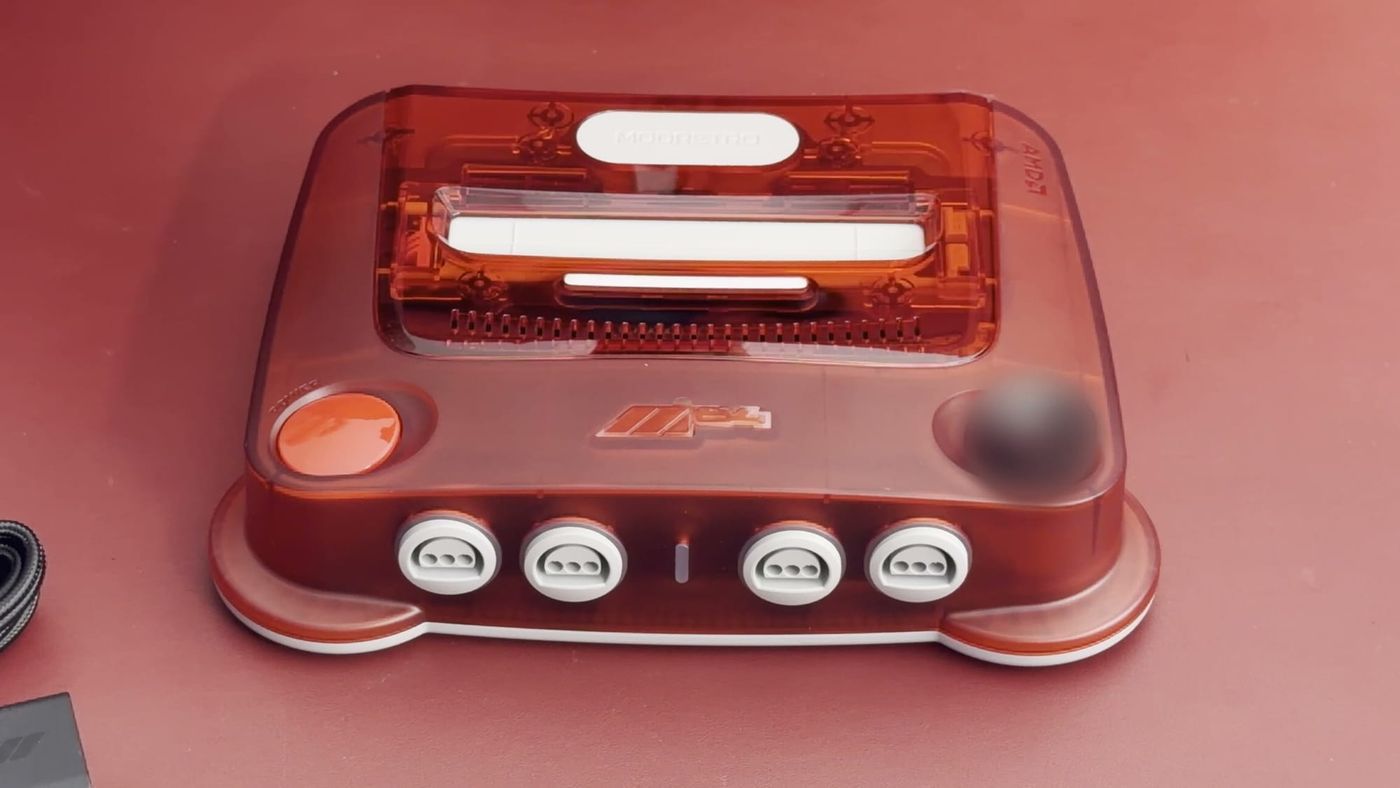
The ModRetro M64 enters a crowded field for Nintendo 64 owners. Players who already use an original N64 or an Analogue 3D may wonder what another cartridge-based console adds. The M64 sold for $199 as a preorder, and it arrives after the Analogue 3D had already established itself as a modern way to play the same games. Both consoles are built for the same cartridge library, so the useful question is what the M64 does differently.
The M64 plays original N64 cartridges
The M64 is a modern console that plays Nintendo 64 cartridges. It uses an FPGA, which stands for field-programmable gate array. An FPGA is a chip whose logic can be configured to recreate how the original hardware behaves. The result is a console that runs existing cartridges while connecting to a modern TV.
ModRetro keeps updating the console over Wi-Fi. Firmware 1.24.1 in August added a 50 Hz and 60 Hz toggle, better 48 kHz audio compatibility and wireless rumble for its Pro Controller, and 1.25.0 in September added low-latency video output and rumble for the 8BitDo 64, according to ModRetro’s changelog. ModRetro has also published a three-phase roadmap that includes built-in Controller Pak support, saving Controller Pak data to the SD card and, later, save states, although it gives no dates.
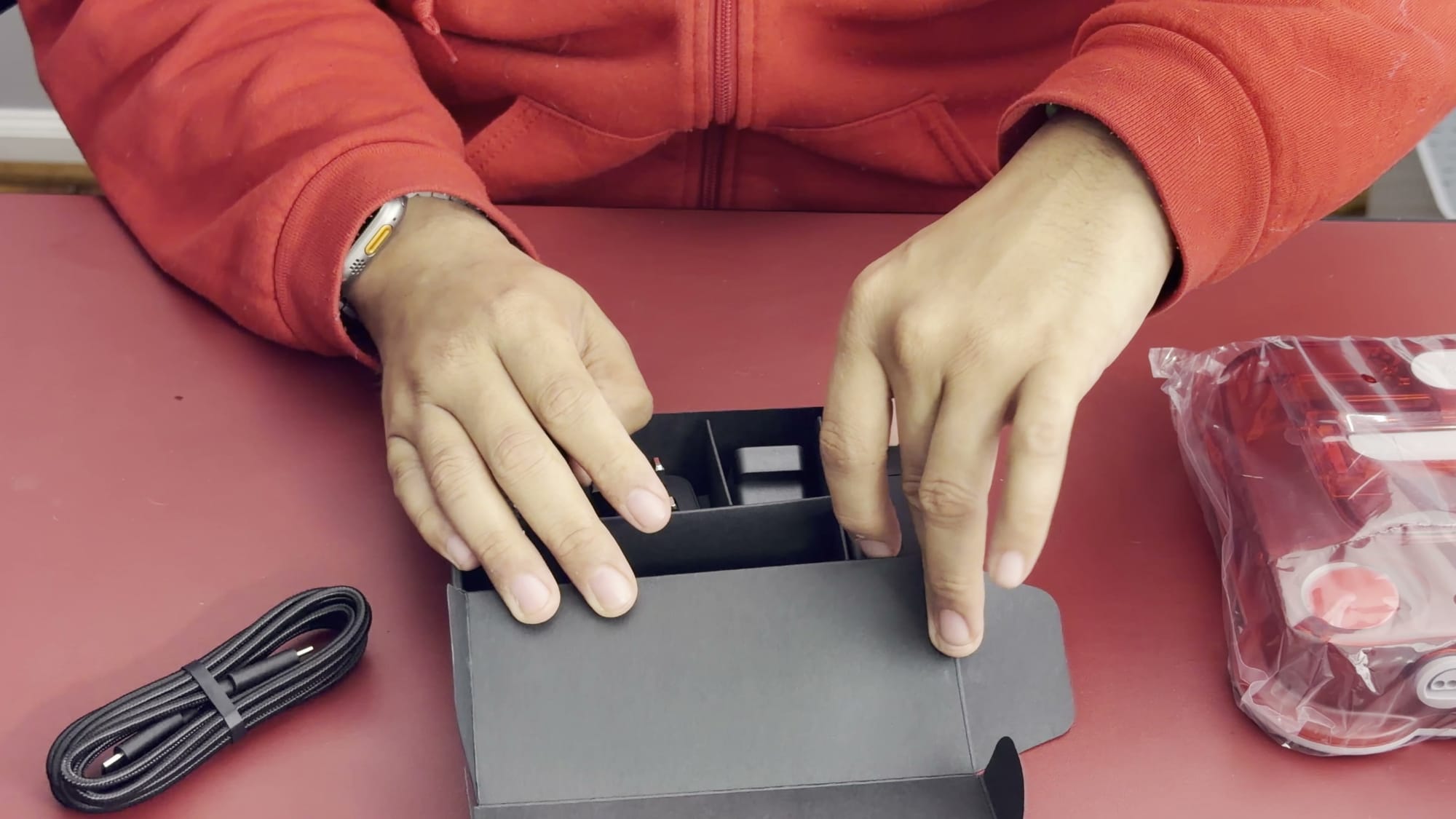
The box contents are minimal
The box includes a power adapter, a USB-C-to-USB-C cable, and a 16 GB microSD card preinstalled in the console. The power adapter is a standard brick with swappable heads for different regions. No HDMI cable is included, so buyers need to supply their own. That omission is worth knowing before setup day.
The rear panel carries the power connection, HDMI, two additional USB-C ports, and the microSD slot. I have not yet tested the extra USB-C ports. My hands-on findings come from playing through the cartridge slot. Any conclusions about the rear ports will have to wait for further testing.
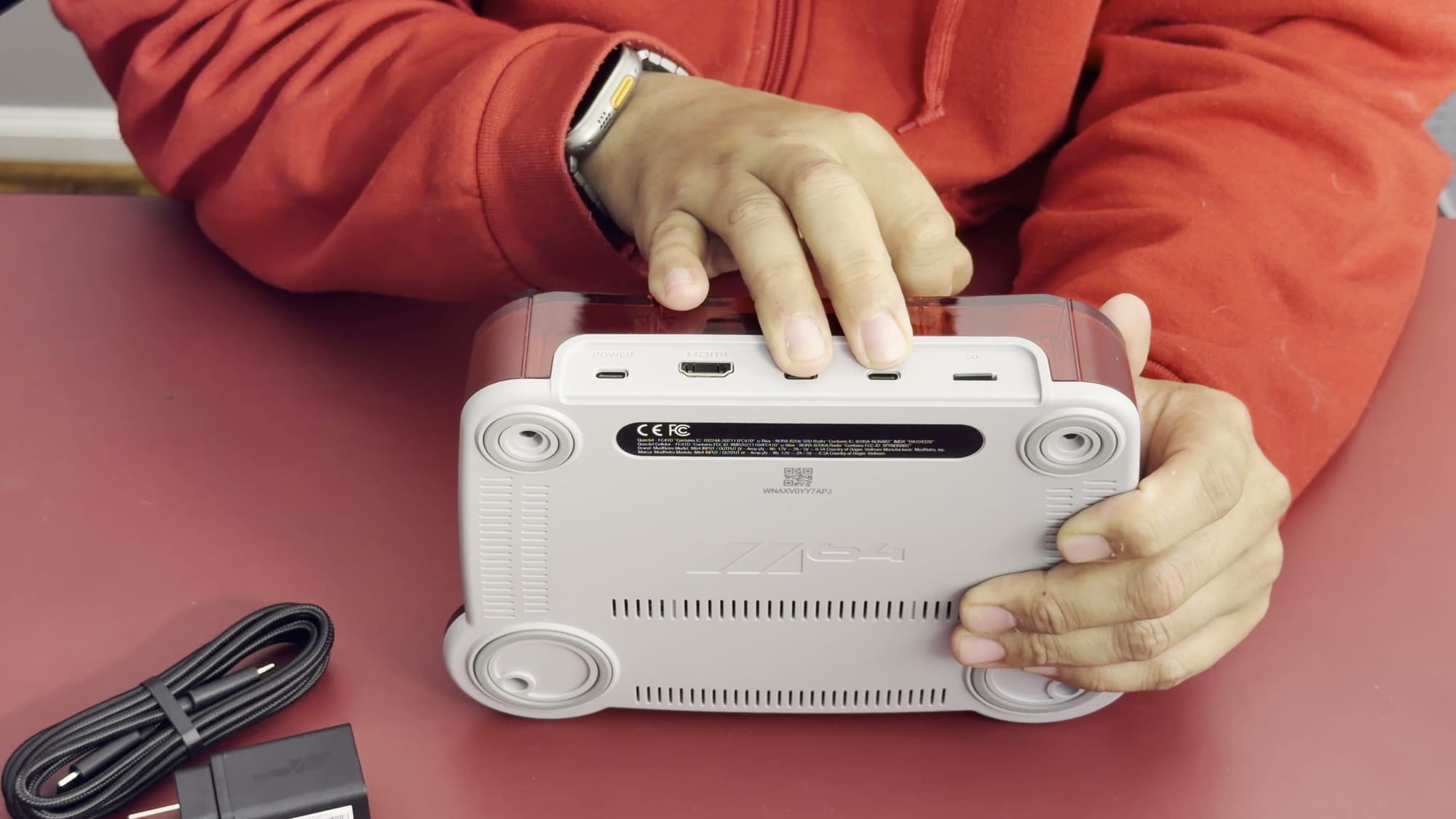
For CRT owners, ModRetro sells a separate M64 AV Adapter with composite, component, S-Video and RGB output. It costs $89.99 as a preorder that ModRetro says ships by Christmas.
The transparent red finish matches earlier red hardware
My M64 is transparent red, and it sits alongside my transparent red Analogue 3D and my original red N64. Seen together, the three consoles form a consistent set. Color preference is personal, and the red option suits anyone who favors black, red, and gray hardware. The Analogue 3D I own also exists in a black version.
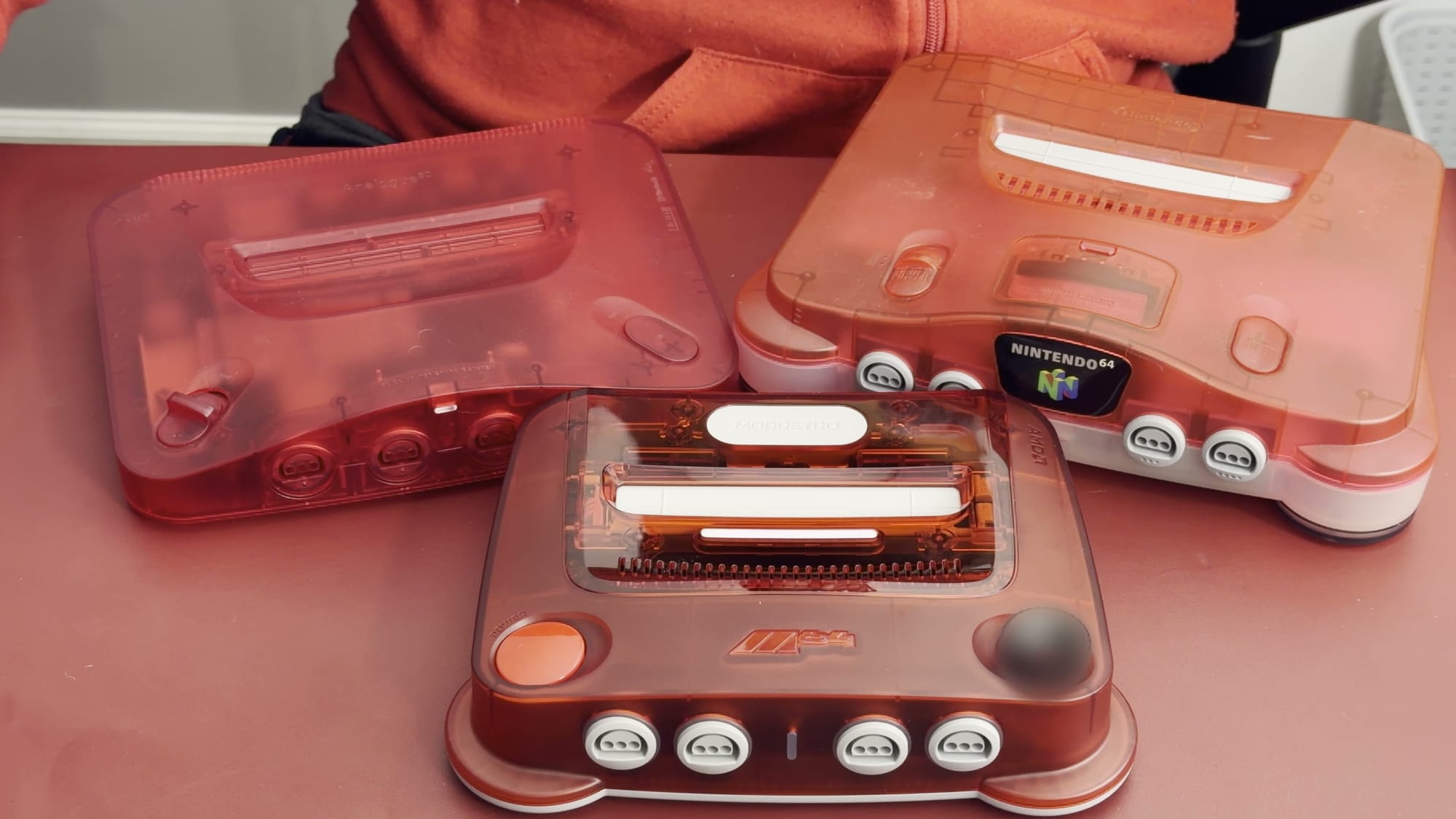
My original N64 remains a working machine even after newer consoles took over daily play. I printed a stand for it and keep it on display. Keeping the original hardware around also matters for compatibility, as the flash cartridge section below shows. The M64 adds a third option alongside it.
The eject button is stiff
The M64 has a power button, an eject button, and a menu control that also rotates. The eject mechanism lifts the cartridge out, which could make one-handed removal easier. On my unit, the button is stiff and takes more force than I expected. Whether it loosens with use remains an open question.
The M64 is lighter and has less rubber underneath than the Analogue 3D
The Analogue 3D has a rubber base that helps keep it in place. The M64 has smaller rubber rings underneath, with more exposed plastic across the base. Combined with the stiff eject mechanism, that raises the question of how firmly the M64 stays put during cartridge changes. This is a point to watch in longer use.
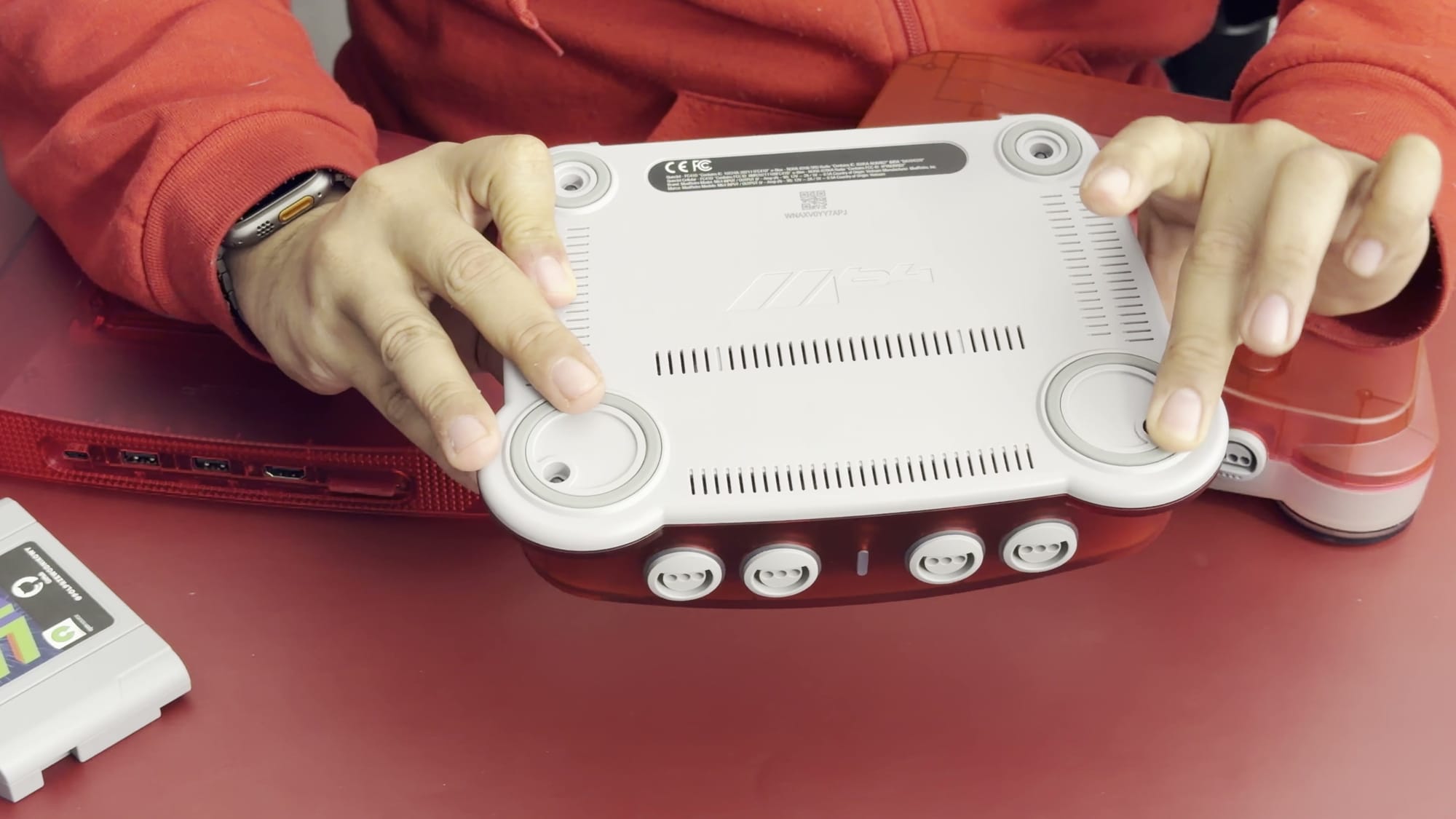
The Analogue 3D also feels heavier in the hand, and a scale confirms it. My Analogue 3D weighs 1 pound 14 ounces, and my M64 weighs 1 pound 10 ounces. That four-ounce difference has little practical effect on a console that sits under a TV. Weight matters far more on a handheld.
The SummerCart64 works on the M64
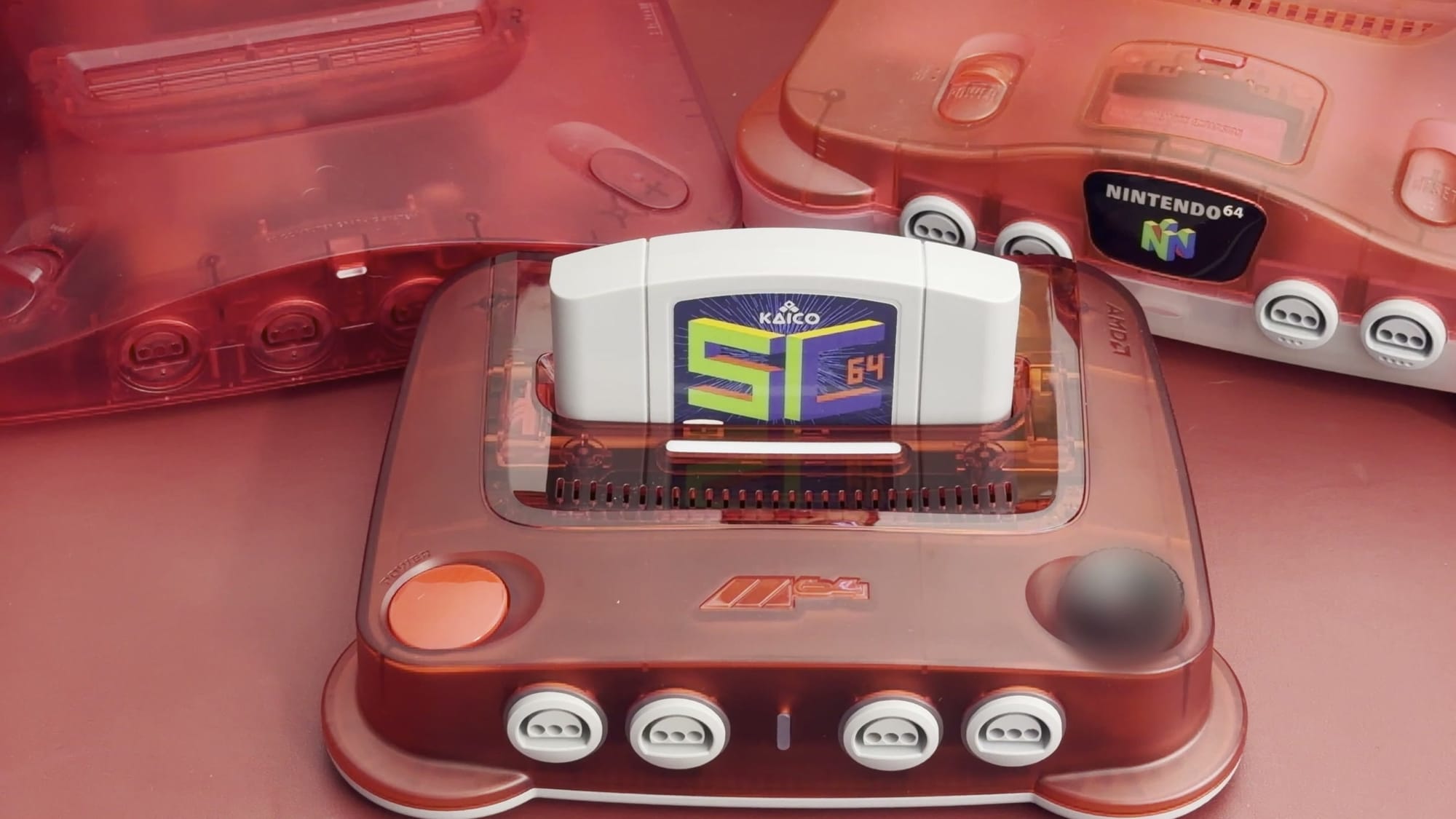
The SummerCart64 is a flash cartridge that stores game files on a microSD card and loads them through the cartridge slot. It already works with the original N64 and the Analogue 3D. On my M64, the SummerCart64 worked straight away with no problems. The same cartridge can therefore move between all three machines and keep its existing library.
If you use a flash cartridge
Owners of a flash cartridge have an easy decision. The SummerCart64 worked on the M64, the Analogue 3D, and the original N64, so one game library can travel across all three without a separate setup for each machine. Flash cartridges such as the SummerCart64 and EverDrive also keep the original console viable. Players who prefer original hardware can keep using the original N64 with the same flash cartridge library.