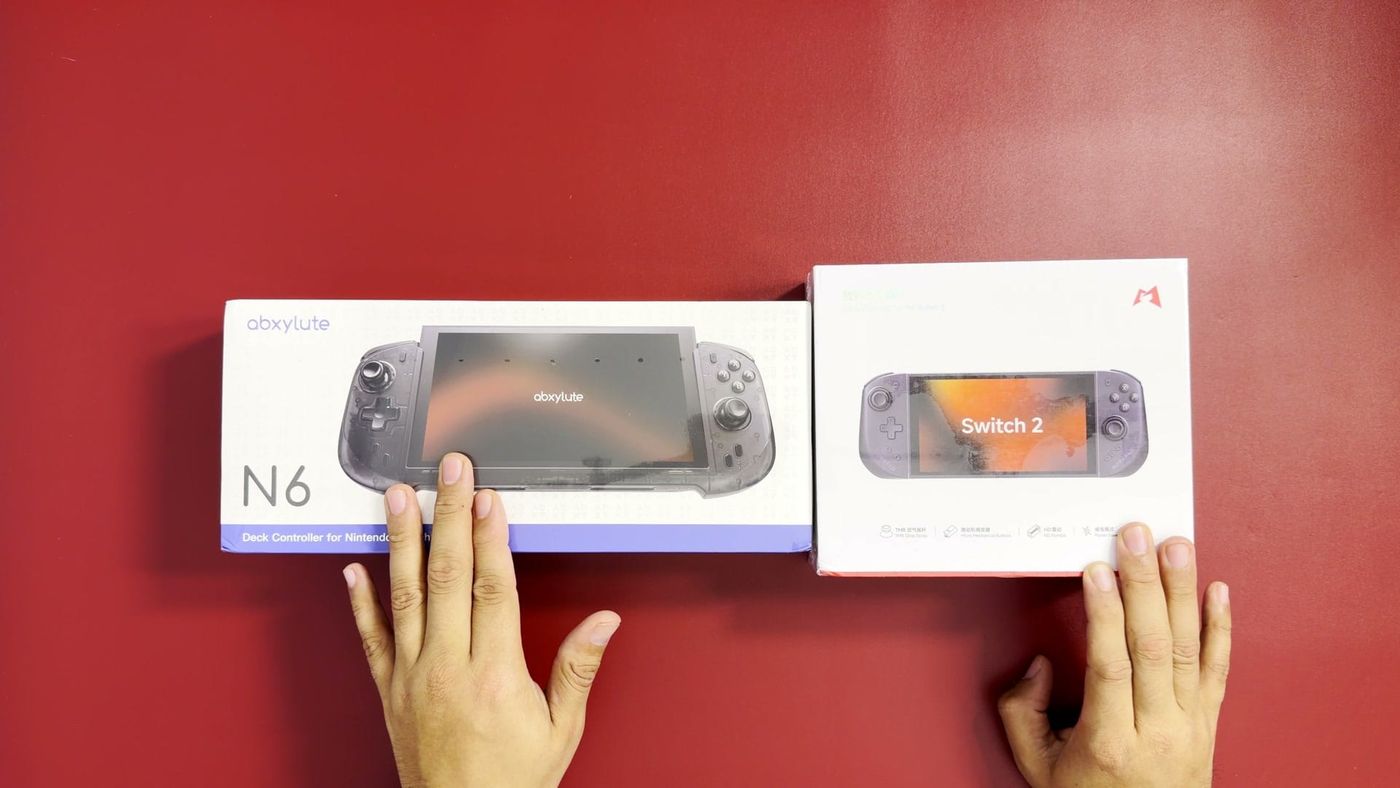
So these are the last two Switch 2 controllers in the pile of four I started with: the abxylute N6, a one-piece deck, and the Mobapad M12 HD, a Joy-Con-style pair. If you’ve been following this journey, you’ve already seen the NYXI Hyperion 3 and the CRKD Nitro Deck 2, so these two close the loop before all four go toe-to-toe in one final video. I bought both of these with my own money, $60 for the N6 and $90 for the M12 HD. And honestly? The cheaper one is winning so far.
What came in each box
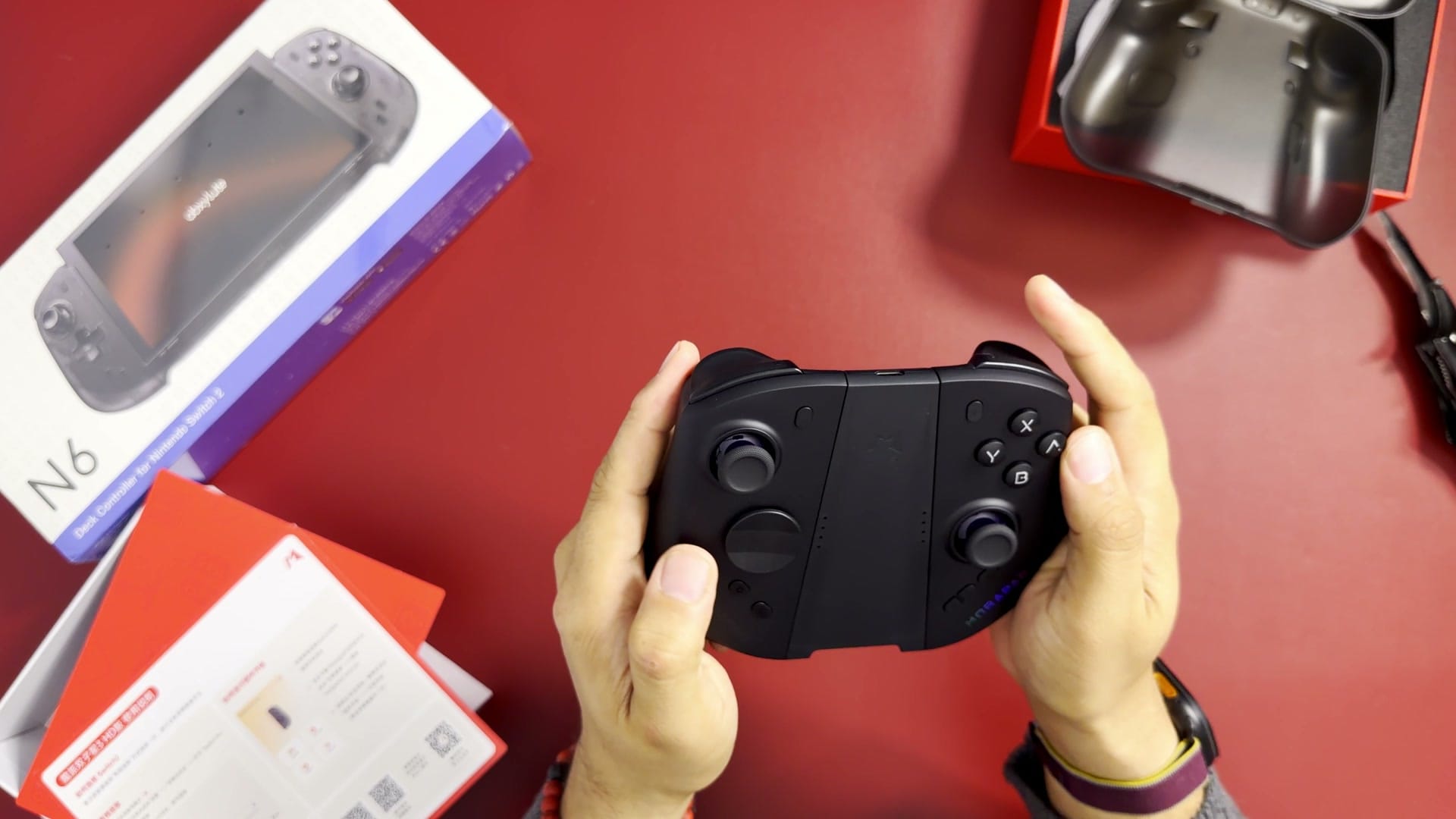
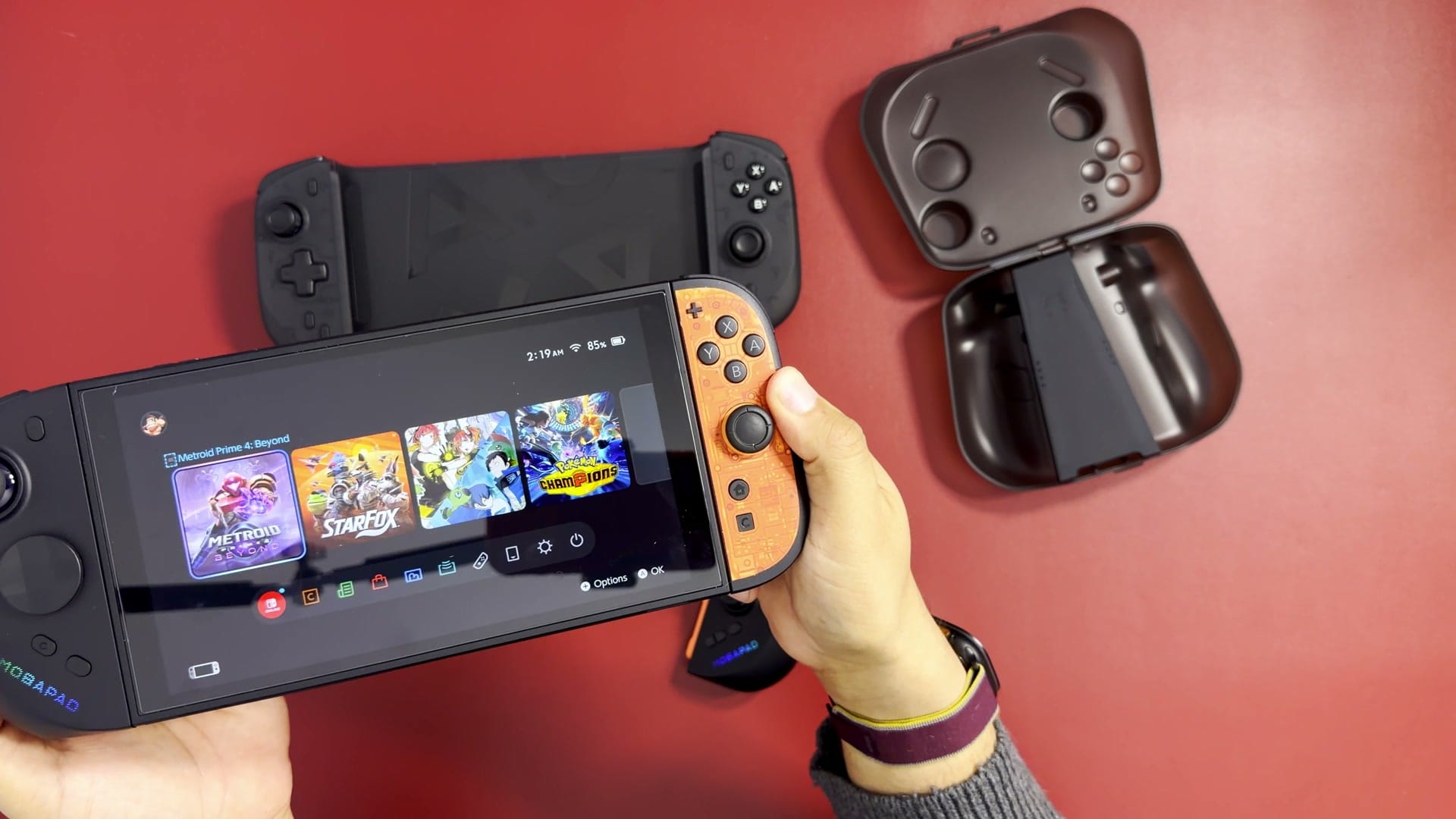
The Mobapad M12 HD arrived with a hard carrying case, a charging grip that turns the two halves into one controller, a spare cross-shaped D-pad and a quick start guide covering firmware updates and connection. The case is a nice touch for travel: it holds the controllers on their own, so the Switch 2 can go in a smaller case. The NYXI Hyperion 3 does not include one.
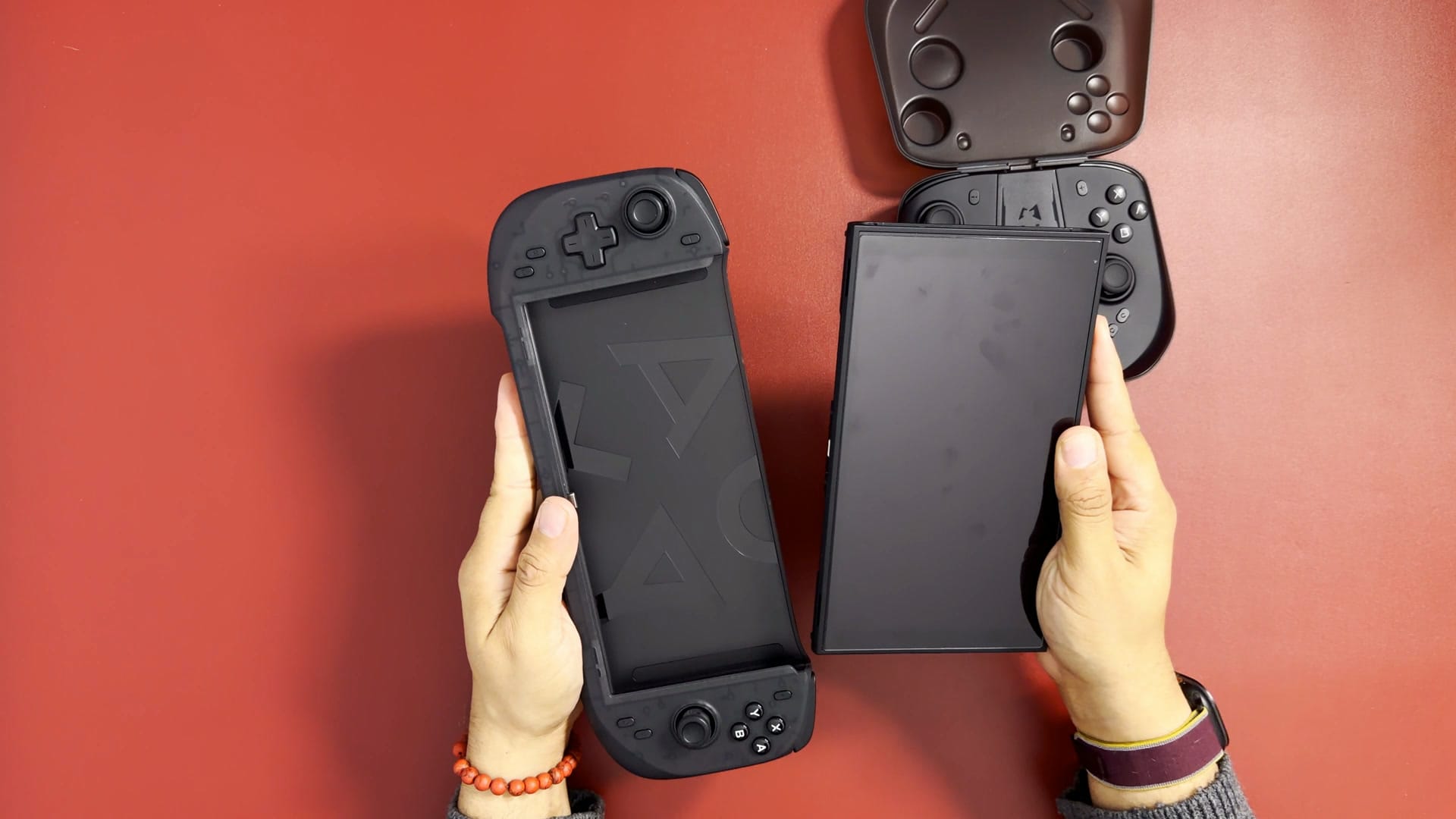
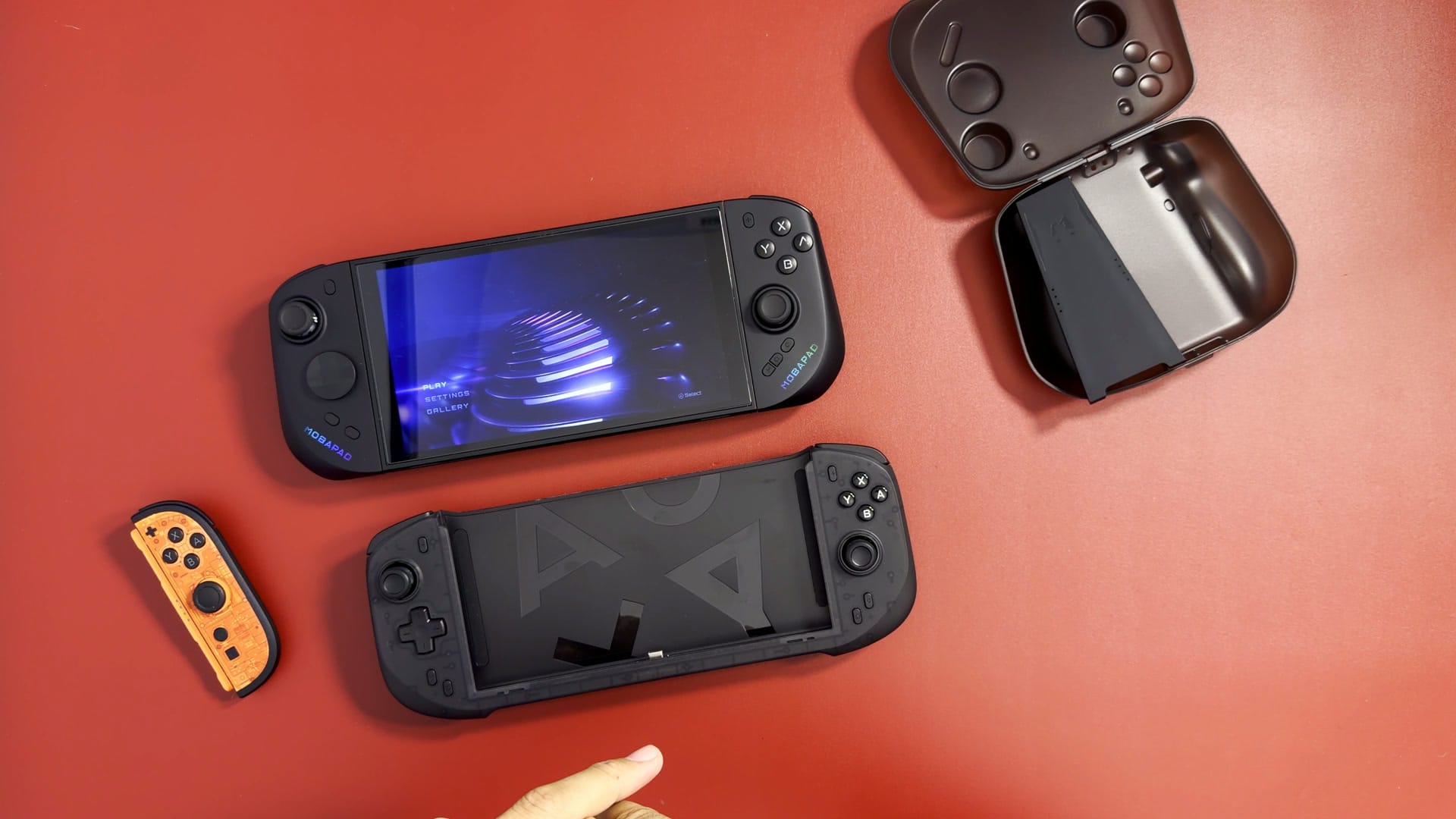
The abxylute N6 came in simpler packaging, with just the controller inside. It is a translucent black deck that the whole Switch 2 slides into, rather than two separate halves. The plastic feels a little soft, which is common with translucent shells, but the controller is light and feels nice in the hand. abxylute has since launched two phone controllers on Kickstarter, the M6 and M5.
The abxylute N6: a deck that slides on
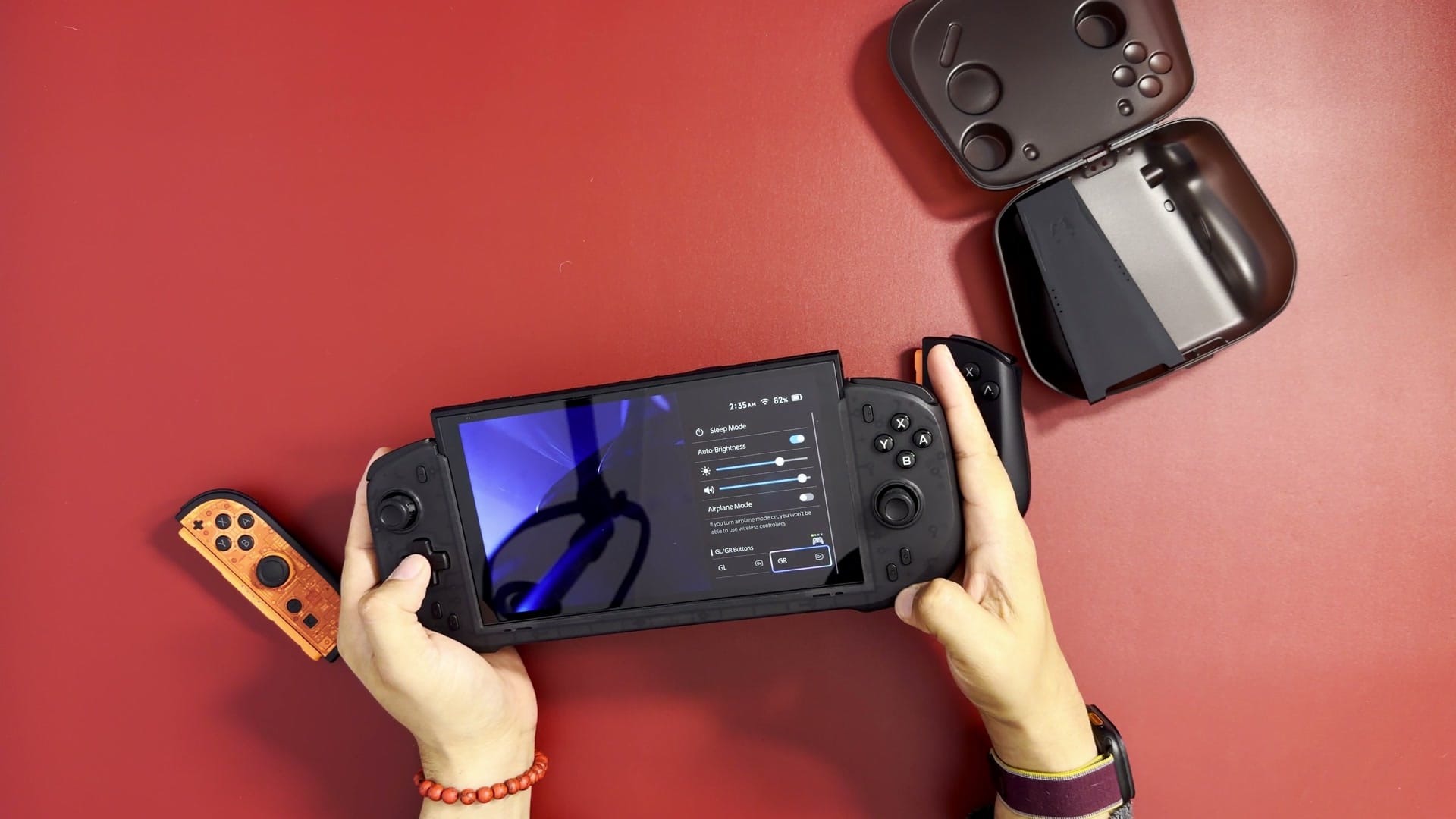
The Switch 2 slides into the N6 smoothly and connects through its bottom USB-C port, and it paired straight away. The fit is tight without being difficult, and my screen protector was fine. The rumble was strong from the moment it connected. The top of the console sits above the deck, which looked odd at first, but it turns out to be how you get the Switch 2 back out: it gives you something to grip without pulling on the screen.
The buttons are membrane, so they are quieter than microswitches while still giving a soft, tactile click. The D-pad is fixed in place. Because it is one piece, the N6 cannot go in the dock with the console attached, which does not matter much for my travel Switch.
The Mobapad M12 HD: Joy-Con style, with extras
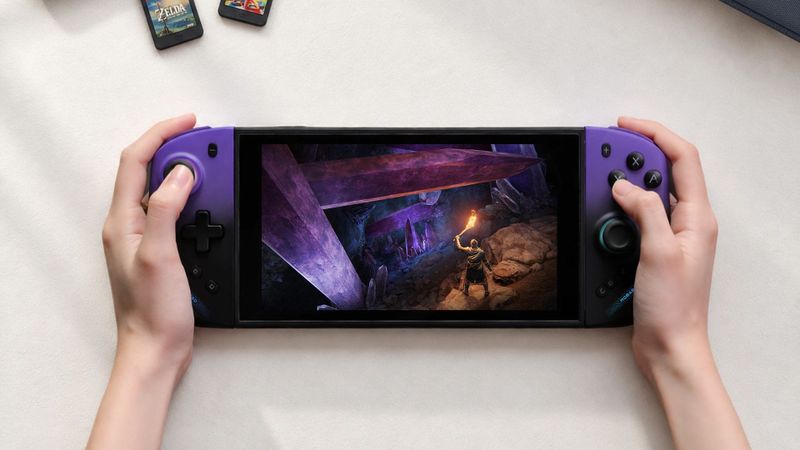
The M12 HD attaches to the magnetic rails like Nintendo’s Joy-Con, so the console still docks with it attached. Every button is a clicky microswitch, including the triggers and shoulders, which I love, and it ships with both an octagonal D-pad, better for fighting games, and a regular cross. There are RGB light strips on the sides, which can be changed or turned off in Mobapad’s app.
Two switches on the back confused me while filming. They are Mobapad’s power-saver switches: in wired mode the controllers talk through the rail and run off the Switch 2, charging while the screen is on, and in power-saving mode they use their own batteries over Bluetooth. In wired mode, I had to turn on Pro Controller Wired Communication in the Switch 2’s settings before they responded, the same setting I needed for the CRKD. On the rails, the M12 HD wobbles more than a Switch 2 Joy-Con, and it flexes if you hold one side.
Why the protocol matters
The biggest difference between these two is how they talk to the console. The N6 identifies as a Switch 2 controller, so its back buttons appear as GL and GR, the same names Nintendo uses on its Switch 2 Pro Controller. Holding the Home button in a game opens the quick menu, where either button can be assigned or cleared in seconds.
The M12 HD uses the original Switch protocol, so the console sees a Switch Pro Controller. Its back buttons, labelled M1 and M2, never show up in the quick menu, and remapping them takes Mobapad’s app. I found out after filming that M1 and M2 can record macros on the controller itself, and rumble strength can be changed with a button combination, but remapping them still means opening the app. The M12 HD does wake the Switch 2 from sleep, which Mobapad built in separately. Mobapad also makes the M12 S, which uses the Switch 2 protocol and adds the C button but drops NFC, so it may suit some buyers better.
Sticks and buttons
The M12 HD uses TMR sticks, which Mobapad calls Glide, and the N6 uses Hall effect sticks. Both read the stick’s position with magnets, so nothing rubs inside, which greatly reduces the risk of stick drift, where your character moves without you touching the stick. TMR reads a resistance change and Hall effect reads a small voltage; TMR gives a stronger signal for less power, but I cannot feel a difference in play. Stick tension is fixed on both, slightly firmer on the N6 and about the same as a Joy-Con on the M12 HD.
On buttons, it comes down to taste. Membrane buttons like the N6’s are the better choice for playing in bed next to a sleeping partner. I prefer microswitches for their faster, more satisfying click, but I judge a controller by the whole package, and I am enjoying both.
Rumble, batteries and charging
The N6 has dual linear motors with four strength levels, and its rumble felt noticeably stronger than the M12 HD’s. The M12 HD has first-generation HD Rumble, and neither has Nintendo’s HD Rumble 2. The N6 has no battery and no pass-through charging, so charging means using the Switch 2’s top USB-C port. A small hole for pass-through would have been perfect. The M12 HD has an 800 mAh battery in each half, rated for 15 to 20 hours.
My mic died near the end of filming, so in the video the weigh-in is on cards. On my kitchen scale, the M12 HD pair weighs 199 g and the N6 weighs 259 g. With a Switch 2 attached, that comes to 623 g with the M12 HD and 686 g with the N6.
Leaning toward the N6, for now
I guess so far I’m leaning toward the abxylute N6. It’s not dockable, but again, this is my travel Switch, so I don’t ever really dock it. What already makes me prefer it is that it uses the proper protocol. I don’t want to go around messing with a phone app to update firmware, change my back button mappings, adjust the rumble or the LEDs. I really don’t want another app on my phone just to mess around with my controllers.
That said, the M12 HD is still a nice controller, and at $90 it’s an excellent value proposition. These are first impressions, though. Once I’ve spent time with all four, they can finally go toe-to-toe in one final video.