News · News · Console Gaming · Controllers & Accessories
Why a USB-C Hub Won’t Dock a Switch 2, and the Hobbyist Who Made One Work
A Switch 2 charges on a regular USB-C hub but won’t show a picture. One hobbyist taught a Cable Matters hub Nintendo’s dock handshake with about 540 bytes of code. Here’s how, and what it means for your dock.
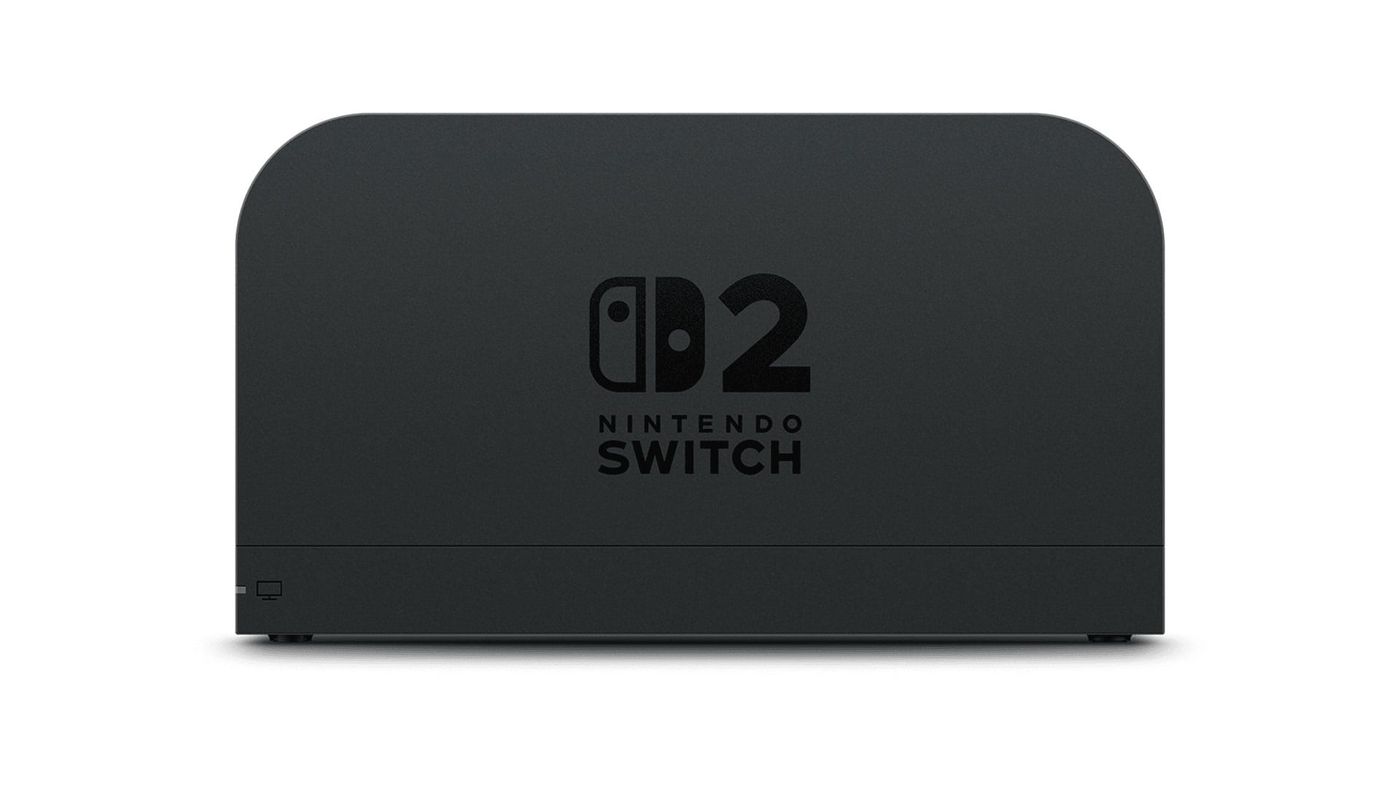
Plug a Switch 2 into a regular USB-C hub with an HDMI port, and it charges. That’s it. No TV mode, no picture. One hobbyist wanted a dock for trips, because Nintendo’s is too bulky and fragile to pack, so they took a roughly €40 Cable Matters hub apart and taught it to talk like the official dock. It took about 540 bytes of new code.
Why doesn’t a normal hub work?
The Switch 2 uses the same USB-C DisplayPort standard as laptops and phones, so on paper any hub with an HDMI port should do. With a normal hub, the Switch gets surprisingly far. It agrees on power and switches the port into display mode, and the hub answers every step.
Then it stops. Before it sends a picture, the console sends a set of Nintendo-only messages over the USB-C connection and waits for the right answers. The official dock knows them. A generic hub doesn’t, so the Switch never goes into TV mode.
How did they get around it?
By listening first. The author put a USB-C Power Delivery sniffer between the Switch and the official dock and recorded the whole handshake. Then they added a small responder to the hub’s power controller firmware, about 540 bytes, that answers Nintendo’s messages and leaves everything else alone. The author says AI models did a lot of the work of picking apart the hub’s firmware.
Just saying “I’m Nintendo” wasn’t enough. The Switch checks more than the maker’s name, so the hub had to copy the official dock’s whole ID card before you got a picture. Copy its answers to the Switch’s version questions too, and you skip a pause of about three seconds every time you dock.
Was it that simple?
Not quite. TV mode worked, but HDR looked washed out. The picture itself was fine. The hub’s display chip was labelling the picture as standard colour, so the TV squashed it. A second patch, 108 bytes on that chip, fixed it over HDMI. The DisplayPort output still has the problem.
VRR, the feature that lets the TV follow the game’s frame rate, was a dead end. Because the hub now claims to be an official dock, the Switch offers VRR, and turning it on froze the picture or left it at 60Hz. The hub’s chip doesn’t support it, so the author keeps VRR off. They also say they didn’t really test the USB ports or Ethernet.
Can you do this with your own hub?
Only if you have the exact hub, and even then, think twice. On November 12 the author released a patcher. It contains no firmware of its own: you dump the firmware from your own hub, it patches that copy, and you flash it back. It only accepts the Cable Matters 201031-BLK with the stock firmware the author tested, and it needs a Linux PC and a handful of command-line tools.
If you do try it, keep the stock dumps you make. They’re your only way back if the flash goes wrong, and the author is clear that it can brick the hub. Keep hungry USB devices off it while docked, too, because the patch cuts the hub’s own power reserve from 7W to 3W.
What it does show is how little stands between a cheap hub and a working dock. And it explains a problem third-party dock owners already know: washed-out HDR. The author found that other dock makers have shipped firmware updates for exactly that.
Will Nintendo block third-party docks?
It says it won’t on purpose. You might remember November 2025, when a Switch 2 update stopped a bunch of third-party docks from showing a picture. Nintendo’s line then was that it doesn’t “have any intention to hinder or invalidate legal third-party dock compatibility.” Note the word “legal”, which it didn’t explain. Some makers had fixes out quickly, and others made their owners wait.
If you use a third-party dock, check the maker’s site for firmware updates. They’re how these docks keep up with the Switch, and some fix HDR too.
Nerd Alert
Your Turn
What are YOUR thoughts
What have your experiences been? Let us know.