News · News · Handheld Gaming · benchmarks
3DMark CPU Rumble Is a Free Phone Benchmark That Tests Your CPU the Way Games Use It
3DMark CPU Rumble is a free benchmark for Android and iOS that tests your CPU the way games actually use it: a few threads, real game physics and pathfinding. How it works and how to run it.
https://averagetechnerds.com/3dmark-cpu-rumble-android-ios-cpu-benchmark/
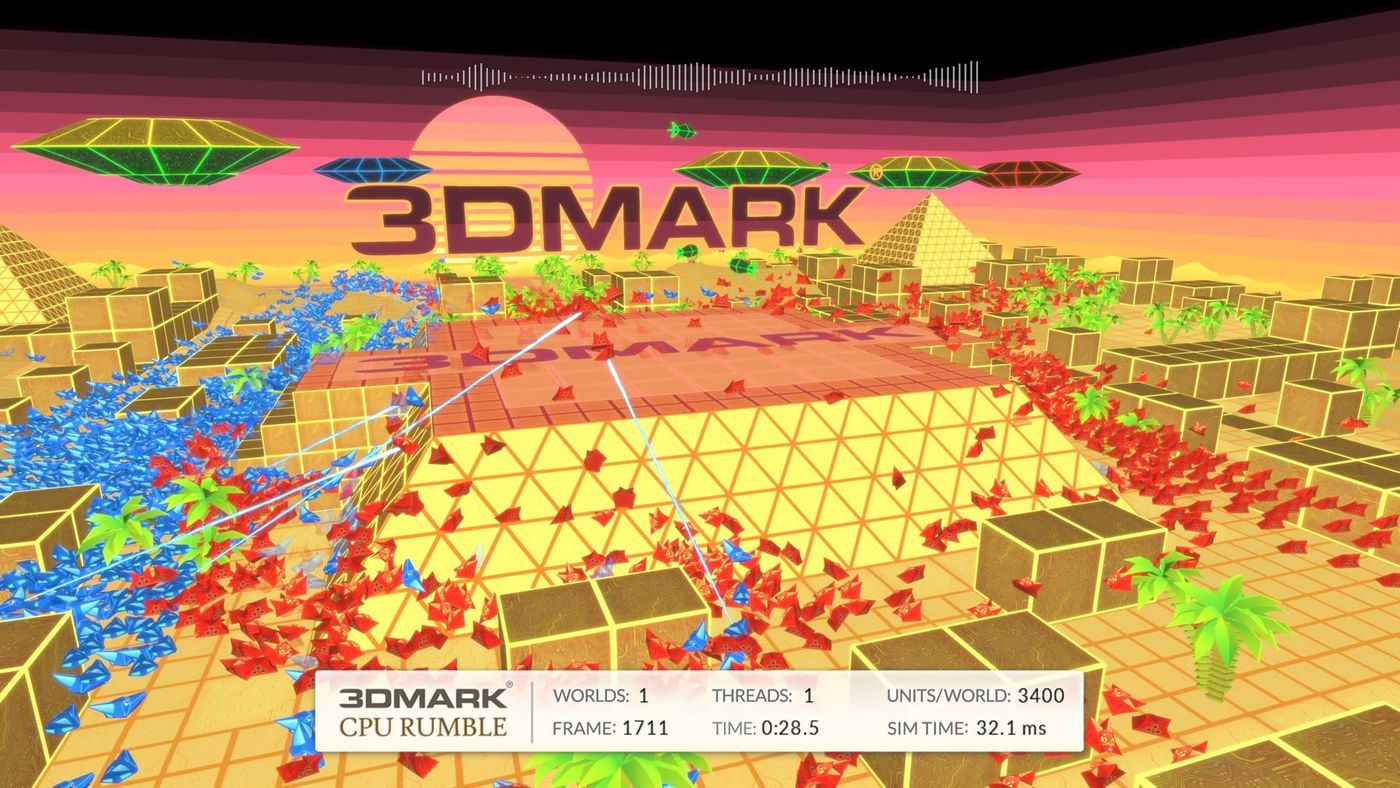
Most CPU benchmarks ask your phone one of two questions: how fast is a single core, and how fast is everything flat out at once? Games almost never ask either. They lean on a handful of threads, with one doing the heavy lifting and a few helpers around it. On November 25, UL Solutions put out a benchmark built around that in-between, and it’s free. It’s called 3DMark CPU Rumble, it’s in the 3DMark app for Android and iOS right now, and it looks like a synthwave album cover.
My testing is going to lean more on dedicated benchmark tools from here on, and the handhelds that come through here are game machines first. So a free CPU test that works the way a game does is exactly the kind of tool worth knowing about.
What is 3DMark CPU Rumble?
It’s a new test inside 3DMark, the benchmark app UL has been making for years, and this one goes after your processor instead of your graphics chip. The whole idea is to show how much of the way a game runs comes down to the CPU.
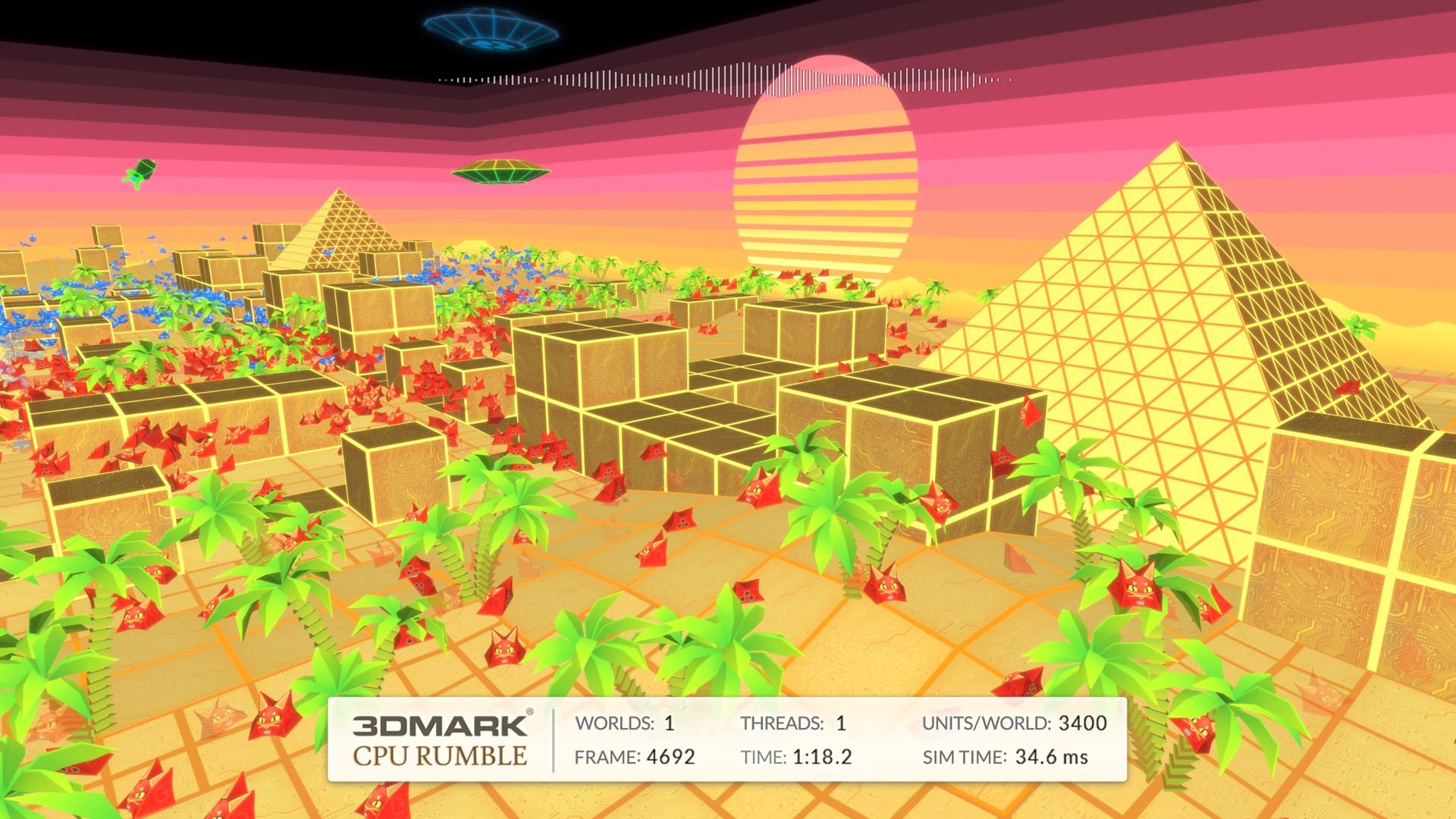
The look is half the fun. It’s meant as a throwback to classic games from before the first 3DMark, and in the screenshots that means a striped sunset, neon pyramids and little armies of red and blue units swarming a desert grid. The graphics are kept simple on purpose, so the score reflects your CPU and your graphics chip barely gets a say.
How is it different from other CPU benchmarks?
It tests the middle ground. UL’s point is that many CPU benchmarks report how one thread performs, or how the chip does with every thread maxed out. Both numbers are useful for raw speed, but games rarely work either way.
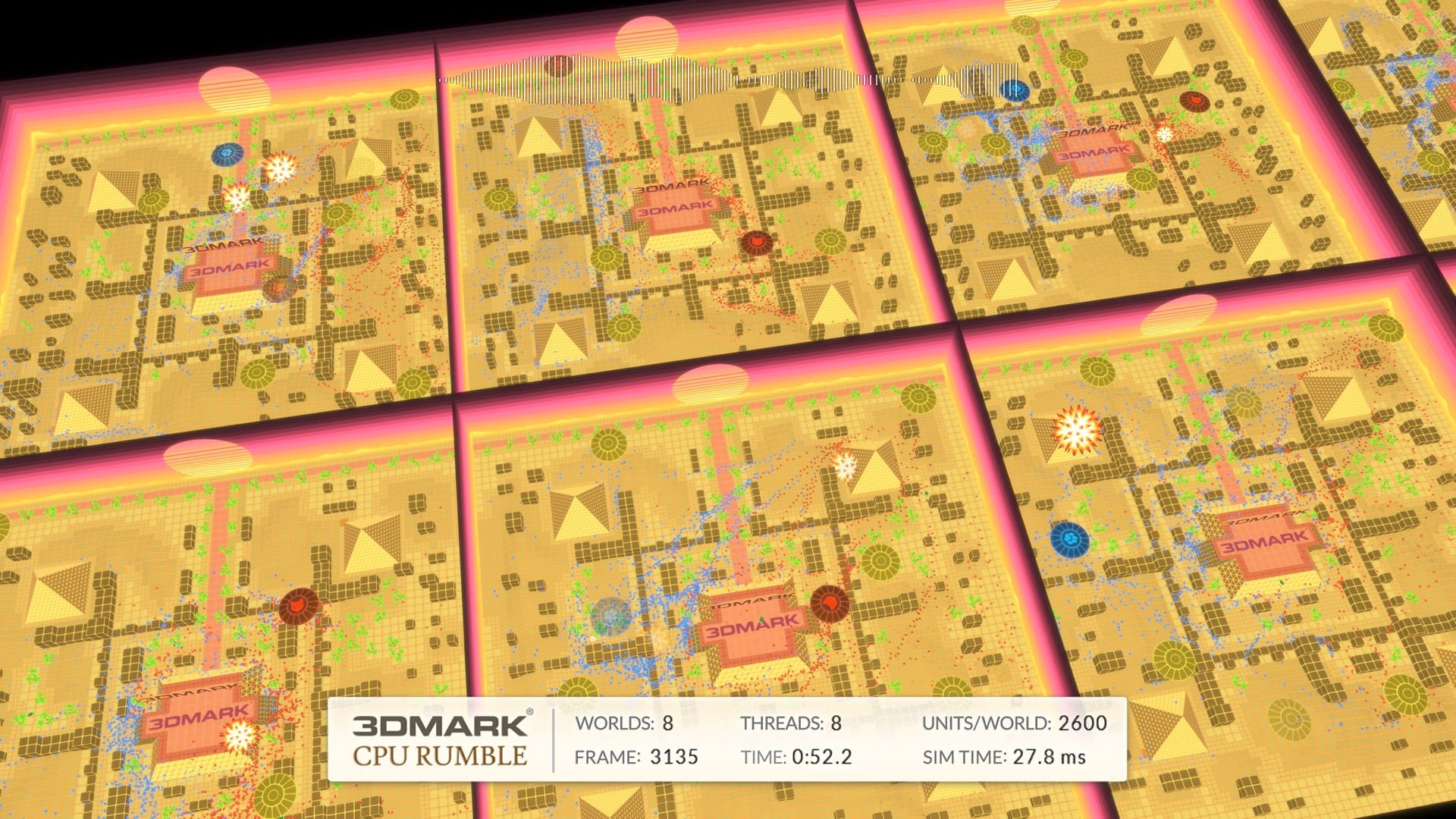
A typical game, by UL’s account, uses somewhere between 2 and 8 threads. One is the main thread, handling the critical work that keeps the game running. The others are workers picking up audio, NPC brains and loading assets. That split is why a game sometimes keeps running while its sound starts crackling: a worker is struggling, but the main thread is fine. Phone chips add a twist. They mix fast cores with efficient ones, so a game also has to decide which jobs go where.
What’s running inside it?
Real game tech, mostly. Instead of synthetic math, CPU Rumble uses the same kinds of libraries game developers build on, picked so each run stays the same.
| Job | What CPU Rumble uses |
|---|---|
| Sharing work across threads | EnkiTS |
| Physics | Jolt, a physics engine used across mobile, console and PC games |
| Pathfinding | Recast Navigation, the industry standard for working out how units get around a 3D map |
| Picking targets | UL’s own code, modelled on how games do it |
| Audio | Miniaudio, processed whenever the worker threads have room, never played out loud |
| Memory access | UL’s own code, patterned on real games |
The audio is a sweet little detail. It processes a fixed sixtieth of a second of sound every frame, but you’ll never hear it, because chopped up like that it wouldn’t sound smooth.
Why does it matter that every run is the same?
Because a benchmark is only useful if the test doesn’t change under you. The word for that is deterministic: run it again and the workload behaves exactly the same way. Games are the opposite. Physics, enemy behaviour and even audio shift a little every time, which is part of what keeps them fun, and it’s why even a game’s built-in benchmark mode can give you slightly different numbers run to run.
So the trick was building something that behaves like a game with that randomness taken out. Jolt helps there, because its physics simulations come out identical every time.
What does the stress test show?
Whether your device can hold its speed. Most 3DMark stress tests run a benchmark 20 times back to back. CPU Rumble’s version runs the workload as many times as it can fit into 20 minutes instead. If your handheld or phone heats up and slows down to protect itself, that’s where it shows. For a handheld you plan to play on for an hour at a time, that’s often the more honest number.
How do you run it, and what does it cost?
Update 3DMark from Google Play or the App Store and CPU Rumble is waiting in the latest version. The app is free for personal use, so trying it costs you nothing.
Will it run on an older phone or a budget handheld? UL hasn’t said. The app’s other tests need anything from Android 5 to Android 12, depending on the test, and that spread is too wide to guess where this one lands. So the quickest way to find out is to update and look for it.
Can you trust a phone’s benchmark score?
Mostly, and UL polices it. This spring it caught the REDMAGIC 11 Pro and 11 Pro+ behaving differently when they recognised the benchmark. UL tested them with the public 3DMark app and with a private, renamed copy that phone makers don’t have, and the results didn’t line up. Both phones were pulled from its rankings in April and now sit at the bottom, unranked, with no scores. It’s a useful reminder for any benchmark, CPU Rumble included: one score is a starting point, and real games are the check.
Is it coming to PC?
UL hasn’t said. So far CPU Rumble is phones and tablets only. It’s also the first of two new CPU benchmarks UL is working on, and the second hasn’t been named, let alone given a platform.
What should you watch for next?
The results. A brand-new test needs plenty of devices run through it before its scores mean much. 3DMark’s rankings already cover thousands of phones and tablets, so CPU Rumble has a big crowd to draw from. Once numbers fill in for the popular handheld chips, it gets a lot more interesting.
Nerd Alert
Your Turn
What are YOUR thoughts
What have your experiences been? Let us know.