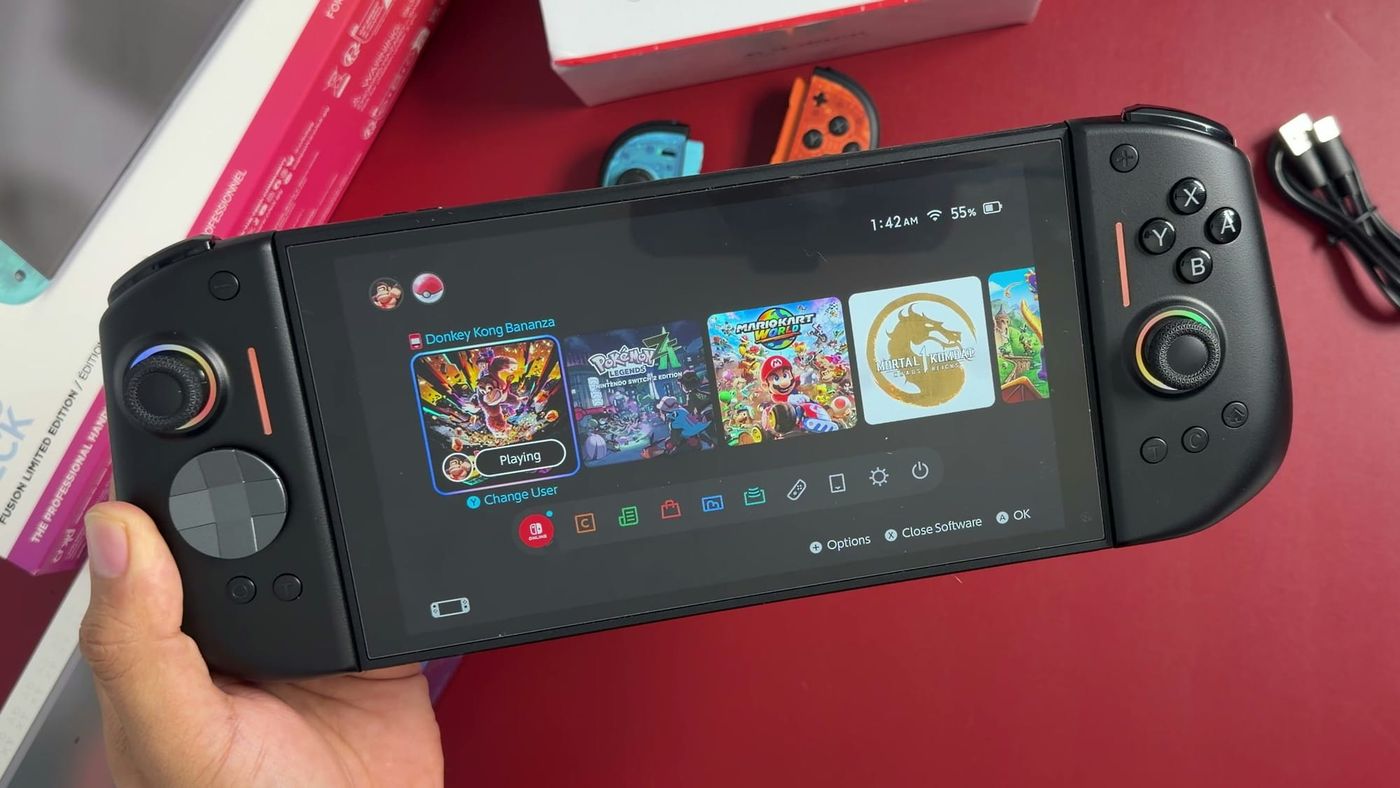
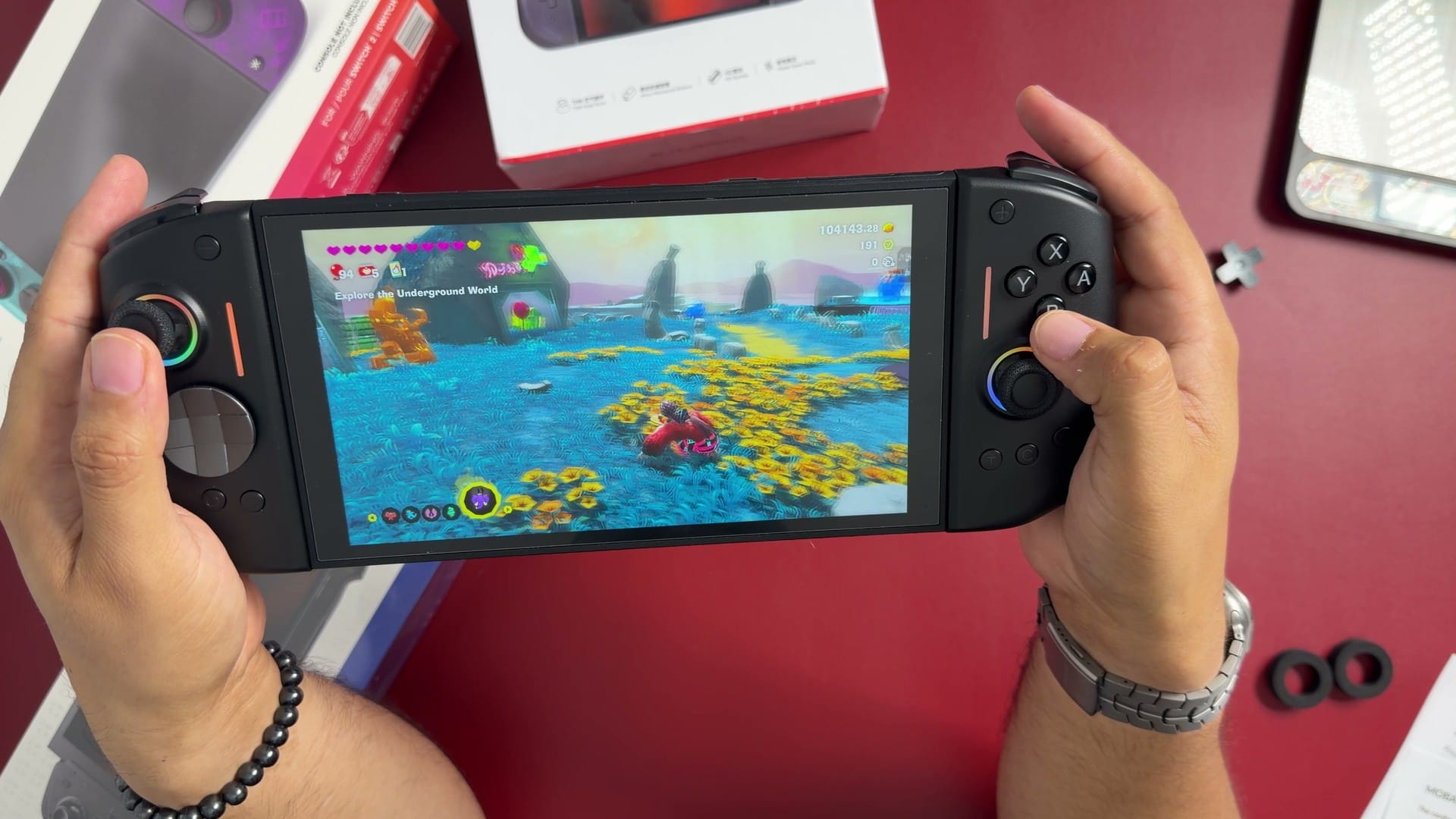
The NYXI Hyperion 3 is a pair of replacement controllers for the Nintendo Switch 2. The two halves attach magnetically to the sides of the console, in the same position as the standard Joy-Con 2 controllers, and continue to work wirelessly when removed. A center bridge in the box joins them into a conventional controller. I paid $90 for my base model on Amazon, and its two defining traits are larger grips and mechanical buttons.
Grip and build
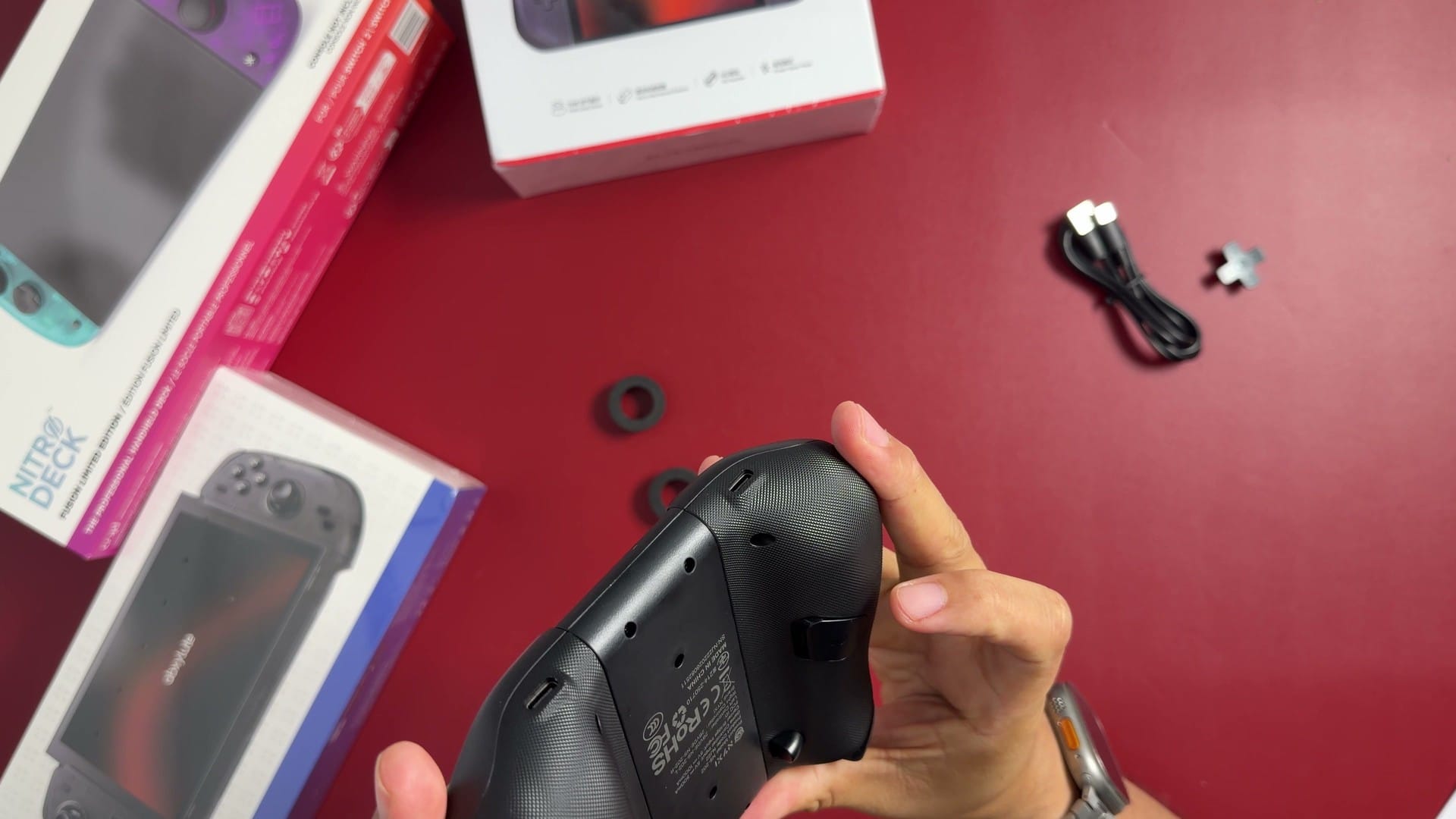
The grips are the most significant change from the standard controllers. Each half extends behind the console, giving the palms and fingers a surface to rest on where the Joy-Cons are flat. The rear surfaces are textured plastic. For anyone who finds the standard controllers cramped during handheld play, this shape is the main reason to consider the Hyperion 3.
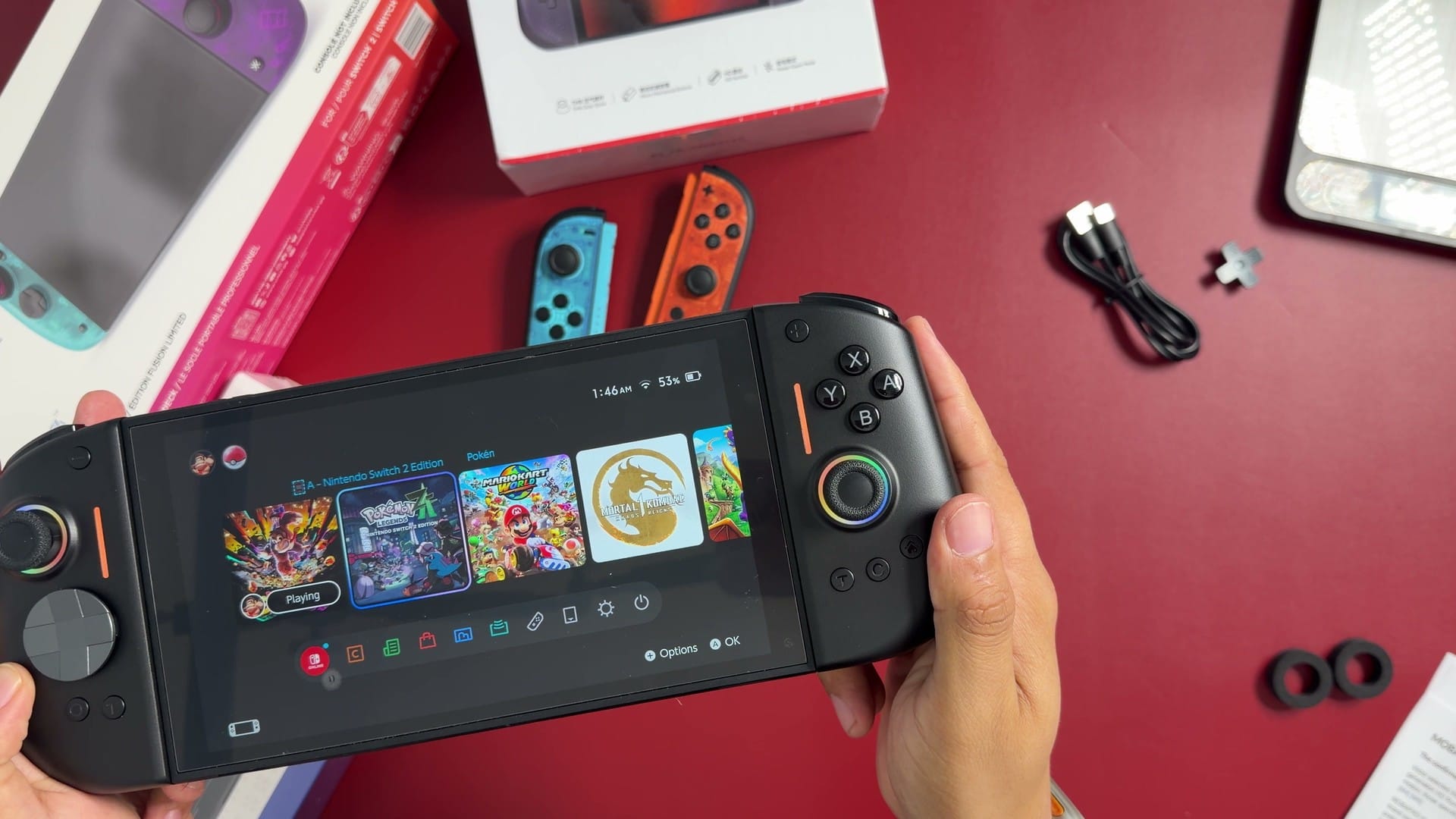
The build is light, and the plastic is average in quality. A swappable four-way D-pad cover is included, and it feels noticeably cheaper than the rest of the controller. When I deliberately forced the attached controllers, there was a small amount of play where the halves meet the console. Under normal handling, the attachment holds firmly.
Buttons and sticks
NYXI uses microswitches for the face buttons and the D-pad, and reviewers identify Kailh microswitches on the shoulder buttons and triggers as well. A microswitch is a small mechanical switch that registers each press with a distinct click, both audible and tactile. The result is a crisp, responsive button feel. Players who prefer quiet, soft-touch buttons may find it less suited to them.
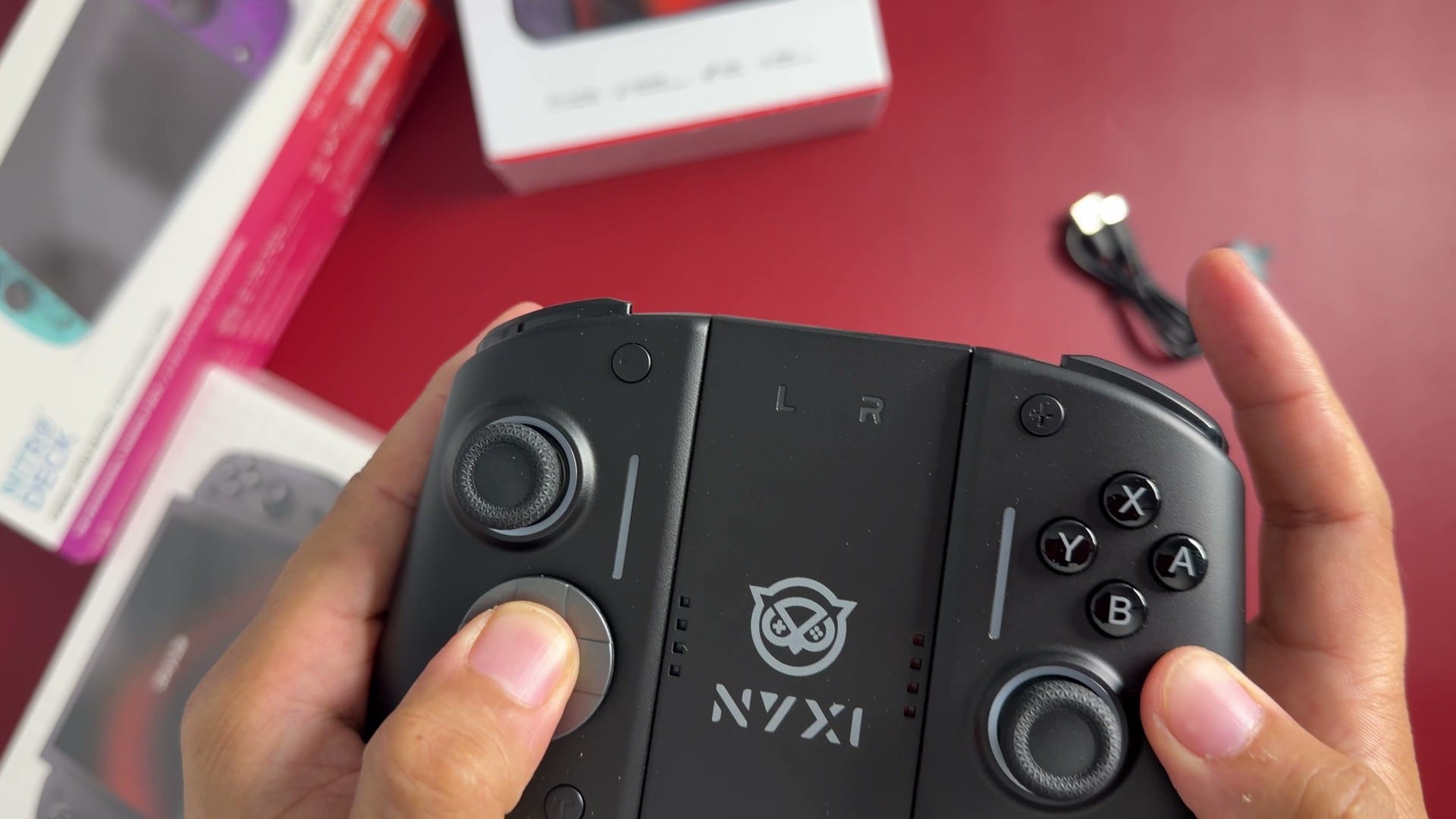
The sticks move smoothly with moderate resistance, which cannot be adjusted. NYXI specifies Hall effect sensors, which read the stick position magnetically. Some reviews report TMR sticks, which may reflect different production batches. The RGB lighting around the sticks can be adjusted or switched off with a button combination.
Pairing, the bridge and charging
Attaching the controllers to the Switch 2 pairs them with the console. Once paired, they remain connected wirelessly after being detached, so moving between handheld and tabletop play requires no additional setup. Slotted into the center bridge, the two halves form a single controller for docked play.
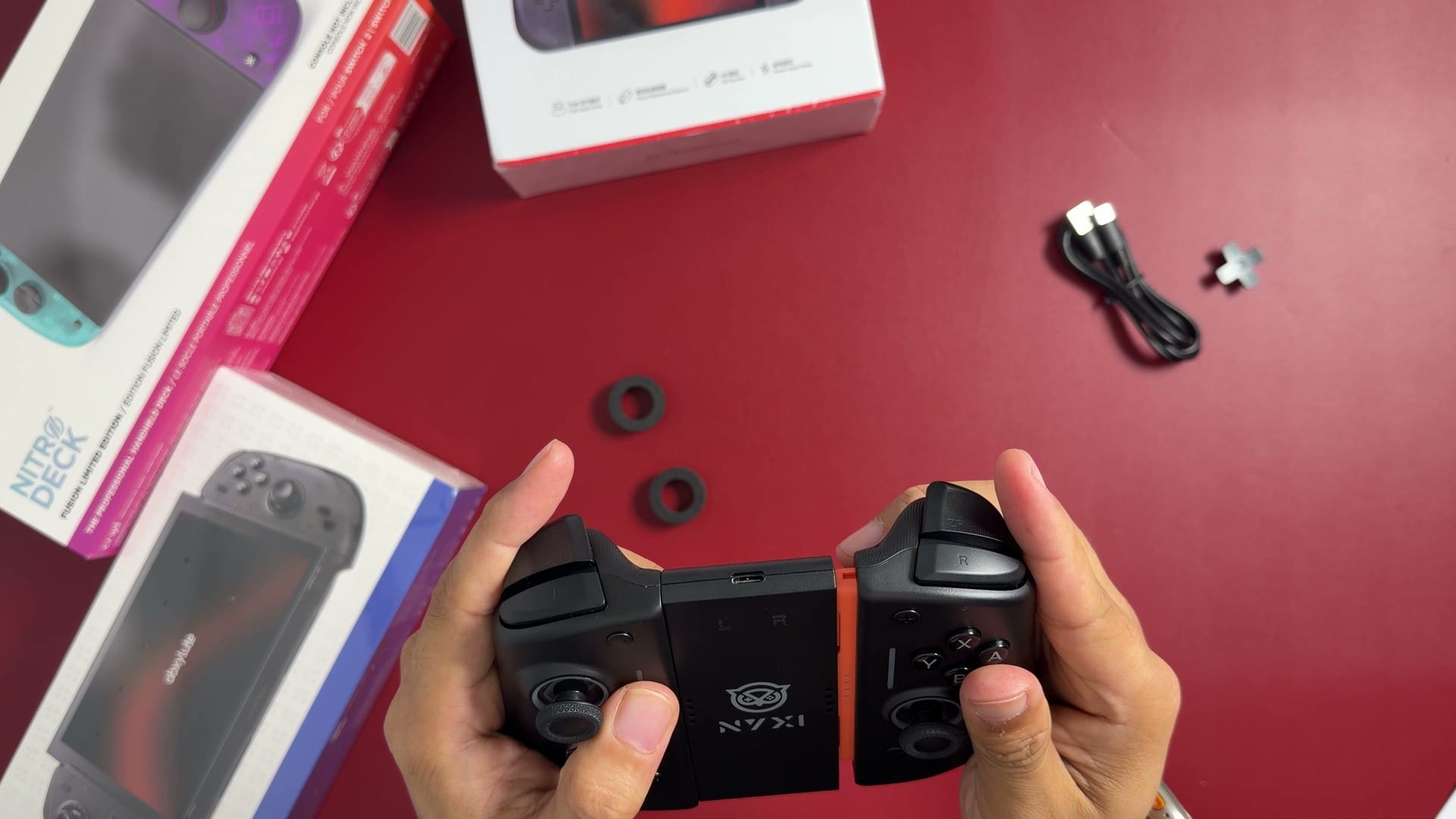
The bridge charges the controllers through a USB-C port and a set of contacts where each half connects. The controllers also charge while attached to the Switch 2 when the console is on. In my own use after filming, they did not charge on a powered-off console, which makes the bridge the more practical option for charging between sessions. The box includes the bridge, the spare D-pad cover, a USB-C cable and a printed manual.
Additional controls and missing features
Two rear buttons can be remapped or assigned macros, according to NYXI’s manual. Remapping assigns another control’s function to a rear button, and a macro records a sequence of inputs to replay with one press. A dedicated screenshot button sits on the front of the controller. Together these extend the standard layout without changing it.
The base Hyperion 3 does not support mouse mode or NFC, so games that depend on either will still need the original Joy-Cons. NYXI sells a separate Hyperion 3 Ultra that adds both features. Because the names are nearly identical, buyers should confirm which version a listing describes before purchasing. Mobapad’s newer M12 Pro also promises both features, though it has not shipped yet.
Grip case or new controllers?
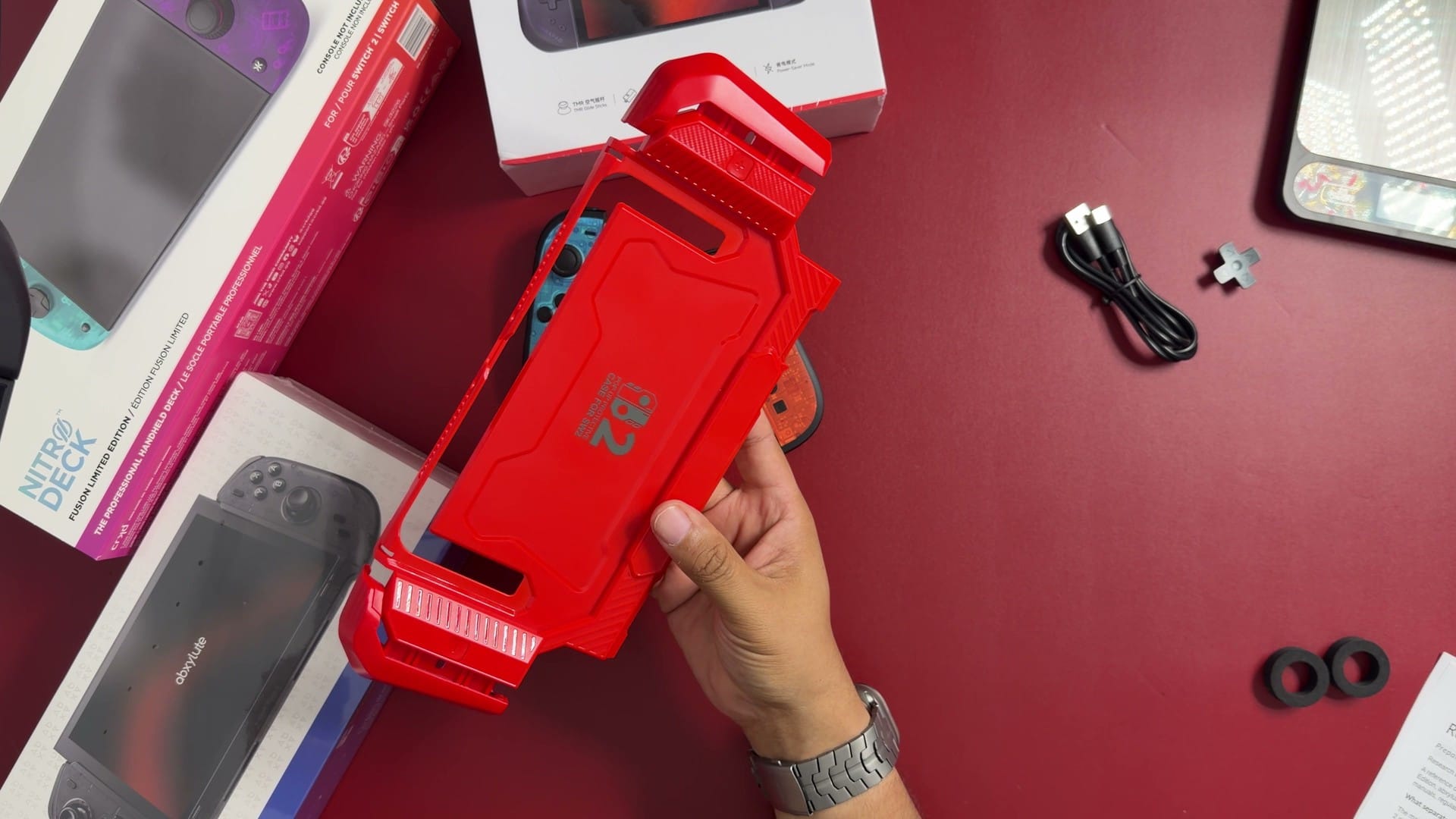
For comfort alone, a grip case is the cheaper route; mine cost $20 and keeps the standard controllers in place. The Hyperion 3 makes more sense for buyers who want a different grip and different controls in one purchase. Its long-term durability, and how it compares with competing controllers, remain open questions for extended testing. The next controller in my Switch 2 series, the CRKD Nitro Deck 2, takes a different approach: it clamps around the console and connects through a wired USB-C bridge.