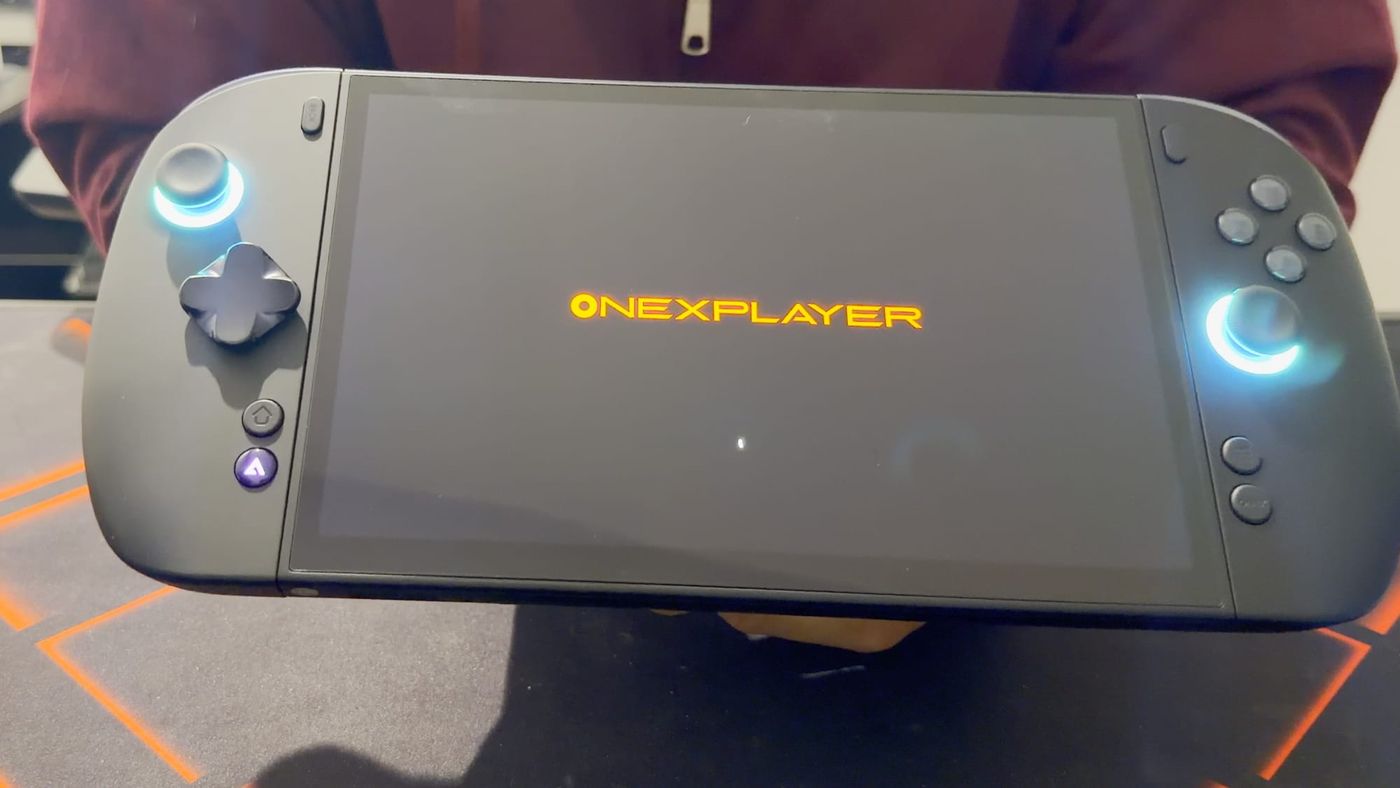
The OneXPlayer X2 Mini Pro combines a large OLED screen, clicky controls and a set of detachable and removable parts that invite experimentation. It also has one clear weakness that shows up before a single game is installed. The shell on the back feels softer and cheaper than expected for a device that cost about $2,400. That tension between strong hardware and a disappointing feel in the hand runs through this first look.
I backed my unit on Indiegogo for about $2,400, so it arrived as a campaign reward with its own bundle of extras. Beyond the OLED screen, the design includes detachable controllers, a removable battery and connections for an external liquid cooler. Each of those features opens further options, which means the handheld itself is only the starting point. The contents of the shipment are the first thing to establish.
UPDATE What’s new since publishing
The box has changed for new buyers. On OneXPlayer’s store, every X2 Mini Pro configuration now includes the magnetic keyboard, the controller connector and a protective bag at no extra cost, the same extras that came in my campaign bundle. That takes away much of the reason to back a campaign like this early. Backers take on the risk of crowdfunding, from delays to a product that never ships, and the main thing left to show for it is getting a unit first, which is not always guaranteed either. OneXPlayer has emailed me that backers of its Indiegogo campaign, including me, will get its Pro Controllers free of charge, which helps, but buyers paying full price now get almost the same package without the risk.
I have also tested USB-C power, which buyers often ask about. With the battery attached, a 100 W USB-C charger works well: it charges the battery, and because the battery is in place, a brief drop in power from the charger does not shut the X2 down. Without the battery, the X2 also runs from USB-C, and mine is running that way now, but any interruption cuts its power instantly. Many multi-port chargers briefly cut power to rebalance their outputs when another device is plugged in, so anyone running the X2 without its battery should use a single-port charger that can deliver a steady 100 W.
Current pricing, the OneXPlayer 3 comparison and SteamOS support are covered in the update to my full review. That review also covers how the X2 performs in games, which this first look did not reach.
The shipment includes several boxes and extras
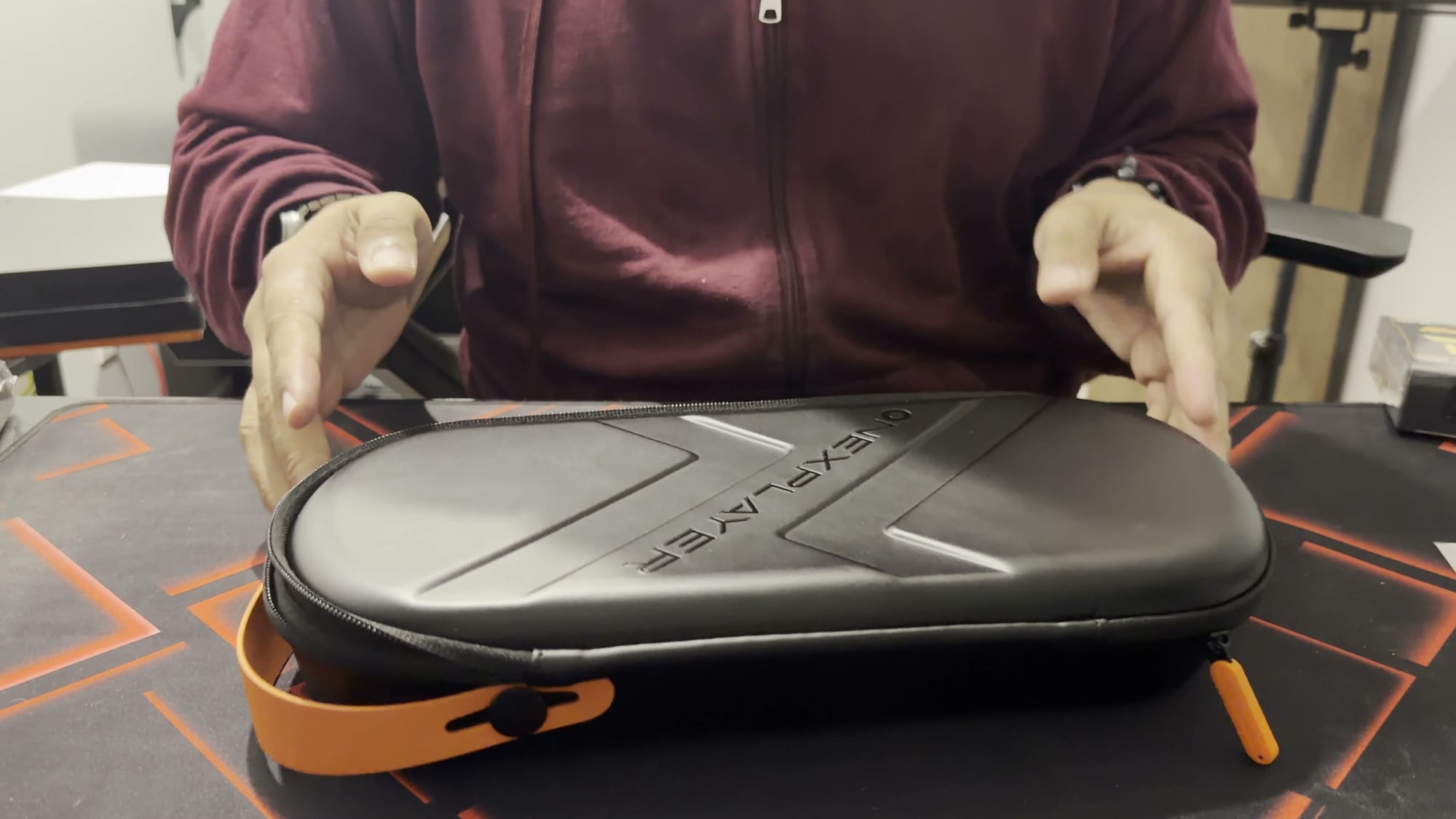
The handheld arrived with a substantial set of accessories, and some of them were unexpected. The shipment contained a carrying case, the controller connector, the removable battery, a power brick with its own case, an extra D-pad and a pair of Transformers Bumblebee Bluetooth earbuds. This list reflects my campaign backing. Buyers should not assume every bundle includes the same items.
The carrying case feels solid and semi-rigid, and it is also large. The charger needs its own separate storage case as well. Together, these two cases take up meaningful space in a travel bag before any game is involved. Portability starts with the accessories as much as the handheld.
The earbuds are the least expected item in the box. The magnets that hold them in their case do not feel particularly strong. I have not tested their sound quality for this first look. They are best treated as a bonus extra with no verdict yet on their performance.
The unit pairs a Ryzen AI Max+ 388 with an 8.8-inch OLED
This configuration has a Ryzen AI Max+ 388 processor, Radeon 8060S graphics, 48 GB of memory and a 1 TB SSD. The screen is an 8.8-inch OLED. The 388 is the processor in the campaign configuration I backed. Other available configurations are listed on OneXPlayer’s product listing.
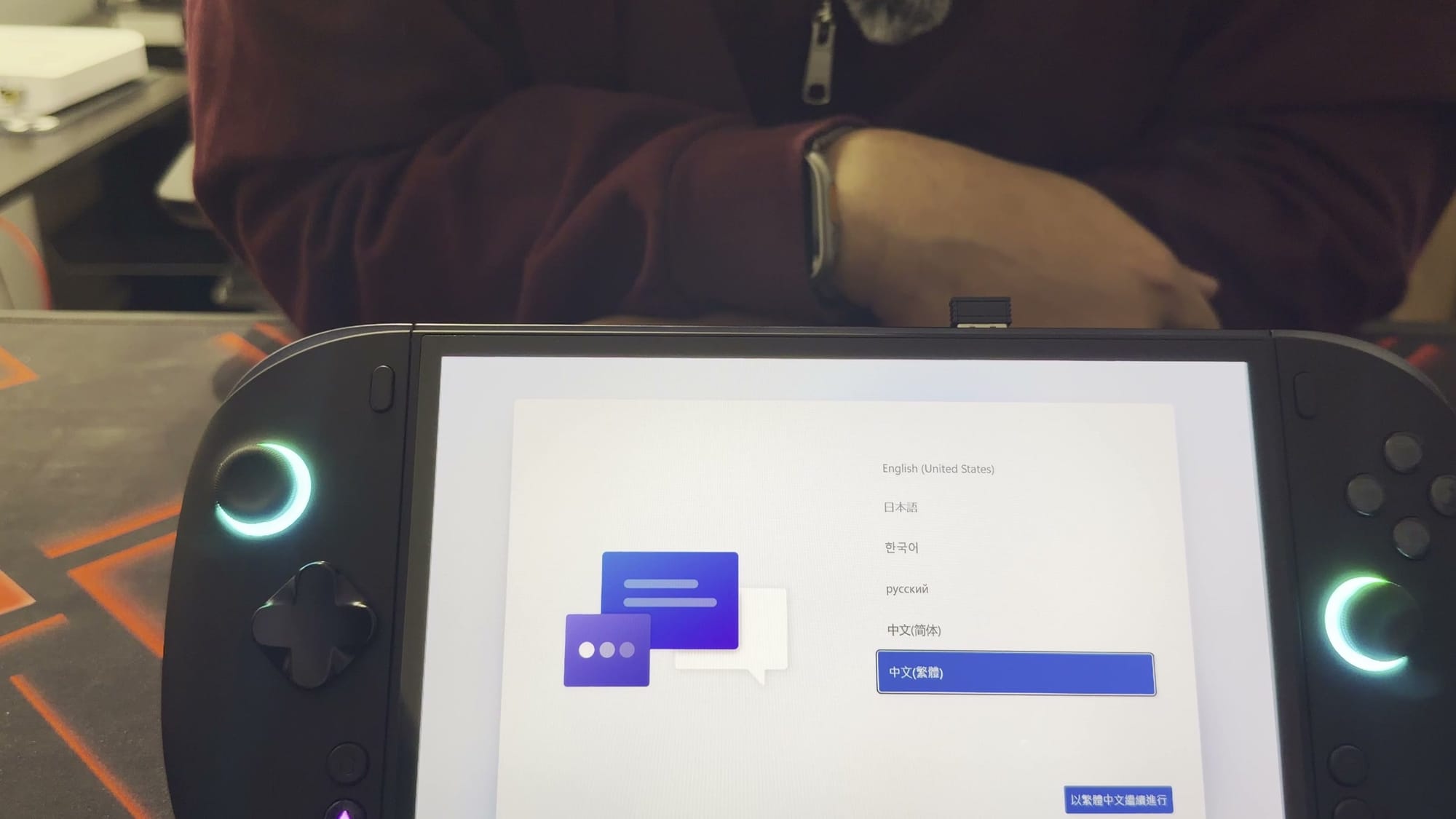
The OLED display is one of the more promising parts of the package, given how well the OLED screen on my Legion Go 2 performs. This first look covers only the initial boot and the Windows setup screen. I have not yet assessed game performance on the display. That evaluation depends on completing setup and running actual games.
The back shell feels cheap for the price
The back of the device is where the X2 Mini Pro falls short. The plastic feels a little soft and plasticky in the hand. Plastic is a normal material for a handheld. The concern is how this particular plastic feels on a device at this price.
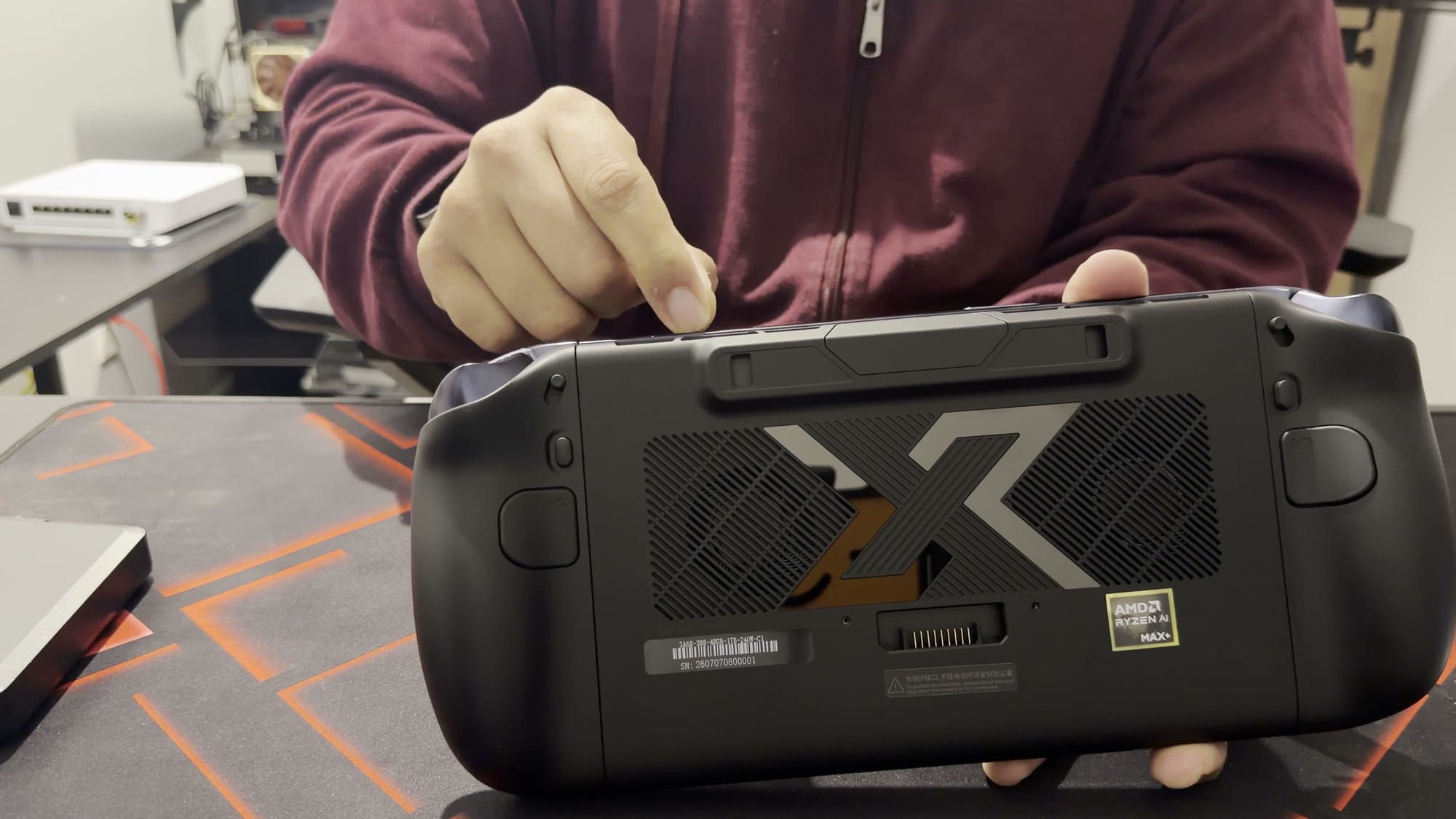
My Legion Go 2 serves as the point of comparison because I had been using it heavily beforehand. In the hand, the Legion Go 2 feels more reassuring. The X2 Mini Pro carries the more exciting hardware, yet its shell does not create the same impression of quality. For a device priced above $2,400, that gap stands out.
My impression comes from handling the device, with no durability testing involved. I have not dropped the unit or used it over months. My observation is limited to how it feels when picked up and examined. Feel still matters on a handheld, because players spend long stretches holding one.
A protective case is a likely addition regardless. Covering the shell would hide the issue during use. Buyers at this price, however, can reasonably expect the device to feel good before any case goes on.
The front and controls make a strong first impression
The front of the device looks considerably better than the back. The buttons are matte black, and their lettering almost disappears at a normal playing distance. Up close, the labels are readable. From further back, the whole front has a clean, blacked-out look.
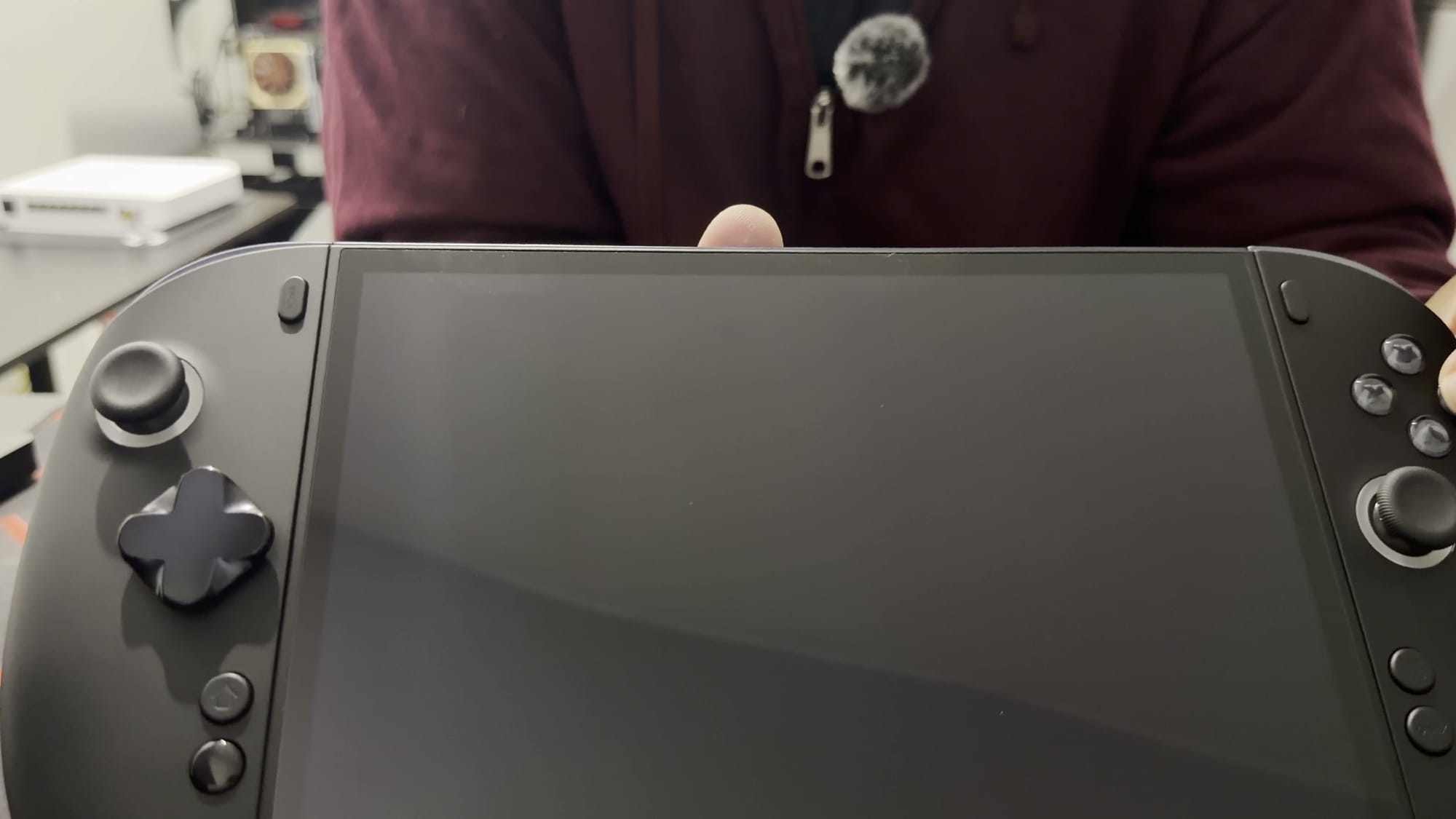
The face buttons and D-pad have a clicky feel, and both make a good first impression. Clicky buttons are an acquired taste for some players. For those who like that response, the X2 Mini Pro delivers it on both the face buttons and the D-pad.
The fitted D-pad is a broad design, and the box includes an extra cross-shaped D-pad as an alternative. The fitted one resisted my initial attempt at removal, so I stopped there. Checking the proper swap method first is the safer approach. Forcing it risks turning a D-pad swap into a repair.
The triggers have switches that change how far they travel. One position gives a longer pull, and the other gives a short press. Both positions are worth trying depending on the game. That choice is a useful small control adjustment.
The weight arrives with the battery
Without its battery, the handheld feels surprisingly light. That lightness disappears once the battery goes on. The removable 85 Wh battery attaches to the back of the device. With it fitted, the weight feels much closer to my Legion Go 2, although I judged this by feel without a scale.
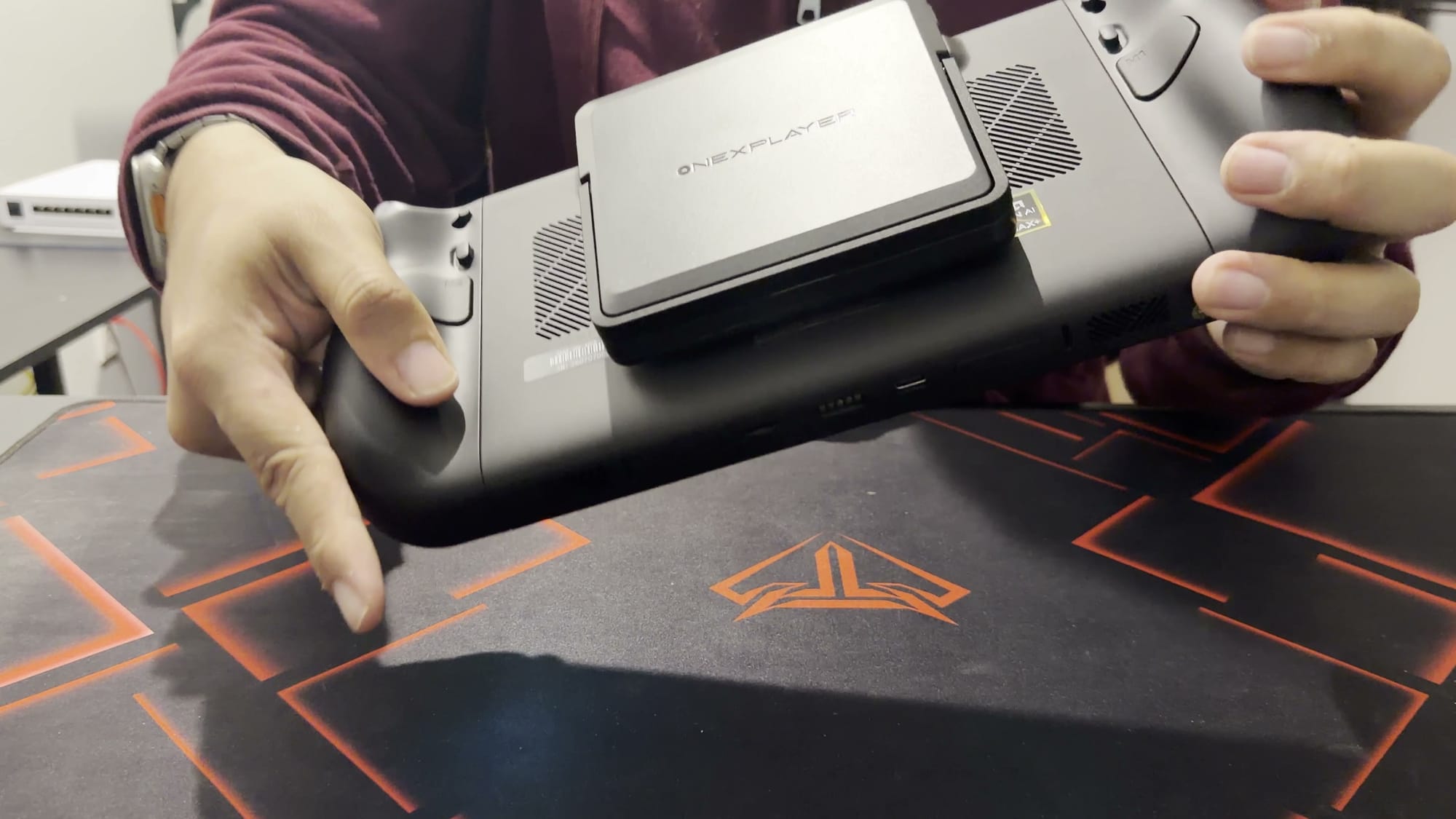
A removable battery offers flexibility as a separate piece. The battery still has to travel with the device for any play away from an outlet. Between the handheld, the battery and the charger, the kit adds up to a fair amount to pack. That total is worth weighing for anyone who plans to travel with it.
The kickstand feels decent and holds its position. With the controllers attached to their connector and the display on the stand, the handheld offers another way to play without holding all of its weight. This setup suits longer sessions at a table or desk. It is one of the more practical benefits of the detachable design.
The unit starts up as soon as the battery is attached. Windows then appears, ready for the usual setup. Accounts, Steam and preparing a game library are the next steps.
The controller connector needs more investigation
The controllers detach by pressing a release and lifting them away. They then slide onto the separate connector. The result is a standalone controller to hold while the screen sits on its stand. That arrangement is the basis for the kickstand setup described above.
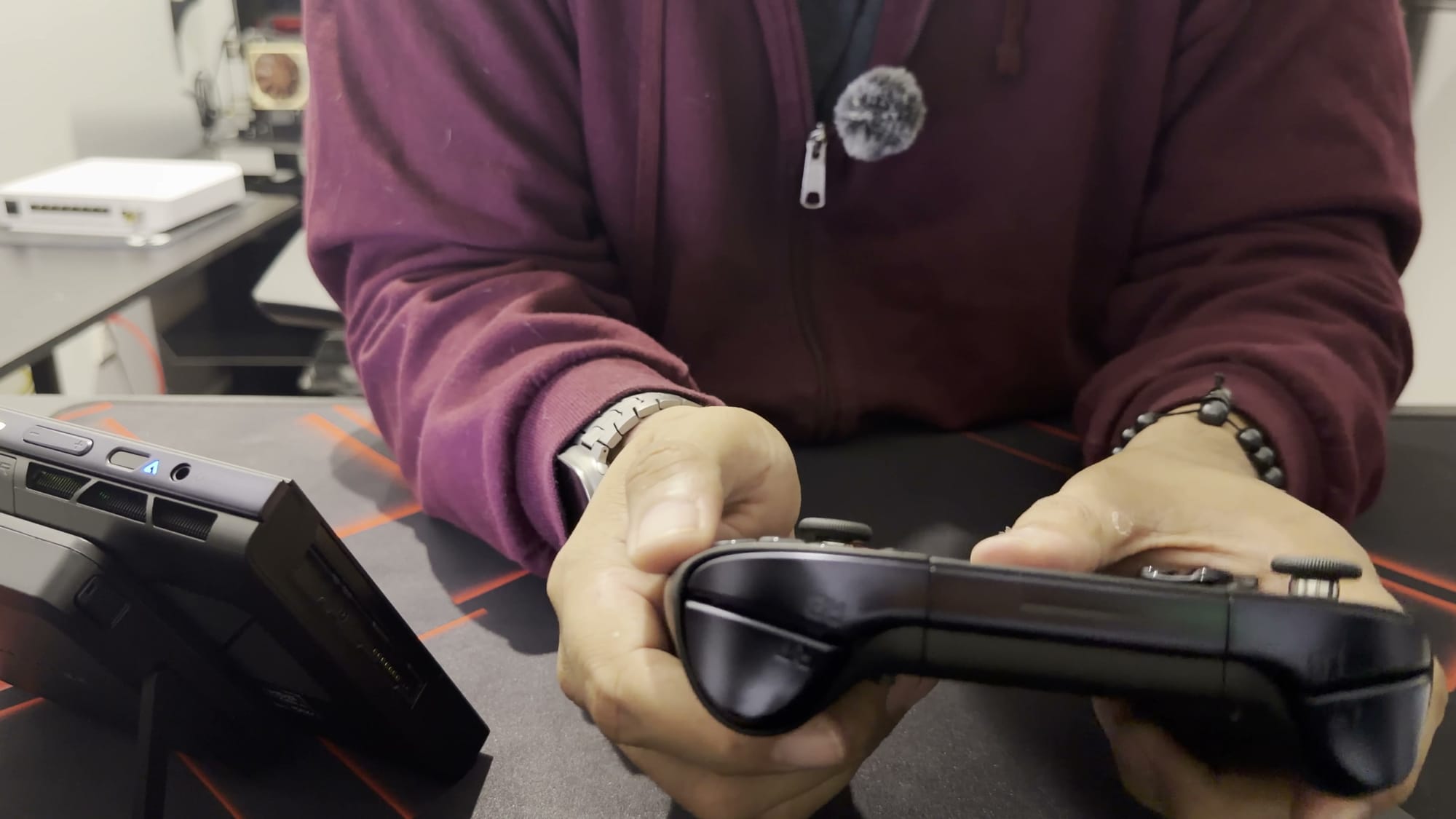
The connector has a touchpad and a USB receiver, a small dongle. The touchpad did not respond during my first boot, because it only works with that dongle connected. Once the dongle is plugged in, the touchpad responds normally. I was still unclear on the connector’s power and charging arrangement at that stage, and it needs more time with a configured Windows install.
More upgrades and projects are waiting
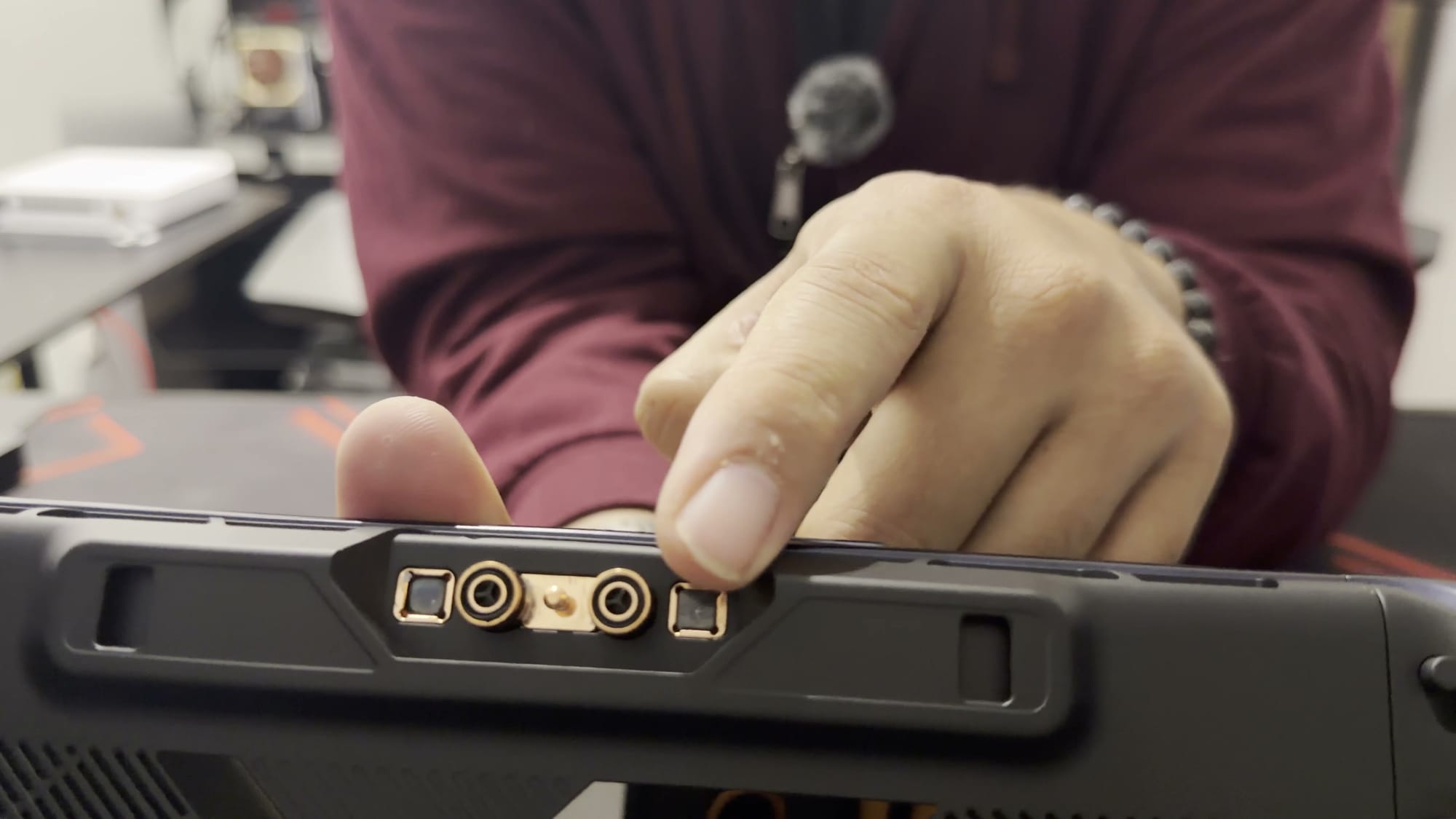
The back of the device also carries connections for OneXPlayer’s separate Frost Bay liquid-cooling accessory. The cooler was not included in my shipment. Its connections show how far the platform can be extended. They also signal that more accessories are available for anyone willing to keep buying.
Storage offers another route for expansion. My Legion Go 2 holds an 8 TB SSD full of games, and moving that drive into the X2 Mini Pro is a possible next step after I test the device with Windows. My Legion runs Bazzite, which raises the question of how the same setup would behave on this handheld. I did not attempt the move during this first look, so it remains a plan.
Before you buy
Buyers who value build feel and premium materials should handle one before committing, or at least weigh the shell against the price. Those drawn to tinkering will find plenty here, from the swappable D-pad and adjustable triggers to the removable battery, the stand mode and the liquid-cooling connections. Anyone planning to travel should account for the large carrying case, the separately cased charger and the battery. The controller connector’s touchpad needs its USB dongle, so the dongle belongs in the travel kit as well.