News · News · Local AI · PC Hardware
Modders Lift Nvidia's Half-Speed AI Cap on GeForce RTX 20, 30 and 40 Cards
Community tools lift a speed cap Nvidia builds into GeForce RTX 20, 30 and 40 tensor cores. What gets faster for local AI, what doesn't, and the catch.
https://averagetechnerds.com/nvidia-geforce-tensor-unlock/
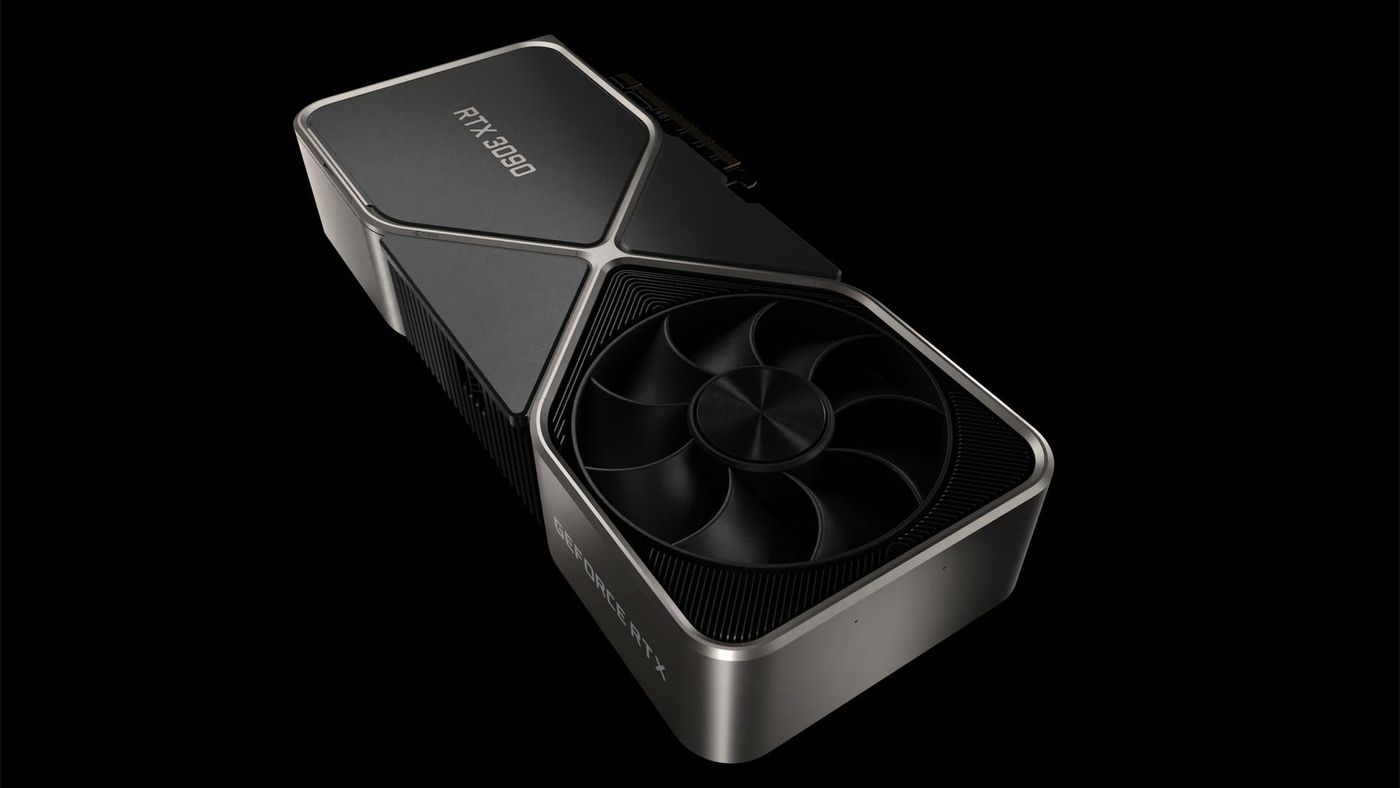
Open Nvidia’s own whitepaper for the RTX 30 series and it’s right there in a table. The GeForce RTX 3090 does one particular kind of AI math at half the speed of the RTX A6000, a workstation card built on the same chip. Nvidia has printed that for years, and GeForce owners have just lived with it. This month, a handful of independent developers found a way to switch the half off, and it now works on Windows as well as Linux. Here’s what the unlock actually does, who it helps, where the headlines got carried away, and what you give up to run it.
What is the GeForce tensor unlock?
It’s a change made inside the graphics card every time the PC starts, before Nvidia’s driver loads, that removes a speed cap on the card’s tensor cores. Those are the parts of the chip that do AI math.
Here’s the cap in plain words. Tensor cores multiply huge grids of small numbers and keep a running total as they go. That total can be kept in 16-bit precision, which is quicker and rougher, or 32-bit, which is more precise. Most AI training and a lot of everyday AI work keeps the 32-bit total, and on GeForce cards Nvidia runs that mode at half speed.
The developers got around it through a bug in Nvidia’s own signed boot firmware, the low-level code the card trusts before anything else runs. One developer released a Linux-only version first, around October 18. Other projects followed, including one that runs at the very start of boot, before Windows or Linux, which went public on October 26. Nothing gets written to the card permanently. The change is redone at every boot, and switching the PC fully off returns the card to exactly how it left the factory.
Why are GeForce cards capped in the first place?
Because Nvidia set them up that way, and it’s never hidden it. In Nvidia’s Ampere whitepaper, the RTX 3090’s tensor math with a 32-bit total is listed at half its 16-bit rate. The RTX A6000, built on the same chip, is listed at full rate either way. The same document shows the older Titan RTX at full rate too, even with a GeForce-style name on it.
Nvidia has never said why. The developers’ explanation is market segmentation: the cap is one more reason for a business to buy the workstation card. That’s their read, and it’s a reasonable one, but it isn’t something Nvidia has confirmed.
How much faster does it make AI work?
For the work it touches, roughly a quarter to half faster in real apps. The developers’ own summary of user reports puts image generation at about 30 to 55% faster, fine-tuning at about 25 to 50%, and prompt processing, the part where a model reads what you typed, at about 25 to 55%. One user’s RTX 3080 ran SDXL in ComfyUI about 29% faster.
Pure matrix-math benchmarks are where the dramatic numbers come from, and those can approach double. On one RTX 4090, the unlocked figure landed right on top of the number Nvidia itself lists for the faster 16-bit mode, which is about as clean a sign as you’ll get that the cap, and nothing in the silicon, was holding it back.
There’s a ceiling, though, and it’s power. A card doing twice the work pulls more power, and big cards like the 4090 hit their power limit before they can use the full speed-up. All of these results are self-reported by users, so treat them as early numbers.
Will it make games or my local chatbot faster?
Games, no. Nothing about this touches how a game draws frames, and there’s no verified frame-rate gain.
Your local chatbot, mostly no as well, and this is the part that matters most if you run AI at home. How fast a model writes its reply depends on how quickly the card can move the model through its memory, which I got into with the Arc Pro B70, and the unlock does nothing for memory bandwidth. llama.cpp, the engine under Ollama and a lot of other chat apps, barely moves for a different reason: it mostly runs its math in modes that were never capped. One detailed user report on a pair of RTX 3060s measured prompt processing at up to about 3% faster and reply speed unchanged.
So the people who come out ahead are the ones generating images, training or fine-tuning models, or running full-size models through tools built on PyTorch.
I’ve got an RTX 3090 in my home server, and I’m leaving it alone. The chat models I run there wouldn’t get faster, and I don’t want unofficial firmware tricks on a box that runs around the clock.
Where did “up to 192%” come from?
From a number that doesn’t add up. Notebookcheck’s write-up quotes an RTX 4070 Ti Super going from 55.50 to 127.28 TFLOPS and calls it 2.92 times faster. Do the division and it’s 2.29, which is what the developers’ own notes say. It looks like a swapped digit, and it’s where the top of the “50% to 192%” range comes from.
Even 2.29 deserves a second look. The cap halves the speed, so removing it can at most double it. Anything above two times means the starting number was being held back by something else as well. The same report says that card drew more power after the unlock, up to the 295 W cap it lists, because it was doing more work. The report doesn’t mention a power-limit mod.
Which cards does it work on?
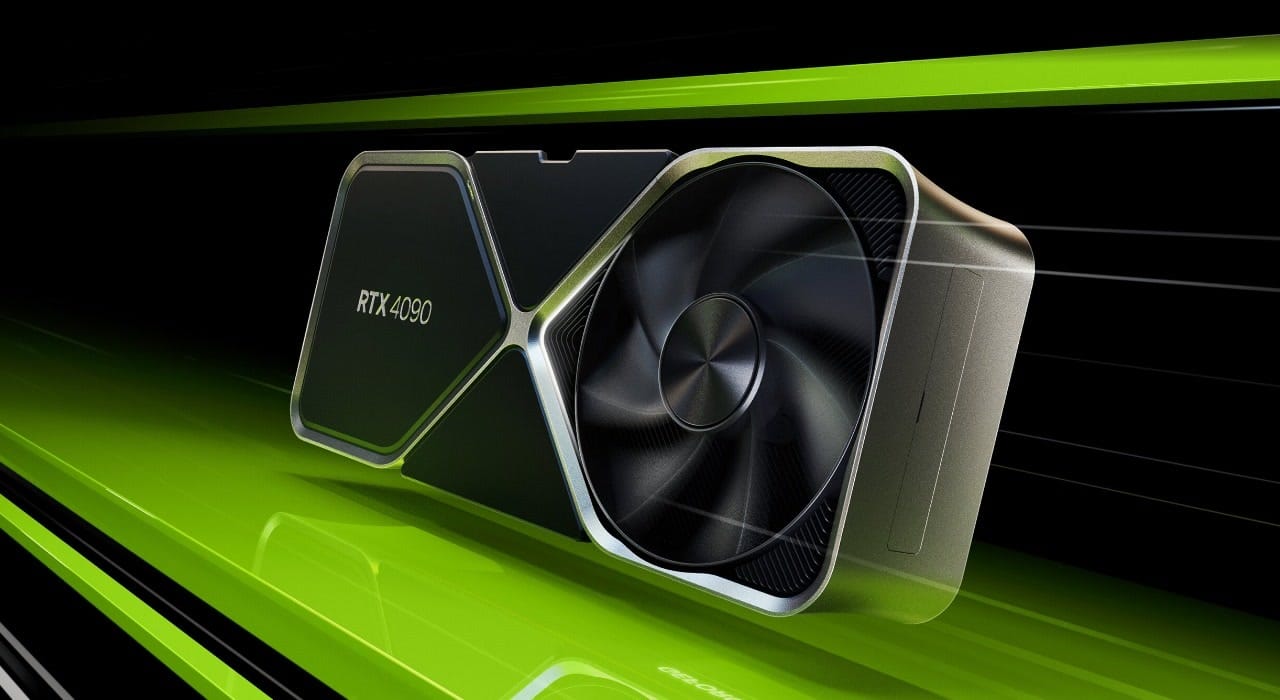
The RTX 30 series is the best covered, with the whole family supported and confirmed on cards from the 3060 up to the 3080. On the RTX 40 series it’s confirmed across most of the range, from laptop 4050s and 4060s to the 4080. The RTX 4090 is the odd one out on the Windows-capable version so far, with only a partial gain while the developer looks into it.
The RTX 20 series is patchier. On the Windows-capable version, only the RTX 2070 and 2060 Super have worked so far, and one RTX 2080 Super blue-screened once Windows took over. Separate Linux projects report the 2080 Ti working. Those cards also have no BF16 support in hardware, so only the FP16 side gets faster. RTX 50 cards boot through a different security setup that doesn’t use the buggy firmware, and the original developer calls an RTX 50 version unlikely.
What’s the catch?
A few, and they’re worth knowing before you get excited. The Windows-capable version needs Secure Boot switched off, or your own signing key added to the PC’s firmware. Notebookcheck points out that games whose anti-cheat requires Secure Boot won’t run while it’s off. On laptops that power the graphics chip down when it’s idle, the unlock can quietly drop back to stock.
It’s also early, unofficial software poking at firmware. Users have reported black screens, a blue screen on an RTX 2080 Super, and systems that reset on some motherboards, and the developer warns that stacking it with power-limit mods pushes heat and power well past what the card was designed for. The original Linux developer adds a warning too: no Windows installer comes from that project, so be very careful with the ones going around.
The upside of how it works is that it’s easy to walk away from. Nothing is flashed, so a full power-off and a normal boot leave the card exactly as Nvidia shipped it.
Has Nvidia said anything?
Nothing, and no takedown has shown up either. No outlet covering it reports a comment from Nvidia. Whether a future driver or firmware update shuts it down is anyone’s guess right now, and the RTX 50 series already works differently. For now, most RTX 30 and 40 cards, and some RTX 20s, can do this math at the speed the silicon was built for.
Nerd Alert
Your Turn
What are YOUR thoughts
What have your experiences been? Let us know.