Hands-on / First look · First Impressions · Controllers & Accessories · Console Gaming · Switch 2 controllers
Mobapad M12 Pro First Impressions: Great Switch 2 Joy-Cons With One Big Catch
Mobapad’s Switch 2 Joy-Cons feel great, the app is painless and turbo lives on the controller. The rumble is the catch. My first impressions.
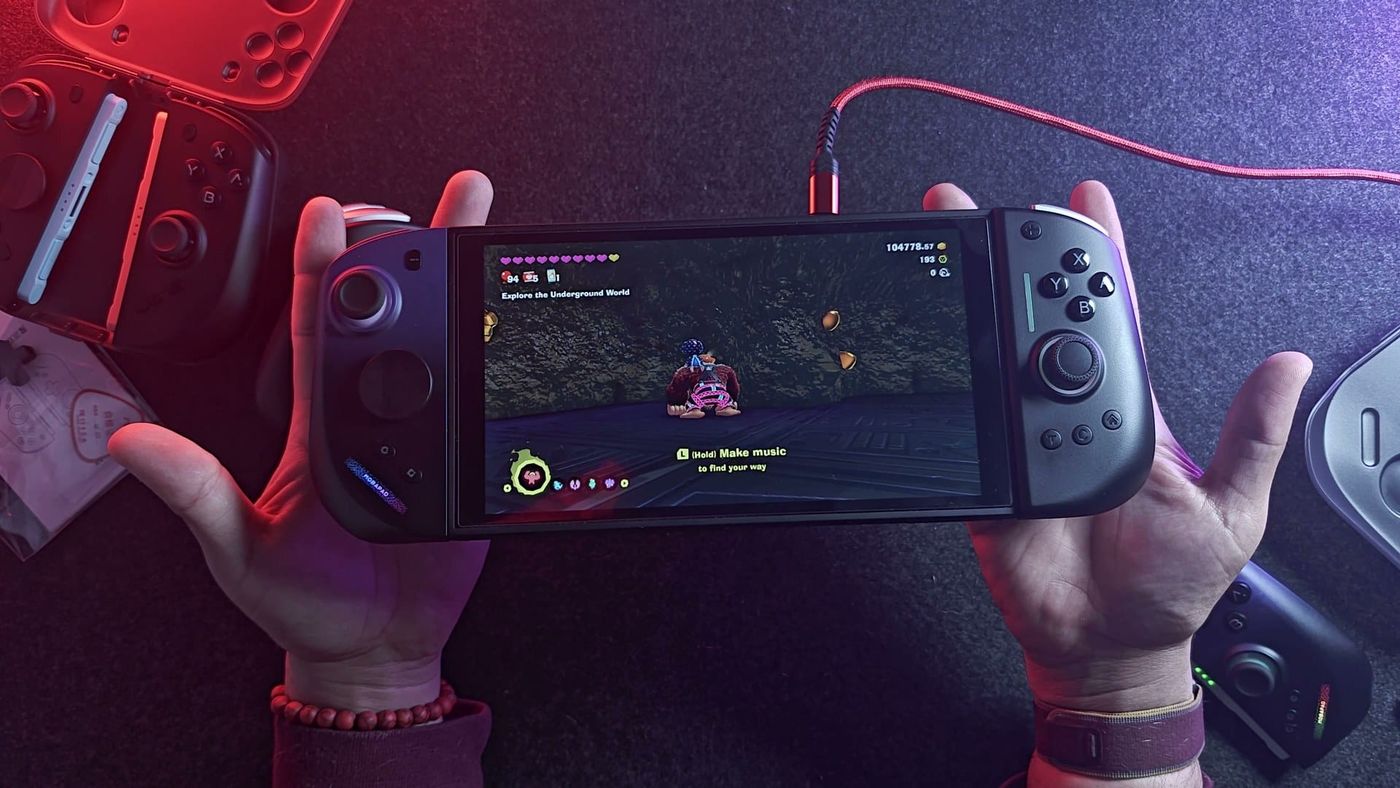
My Mobapad M12 Pros shipped on October 31 and landed on November 9. By the time I opened them on camera, I’d had them for less than a day. They’re Joy-Con replacements for the Switch 2, and as far as I can tell, they’re one of only two third-party sets that tick every box: real Switch 2 protocol, HD rumble, amiibo, mouse mode. I paid $120. I like them a lot already. The rumble, though, is a problem.
What is the Mobapad M12 Pro?
It’s a pair of Joy-Con replacements for the Switch 2 that speak the console’s own protocol. The Switch 2 sees them as real Joy-Cons, so the C button opens GameChat and they wake the console like Nintendo’s do. There’s NFC for amiibo, too. The sticks are TMR, a magnetic sensor in the same family as Hall effect, so the sensor has no contacts to wear out and cause drift. Right now, this and the NYXI Hyperion 3 Ultra are pretty much the only third-party sets that put all of that together.
Don’t get mixed up if you search for these. Mobapad announced a different controller called the M12 Pro back in February, and it never shipped as announced. The one I have is brand new, and it’s the one you can actually buy.
If you’ve seen my Mobapad M12 HDs, you’ll know the shape. One correction from the video: HD rumble, amiibo and TMR sticks aren’t new. The HDs already had them. For an HD owner, the real difference is the Switch 2 protocol, which is why the Pros wake the console and team up with other Switch 2 pads, plus the C button, mouse mode and 9-axis motion. If you want the backstory, I covered the pre-order and release details before it shipped.
What’s in the box?
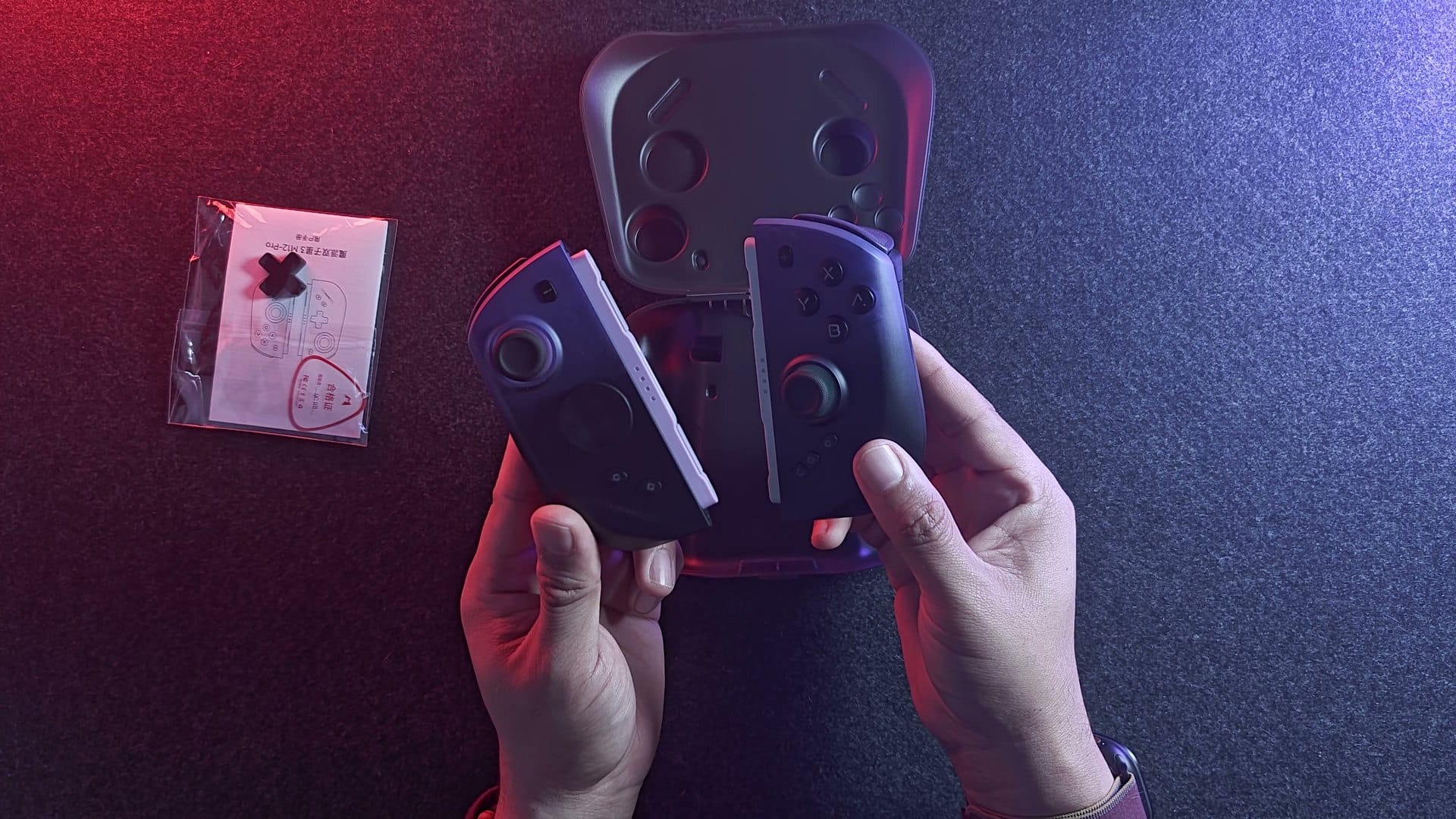
The left and right controllers, a protective carry case, and a spare D-pad piece. That’s the controllers-only version, the one I pre-ordered. If you want the charging grip, the bridge that holds both pads, Mobapad sells a bundle with it, and a bigger one adds a hard case that fits your Switch 2 with the pads attached. Look around before you buy, though. You may find them cheaper somewhere else.
I skipped the grip because I already have one. It’s the exact same grip as the M12 HD’s, and Mobapad says the grip and case work across the M12 Pro, M12 HD and M12 S. If you already own one, save the money.
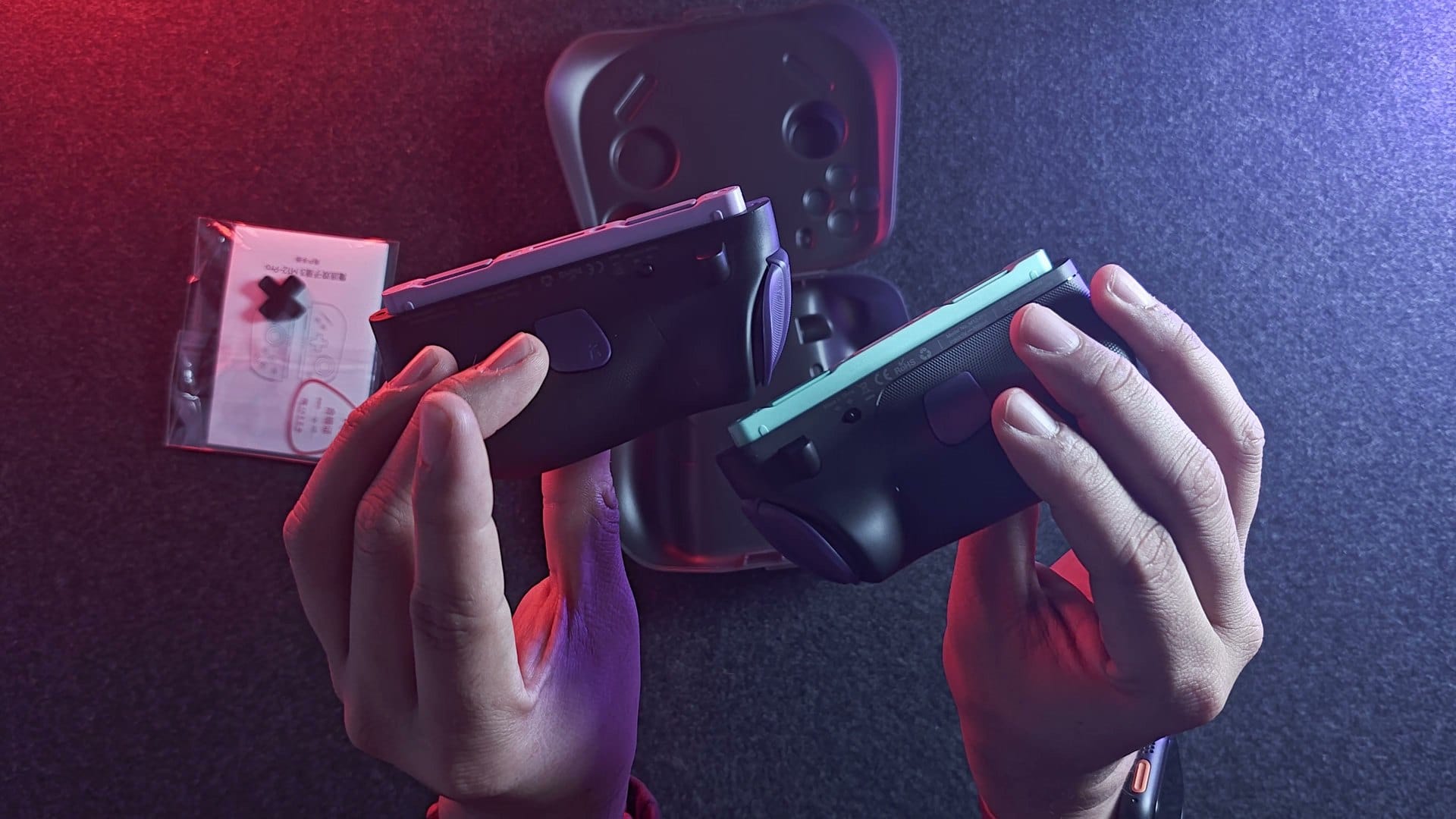
The colours are going to be a talking point. The body is black and purple, with purple shoulders and back buttons, and the rails and stick caps are a purple and teal mix. It’s the only colourway right now. I’d love a black and red version, obviously.
How do they feel?
Really good. They’re lightweight, with the same textured plastic finish and shape as the M12 HDs. On my scale, the M12 Pro pair weighed 207g against 199g for the HDs, so a few grams heavier, which to me is basically the same weight. The NYXI Hyperion 3 Ultras, at 230g, are definitely heavier.
The D-pad is swappable between a classic cross and an octagonal one, and I prefer the octagonal. It’s held on with plastic clips, where the NYXIs use magnets, so that could be a downgrade depending on how you see it. The sticks have a good amount of tension, and I like that. They aren’t adjustable, though, and right now they feel a bit stiffer than normal to me, beyond the tension. I want to put them next to my older Mobapads to see.
Every button is clicky. ABXY and the D-pad use Omron microswitches, and the shoulders click too. Short press, sharp little click, solid stop at the bottom. That makes them quick and easy to mash, good for platformers and fighting games. I like the clicky. If you don’t like noise, know that everything on these clicks. The triggers are digital, but so are the Joy-Con 2’s. Even the Switch 2 Pro Controller doesn’t have analog triggers.
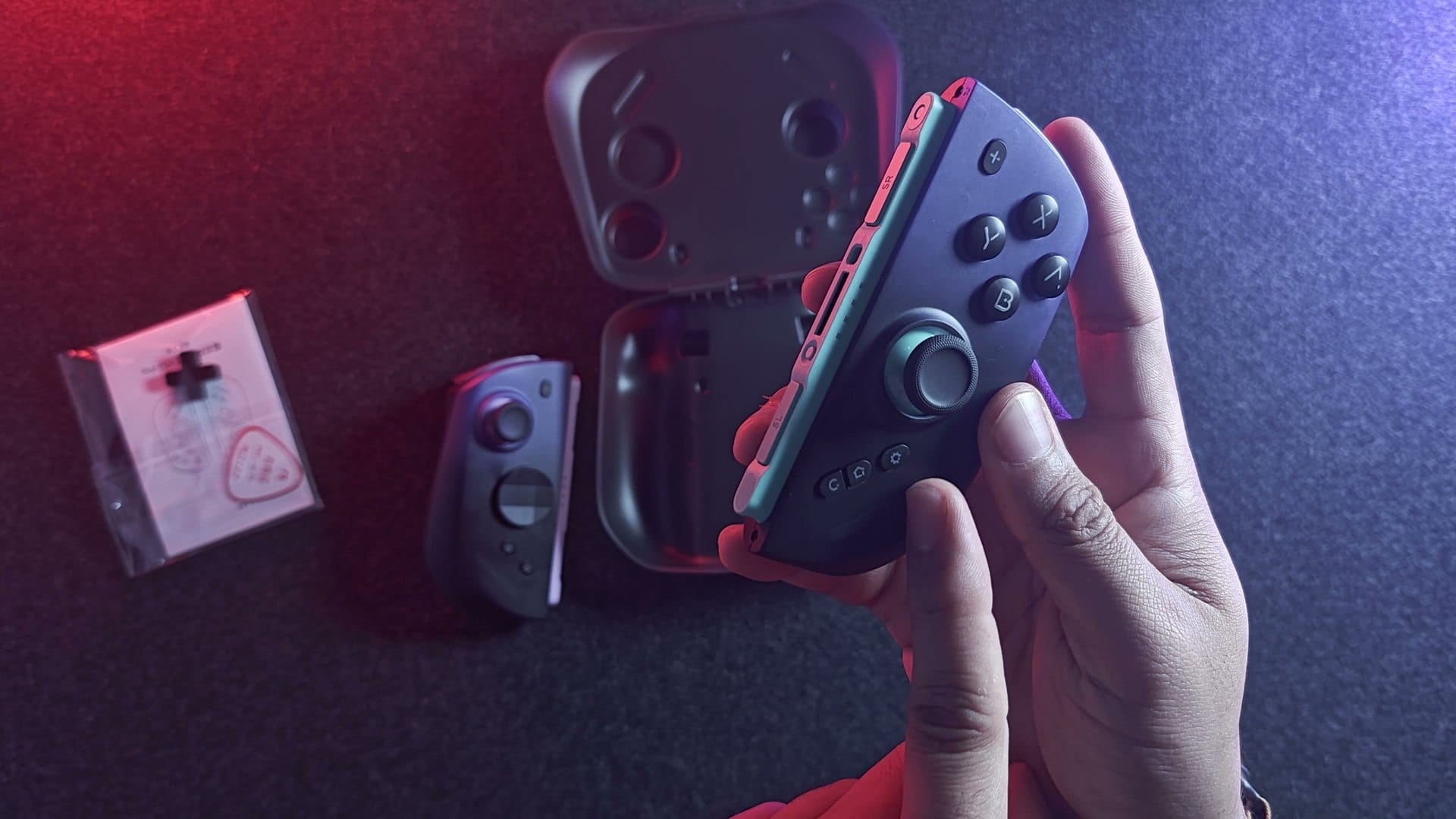
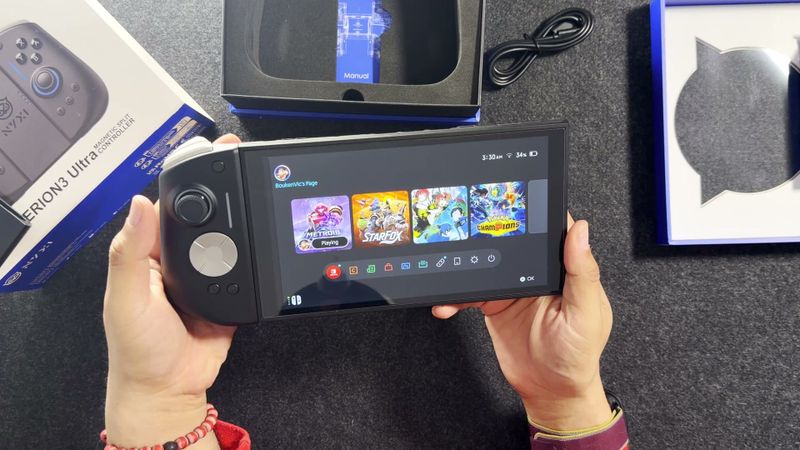
Next to the Hyperion 3 Ultras, the difference is thickness. The Ultras are thick. The M12 Pros are thinner, and with my medium-sized hands they’re actually a better match for me. I like them both, honestly. If you have bigger hands, the Ultras may suit you better.
How do they work on the Switch 2?
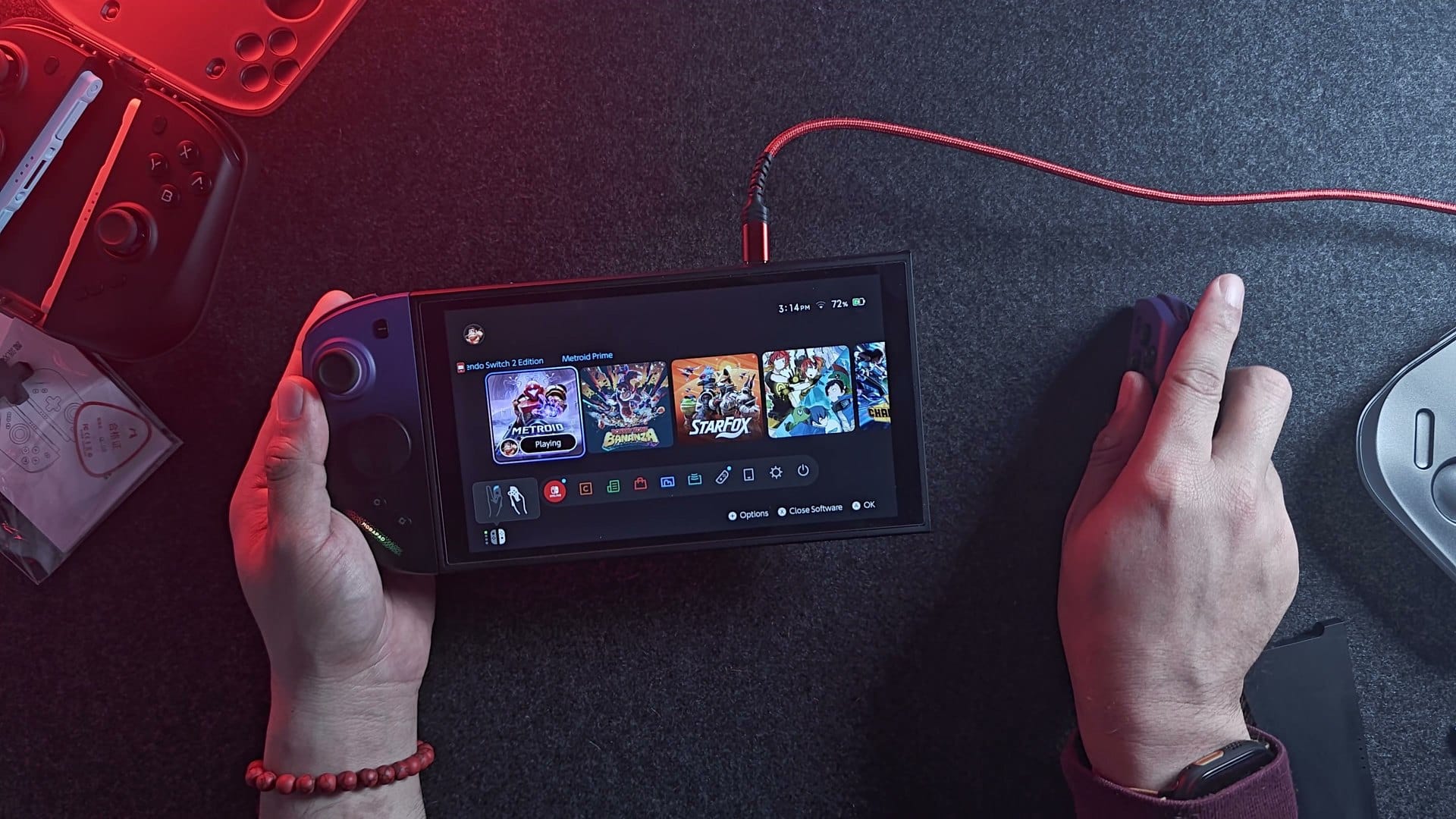
They snap on magnetically with a nice strong click, and they paired the moment I attached them. Nothing else to do. Because they use the Switch 2 protocol, you pair them once by attaching, and after that they’ll wake the console from the grip.
There is a little wobble. With both pads on the grip there’s a slight bit, and on the Switch 2 it’s a bit more. It’s the same as the M12 HDs, and honestly the official Joy-Con 2s wobble too. I wouldn’t hold the console by one pad, though.
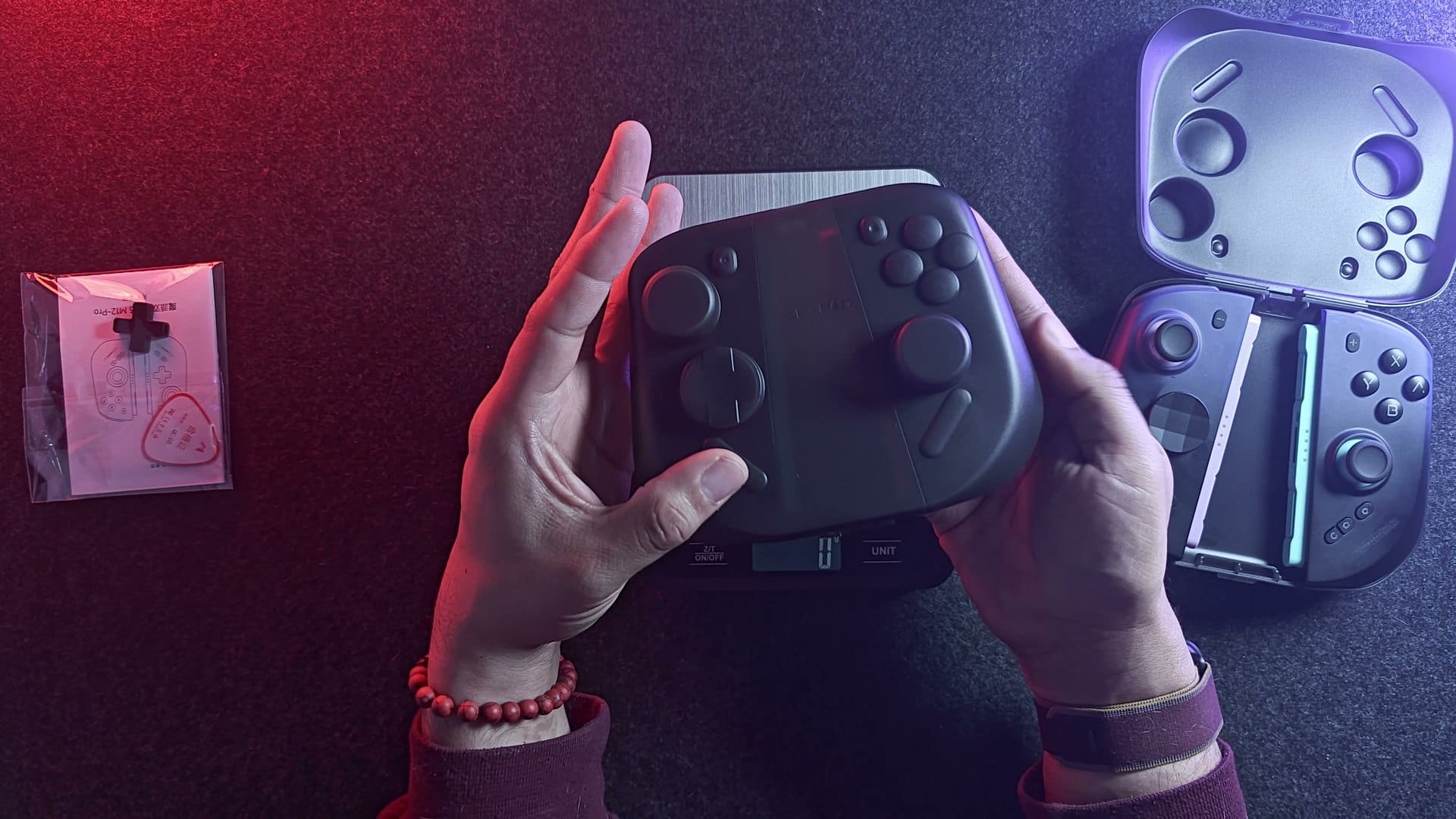
Something fun I found: you can mix and match. An M12 Pro with an M12 HD didn’t work on the rails, because the HD uses the older Switch 1 protocol. An M12 Pro with a NYXI Hyperion 3 Ultra does, because both speak Switch 2. One of each, working together. My unholy abomination.
How easy is the Mobapad app?
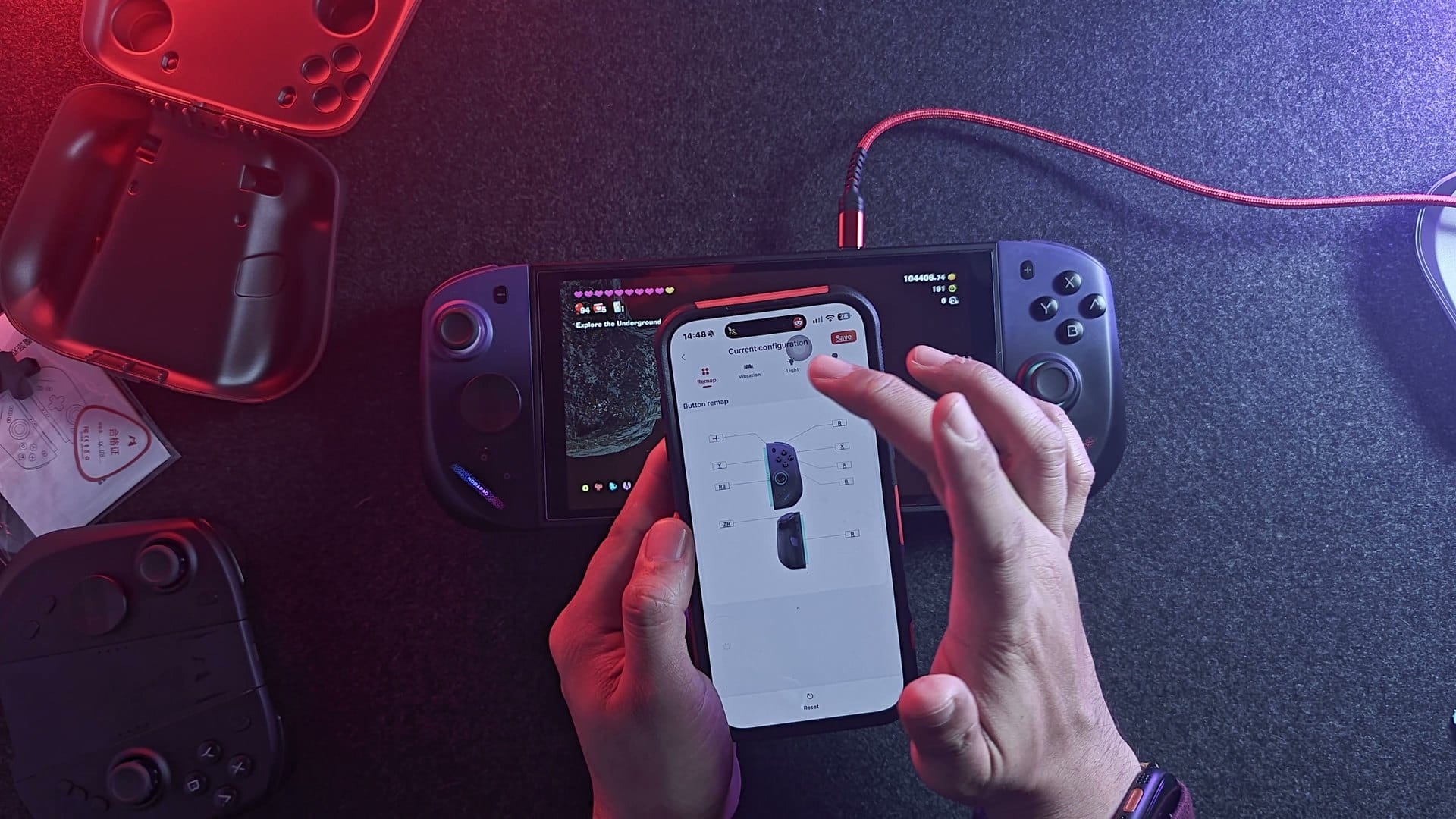
About as simple as it can be. I’ve complained before about firmware updates that need a phone app, because usually it means pulling the controller off, re-pairing over Bluetooth and fighting with my phone. Mobapad’s app didn’t ask me to sign in or make an account. I already bought the device, so thank you, Mobapad. You attach the pads to the Switch 2, open the app and tap One-Tap Connect.
It found them over Bluetooth while they were still on the console. One pad was up to date and the other had an update, so I ran it, and the pads stayed in use the whole time. At the very end it reset for a couple of seconds and came back. I wouldn’t play a game mid-update, but I didn’t have to take anything off.
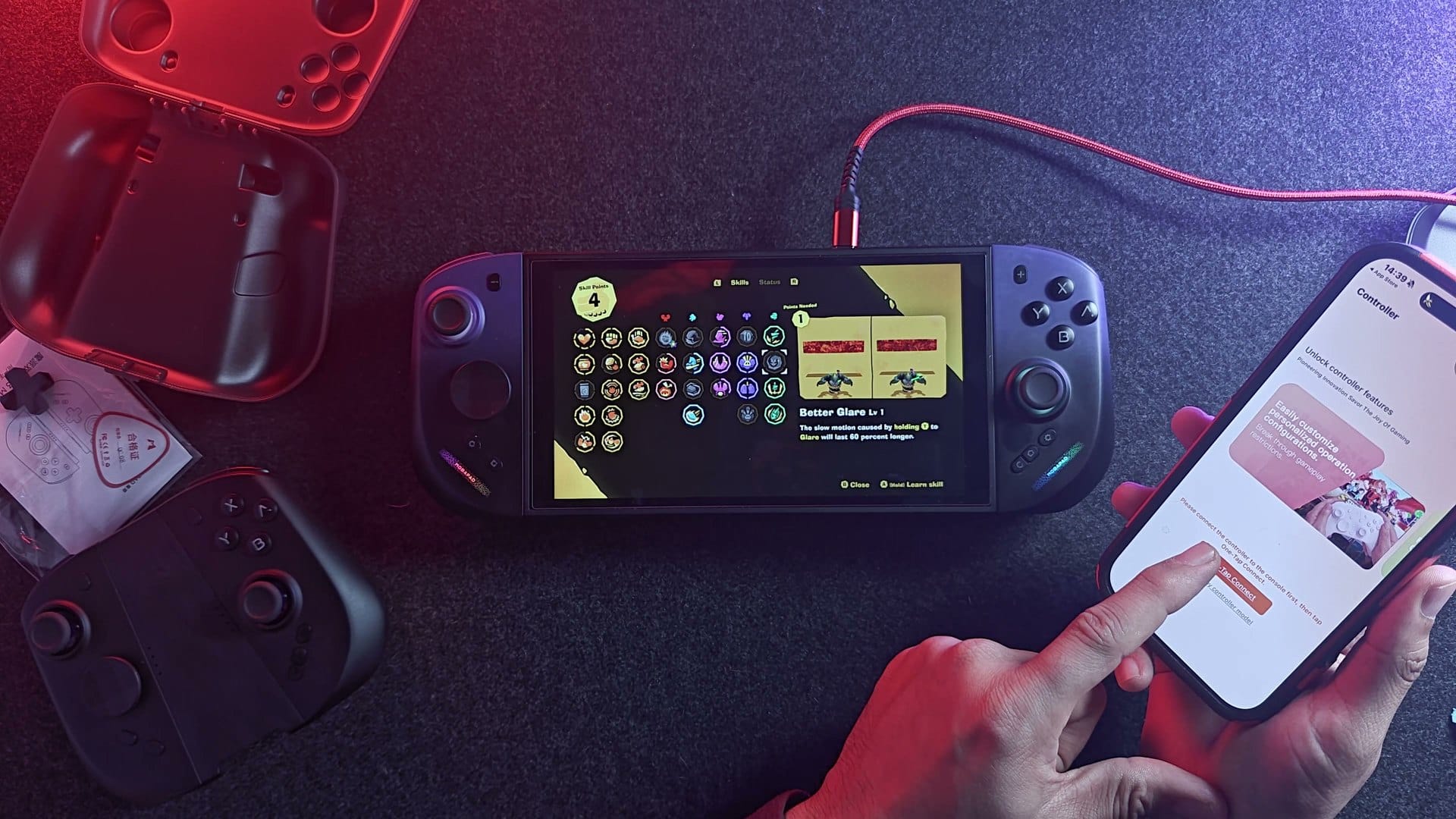
You’ll need the app for firmware, for the LED settings, breathing, static or off, and for setting the battery level at which the pads stop charging off the Switch 2. Most other things work from the controller. The RGB strip is subtle, mostly covered by my hands, and it shows when turbo is on, so I don’t mind it.
How’s the rumble?
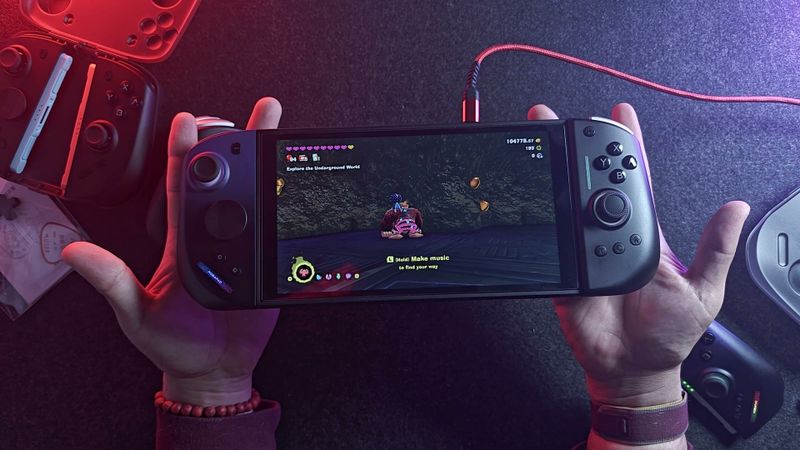
Disappointing, at least so far. It’s HD rumble, and I can feel that detail, but the strength just isn’t there. You can change the level on the controller by holding a Settings button and pushing the stick, and there are three levels. In Donkey Kong Bananza it was weak even on high, and the app confirmed it was already set to high. I could barely feel it.
To be fair, I tried the others. My M12 HDs felt stronger than the Pros, though still subtle. The Hyperion 3 Ultras, also on high, were weak in that game too. And I remember the Pro Controller rumbling a lot harder in Bananza. So maybe it’s partly the game. I’m going to keep testing other games before I make up my mind. If you know a game that’s a great rumble test, tell me, because I’ll buy one just for this.
What about turbo, macros, mouse mode and amiibo?
Turbo and macros live on the controller itself. Hold a Settings button and press the shoot button once, and you get turbo while you hold it. The LED flashes red, and my charged shot stopped charging because it was firing over and over. Press it again for auto turbo, where it keeps shooting without you touching anything, just like the Hyperion 3s. Once more turns it off. Macros are just as quick. Hold Settings for a few seconds, play your combination, and press a back button to save it. I recorded shoot, missile, shoot, and that back button now fires all three.
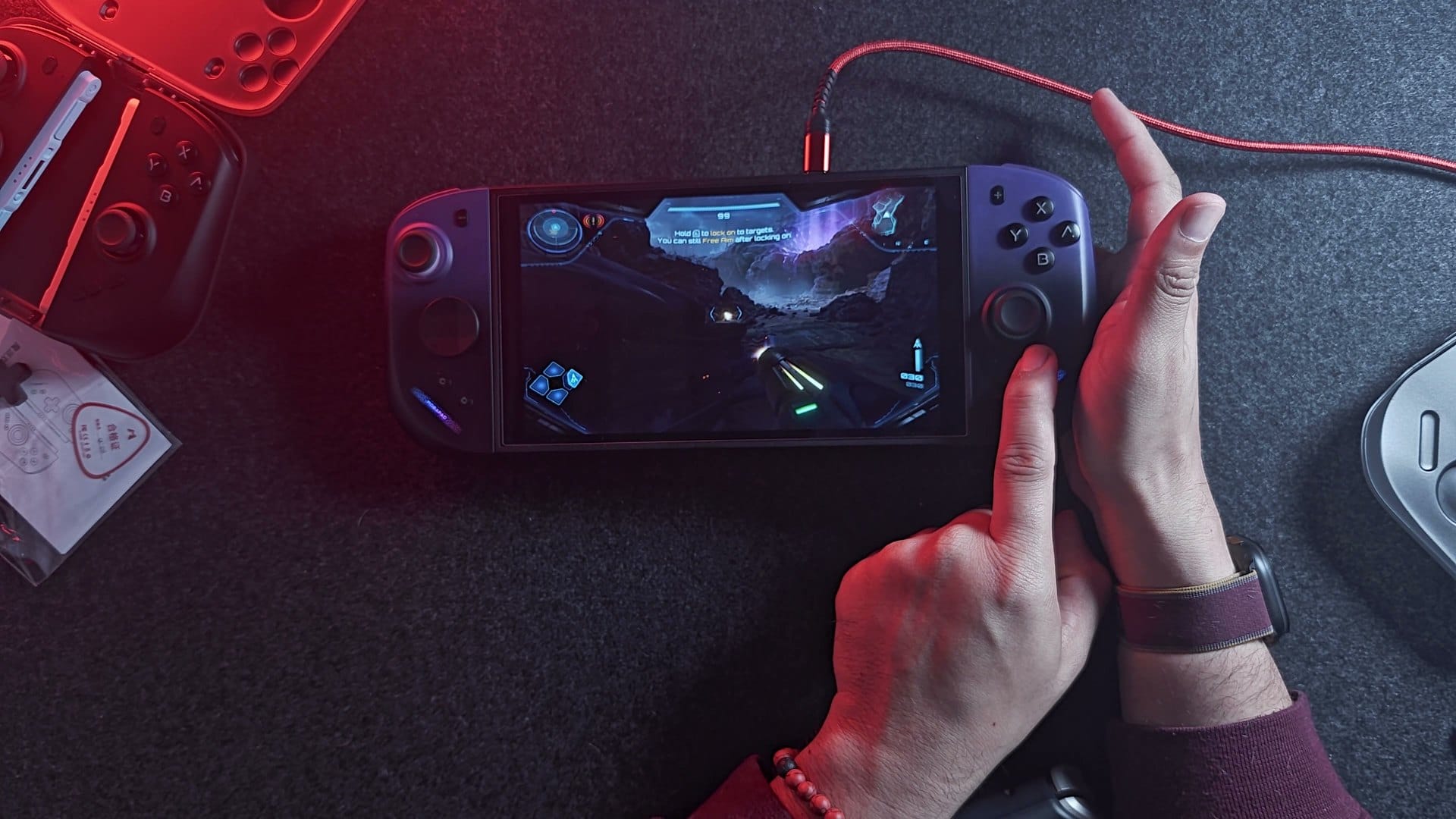
Mouse mode works on both sides. Pull a pad off and the sensor tracks. Amiibo is supported, but my one old figure doesn’t register on any controller anymore, so I couldn’t test it. I’ll pick up an amiibo for the follow-up.
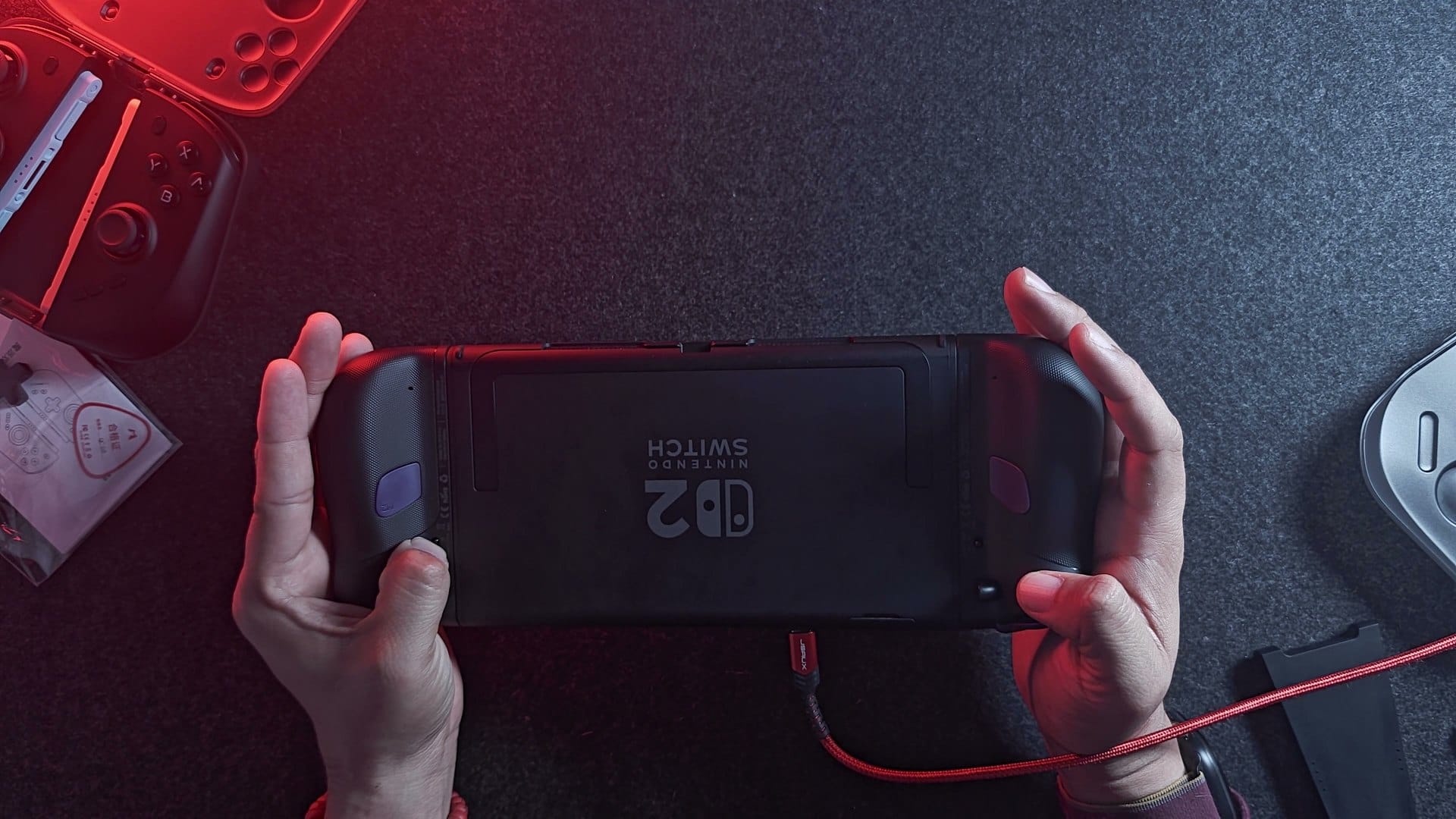
One thing I misspoke about at first: the switch on the back isn’t a power switch. It’s a power saver. Flick it one way and the pads charge off the Switch 2. Flick it the other way and they run on their own batteries, so they don’t drain your console when it’s low. Unlike the Hyperion 3s, the pads don’t have their own USB-C ports, so they charge on the console or on the grip.
Mobapad M12 Pro vs NYXI Hyperion 3 Ultra
They’re competitors in the same class. Both use the Switch 2 protocol and both sit in the premium tier. Right now I’m leaning a little towards the M12 Pros, for their feel and their width in my hands. That isn’t permanent. I need more time with both, and I haven’t used the Ultras in a while.
On price, the M12 Pro is cheaper on the brand sites, at $120 against the $160 I paid for my Hyperion 3 Ultras. Shop around, though, and the Ultras have been on AliExpress for under $100. The M12 Pros are brand new, so give them a few weeks and they may drop too.
| Mobapad M12 Pro | NYXI Hyperion 3 Ultra | Mobapad M12 HD | |
|---|---|---|---|
| Protocol | Switch 2 | Switch 2 | Switch 1 |
| Weight on my scale | 207g | 230g | 199g |
| Shape | Thinner | Thicker | Same as M12 Pro |
| Charging | On the Switch 2 or grip | On the Switch 2, grip or each pad’s USB-C | On the Switch 2 or grip |
| Price I paid | $120 | $160 |
Is the Mobapad M12 Pro worth $120?
Yes, I think so. Even $136 with the charging grip is worth it. I complained loudly about the $160 I paid for the Hyperion 3 Ultras, and I still think $160 pushes it. At $100, both of these are end game, and then the only question is which one fits your hands.
The rumble is my one real complaint, and the jury is still out on that. I’ll do a proper comparison against the Hyperion 3 Ultras next, and maybe a three-way with the M12 HDs.
On the shelf
Switch 2 controllersSee the whole story →Nerd Alert
Your Turn
What are YOUR thoughts
What have your experiences been? Let us know.