News · News · Handheld Gaming
Stardual Valley Puts Stardew Valley’s Inventory and Map on Your Handheld’s Second Screen
A free mod gives the bottom screen of a dual-screen Android handheld a job in Stardew Valley: your backpack, the map, quests and an offline wiki.
https://averagetechnerds.com/stardual-valley-stardew-valley-dual-screen-mod/
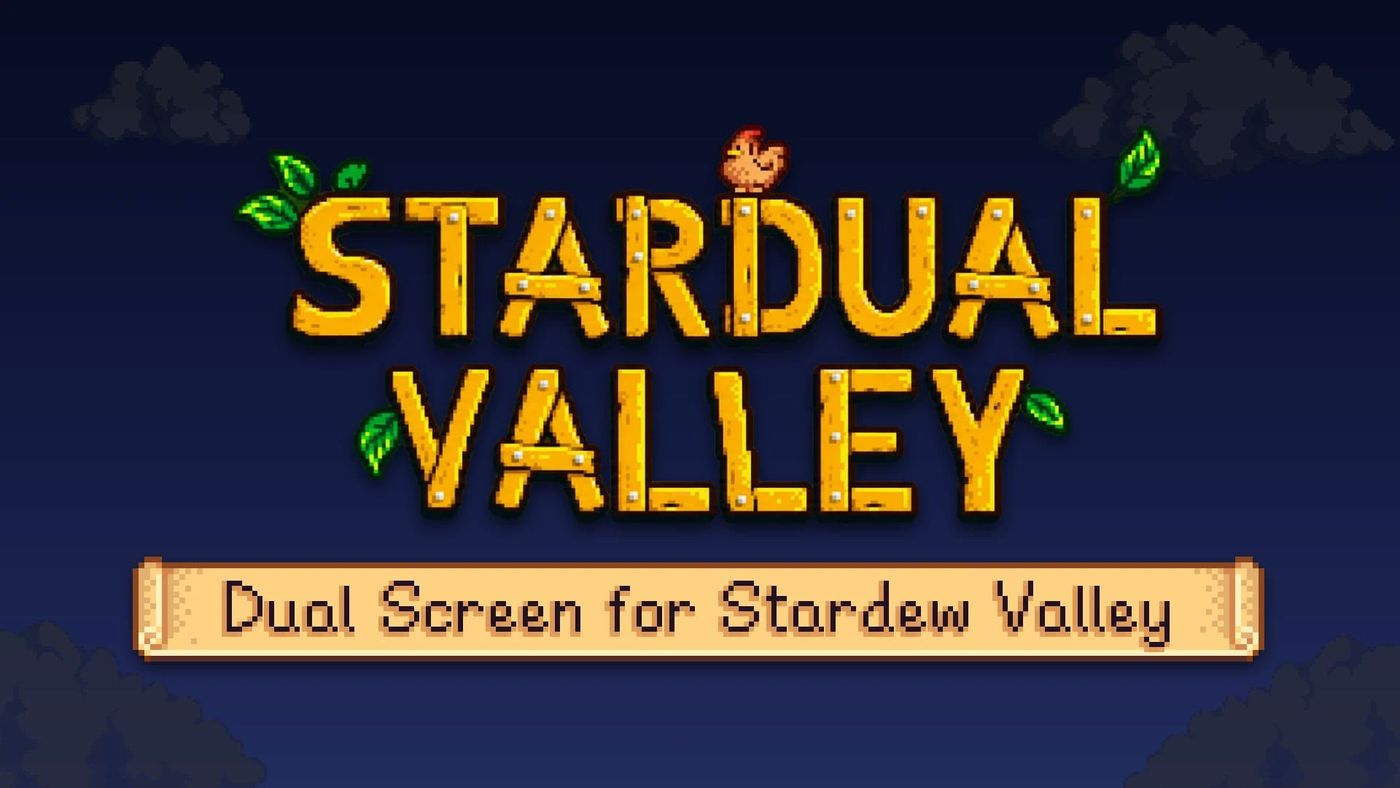
Play Stardew Valley on a dual-screen handheld and the bottom screen just sits there. Doing nothing. Stardual Valley fixes that. It’s a free mod that puts your backpack, the map, your quests and a whole offline wiki down there. You can check them without opening a menu over the game.
What does Stardual Valley do?
It gives the bottom screen a job. Tab by tab:
- **Main:** the time, weather, luck, gold, energy, health and buffs, plus your whole backpack. Tap to select, move, sort or eat items, and drag to rearrange them or put on your hat, clothes, boots, rings and trinket.
- **Map:** the world map with the villagers on it. It works with the NPC Map Locations mod.
- **Farm:** crops that need watering or harvesting, your machines, animals and fruit trees, and the planting deadlines for the seeds in your bag.
- **Journal, Bundles and Calendar:** your quests, what each Community Center bundle still needs, and birthdays and festivals.
- **People:** hearts, the gifts you’ve given this week, and who you’ve talked to today.
- **Crafting:** every recipe you know, with the ones you can make right now at the top.
- **Progress:** skill levels, the professions you picked, Mastery, museum donations and how deep you’ve been in the mines.
- **Wiki:** search any item, villager, shop, fish or place. It’s built from the game’s own data, so it works offline and includes items from your other mods.
There’s an optional cheats tab too, off by default and marked experimental. It can freeze time, change your walking speed and the weather, warp you around, open any door, add hearts and give you items.
Why does it look like part of the game?
Because it’s drawn with the game’s own parts. The bottom screen uses Stardew’s window frames, fonts and icons, taken from your copy of the game while it runs. So both screens look like one game. Even the background behind the menus can be an animated sky that follows the in-game time and weather.
Want a cleaner top screen? You can hide the game’s usual on-screen display and let the bottom screen carry it. With it hidden, your current item row pops up for a moment when you switch, and L and R still flip between backpack rows. Worried a mod with its own screen opens something up on your Wi-Fi? Its maker says no. The second screen only talks to the game on the same handheld.
What is SMAPI?
It’s the mod loader most Stardew Valley mods run through, Stardual Valley included. A modder called Pathoschild started it back in 2016, it’s open source, and it’s the most-downloaded file for Stardew on Nexus Mods, at more than 30 million downloads. Think of it as the layer between the game and your mods. Stardual Valley needs version 4.0 or newer.
It’s also gotten safer. The 4.5 release added malicious file detection, which matters when you’re installing code from strangers. On a PC you install SMAPI yourself. With Cinderbox, you get its own build of SMAPI instead.
Can’t you just play the Android version?
You can. Stardew Valley has an official Android version, and it got the big 1.6 update on November 4, 2024, along with consoles. It just uses one screen, and it isn’t built for mods.
Stardual Valley needs SMAPI, and SMAPI is made for the PC version of the game. So the Android version can’t run it on its own.
Why run it through Cinderbox?
Because that’s the setup its maker names, and SMAPI is a PC program. There is an unofficial Android port of SMAPI that runs on the Play Store version of the game, but it’s still experimental.
Cinderbox goes the other way. Instead of modding the phone version, it runs the PC version of Stardew on your handheld, with its own build of SMAPI. So mods made for PC mostly just work, 99% of them by its makers’ count. You bring the game, though. You need to own it on Steam or GOG, because Cinderbox comes with no game files.
What do you need to run it?
Five pieces, and three of them are free:
| What | Details |
|---|---|
| The game | Stardew Valley 1.6, PC version, owned on Steam or GOG |
| A launcher | Cinderbox, free; the mod’s maker says other Android launchers will most likely work too |
| The mod loader | SMAPI 4.0 or later; Cinderbox uses its own build and can download it for you |
| The mod | Stardual Valley, free on Nexus Mods |
| The handheld | A dual-screen Android handheld; built and tested on the AYN Thor |
What does it all cost?
Just the game, if you don’t own the PC version yet. Stardual Valley, Cinderbox and SMAPI are all free. Stardew Valley costs $14.99 on both Steam and GOG in the US, checked November 18. One thing to know first: buying the game on Google Play doesn’t count here. Cinderbox needs the PC files, so you need the Steam or GOG copy even if you already own the Android one.
How do you set it up?
In four steps, going by Cinderbox’s and the mod’s own instructions:
- **Get your game files.** On your PC, open Steam, right-click Stardew Valley and choose Manage, then Browse Local Files, and zip that folder. On GOG, zip the game’s install folder the same way. Or skip the zip: since version 0.8.0, Cinderbox can sign in to Steam itself and download your copy.
- **Install Cinderbox.** It’s an APK from its GitHub page, so you install it by hand. When it starts, it walks you through loading your game files.
- **Add SMAPI.** Cinderbox offers its SMAPI build during setup. It also installs the Cinderbox Pack, 17 mods for touchscreen play, controls and mobile-style features, like tap-to-move.
- **Add Stardual Valley.** Download it from Nexus Mods and drop it into your mods like any other SMAPI mod, then start the game through Cinderbox.
Does it work with your other mods?
Two, so far. NPC Map Locations works with the bottom-screen map, and Stardew Valley Expanded, the most-downloaded content mod on Nexus, seems fine too, by its maker’s account. If something breaks, the mod page is where to report it.
The Cinderbox Pack’s touch mods are still an unknown, since the mod page doesn’t mention them. If something clashes, try the mod without them first.
Where did the idea come from?
From an earlier mod. In August 2026, a modder called ProfMags posted the Stardew Dualscreen Mod on Nexus Mods, made for dual-screen Android handhelds. It works with a separate companion app that you open on the bottom screen, and it shows your backpack, the map, quests, bundles, crafting and farm tracking down there. Stardual Valley borrows its game-reading code, with ProfMags’ permission, and builds a bigger second screen on top.
| Stardew Dualscreen Mod | Stardual Valley | |
|---|---|---|
| Made by | ProfMags | eloteenthusiast |
| First posted | August 21, 2026 | November 13, 2026 |
| Bottom screen | A companion Android app | Drawn in Stardew’s own frames, fonts and icons |
| Offline wiki | Not listed | Yes, built from the game’s data |
| Planting deadlines | Not listed | Yes |
| Cheats tab | Not listed | Optional, off by default |
| Downloads on Nexus, November 18 | 562 | 179 |
They also reach the bottom screen differently. ProfMags’ mod needs its companion app open down there. Stardual Valley’s Nexus download is a single small mod file, and its page doesn’t list a separate app. Both are free. If one doesn’t suit your handheld, the other is worth a try.
Why does the AYN Thor suit it?
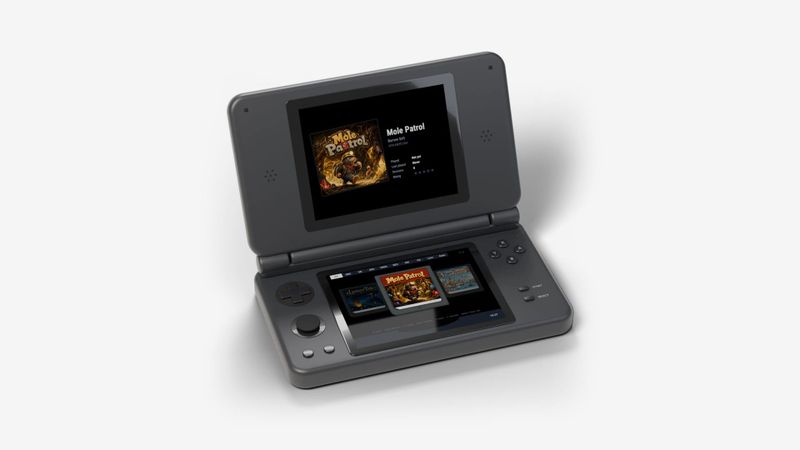
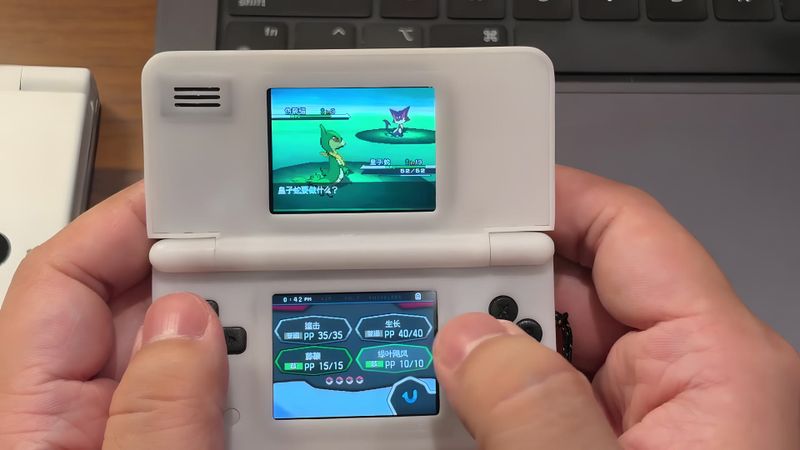
Because of its two screens. The Thor is a clamshell, with the game on the big screen in the lid and a nearly square touch screen below the hinge. That’s where Stardual Valley lives, and you tap and drag your items around right on it.
Every Thor model has those same two screens, from the cheapest Lite up. Stardew Valley is a light game, so the chip shouldn’t hold it back, though the maker doesn’t say which Thor it was tested on.
Which handhelds does it work on?
It was built and tested on an AYN Thor, the dual-screen Android handheld covered in our AYN Thor Lite setup guide. Anything else is untested for now, and the maker is asking for reports. The Retroid Pocket Duo and Anbernic’s RG DS are other two-screen Android handhelds worth trying next. Their screens differ from the Thor’s, though, and the RG DS has a much slower chip, so treat any of them as a test until someone reports back.
| Handheld | Top screen | Bottom screen | Chip |
|---|---|---|---|
| AYN Thor | 6-inch 1080p AMOLED | 3.92-inch 1240x1080 AMOLED | Snapdragon 865 (Lite) or 8 Gen 2 |
| Retroid Pocket Duo | 5.5-inch 1080p AMOLED | 4.5-inch 1280x960 AMOLED | Dragonwing Q-7790 |
| Anbernic RG DS | 4-inch 640x480 IPS | 4-inch 640x480 IPS | Rockchip RK3568 |
The Duo’s bottom screen is bigger, but it isn’t sharper, and it’s a wider 4:3 shape. Whether the menus look right there comes down to how well the mod scales. The RG DS is the real question mark. Its two screens are far lower resolution, and its slower chip has to run the PC version of Stardew through Cinderbox as well.
Is it safe to install?
As safe as any Stardew mod, which means take the usual care. A SMAPI mod is code that runs inside your game, so get it from its Nexus Mods page and nowhere else. This one is brand new and comes from a single modder, so back up your save before you add it, the same as you would with any new mod.
Is it finished?
Not quite. It’s days old, and it’s moving fast: three files in its first four days on Nexus. Its maker warns some of the info may be out of date or wrong, and asks for bug reports on the mod page.
It’s the same idea as GBA DS, which puts the map on the second screen for Game Boy Advance games, covered in our GBA DS article. Dual-screen handhelds are finally getting software made for both screens.
Nerd Alert
Your Turn
What are YOUR thoughts
What have your experiences been? Let us know.