News · News · Retro Gaming · Handheld Gaming · Emulation
Original Xbox Emulation on Android Is Suddenly Real, and hakuX Doesn’t Even Need a BIOS
hakuX built its own core, dropped the BIOS and added Xbox Live revival support in eight days. Here’s where original Xbox emulation on Android stands.
https://averagetechnerds.com/original-xbox-emulator-android-hakux/
 EmulationAndroid emulators, by systemWhere to get each one, what it costs, and the ones I runSee the emulators →Every emulation article →
For years, the original Xbox was the console Android couldn’t touch. The PC had xemu, the big open-source Xbox emulator, and xemu still has no plans for an Android version. Then three Android projects got going, and in the last two weeks they’ve moved so fast it’s hard to keep up. The headline act is hakuX. It threw out the code it started from, built its own core, and in eight days went from version 1.0 to 1.3, picking up online play through the fan-run Xbox Live revival along the way.
Is there an original Xbox emulator for Android?
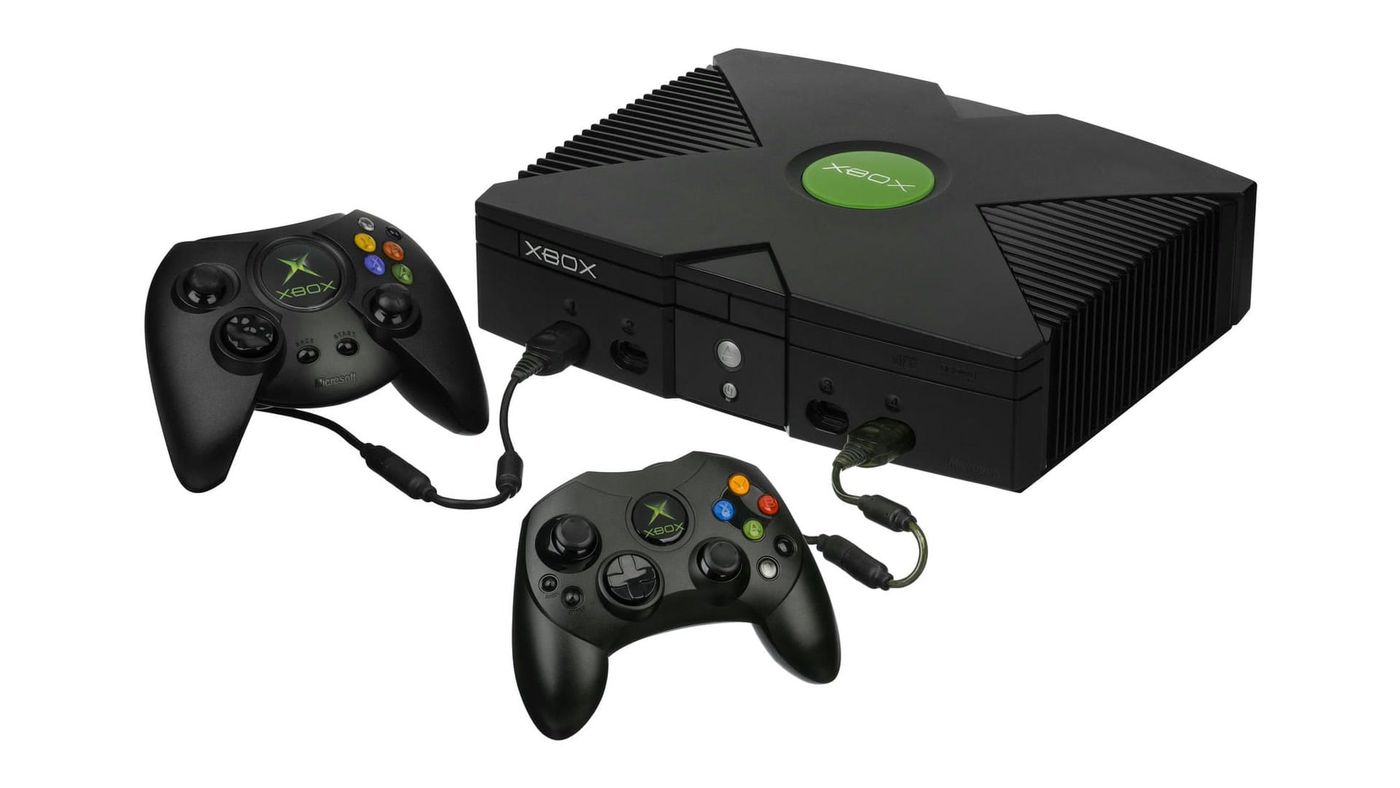
Yes, three of them, and they’re all very young. On PC, original Xbox emulation has been in good shape for a while. xemu runs on Windows, macOS and Linux, and 913 of the 1,024 games on its compatibility list are rated playable or perfect. What it has never had is an Android build, and its FAQ says there are no plans for one.
So other developers did it themselves. X1 BOX took xemu’s code and put it on Android, and it’s on Google Play. In February, hakuX started out as a fork of X1 BOX, a copy of its code that then went its own way. Xenra, the third, used to be called Xanite.
What changed with hakuX?
Pretty much everything under the hood. Up to version 0.3, hakuX was a tuned copy of xemu. Version 1.0, released October 23, swapped that for a core of its own. That’s a big deal. xemu recreates the Xbox’s hardware piece by piece, which is accurate but heavy. hakuX takes a shortcut instead: it runs the game’s code through a fast translator, rebuilds the Xbox’s system software itself, and turns the console’s graphics commands into ones your phone’s GPU understands directly. The only part it still borrows from xemu is the audio.
Then the updates came almost daily. The one that matters most is 1.3, on October 31: online play, plus fixes for games like Halo 2, Fable: The Lost Chapters and Morrowind. Halo 2 fans had already gotten a treat in 1.0, which patched it to run at 60 fps.
Do you need an Xbox BIOS to play?
Not with hakuX. Its README says you don’t need a BIOS, an MCPX boot ROM (a small file from the Xbox’s own chipset) or a hard drive image, and that its core rebuilds the Xbox’s system software natively. If you’ve set up xemu on a PC, that’s a surprise. Those files were the fiddly part of getting started, and here you skip them.
The xemu-based emulators are different. X1 BOX’s xemu core and Xenra’s xemu-based core both need your own BIOS files from a real Xbox, the same as xemu on PC. And whichever you pick, every one of these projects says the games have to be your own backups, dumped from discs you own.
Can you play original Xbox games online on Android?
Yes, with hakuX 1.3. It signs in to Insignia, the fan-made service that brought back Xbox Live for original Xbox games after Microsoft shut the real one down, and it walks you through the setup. Version 1.2 had already added system link over LAN and support for XLink Kai, the older way of linking consoles over the internet.
There’s one catch. The 1.3 setup creates and recovers your Insignia account through the original Xbox dashboard, and you have to supply those dashboard files yourself.
hakuX vs X1 BOX vs Xenra: which is which?
They share a family tree, and most of the branches are a few months old.
| Name | Built on | Needs a BIOS | Latest build | Runs on |
|---|---|---|---|---|
| hakuX | Its own core since 1.0 (started as a fork of X1 BOX) | No | 1.3.0, October 31 | Android 9 or later with Vulkan; tuned for Adreno |
| X1 BOX | xemu, with hakuX’s core as the default since 1.3.2 | With the xemu core, yes | 1.3.2 made hakuX’s core the default (October 26) | Android 8 or later, 8 GB of memory recommended |
| Xenra | A new Performance core plus a xemu-based Compatibility core; Xenia Edge for Xbox 360 | Yes, for the xemu-based core | 0.4.5 test build, November 3 | Android 10 or later, 6 GB of memory recommended |
| HakuX-Advanced | hakuX 1.3.0 | Not published | First test builds, November 4 | Not published |
| xemu | QEMU | Yes | 0.8.139, October 21 | Windows, macOS and Linux only |
Already have X1 BOX set up? Then you’re halfway to hakuX anyway. Since its 1.3.2 update, X1 BOX runs hakuX’s core by default, and its setup no longer asks for the BIOS files when you use it.
What about Xenra and Xbox 360 games?
Xenra is the ambitious one. It runs original Xbox games and also tries Xbox 360 games, through Xenia Edge, a version of the Xenia 360 emulator. In its 0.4.5 test build, you pick one of two cores for each original Xbox game. The new Performance core is the default, and the xemu-based Compatibility core is the other. Nobody has said what the Performance core is built on, but the developer says most original Xbox games now run at full speed.
The 360 claims are bold. The notes say Forza Horizon 2 went from 10 to 30 fps, Halo 3 runs up to twice as fast, and GTA V boots with its title update. Those are the developer’s numbers, from a test build, so treat them that way.
Before you install it, know that it has some history. Until its 0.4 release in September, Xenra sold a paid “Gold” version through Patreon; now it’s a single free build. Its public source code on GitHub hasn’t been updated since August, so you can’t look at the code behind the latest builds. And Xenra hasn’t said whether its Performance core needs BIOS files.
What is HakuX-Advanced?
It’s hakuX for tinkerers. A developer called JDewitz has been adding extras on top of hakuX, and the first public builds, based on hakuX 1.3.0, went up on November 4. The one that stands out is upscaling, including AMD’s FSR 1, which upscales a lower-resolution picture and sharpens it, so older games can look cleaner on a bigger screen. Halo: Combat Evolved fans get a workaround for a crash, too. It’s unofficial, and the developer calls it experimental.
How do you get hakuX?
Only from its GitHub releases page, and it’s free. Grab the APK from the newest release, open it on your device, and let Android install it when it asks.
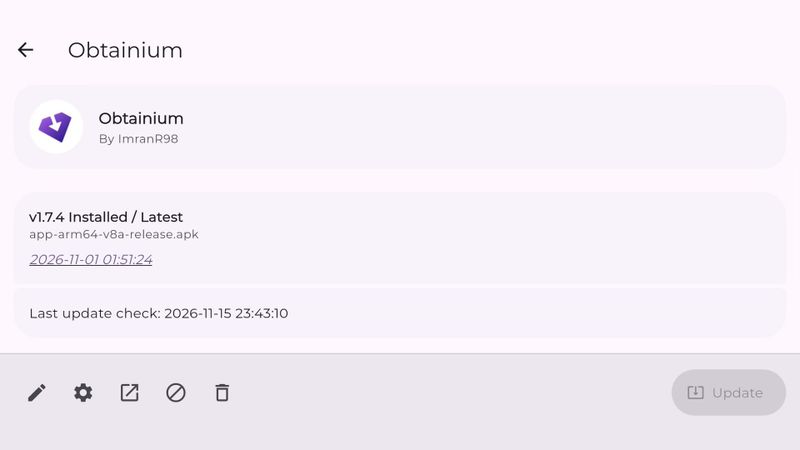
Builds come in bursts, like the four between October 23 and 31, so it’s easy to miss one. Obtainium fixes that. It’s a free app that keeps an eye on release pages like hakuX’s and lets you know when a new build is out. The hakuX card on our emulator hub has the official link too, right next to X1 BOX and HakuX-Advanced.
Which phones and handhelds does it run on?
Snapdragon devices first. hakuX is tuned for Adreno, the graphics chip in Snapdragon processors, and its developer tests on an AYN Odin 3, a Retroid Pocket 5 and a Galaxy Tab S9. You need an arm64 device running Android 9 or later with Vulkan.
Other chips are in early days. Version 1.1 added experimental support for Mali, Xclipse and PowerVR graphics, the chips you’ll find in Google’s newer Pixels, Samsung’s Exynos phones and many MediaTek devices. If that’s your phone, it might work. The early reports are good: hakuX’s notes say Burnout 3 and Mercenaries run cleanly on a Pixel 8, and HakuX-Advanced’s developer passed on a user report of it working on MediaTek’s Helio G99. Just don’t expect Snapdragon-level results yet.
Why does hakuX show a black screen?
On a Snapdragon device, try a different graphics driver first. Turnip is an open-source Vulkan driver for Adreno chips, and hakuX can load a custom Turnip build in place of the driver your device ships with. If your phone’s own driver is older than Vulkan 1.3, hakuX suggests one the first time you start it.
Retro Handhelds, the handheld news site, shows how that goes. It got a blank screen running HakuX-Advanced on an AYN Thor, loaded a Turnip driver, and Halo 2 started up. If your Snapdragon device shows black, a Turnip driver is the first thing to try, and Xenra recommends one there anyway.
Is AI writing these emulators?
Partly, yes, and hakuX is the surprise. It carries no disclaimer, but its developer notes cite a code review done with Claude, Anthropic’s AI model, and at least one fix lists Claude as a co-author. HakuX-Advanced is upfront about it, with a README line saying AI was used heavily. Either way, the emulators still have to prove themselves one game at a time.
What happens next?
More versions, probably within days, given the pace. If you’re holding a Snapdragon handheld, the one to wait for is a proper compatibility list for hakuX. There isn’t one yet, so for now you’re trying games blind. And if you like HakuX-Advanced’s extras, keep an eye out for any of them landing in hakuX itself.
One thing won’t change. These are free projects on GitHub, and hakuX’s README is blunt about it: anyone who paid for it was scammed.
On the shelf
EmulationSee the whole story →Nerd Alert
Your Turn
What are YOUR thoughts
What have your experiences been? Let us know.