Device profile · Device Profiles · Handheld Gaming · Retro Gaming · Retro handhelds
Anbernic RG SP: What It Emulates, Which Firmware to Run, and RG SP vs RG35XXSP
Anbernic’s stickless GBA SP-style clamshell: what it plays, which firmware to put on it, how to set it up, and whether to pick it over the RG35XXSP.
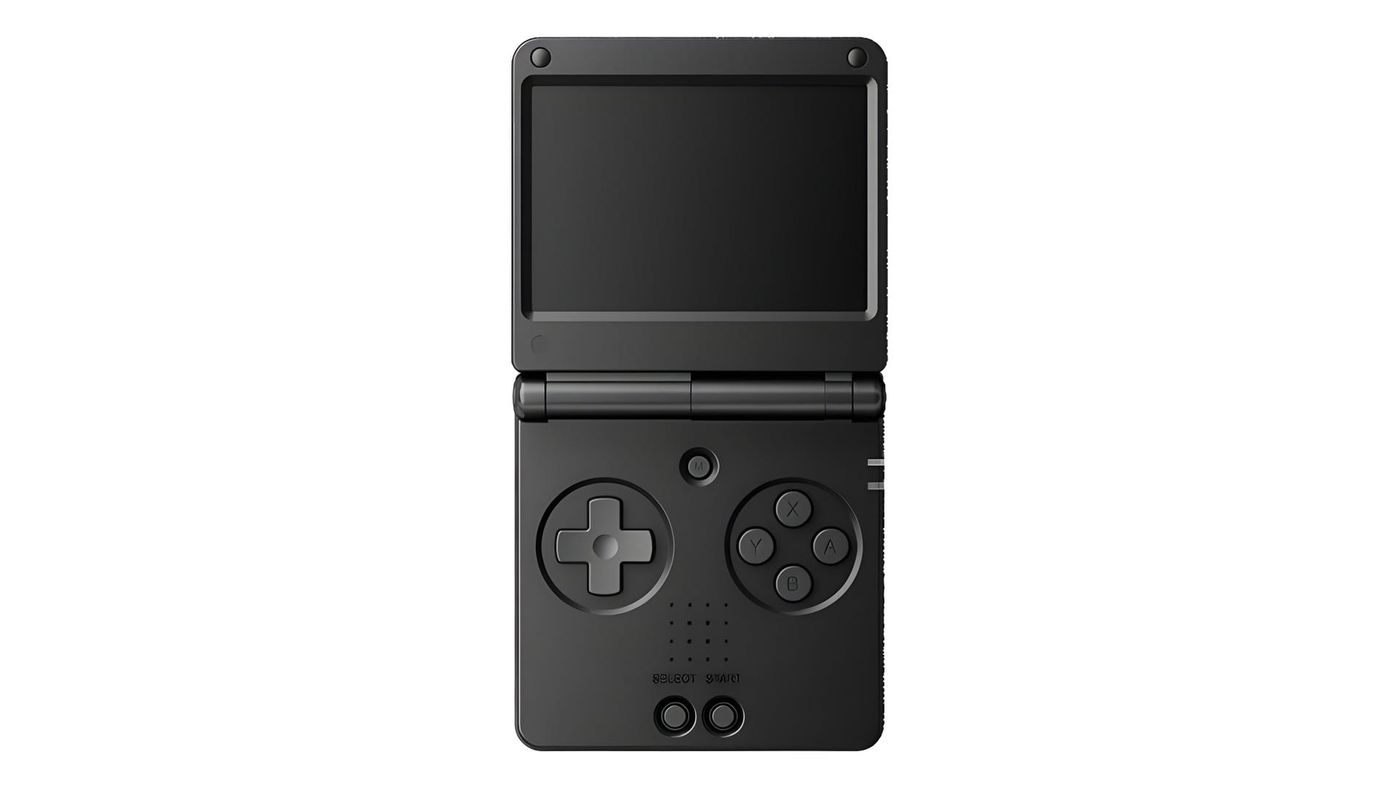
Flip open the Anbernic RG SP and it’s hard not to think of a Game Boy Advance SP. Same idea, about the same size, no analog sticks, and a screen shaped for GBA games. It costs about $65, and most of the decisions you’ll make with it are about software.
What is the Anbernic RG SP?
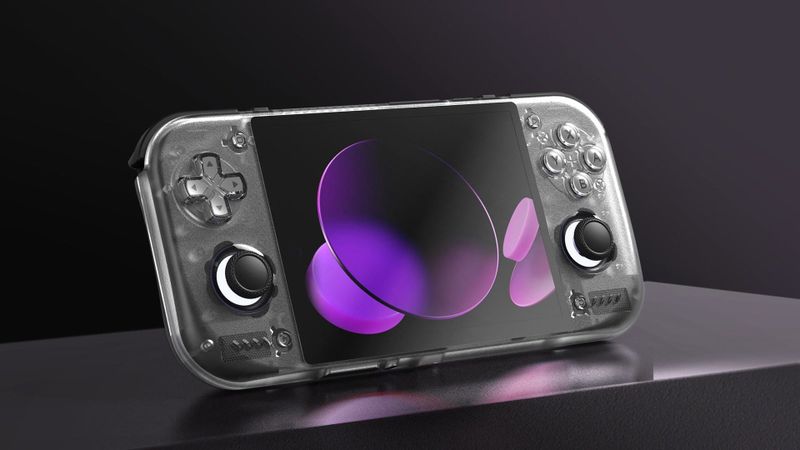
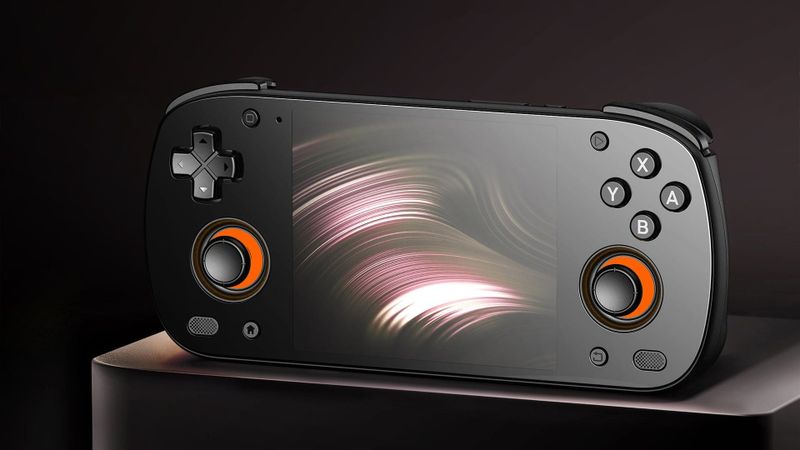
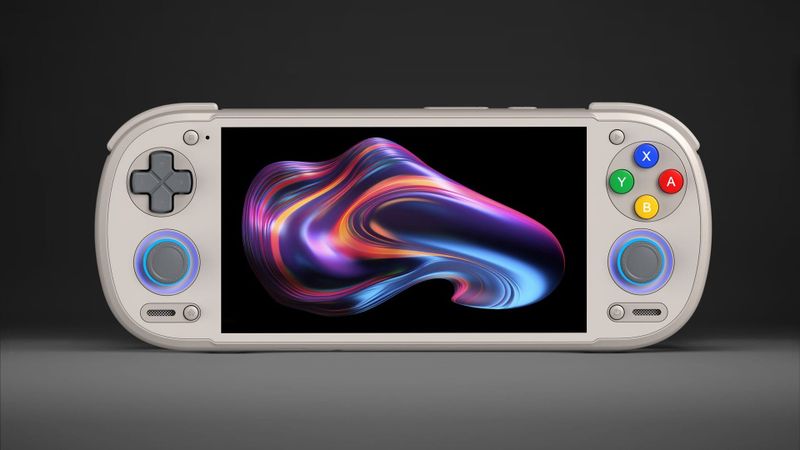
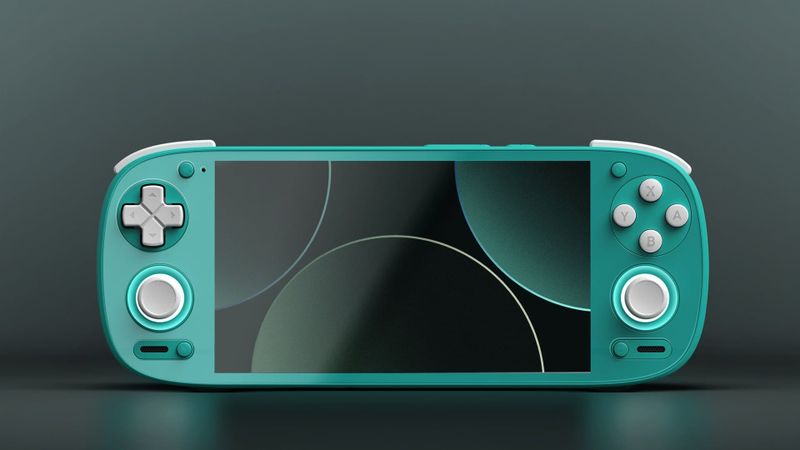
Anbernic already sells two clamshells like this, and that’s the choice you’ll actually face. The RG35XXSP has a 4:3 screen. The RG34XXSP has this exact screen plus two sticks. The RG SP drops the sticks and slims the body down, so it’s the closest of the three to a real GBA SP in size.
Inside is the Allwinner H700, the same modest chip as its two siblings. There’s no internal storage, and that turns out to be handy. The operating system lives on a card in the left slot and your games go on a card in the right one, so you can try a different firmware without touching your library.
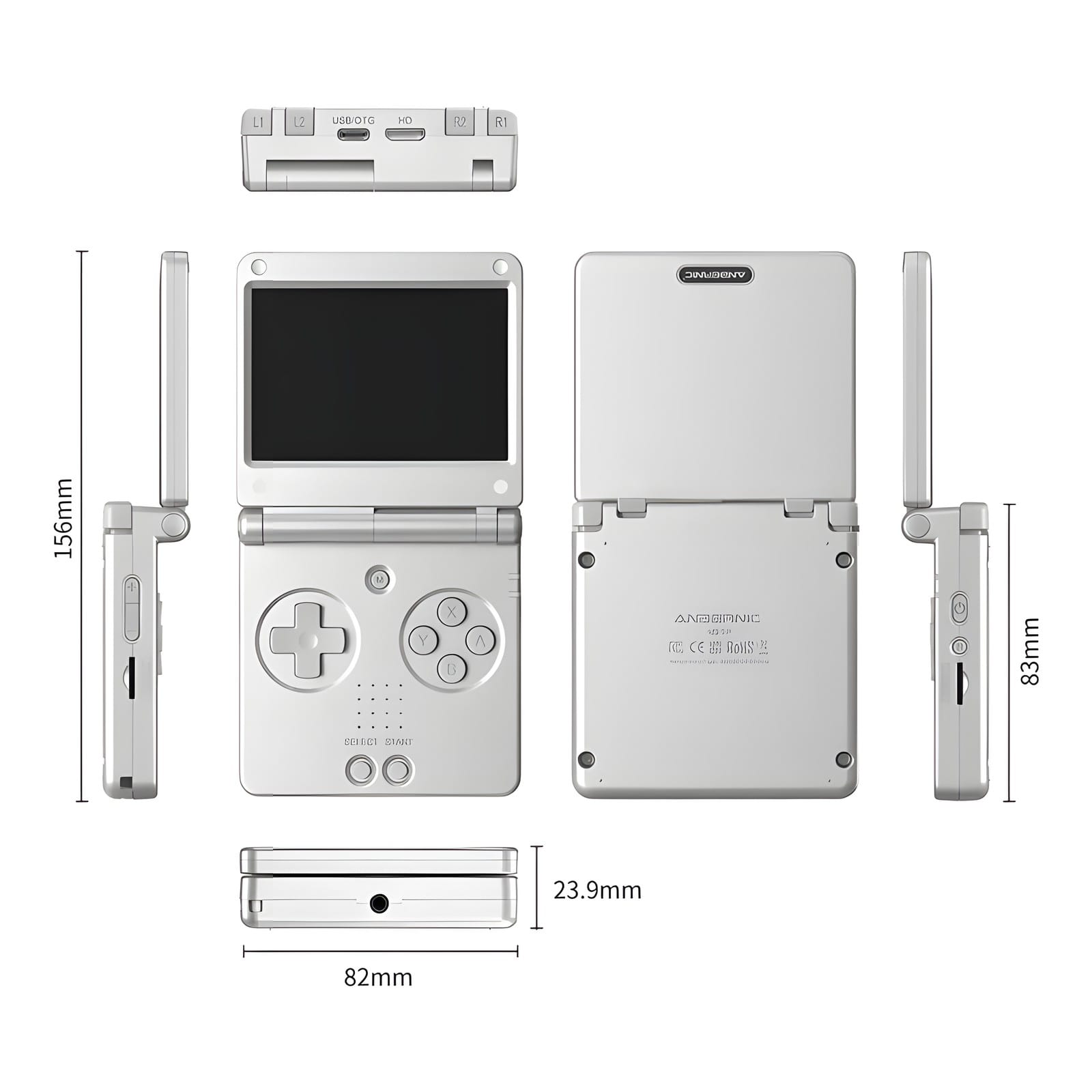
There’s a mini-HDMI-style port, which is a nice surprise at this price, so you can play on a TV with a controller.
What can the Anbernic RG SP emulate?
The older stuff, very well. Anything up to PS1 is comfortable, and the further past that you go, the more you’ll miss a stick and a stronger chip.
| System | How it runs | What reviewers found |
|---|---|---|
| NES, SNES, Genesis | Runs well | Run without issue |
| Game Boy, GBC, GBA | Runs well, GBA fills the screen at 3x | Flawless; GBA looks excellent |
| PS1 | Runs well, with bars at the sides | Runs perfectly, especially 2D games |
| DS | Both screens on one display | |
| N64 | Lighter games | Inconsistent in handheld mode, better docked with a controller |
| Dreamcast | Lighter games, with tuning | Workable with per-game tuning |
| PSP | Hit and miss | Enjoyable when a game runs without stutter |
| Saturn | Untested | |
| GameCube | Not practical | |
| PS2 and newer | Not practical |
The screen is the reason to choose this over its siblings. A GBA game is 240x160 pixels, and the RG SP’s 720x480 screen is exactly three times that, so GBA fills it with perfectly even pixels. PS1 and other 4:3 systems don’t fit that shape, so they sit in the middle with bars on both sides.
N64 and PSP are where the missing sticks bite. Retro Dodo found N64 cramped and uncomfortable, and Held Games found it better docked to a TV with a controller. If those systems matter to you, the RG34XXSP has the same screen with two sticks.
It can’t run Windows games, but PortMaster is a nice bonus. It’s a library of PC games ported to run on handhelds like this one, and the lighter ports run fine. Don’t expect the bigger ones, though, since some are too much for 1GB of RAM. My PortMaster guide explains how it works.
Which firmware should you run on the RG SP?
Start with the rule that saves you trouble later: keep the 16GB card the RG SP came with. It’s the stock operating system, and several of the options below use it or sit beside it.
Stock is fine for getting started. The lid is the problem. On a clamshell you want to snap it shut and walk away, and on stock that didn’t always put it to sleep, so the battery could drain in a bag. NextUI and MustardOS both get that right.
| Firmware | What it’s like | Good for |
|---|---|---|
| NextUI | Minimal and fast, built on MinUI’s ideas | Most people; a clean menu with sleep and resume that work |
| MustardOS (muOS) | A full-featured menu with themes and lots of settings | Tinkerers who want options |
| ROCKNIX | An emulation-focused Linux used across many handhelds | Anyone who already uses it on another device |
| spruceOS | A friendly menu on its own card, with a small boot card in the first slot | Keeping one card you can move between devices |
| Stock OS Mod | Anbernic’s firmware with fixes and extras | People who like stock but want it improved |
NextUI is the place to start. It’s clean, it officially supports the RG SP, and the things stock gets wrong, the lid included, work properly on it. The nicest part is that you don’t have to give up stock to try it. NextUI goes on a second card, and one file copied to the stock card points the RG SP at it, so it’s easy to undo. One gotcha: leave the stock system’s theme on “old style”, the default, or NextUI won’t start.
If you like to fiddle, MustardOS, the project formerly called muOS, is the better pick. It gives you themes and a lot more settings to play with. ROCKNIX works as well, but its install guide doesn’t list the right device file for the RG SP yet, so leave it unless you already know ROCKNIX.
Leave KNULLI and MinUI alone. KNULLI hasn’t released a version for the RG SP yet, and a build for one of its siblings wouldn’t even boot on it. MinUI is NextUI’s predecessor, and it’s archived, so it won’t get fixes. My front ends and firmware guide goes deeper on how these systems differ.
How do you set up the Anbernic RG SP?
Games go on a second card. Format it, put it in the right-hand slot, boot once so the system creates its folders, then power off and copy your games into those folders from a computer.
Then a few settings worth changing straight away, mostly from Gardiner Bryant’s setup. Turn off the button sounds, which are on by default. Turn on auto-loading save states, so games pick up exactly where you left off. And turn on GBA colour correction, which makes colours look closer to a real GBA’s screen. If you miss the old look, the Menu button cycles through filters like dot-matrix and scanlines in a game.
BIOS files mostly don’t matter on a machine like this. A BIOS is the start-up code from the original console, and here only Sega CD and Neo Geo really need one, dumped from your own hardware. The PS1, GBA and Dreamcast emulators have stand-ins built in, though some games behave better with the real file.
Use the cable in the box. Two reviewers found charging from a USB-C to USB-C cable unreliable, even though Anbernic says it’s supported, so the USB-A to USB-C one it ships with is the safe bet.
What should you know before you buy?
Most complaints are about the stock software. Custom firmware fixes them. The one to think about is the screen. Dark scenes come out very dark, which Retro Dodo says hurts games like Metal Gear Solid and Resident Evil. If your library leans bright and colourful, like most GBA games, it won’t bother you.
RG SP vs RG35XXSP, RG34XXSP and Miyoo Flip V2
The RG35XXSP has the same chip, so it plays the same games equally well. The difference is the screen. Its 4:3 screen fills with SNES, PS1 and Genesis games, while the RG SP’s 3:2 screen fills with GBA. For GBA, get the RG SP. For SNES or PS1, get the RG35XXSP. The RG SP is also 24g lighter and about 3mm thinner.
The RG34XXSP is the RG SP with sticks. Same screen, same chip, and the same 1GB of RAM. Pick it if you want N64 or PSP with a stick. Pick the RG SP if you want the thinnest, simplest GBA machine.
The Miyoo Flip V2 is the one to look at if you want a clamshell that does a bit more. It has a slightly stronger chip and two sticks, so N64 and PSP are easier to play on it. GBA won’t fill its 4:3 screen, though, so for a GBA-first machine the RG SP is still the better fit.
| RG SP | RG35XXSP | RG34XXSP | Miyoo Flip V2 | |
|---|---|---|---|---|
| Screen | 3.4-inch, 720x480, 3:2 | 3.5-inch, 640x480, 4:3 | 3.4-inch, 720x480, 3:2 | 3.5-inch, 640x480, 4:3 |
| Sticks | None | None | Two | Two |
| Chip | Allwinner H700 | Allwinner H700 | Allwinner H700 | Rockchip RK3566 |
| Weight | 168g | 192g | 178g | 165g |
If you want a step up for GBA, look at the one I own: the KONKR Pocket Advance. It runs Android, and its 3:2 screen fits GBA at exactly four times, so every pixel still scales evenly. In my first impressions of the KONKR, I called it absolutely worth it at $129.
Anbernic RG SP specs
| Spec | Anbernic RG SP |
|---|---|
| Chip | Allwinner H700: four Cortex-A53 cores at 1.5GHz; Mali-G31 MP2 graphics |
| Memory and storage | 1GB RAM; no internal storage; 16GB system card, two microSD slots up to 512GB each |
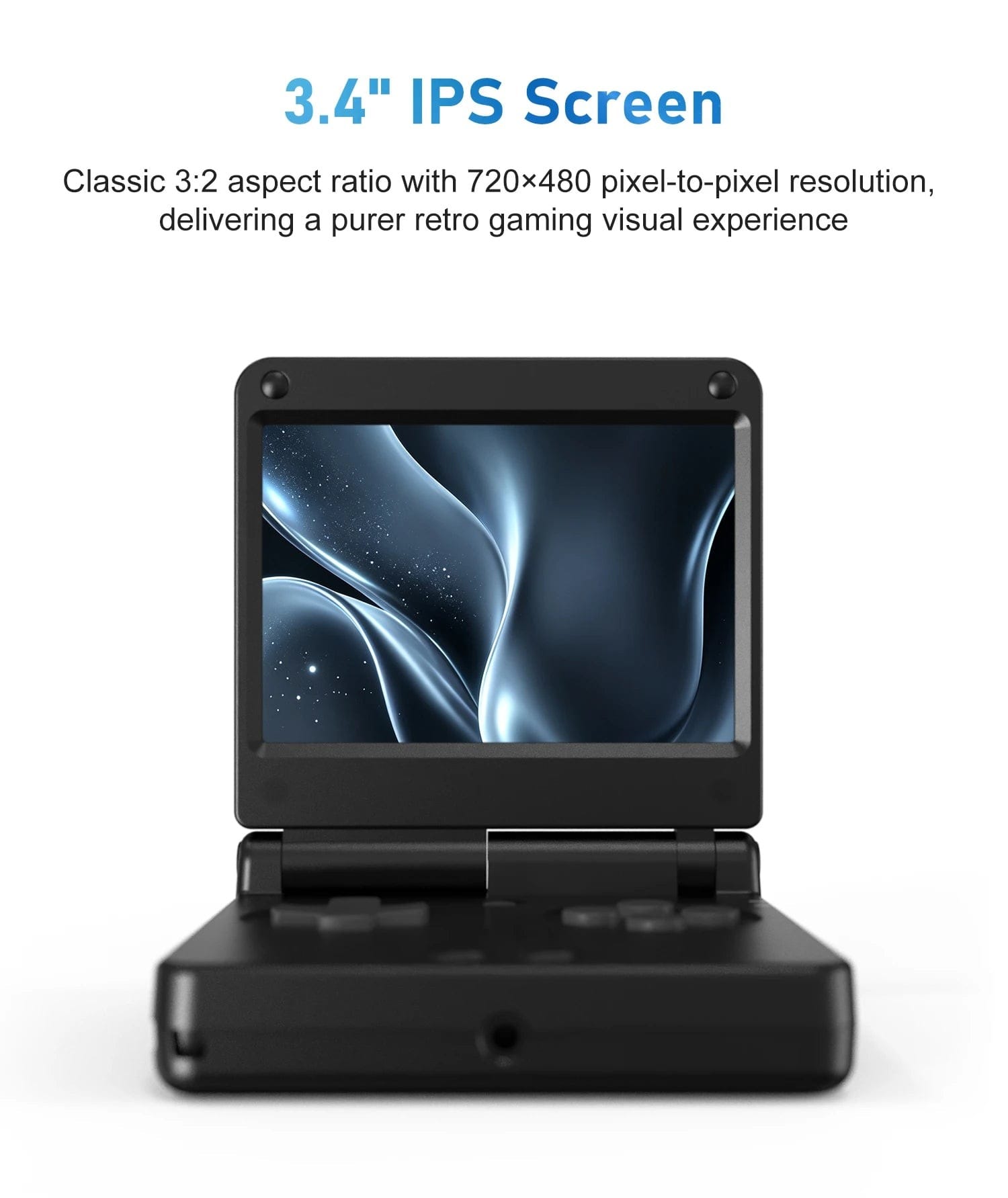
| Screen | 3.4-inch IPS, 720x480, 3:2, laminated |
| Battery | 3,300mAh, 7.5W charging |
| Controls | D-pad, ABXY, Start, Select, Menu, L1, L2, R1, R2 on the back edge; no analog sticks |
| Extras | Vibration, lid sleep sensor |
| Ports | USB-C, mini-HDMI-style video out, 3.5mm headphone jack, two microSD slots |
| Wireless | Wi-Fi 5, Bluetooth 4.2 |
| Size and weight | 83 x 82 x 23.9mm closed, 168g |
| Software | Anbernic Linux |
| Colours | Platinum, Graphite, Pearl Blue, Pearl Pink |
On the shelf
Retro handheldsSee the whole story →Nerd Alert
Your Turn
What are YOUR thoughts
What have your experiences been? Let us know.