Device profile · Device Profiles · Handheld Gaming · Retro Gaming · Retro handhelds
Retroid Pocket Nova: What It Emulates, How to Set It Up, and Nova vs Pocket 6
What the Retroid Pocket Nova runs on its 4:3 OLED, how to set it up, how to get Steam games on it, and whether to pick it over the Pocket 6.
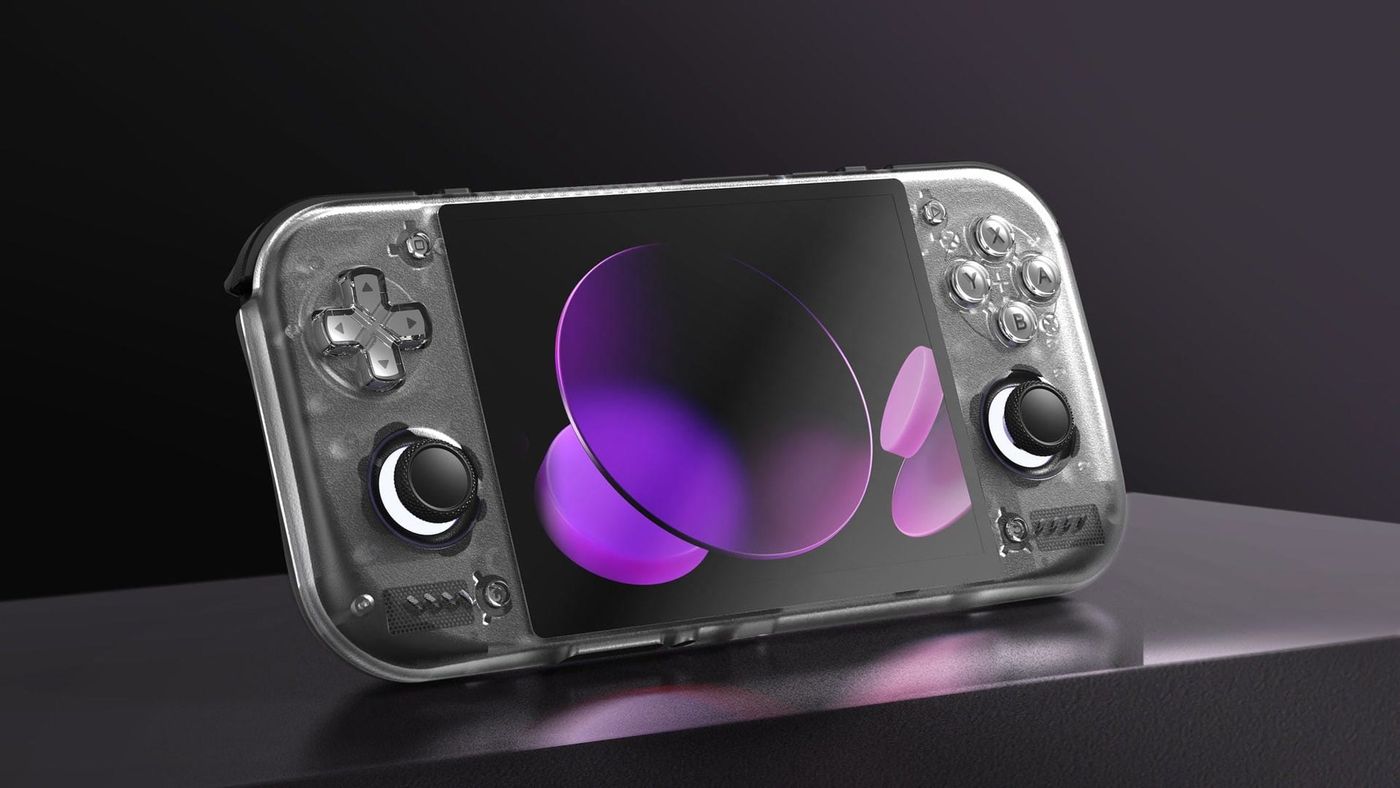
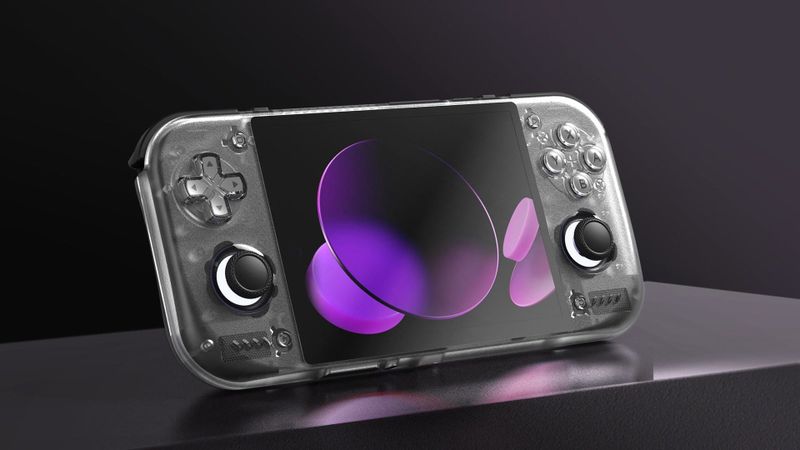
The Retroid Pocket Nova is a bet on one idea. Old games were made for square-ish 4:3 TVs, so give them a 4:3 OLED screen and let them fill it. Retroid built a custom 4.5-inch panel for it, put effectively the same chip as the Pocket 6 behind it, and made the whole thing smaller and lighter. Every home console up to PS2 and GameCube fills the screen. Anything made for widescreen gets black bars. So the question is simple: how much of what you play was made before widescreen?
What is the Retroid Pocket Nova?
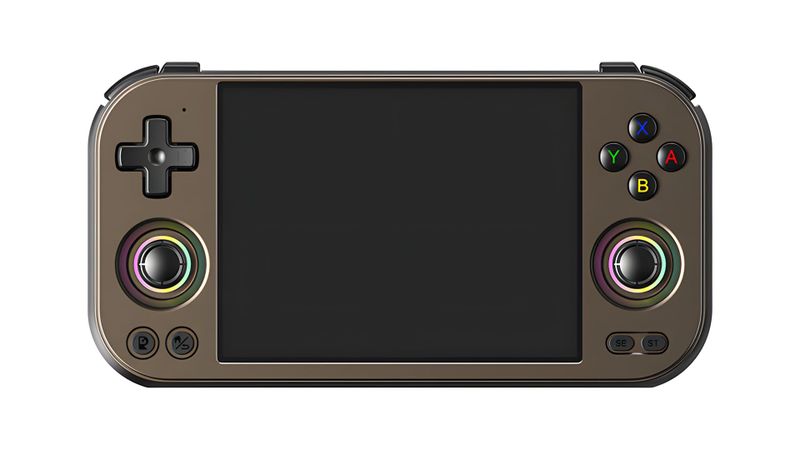
It’s Retroid’s 4:3 handheld, and the screen is the whole point. Retroid had a 4.5-inch, 1280x960 AMOLED panel made for it, 120Hz and landscape from the start. That last part matters because Retroid’s earlier Pocket Mini got its “4:3” by scaling a screen that wasn’t 4:3. People noticed.
Inside is a Qualcomm QCS8550, the industrial version of the Snapdragon 8 Gen 2, the same speed as the chip in the Pocket 6. That’s a lot of power for games made before 2006.
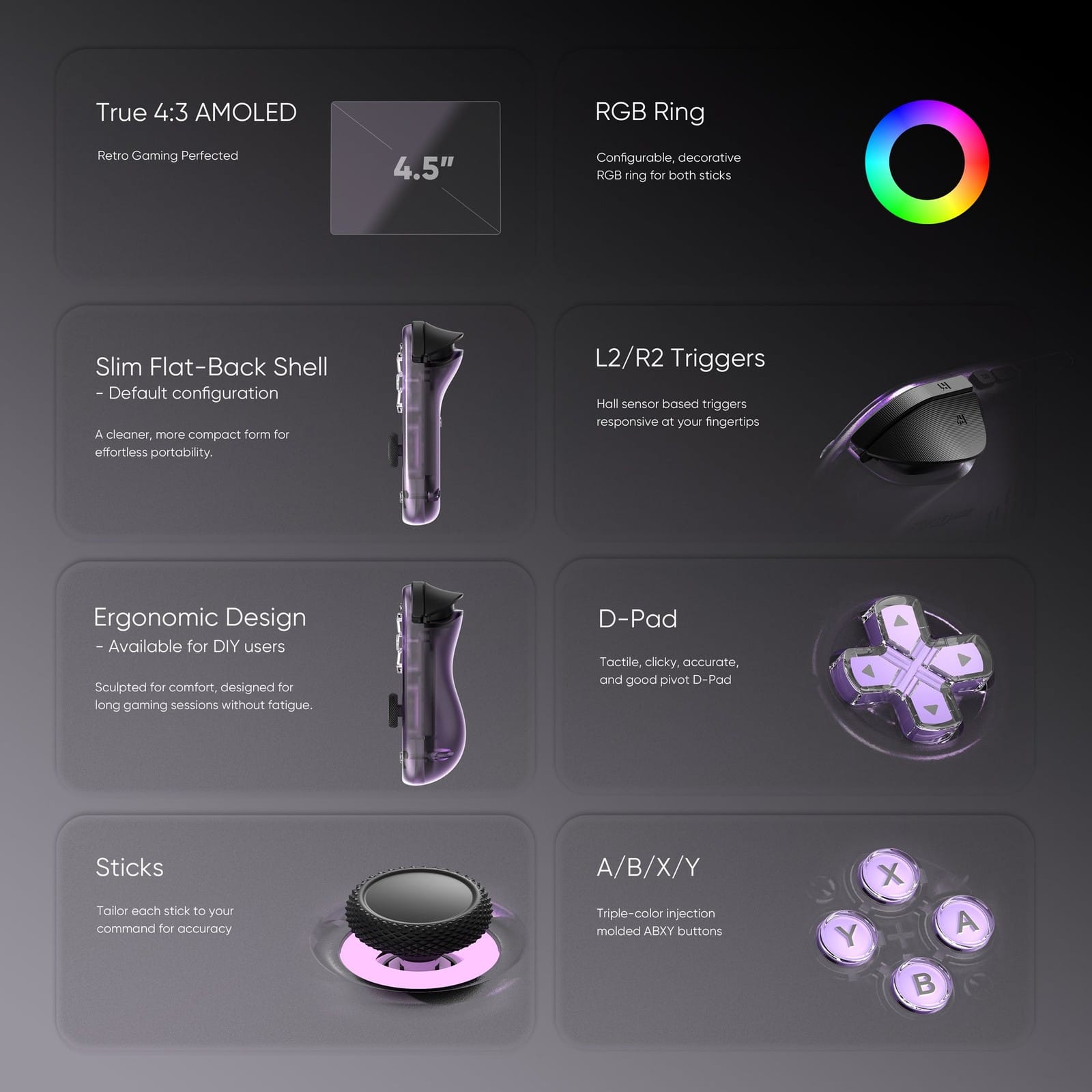
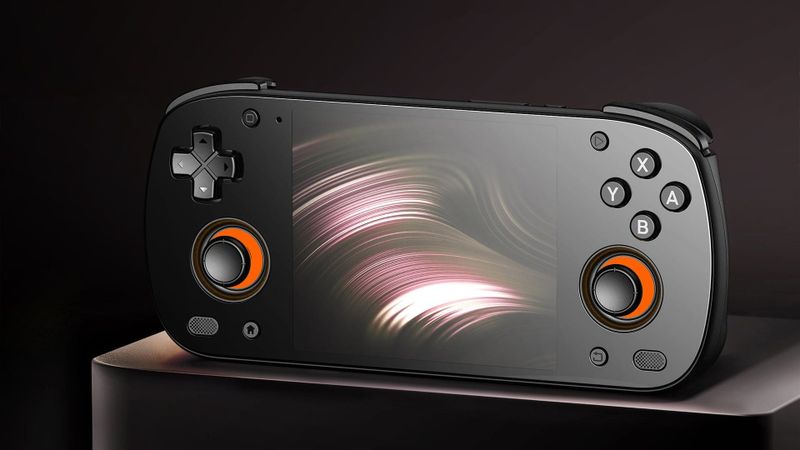
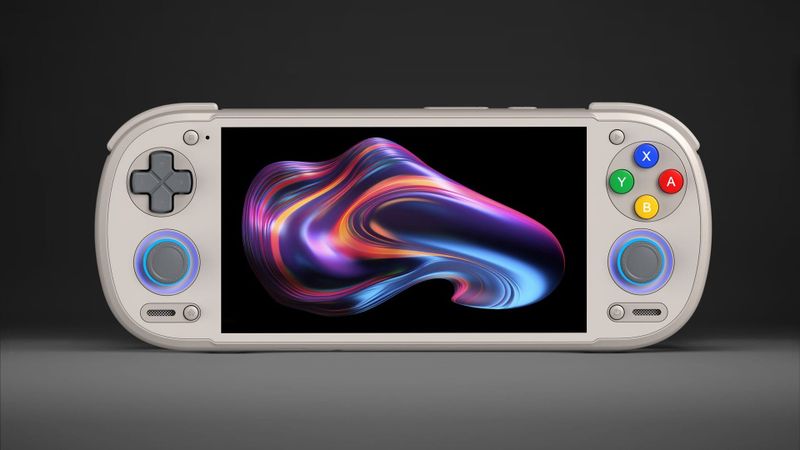
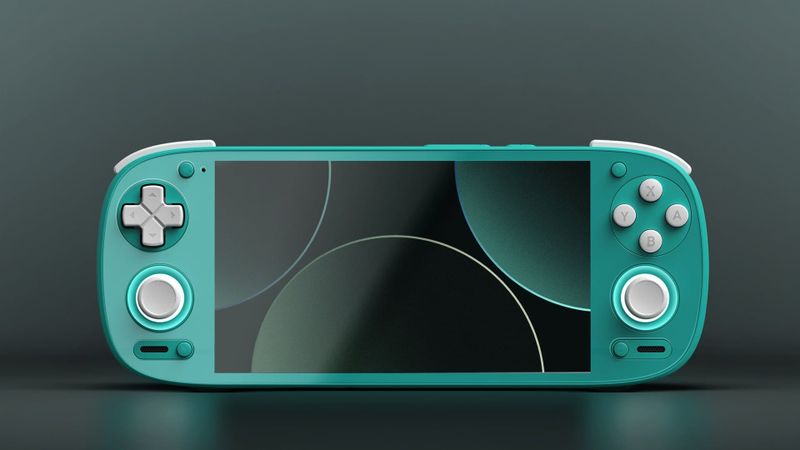
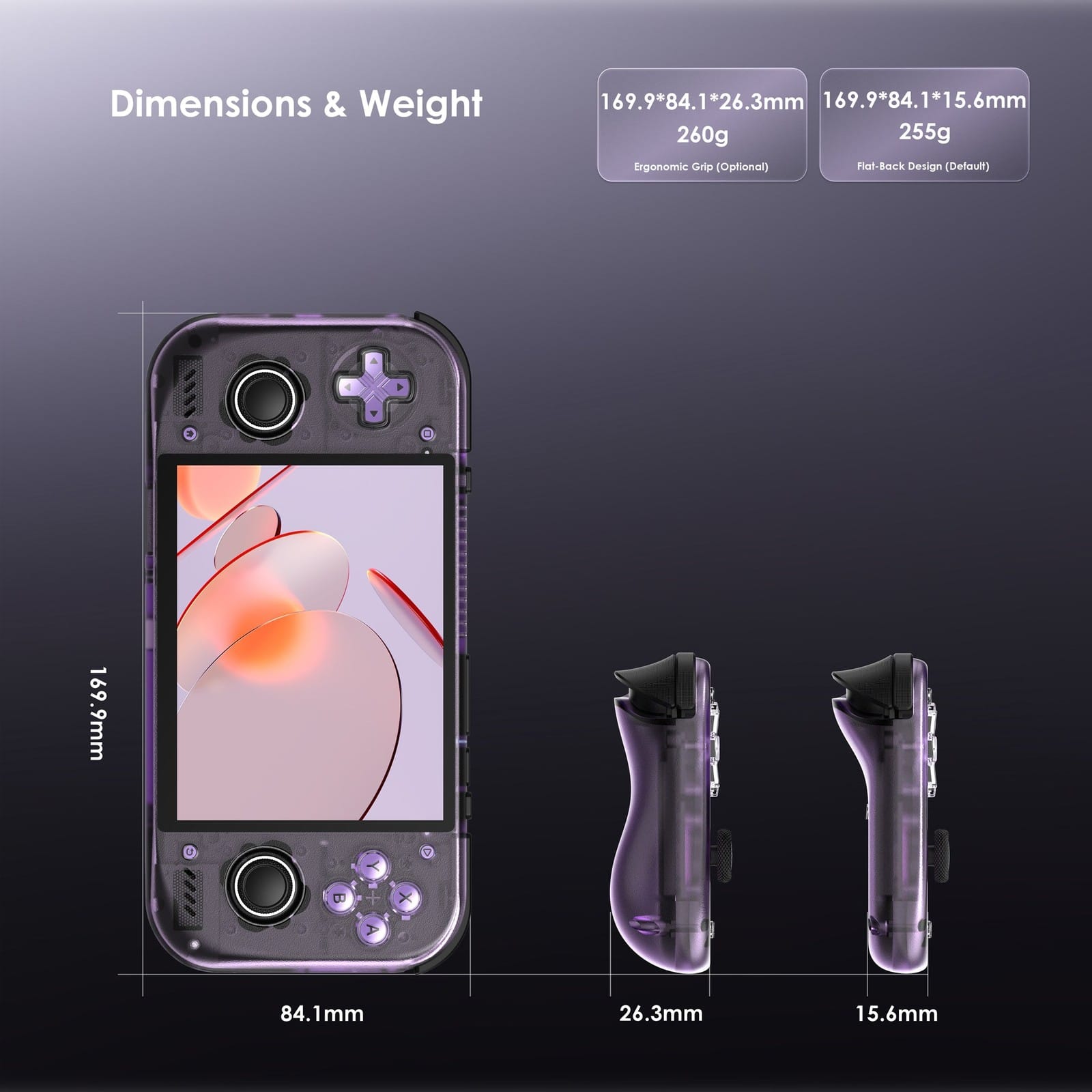
If you’re a D-pad player, the layout is built for you. It sits on top, with both sticks below, and there’s no version with the stick on top. The sticks use magnetic Hall sensors, which resist the drift older sticks can develop. The back is flat out of the box, and Retroid sells a grip back if your hands want more to hold.
What can the Retroid Pocket Nova emulate?
Nearly everything up to the PS2 era. And it looks right doing it, because most of those games scale up to fill this screen exactly.
| System | How it runs | What reviewers found |
|---|---|---|
| Up to SNES, GBA | Runs well | 8 to 10 hours of battery on SNES-era games |
| PS1 | Runs well | Crash Bandicoot upscaled in DuckStation looks excellent |
| N64 | Runs well | Fills the screen at 4x integer scaling |
| DS | Should run well, both screens on one display | Retro Handhelds expects it to handle DS quite well; Retroid says its Dual Screen add-on fits |
| PSP | Should run well, letterboxed | 16:9, so black bars top and bottom |
| Dreamcast | Runs well | 60 FPS and higher resolutions in Flycast, in suitable games |
| Saturn | Not covered in reviews | |
| GameCube | Runs well | Metroid Prime and Super Mario Sunshine ran fine in Dolphin |
| Wii | Runs well | Playable, with no Wiimote for motion games |
| PS2 | Runs well, a few heavy games need lower resolution | Dragon Quest VIII at 2x; Gran Turismo 4 Spec II only comfortable at 1.5x |
| 3DS | Should run well, both screens on one display | Retro Handhelds expects it to handle 3DS quite well |
| Wii U | Game by game | Time Extension: Cemu on Android is still young |
| Switch | Lighter games playable, letterboxed | Runs well through Eden, shrunk to about 4.1 inches |
| PS Vita | Compatible games run at full speed, letterboxed | Vita3K |
| PS3 | Not covered in reviews |
The 4:3 screen is why the home consoles up to PS2 and GameCube fill it edge to edge. Most PS1 and N64 games scale up exactly four times, and most Dreamcast, GameCube and PS2 games exactly twice, so they fill the 960-line panel with clean, even pixels, as Time Extension notes. Widescreen games go the other way. A 16:9 picture shrinks to about 4.1 inches, and the text in PC games gets hard to read.
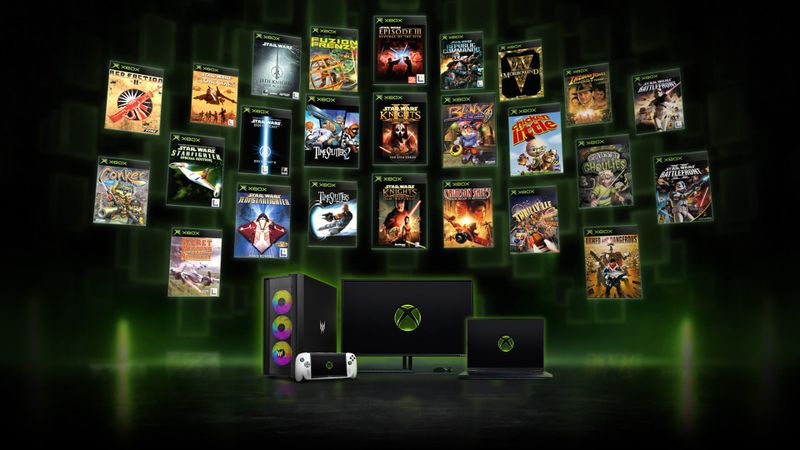
For PS2, reviewers used ARMSX2, and for Switch, Eden. The surprise is original Xbox. Early emulators like hakuX already run some games on it, Dead or Alive 3 among them, with the odd crash. It’s not something to buy a Nova for, but it’s a fun one to try.
Can the Retroid Pocket Nova play Steam games?
Yes, three ways, and none of them is Steam running on Android itself.
The easiest is an Android app called GameNative. It signs in to your Steam, Epic and GOG libraries and runs Windows games on the Nova, and it’s added settings made for this exact screen, including a filter that finds PC games that fill a 4:3 display. DroidDeck, GameHub and Winlator do similar jobs, and I’ve compared all four in my guide to PC games on Android.
If you want it to feel like a Steam Deck, put Armada OS on it. It boots straight into Steam’s Game Mode and runs Windows games through translation layers that come set up for you. Or skip all that and stream games from your PC with Steam Link or Moonlight. Whichever you pick, most PC games are widescreen, so expect black bars and small text.
How do you set up the Retroid Pocket Nova?
Update the system first. It’s under Settings, then System, then Retroid Pocket FOTA. Then sign in to the Play Store and update your apps, and update Retroid’s launcher from its own menu if you’ll use it.
Skip the emulators Retroid’s first-boot guide suggests. Several of them are old versions, and emulators on Android move fast. Install Obtainium instead, an app that grabs each emulator from its developer and tells you when there’s an update. It’s one extra app, and it saves you hunting for downloads later.
Then pick a performance mode. Standard or Performance covers most systems, and High Performance is for the heaviest Switch games. If you hear a high-pitched whine, that’s the fan, and some reviewers did. Try the quieter fan settings before you decide it bothers you. The floating bar is worth turning on while you set things up, since it shows FPS and temperature as you play.
Retroid’s own launcher is a matter of taste. If you want box art and collections, ES-DE, Daijisho, Beacon and iiSU all install like normal apps, and my front ends and firmware guide goes through what each one is like.
Then there’s one chore for PS1, PS2 and Saturn: BIOS files. A BIOS is the start-up code inside the original console, and those emulators want a copy dumped from your own machine. DS, Dreamcast and GBA emulators have stand-ins built in, so those can wait. Switch works the same way, with keys and firmware from your own Switch, while the Vita and PS3 emulators just install Sony’s own system update.
Can the Retroid Pocket Nova run Linux?
Yes, and if Steam is what you’re after, start with Armada OS. It turns the Nova into a tiny Steam Deck, booting straight into Game Mode, and the Nova is on its list of tested devices, gyro and HDR included. Run it from a microSD card with the boot menu and Android stays untouched. Install it to internal storage and Android’s apps and data are gone.
If you’d rather have a console that only does emulation, ROCKNIX supports the Nova, and it’s the one to try, since Recalbox’s Nova version is still only for Patreon backers. And if you like Android but not Retroid’s extras, LineageOS has an official Nova build that’s newer and cleaner.
What should you know before you buy?
The screen is the star. It’s also the top complaint. Out of the box its colours run oversaturated, and some detail gets lost. Some reviewers like the punch. Others don’t, and there’s no sign yet of an update that changes it.
Check the D-pad as soon as yours arrives. Some early units had a clacky or stiff one, and on a handheld built around its D-pad, that’s the one control you can’t ignore.
If you swap shells, go easy on the back. The screws come very tight from the factory, and Retro Handhelds saw reports of stripped screws and cracked backplates, so use a good precision driver. And if racing games are your thing, try one in your hands first if you can. The sticks sit low and close together, and that can feel cramped.
Retroid Pocket Nova vs Retroid Pocket 6
Speed isn’t the question here. DROIX’s benchmarks put them within a few percent of each other, so the main difference between the two is the screen shape.
So it’s the screen. Picture a PS2 game on each. On the Nova it fills the whole 4.5-inch screen. On the Pocket 6 it sits in the middle of the wide screen with bars on both sides, at about the same size, or a little smaller if you want every pixel the same size. Switch, PSP, Vita, PS3 and PC games go the other way: they fill the Pocket 6 and shrink on the Nova.
| Pocket Nova | Pocket 6 | |
|---|---|---|
| Screen | 4.5-inch AMOLED, 4:3, 1280x960 | 5.5-inch AMOLED, 16:9, 1920x1080 |
| Battery | 5,000mAh | 6,000mAh |
| Size | 169.9 x 84.1 x 15.6mm | 205.5 x 80.5 x 17.2mm |
| Layout | D-pad on top only | D-pad or stick on top (8GB); stick on top (12GB) |
| Best for | 4:3 systems up to PS2 and GameCube | Switch, PSP, PC and other widescreen games |
If you’re weighing other 4:3 handhelds, Anbernic’s RG 477M gives you a bigger screen and a metal shell, but its screen is an LCD, so blacks look grey next to the Nova’s OLED. AYANEO’s Pocket S Mini costs at least $80 more for a smaller screen. So the Nova gets you the OLED for the least money.
Retroid Pocket Nova specs
| Spec | Retroid Pocket Nova |
|---|---|
| Chip | Qualcomm QCS8550: one 3.2GHz, four 2.8GHz and three 2.0GHz cores; Adreno 740 graphics |
| Memory and storage | 8GB or 12GB LPDDR5X, 128GB UFS 3.1, microSD |
| Screen | 4.5-inch AMOLED, 1280x960, 4:3, 120Hz, 500 nits |
| Battery | 5,000mAh, 27W charging |
| Cooling | Fan and heatsink |
| Controls | D-pad, ABXY, two Hall sticks with RGB rings, Hall analog L2 and R2, L1, R1, M1, M2 |
| Ports | USB-C 3.1 with DisplayPort 4K 60Hz, 3.5mm headphone jack, microSD |
| Wireless | Wi-Fi 7, Bluetooth 5.3 |
| Size and weight | 169.9 x 84.1 x 15.6mm, 255g; 26.3mm and 260g with the grip back |
| Software | Android 13 |
| Colours | Black, 16Bit, GC, Crystal, Ice Blue, Clear Purple, Watermelon |
On the shelf
Retro handheldsSee the whole story →Nerd Alert
Your Turn
What are YOUR thoughts
What have your experiences been? Let us know.