Device profile · Device Profiles · Handheld Gaming · Retro Gaming · Retro handhelds
Retroid Pocket G2: What It Emulates, How to Set It Up, and G2 vs Pocket 6 and Pocket 5
Retroid’s Snapdragon G2 Gen 2 handheld: what it runs, how to set it up, why Linux isn’t an option yet, and how it compares with the Pocket 6 and Pocket 5.
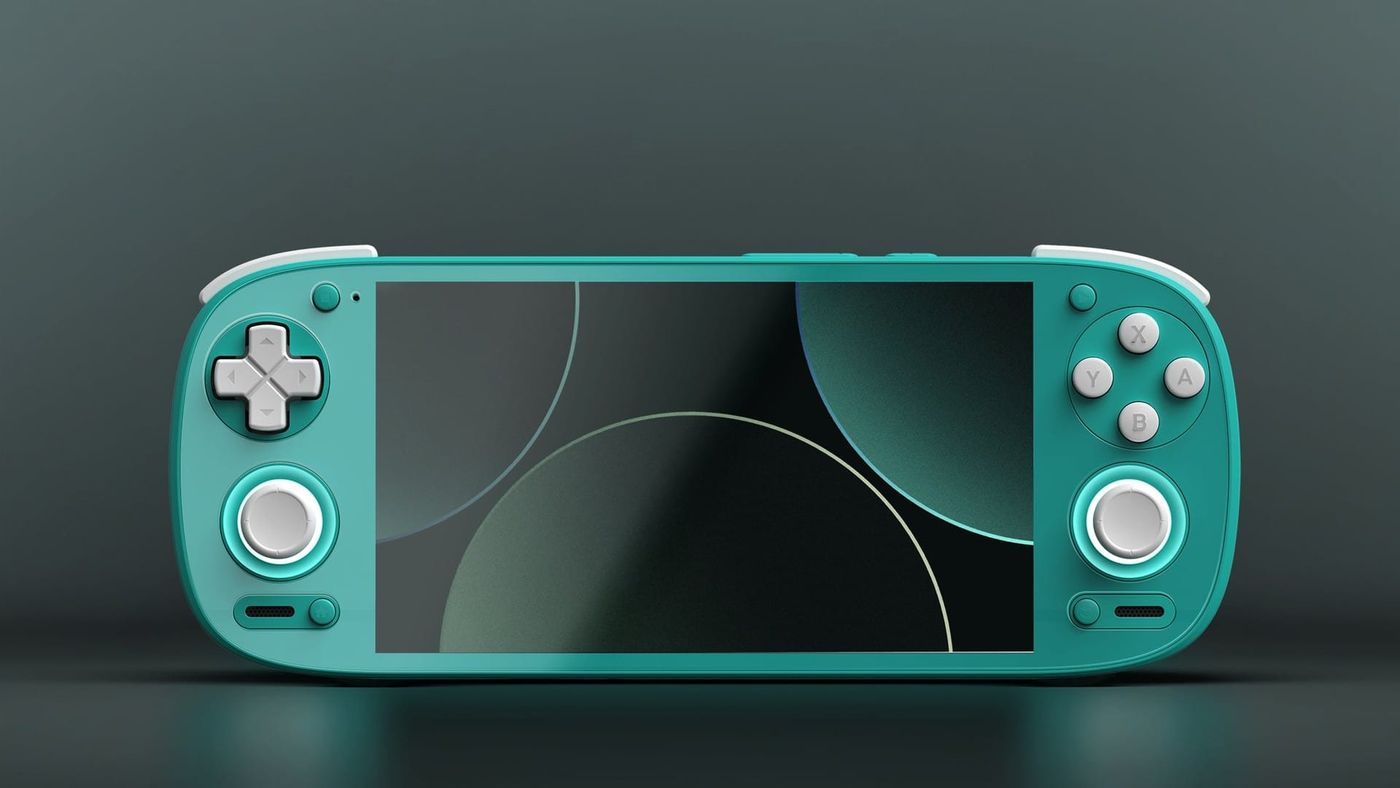
Retroid set out to make the G2 a Pocket 5 with a much faster heart, and it pulled that off. Same body, same 5.5-inch OLED, same controls, with a chip Qualcomm made for handhelds in place of the old Snapdragon 865. Then, five months after launch, Retroid stopped selling it. That leaves owners with a really capable handheld that its maker has paused, and a used market worth knowing about.
What is the Retroid Pocket G2?
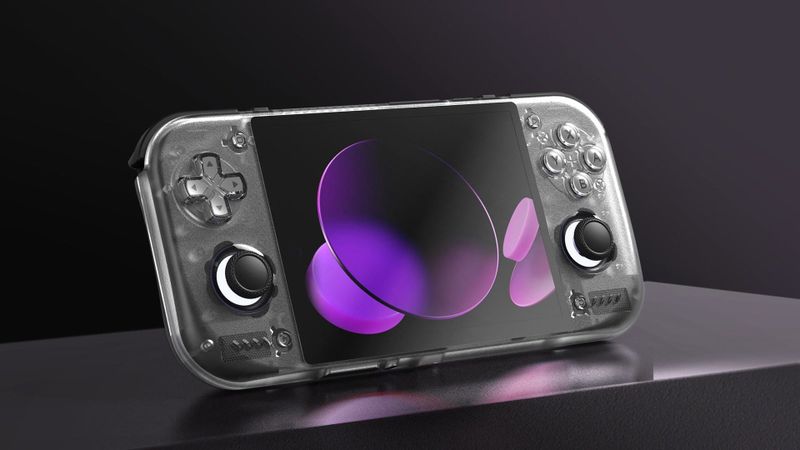
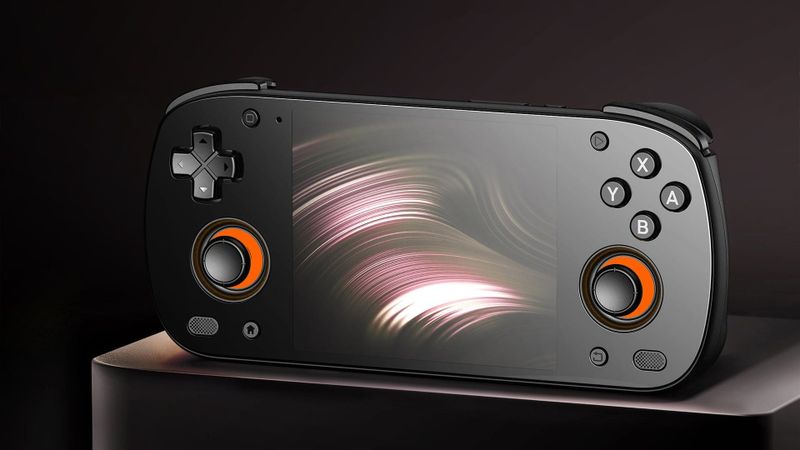
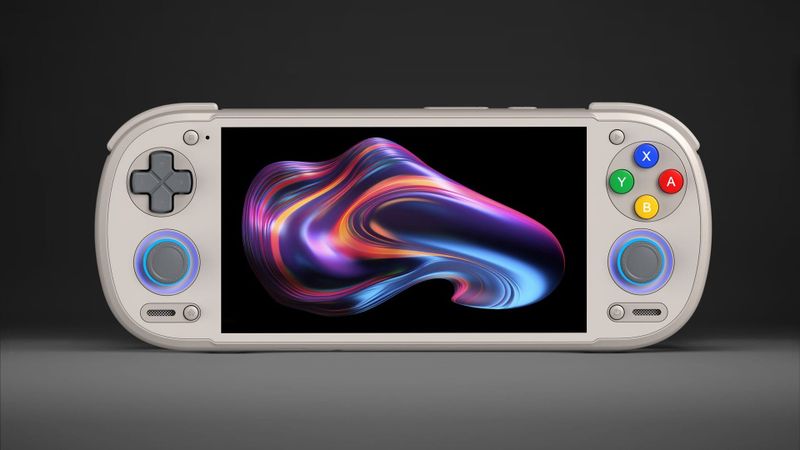
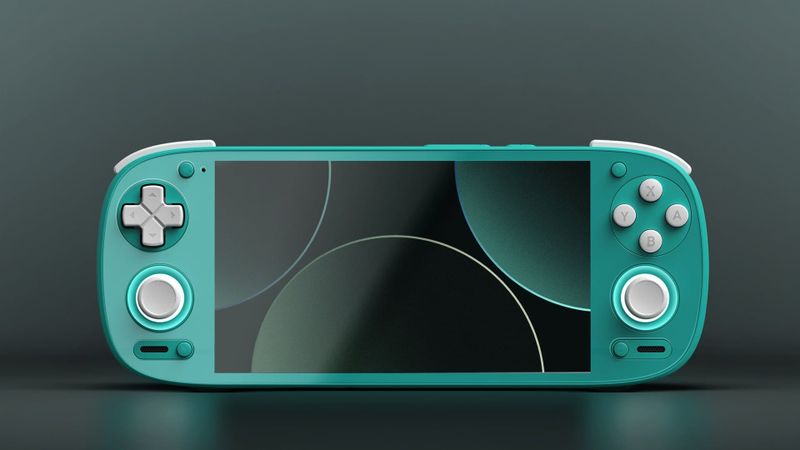
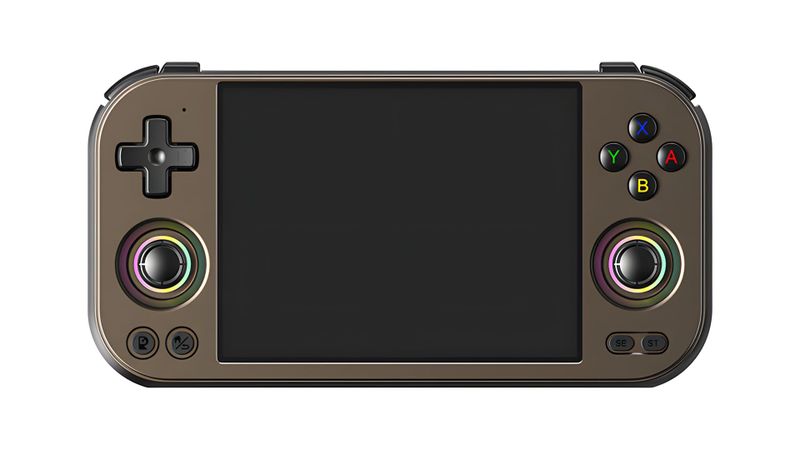
A new heart. That’s the G2. Retroid kept the shell, the 5.5-inch 1080p OLED, the glass front and the controls, and swapped the Snapdragon 865 for the Snapdragon G2 Gen 2, a chip Qualcomm made for handhelds. Retroid promised almost twice the speed of the Pocket 5, and on graphics, the claim holds up. Retro Handhelds measured nearly double the graphics power, which puts it only about 10% behind the Pocket 6’s chip.
Its run was short. Retroid paused it after just five months, blaming memory prices and calling the pause temporary. If you’re shopping now, that means used or leftover stock, so check what a Pocket 6 costs before paying anywhere near the old $219.
What can the Retroid Pocket G2 emulate?
GameCube, most of PS2 and older systems, plus some Switch. GameCube is the sweet spot, at 2x for most games, and a lot of PS2 runs upscaled. The game results come mostly from Steam Deck HQ’s review.
| System | How it runs | What reviewers found |
|---|---|---|
| Up to SNES, GBA, Genesis, PS1, N64 | Should run well | |
| DS | Runs well, both screens on one display | Playable at 8x; small second screen in two-screen games |
| PSP | Runs well | 4x workable with small drops; Sonic Rivals 2 and Ape Escape ran well |
| Dreamcast | Should run well | |
| Saturn | Not covered in reviews | |
| GameCube | Runs well at 2x, lighter games at 3x | Kirby Air Ride needed 2x; Rogue Squadron II struggled even at 2x |
| Wii | Runs well at 2x, like GameCube | |
| PS2 | Most games playable, many upscaled | Budokai Tenkaichi 3 and God Hand at 3x |
| 3DS | Runs well at 3x, heavier games at 2x | |
| PS Vita | 1x to 2x | Gravity Rush had graphical issues |
| Switch | Lighter games playable | Animal Well ran well in Eden |
| Wii U | Not practical | Performance and graphical problems |
| PS3 | Not practical | God of War HD often ran below 60 FPS |
Windows games are possible through apps like GameHub, GameNative and Winlator, which translate PC games to run on Android. Think indie and older games. Big releases are a stretch. Steam Deck HQ had BALL x PIT running above 40 FPS in GameHub, which is the kind of game to aim for. My guide to PC games on Android goes through which app to start with.
How do you set up the Retroid Pocket G2?
Start by ignoring the emulators Retroid offers at first boot. Install Obtainium instead, the app Retro Game Corps’ Retroid guide uses. It pulls emulators straight from their developers and keeps them current, so you’re never stuck on an old build. Then check for a system update under Settings, then System. The March 2026 update added bypass charging, which powers the G2 from the charger without cycling the battery, handy for long sessions plugged in.
A few settings under Handheld Settings make life easier. Switch the face buttons to the Xbox layout, because that’s what Android games and streaming apps expect. Lengthen the screen timeout under Display, so it doesn’t dim in the middle of a cutscene. And turn off the faint floating bar on the right edge in Quick Settings if it gets in your way.
For PS2, try two emulators. Retro Game Corps suggests NetherSX2 for most Retroids and ARMSX2 for faster ones like the Pocket 6 and Nova. The G2’s speed falls between the two groups, so see which runs your games better. For Switch and PS Vita, install Turnip, a free graphics driver that replaces Qualcomm’s. Retro Game Corps calls it a necessity. On the G2 it can slow some Switch games, though, so try each game with and without it.
If you use ES-DE to browse your games, a good place to start, you’ll likely hit a “Failed to Lock File” error when it downloads themes. The fix is buried: turn on the force start SELinux option under Handheld Settings, then Advanced. Daijisho and Beacon work too, and my front ends and firmware guide compares them.
There’s one dull job before PS1, PS2 and Saturn games will start: BIOS files, the start-up code from the original console, dumped from your own machines. It’s boring, but you only do it once. Vita3K asks for Sony’s own Vita system update the first time you run it, and Switch emulation needs keys and firmware from your own Switch.
Can the Retroid Pocket G2 run Linux?
Not yet, and that’s the G2’s biggest gap next to its siblings. The Pocket 5 and Pocket 6 both run Armada and ROCKNIX. The G2 has neither, and no LineageOS build either. Owners have been asking on Armada’s tracker since August, with no answer from the developers. If Linux is part of why you want a Retroid, get the Pocket 6.
What should you know before you buy one?
The screen is the trade-off you’ll see. It runs at 60Hz, which is fine for retro games, since most of them ran at 60 anyway. Menus and modern games just won’t feel as smooth as they do on a 120Hz Pocket 6.
Switch deserves a check of its own. Early reviews hit graphics glitches in some games on the stock driver, and Turnip fixed them but slowed those games until they weren’t playable. If there’s a Switch game you’re buying it for, look it up on the G2 first, or ask the seller to try it for you.
Retroid Pocket G2 vs Pocket 6 and Pocket 5
Against the Pocket 6? Close. The Pocket 6’s chip is only about 10% faster, in Retro Handhelds’ testing. The bigger differences are around it: a 120Hz screen, a larger battery and Linux support. If you’re choosing between used units, the Pocket 6 is the more complete machine.
Against the Pocket 5? A big step. The faster single-core speed is what lifts PS2 and GameCube, and Steam Deck HQ calls it a solid upgrade for Switch, with nearly twice the graphics power. If Switch is the itch, it gets you much closer, and the Pocket 6 gets you closer still.
| Pocket G2 | Pocket 6 | Pocket 5 | |
|---|---|---|---|
| Chip | Snapdragon G2 Gen 2 | Snapdragon 8 Gen 2 | Snapdragon 865 |
| Screen | 5.5-inch AMOLED, 60Hz | 5.5-inch AMOLED, 120Hz | 5.5-inch AMOLED, 60Hz |
| Battery | 5,000mAh | 6,000mAh | 5,000mAh |
| Linux options | None | Armada, ROCKNIX, Batocera | Armada, ROCKNIX, Batocera |
Retroid Pocket G2 specs
| Spec | Retroid Pocket G2 |
|---|---|
| Chip | Qualcomm Snapdragon G2 Gen 2: one 2.8GHz, four 2.57GHz and three 1.9GHz cores; Adreno A22 graphics |
| Memory and storage | 8GB LPDDR5X, 128GB UFS 3.1, microSD |
| Screen | 5.5-inch AMOLED touch, 1920x1080, 16:9, 60Hz, 500 nits |
| Battery | 5,000mAh, 27W charging |
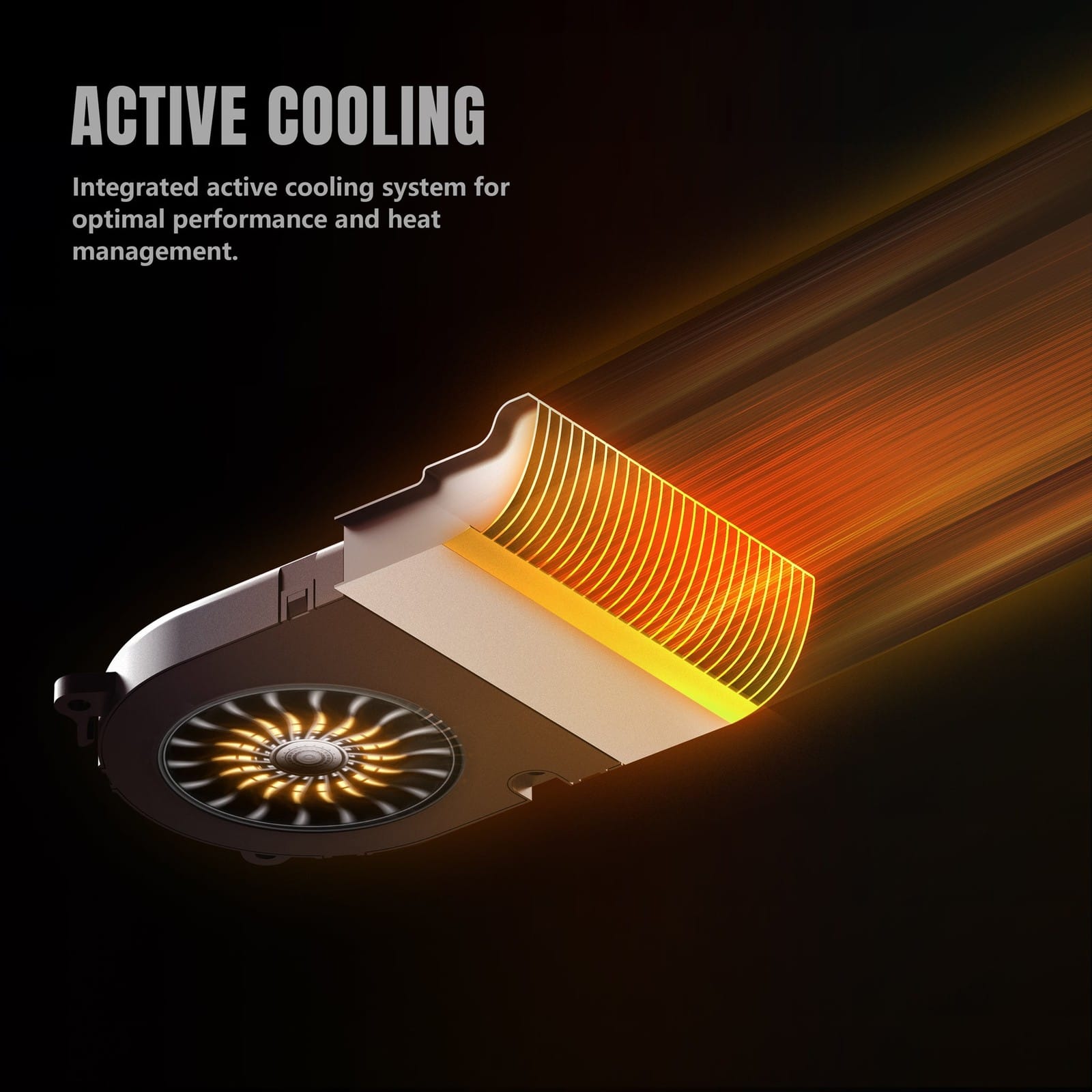
| Cooling | Active cooling with a fan |
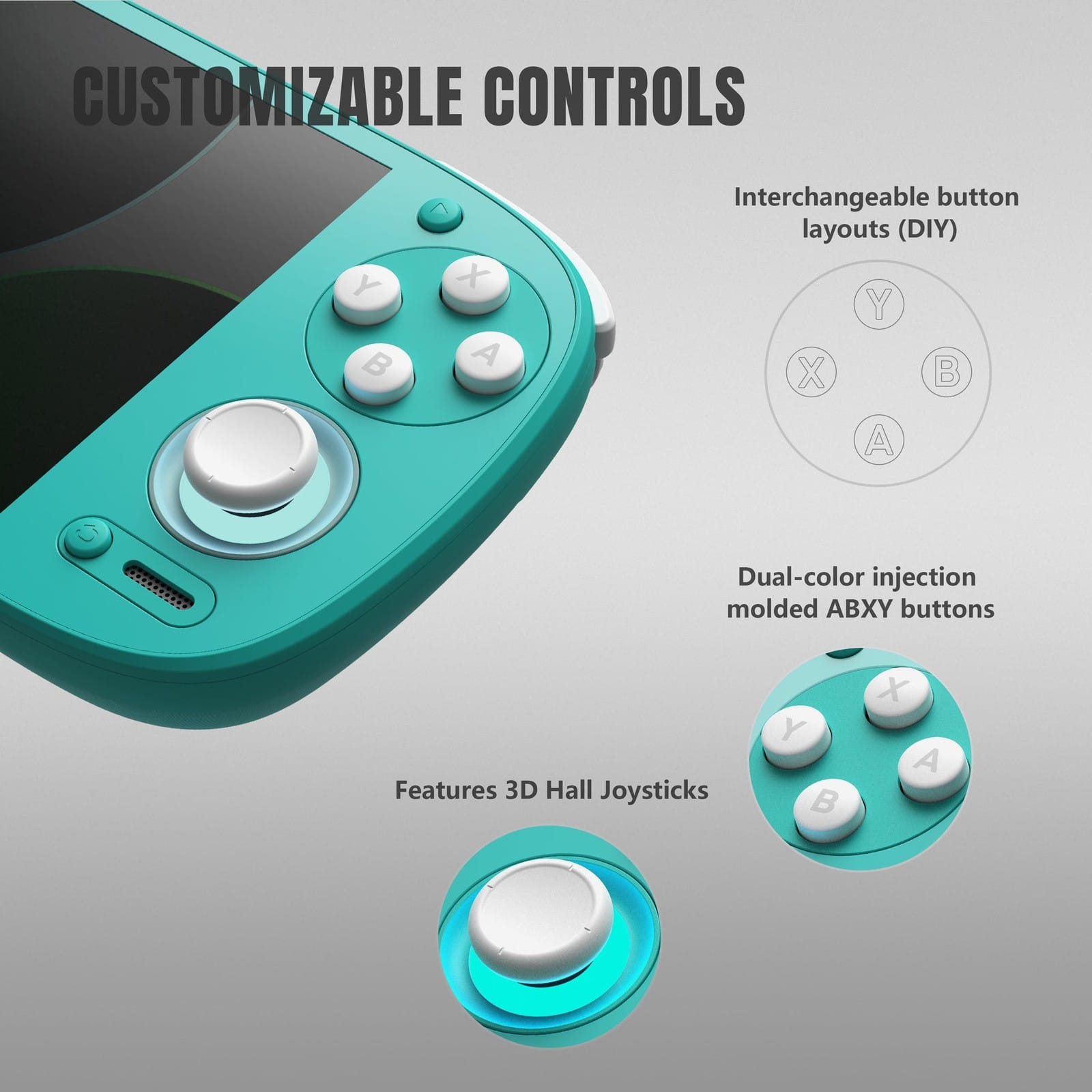
| Controls | D-pad, ABXY with swappable layout, two Hall sticks with light rings, analog L2 and R2, L1, R1 |
| Ports | USB-C with DisplayPort 1080p, 3.5mm headphone jack, microSD |
| Wireless | Wi-Fi 6, Bluetooth 5.4 |
| Size and weight | 199.2 x 78.5 x 15.6mm, 280g |
| Software | Android 15 |
| Colours | GC, 16Bit, Black, Yellow, Turquoise |
On the shelf
Retro handheldsSee the whole story →Nerd Alert
Your Turn
What are YOUR thoughts
What have your experiences been? Let us know.