News · News · Handheld Gaming · Retro Gaming · Retro handhelds · Emulation
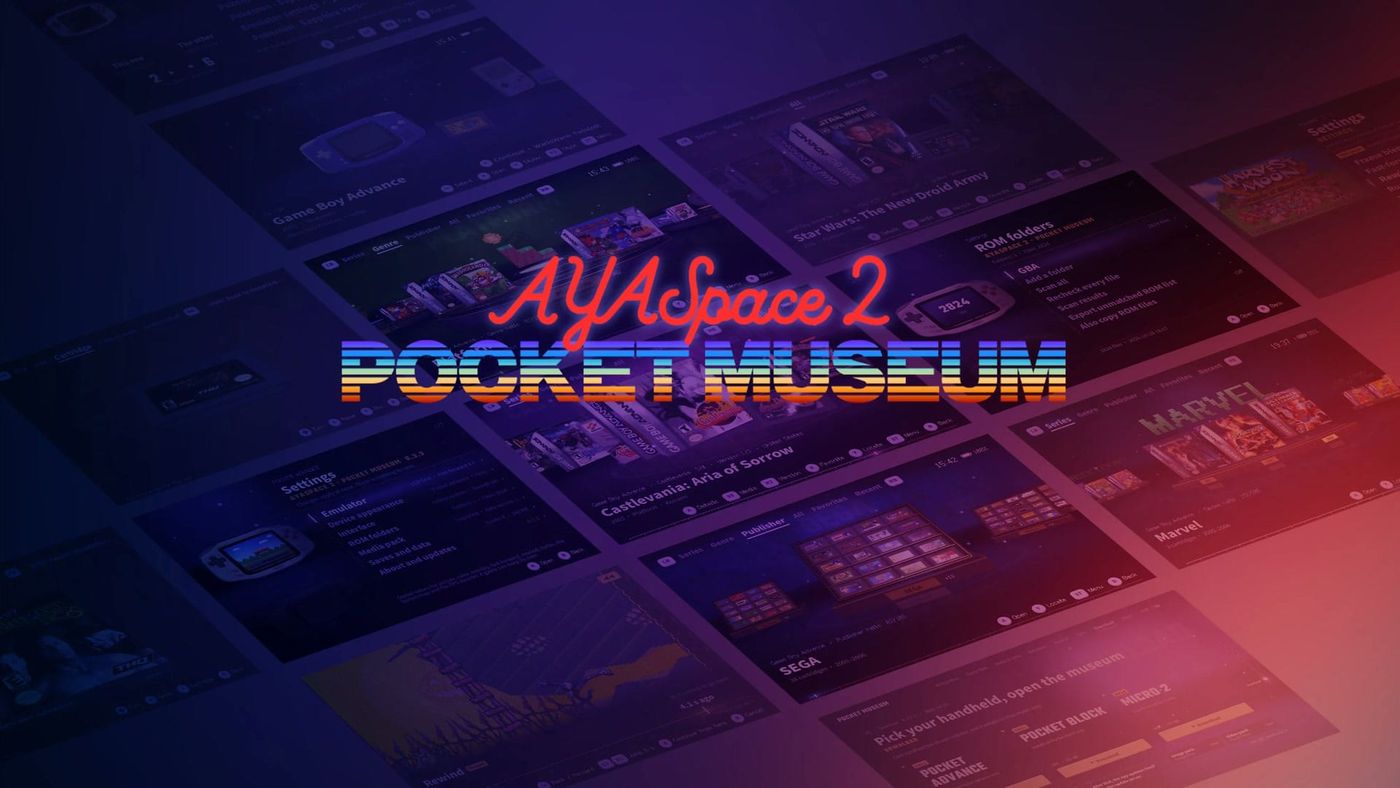
AYASpace 2 Pocket Museum: AYANEO's New GBA Launcher Brings Its Own Emulator
AYANEO's new Android launcher shows your GBA games as 3D boxes and carts and plays them itself, no RetroArch needed. It's GBA only for now, on three handhelds.
https://averagetechnerds.com/ayaspace-2-pocket-museum/
 EmulationAndroid emulators, by systemWhere to get each one, what it costs, and the ones I runSee the emulators →Every emulation article →
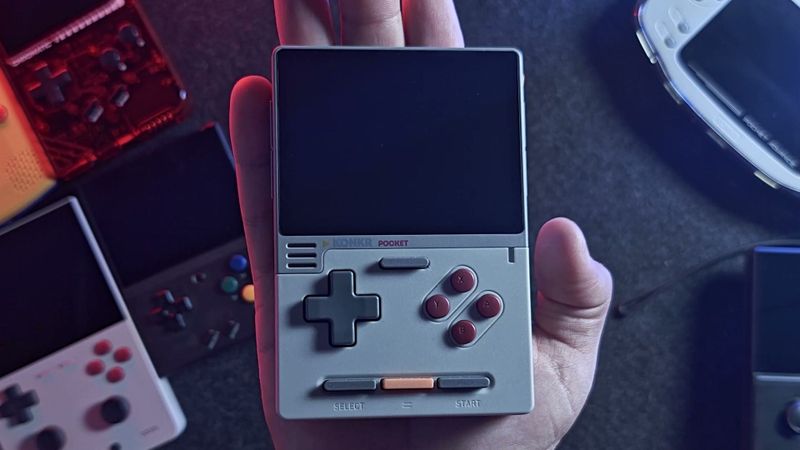
AYASpace was one of the first things I tried on my KONKR Pocket Advance, and it didn’t win me over. It found the games I dropped into its folder, but not the artwork I copied over, and when I picked a game it asked for a RetroArch core, then opened RetroArch without starting the game. It just wasn’t for me, and this week I switched the handheld over to stock Android instead. Now AYANEO has released AYASpace 2, nicknamed the Pocket Museum, and it reads like a list of fixes for exactly the things that didn’t work for me. There’s one big catch. Here’s what it is, what it does, which handhelds get it, and what’s still missing.
What is AYASpace 2 Pocket Museum?
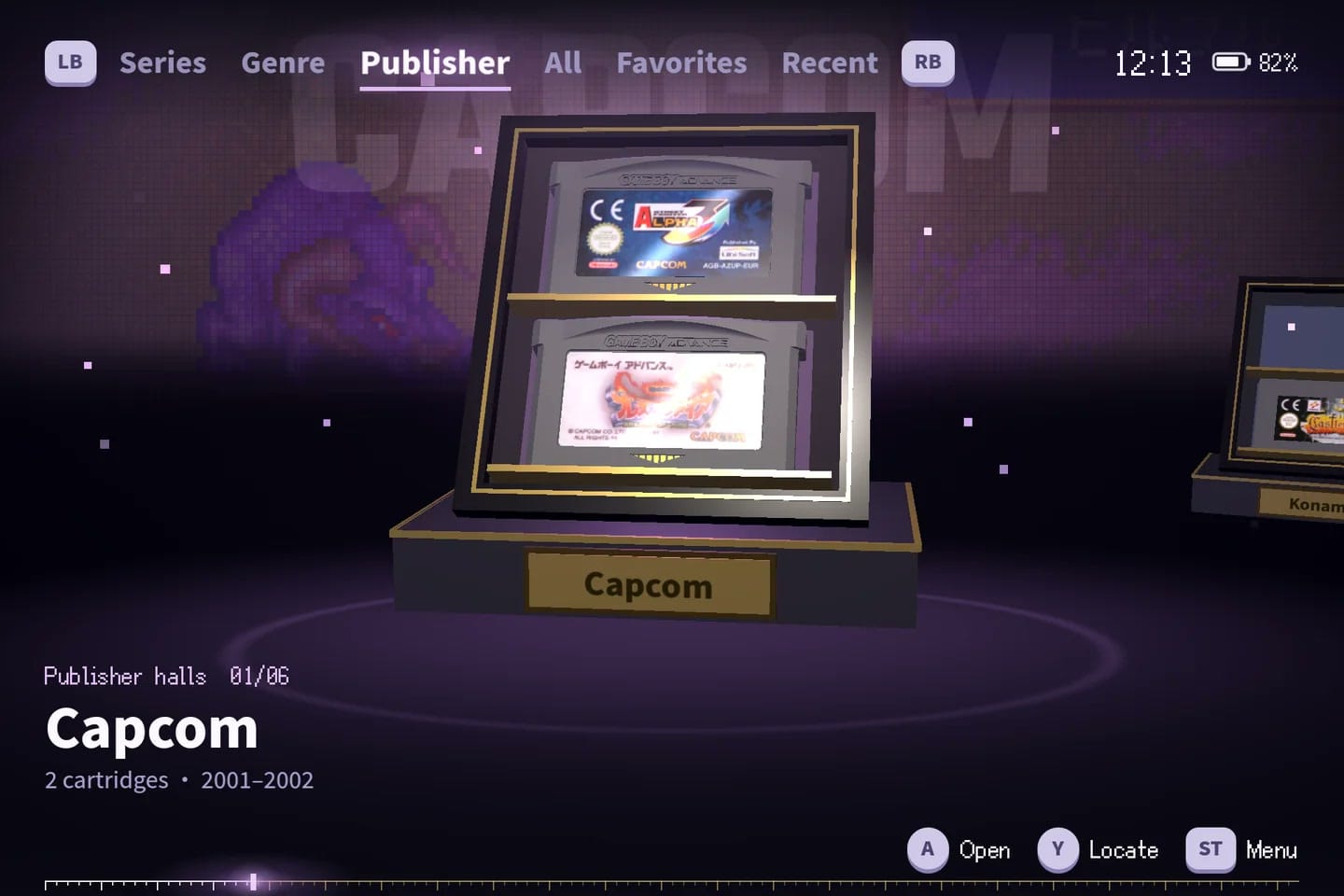
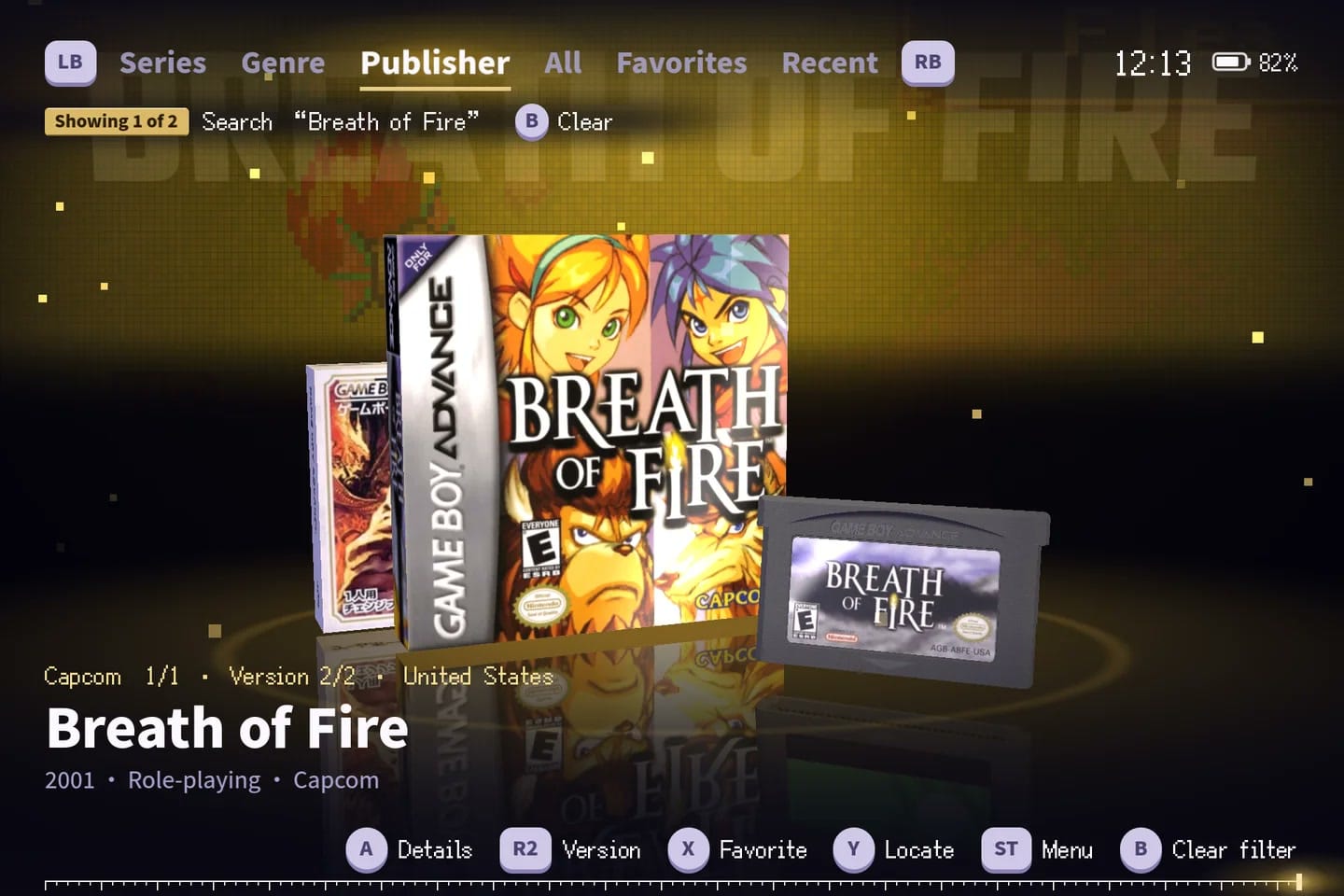
It’s a game launcher and emulator in one app, built to make your GBA collection look like a museum display. You point it at a folder, and your games shelve themselves one by one as it scans, with names, release years, genres and publishers already filled in. Then you browse them in 3D halls grouped by series, genre or publisher, with boxes and cartridges you can turn around in your hands.
AYANEO showed it off during a livestream on October 30, according to Retro Handhelds and Retro Dodo, and it’s available now from its Pocket Museum page.
One heads-up if you search for it: AYANEO already used the name AYASpace 2 for its Windows software a while back, and that’s what turns up first. Add “Pocket Museum” to find the new one.
Does it fix the original’s problems?
On the two things that tripped me up, it goes straight at them. The original AYASpace handed games off to RetroArch, and that handoff is where things went sideways on my unit. AYASpace 2 has the emulator built in. AYANEO’s page says there’s no separate install and no settings to work through first: you pick a game and it plays.
The artwork problem gets a new approach too. AYASpace 2 reads what’s inside each file and checks it against a built-in GBA database, so even a file you renamed years ago shows up as the right game. Box and cartridge art comes from a media pack you download and import, and if you skip the pack, games get a generic box and cartridge and play exactly the same. Different versions of a game, like the American and Japanese releases, get grouped together.
Whether it holds up in day-to-day use is the open question. It’s version 0.3.3, and I haven’t seen early owner reports yet.
Which games does it play?
Game Boy Advance games, and only those for now. AYANEO calls it “a multi-console launcher,” but every part of it today is GBA: the recognition database, the file types it reads (.gba, plus .zip and .7z archives, subfolders included), and the screen settings. Retro Dodo notes GBA was the only console shown at the launch, and AYANEO hasn’t given a date for anything else.
So if your Pocket Advance is mostly a GBA machine, this covers the heart of it. Your Super Nintendo, PS1 or Game Boy games will need to live somewhere else for now. Our emulator hub has emulators for all of them, system by system, each with a link to its official page.
What can the built-in emulator do?
Quite a lot for a launcher. You get save states that keep a picture of the moment, fast-forward at 2x, 3x or 4x, and a rewind you scrub like a video timeline, back to the exact second before you messed up. There’s Run Ahead, which runs a frame or so ahead behind the scenes to cut some of the input lag a game had even on original hardware. Cheats are built in, you can remap any button and set turbo, and settings can be tuned per game.
For the look, there are six screen effects plus GBA colour correction and frame blending. The original GBA screen was dim and a bit washed out, and its slow pixels left a slight ghosting that some games used to turn flickering sprites into see-through effects. Colour correction and frame blending recreate both, so games look the way they were made to.
AYANEO doesn’t name the emulator on its page. A public set of source materials for the app says it runs on mGBA, a long-running open-source GBA emulator.
How does save sync work?
If you have two of these handhelds, they can share your progress over the same Wi-Fi network. You confirm a pairing code the first time, so you know both devices are yours, and AYASpace 2 shows you what’s going to change before anything moves. In-game saves, save states, play records and favourites all travel together, and saves for games the other handheld doesn’t have are kept too.
Which handhelds can run it?
Three retro handhelds from AYANEO and its KONKR brand: the KONKR Pocket Advance, the KONKR Pocket Block and the AYANEO Pocket Micro 2. Each one gets its own installer, about 218 MB, from AYANEO’s Pocket Museum page, and after that the app updates itself. The optional image and video packs are separate downloads on Google Drive, and the app doesn’t come with any games.
It installs as a separate app, so the original AYASpace stays on your handheld alongside it. AYANEO doesn’t say whether the new one can take over as your home screen.
What’s still missing?
Everything outside the GBA, for a start, and a date for when that changes. It’s also a pre-release build, so expect rough edges and updates. And I’d like to see what owners say once it’s been on a few handhelds for a week. The feature list reads like an answer to the complaints about the original. Now it needs to work as well as it reads.
On the shelf
Retro handheldsSee the whole story →On the shelf
EmulationSee the whole story →Nerd Alert
Your Turn
What are YOUR thoughts
What have your experiences been? Let us know.