Hands-on / First look · First Impressions · Handheld Gaming · Retro Gaming · Retro handhelds
Retroid Pocket Duo First Impressions: A $269 3DS-Style Handheld That Plays Some PS3
I wanted a 3DS-style handheld I could travel with. The $269 Retroid Pocket Duo does that job, then plays PS2, PS3, Switch and Xbox games too. Unboxing and first impressions.
https://averagetechnerds.com/retroid-pocket-duo-first-impressions/
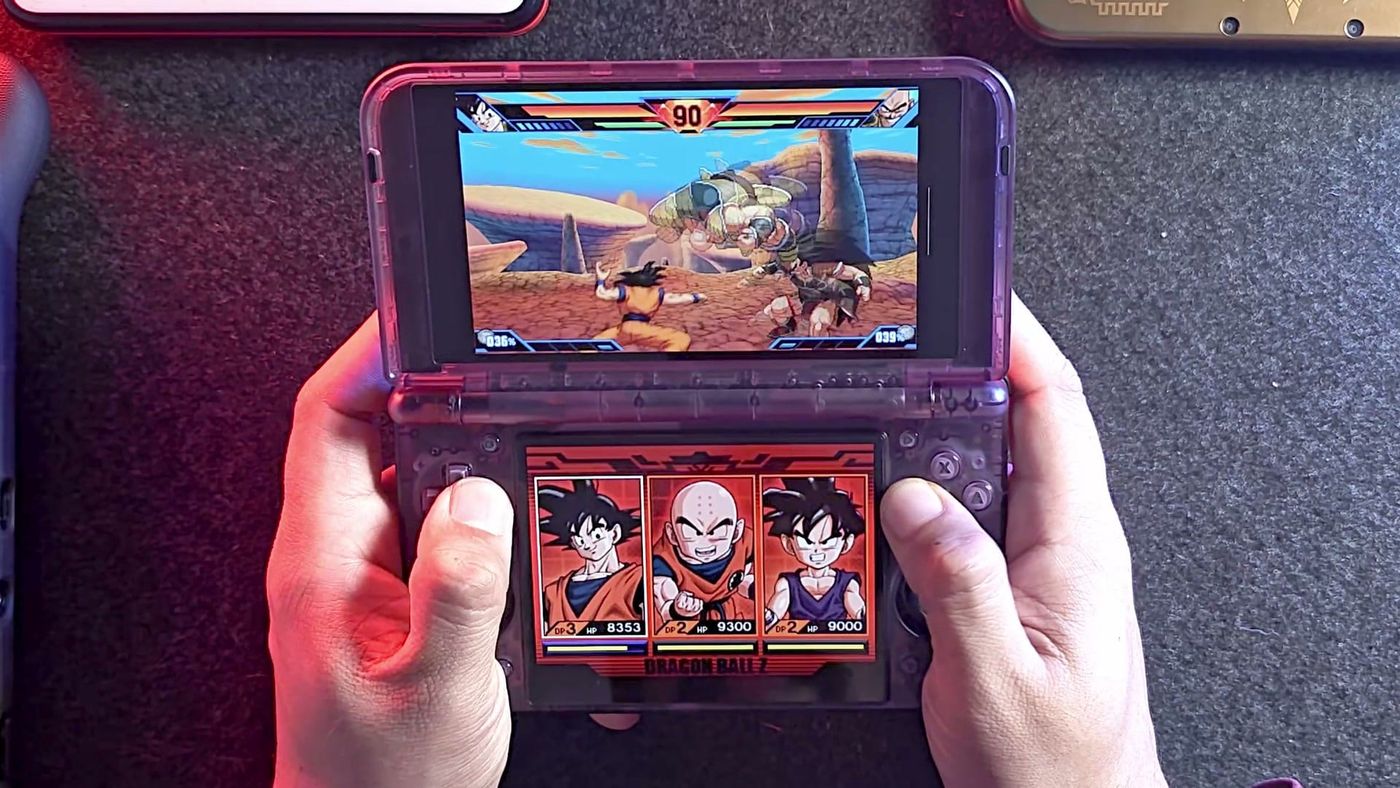
Every work trip, my 3DS collection stays home, a few XLs and 2DS XLs that never make the cut. My bag gets a bigger handheld instead, usually the Odin 2 Portal Max, sometimes the Legion Go 2. The Odin handles 3DS by squeezing both screens onto its single panel. It works, though two real screens would suit me better. The Retroid Pocket Duo is a clamshell with two real screens, and I pre-ordered it to settle one question: can this be the 3DS I finally pack? Once it answered that, I kept feeding it heavier consoles to find its ceiling.
Why did I want a two-screen handheld for travel?
Because I play a lot of 3DS, and those games were drawn for two screens stacked one above the other, with your stylus or thumb working the bottom one. Ever tapped a map that’s been shrunk into the corner of a single screen? On a clamshell, the bottom screen sits right under your thumbs, the way the game expects. The Duo is also my first Android handheld that folds.
What is the Retroid Pocket Duo, exactly?
An Android handheld with a 3DS body plan. In practice, the wide top panel handles widescreen games and 3DS top screens, and the squarer one below gives DS and 3DS touch screens their natural shape, plus a home for 4:3 games from older consoles.
| Spec | Retroid Pocket Duo |
|---|---|
| Chip | Qualcomm Dragonwing Q-7790 (reportedly the same design as the Snapdragon 7 Gen 4), Adreno 722 graphics |
| Memory and storage | 8GB of RAM, 128GB, microSD slot |
| Top screen | 5.5-inch 1920 x 1080 OLED, 16:9, 120 Hz, touch |
| Bottom screen | 4.5-inch 1280 x 960 OLED, 4:3, 120 Hz, touch |
| Software | Android 16 |
| Battery | 6,000 mAh, 27 W charging |
| Cooling | Built-in fan |
| Wireless | Wi-Fi 6E, Bluetooth 5.4 |
| Ports | USB-C with video out, 3.5 mm headphone jack |
| Controls | D-pad, Hall effect sticks that click, stacked shoulder buttons with analog triggers, gyro, rumble |
| Size and weight | 162 x 95.5 x 22.4 mm, about 350 g |
| Colors | Black, 16Bit, GC, Ice Blue and Clear Purple |
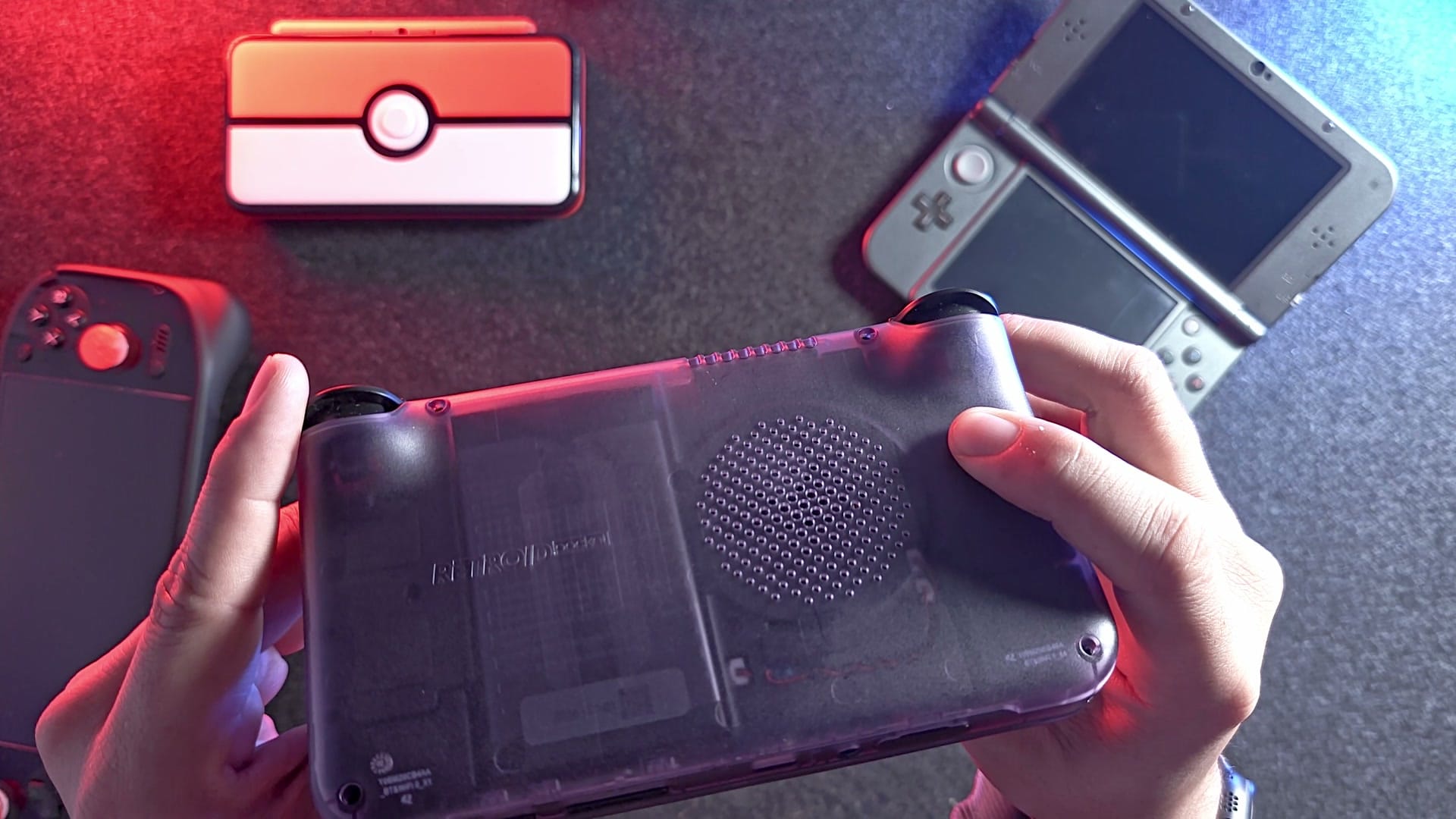
Mine is Clear Purple. See-through shells are my favorite, since you can see what’s inside.
Walk around the edges and you’ll find the lot: fan intake, headphone jack, microSD slot, volume and power, and a USB-C port that charges at 27 W and sends the picture to a TV.
The triggers deserve a closer look. The shoulders are stacked, a bumper over each trigger, and the triggers travel so far that I took them for analog on sight. OutRun 2 proved me right later.
Open the lid and four small buttons sit around the controls: start and select for your emulators, back and home for Android. The sticks are Hall effect, read by magnets, so drift shouldn’t be a worry. Coming from a Thor? The D-pad sits above the left stick here, and AYN does it the other way round.
Why does a 4:3 bottom screen matter?
Because most older games were drawn for squarer TVs. Home consoles of the 1990s were built around 4:3 sets, so their games get black bars down the sides on a wide panel. On the Duo, those games can go on the bottom screen and fill it edge to edge. Games from the mid-2000s with a widescreen option belong up top, and DS and 3DS games use both. You pick which screen each game opens on, and a single-screen handheld can’t offer that.
How did the pre-order and shipping go?
Slower than Retroid planned. Mine was ordered during the pre-order window, and while I waited, the ship date slipped more than once. When boxes did move, they went out one color at a time, oldest orders first. The $20 launch code that got mine down to $249 is gone now; it ended with October.
It finally reached me about a week before I filmed. If yours is still on the way, Retroid’s delivery dashboard shows which order dates have shipped in each color, and our Duo shipping article explains how to read it.
What did I order with it, and what went wrong?
I added three extras at checkout, a carry case, Retroid’s grip case with a stylus and a screen protector, and they arrived with the console. All three together came to about $31. The box itself is bare bones: the console, a USB-C cable and some paperwork.
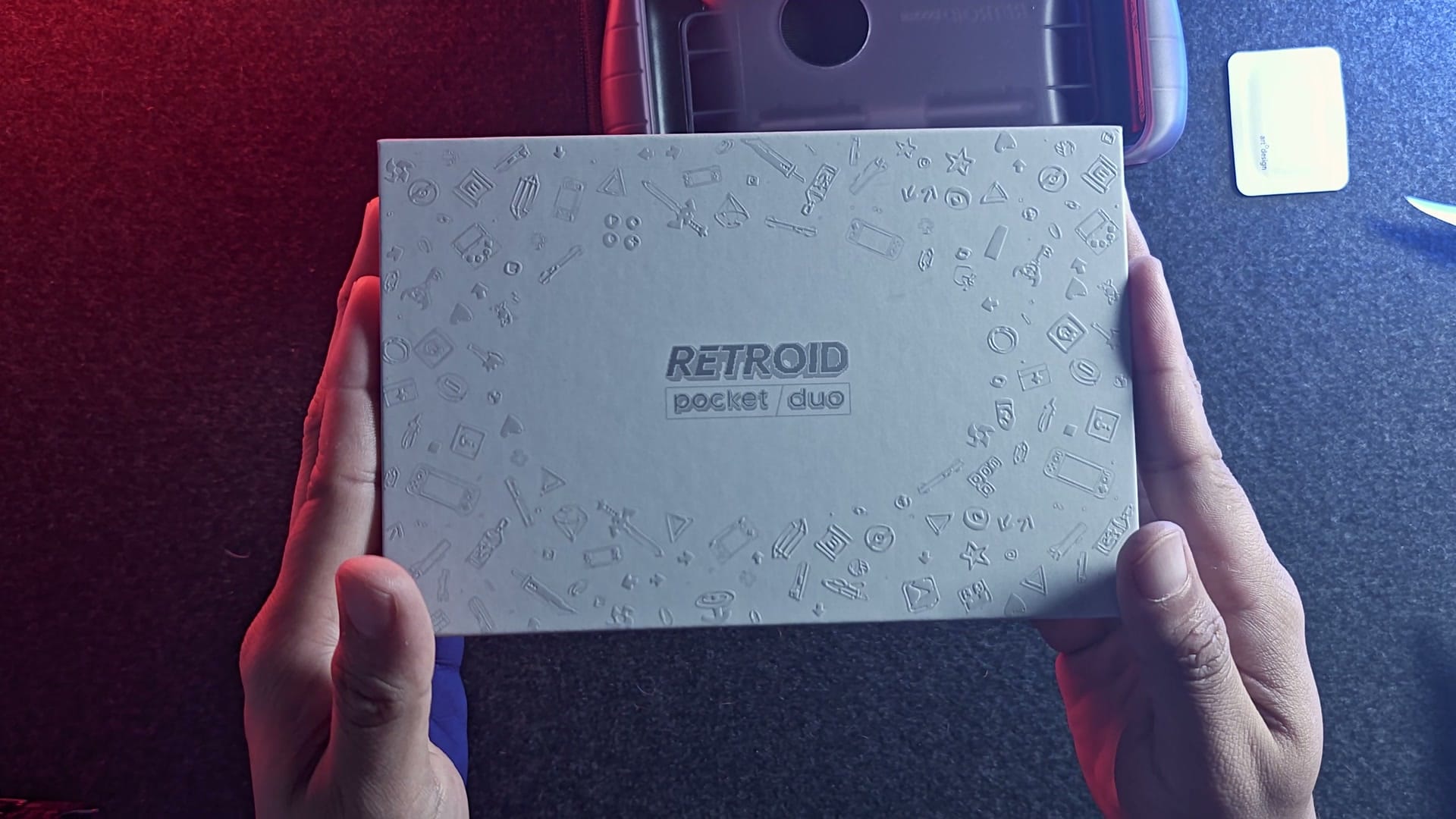
One mistake on my part. The carry case is cut for a bare Duo, so it won’t close once the grip is on. Planning to buy both? Look for a roomier case instead.
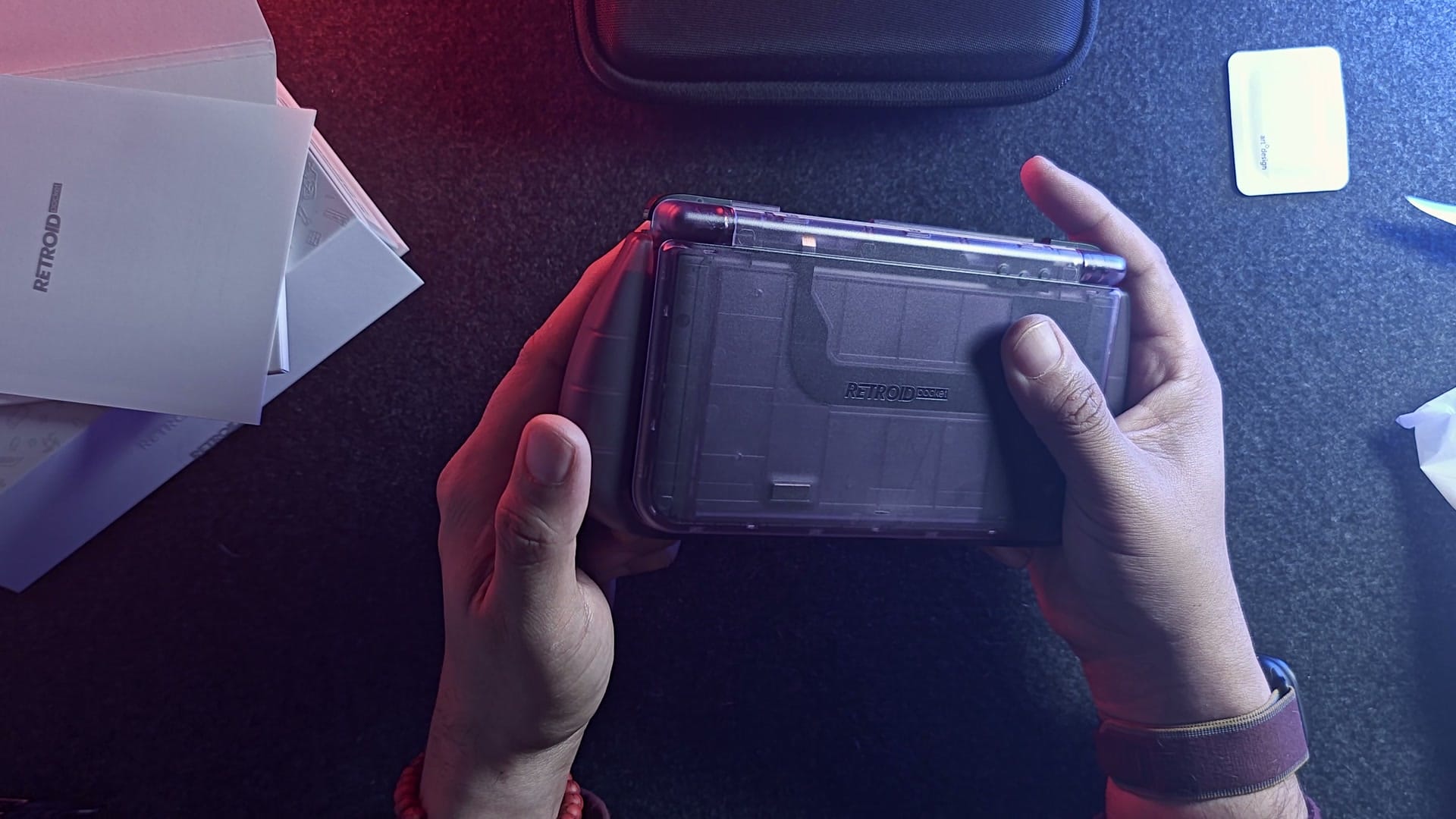
I like the grip. It’s soft TPU with a proper handle shaped into the back, the kind of bigger grip my hands prefer, and the stylus slides into a slot of its own. The stylus is a standard one with a soft tip, and the body extends, which is a small bonus. It needs the grip, because the Duo has nowhere to keep it. The grip holds on with 3M adhesive pads instead of clipping in, so it’s only as good as the glue.
What’s it like in the hand?
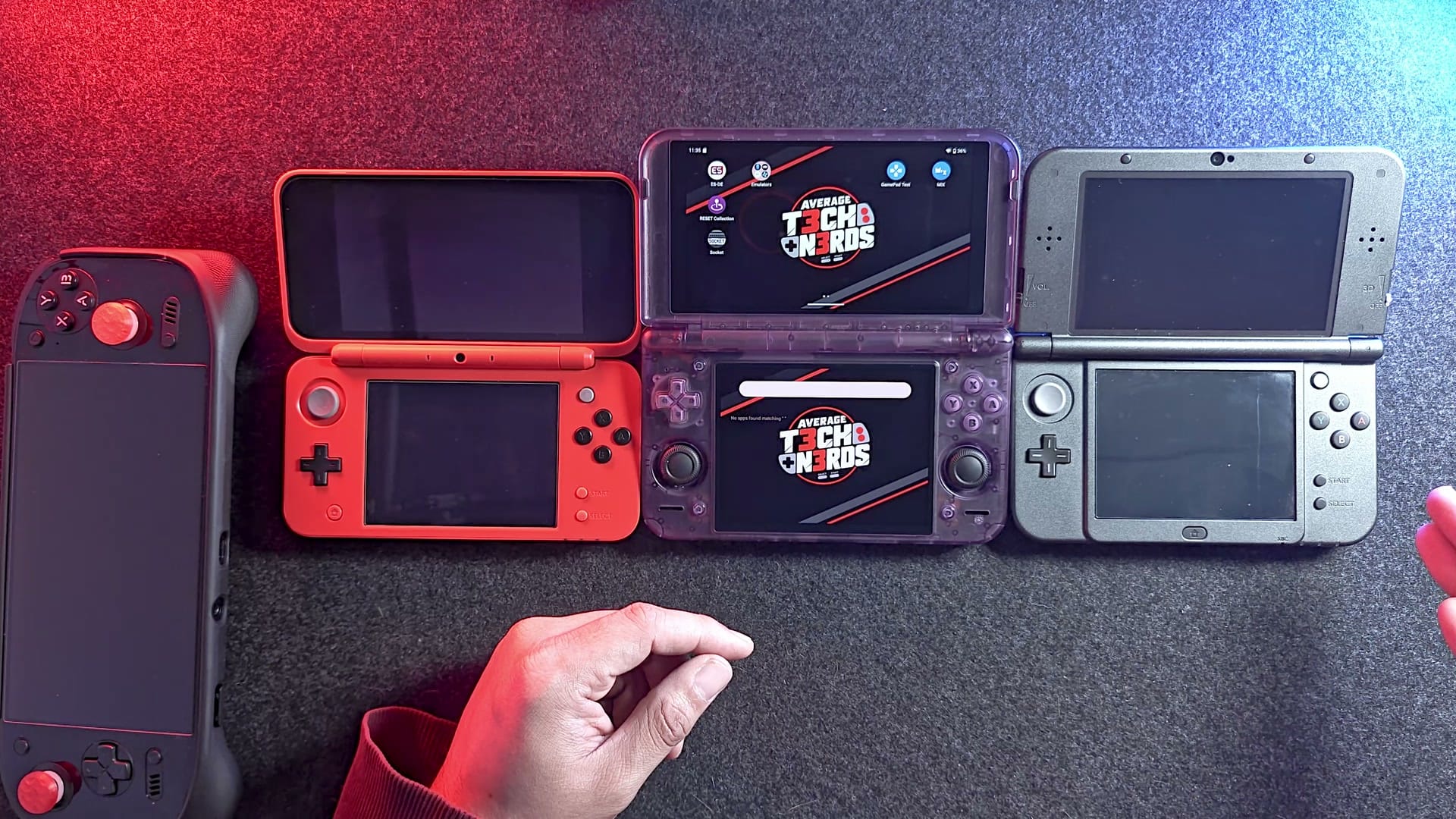
Line it up with my 3DS XL and the lengths match closely; the 2DS XL comes up a little short of both. Turn them on their sides and the Duo is a touch thicker, with an intake on its edge for the fan. As far as I know, Nintendo’s clamshells cool passively and have no vents, so the intake is the easy way to tell them apart. Flip the lids up and the Duo wins easily: bigger screens than the XL, and OLED besides.
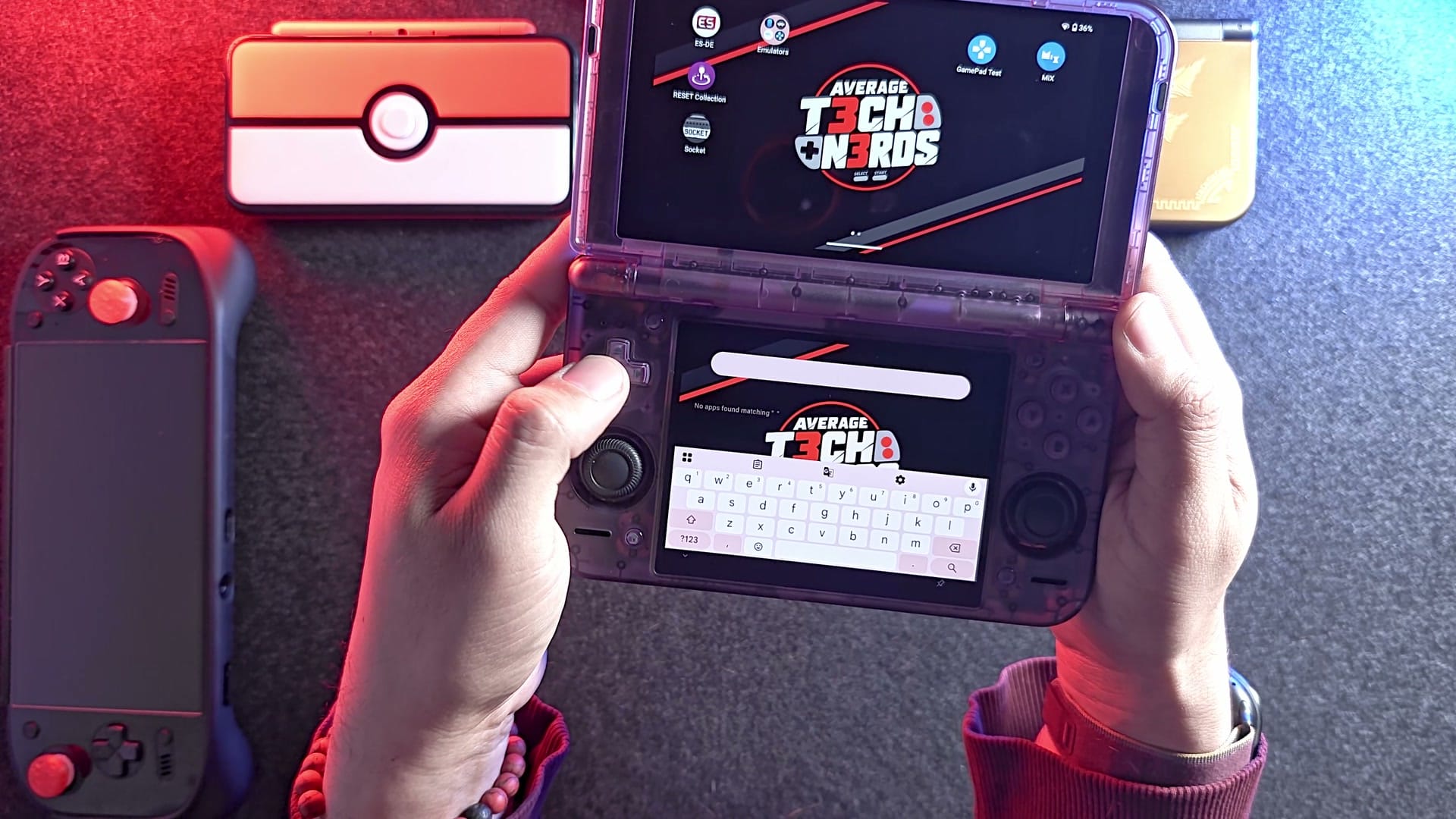
The shell feels decent in the hand, a step short of premium, and solid enough to go in a backpack without much worry, though I did buy it a case. Squeeze it and you get almost no flex and no creaking. See-through plastic can be a bit less tough than solid colors, but this shell feels fine.
Open and close it a few times and the hinge wins you over. A 3DS XL clicks between a few set angles; the Duo stops wherever you let go, firm, with no wobble. How firm it stays over time is the open question. Close it and both screens fold away face to face, protected inside the shell, which is half of why a clamshell travels so well.
Playing, the face buttons feel quick and light under your thumb, with a faint tap as each one lands. The sticks have to sit low so the lid can shut, the 3DS approach, and they work fine for that. Press down and they click, something you never got on an original 3DS.
How good is the D-pad for fighting games?
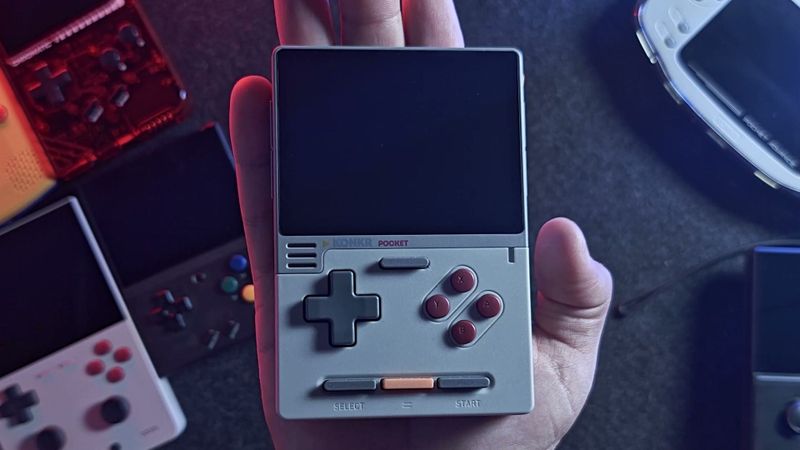
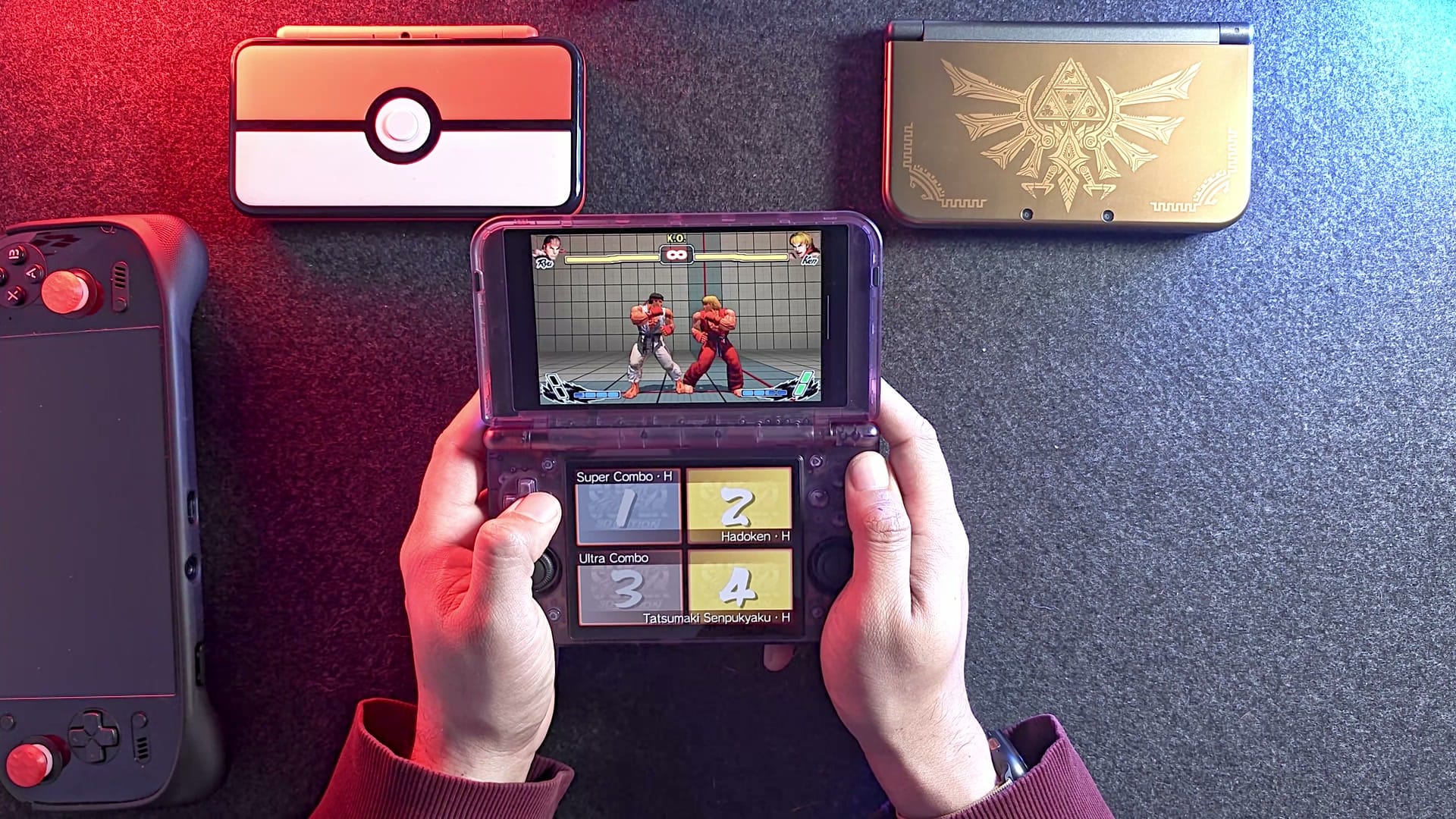
Very good, if you care about diagonals, and you should if you play fighters. Fighting games want you to roll your thumb from down to down-forward to forward in one smooth motion, and a D-pad that resists the corners turns that into a coin toss. The KONKR Pocket Block I reviewed before this one kept steering me back to the four main directions, and I needed lots of attempts to land a Shoryuken. On the Duo, the corners are just there, and Hadoukens and Shoryukens come out easily.
What should you change in the settings first?
Start with Auto Lock. Out of the box, the buttons control whichever screen your finger last touched. Tap something on the bottom screen and the D-pad switches over to it, which confused me at first. To stop it, open the Home menu, go into Settings and find Auto lock. You can switch it off, or keep the controls on the top screen for good.
Next, the refresh rate. You can push either screen to 120 Hz. Mine stay on the default 60, with the fan in performance mode. Emulators don’t get anything from the extra speed as far as I can tell, and the battery lasts longer at 60. The faster mode only pays off in Android games built to use it.
Separate screens also open up a fun trick: a game on top, a video playing underneath.
Setting yours up from scratch? Start with a launcher. Mine runs ES-DE, RESET and Socket, and our ES-DE setup guide was made on this very Duo, with screenshots of every step. Pair it with Obtainium, which keeps the emulators you add to it updated.
Which emulators did I use?
The usual suspects. Every game shown in my video ran on one of these:
| System | Emulator | Tested with |
|---|---|---|
| 3DS | Azahar | Dragon Ball Z: Extreme Butoden, Street Fighter IV 3D Edition |
| PS2 | ARMSX2 | God of War II |
| PS3 | aPS3e | After Burner Climax |
| Switch | Eden | Celeste, Crash Bandicoot N. Sane Trilogy |
| Original Xbox | hakuX | OutRun 2 |
One more thing worth knowing. If a game stutters or draws something wrong, a different graphics driver can help. That’s the piece of software that tells the chip how to draw each frame. The Duo has a free, community-made one called Turnip Duo, built for its graphics chip, and most of these emulators can switch to it from their settings.
How does 3DS run on it?
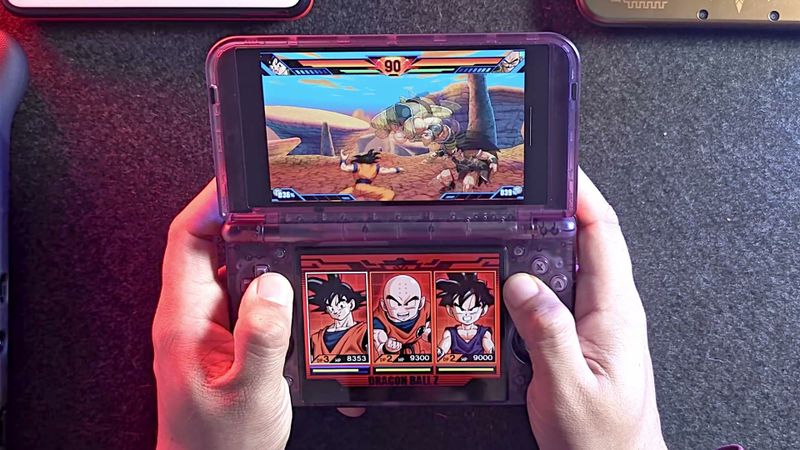
Like the job it was built for. I started with Dragon Ball Z: Extreme Butoden at 3x, and the controls felt smooth, with combos coming easily off that D-pad. Street Fighter IV 3D Edition is the heavier of the two, and even at 3x I didn’t see a single slowdown. I’d call that the travel question settled.
Two stereo speakers face you from the front, and they get very loud. Want them quieter? JamesDSP, an Android audio app, can turn them down. I use it on my Odin for that.
What happens when you hand it PS2 and PS3 games?
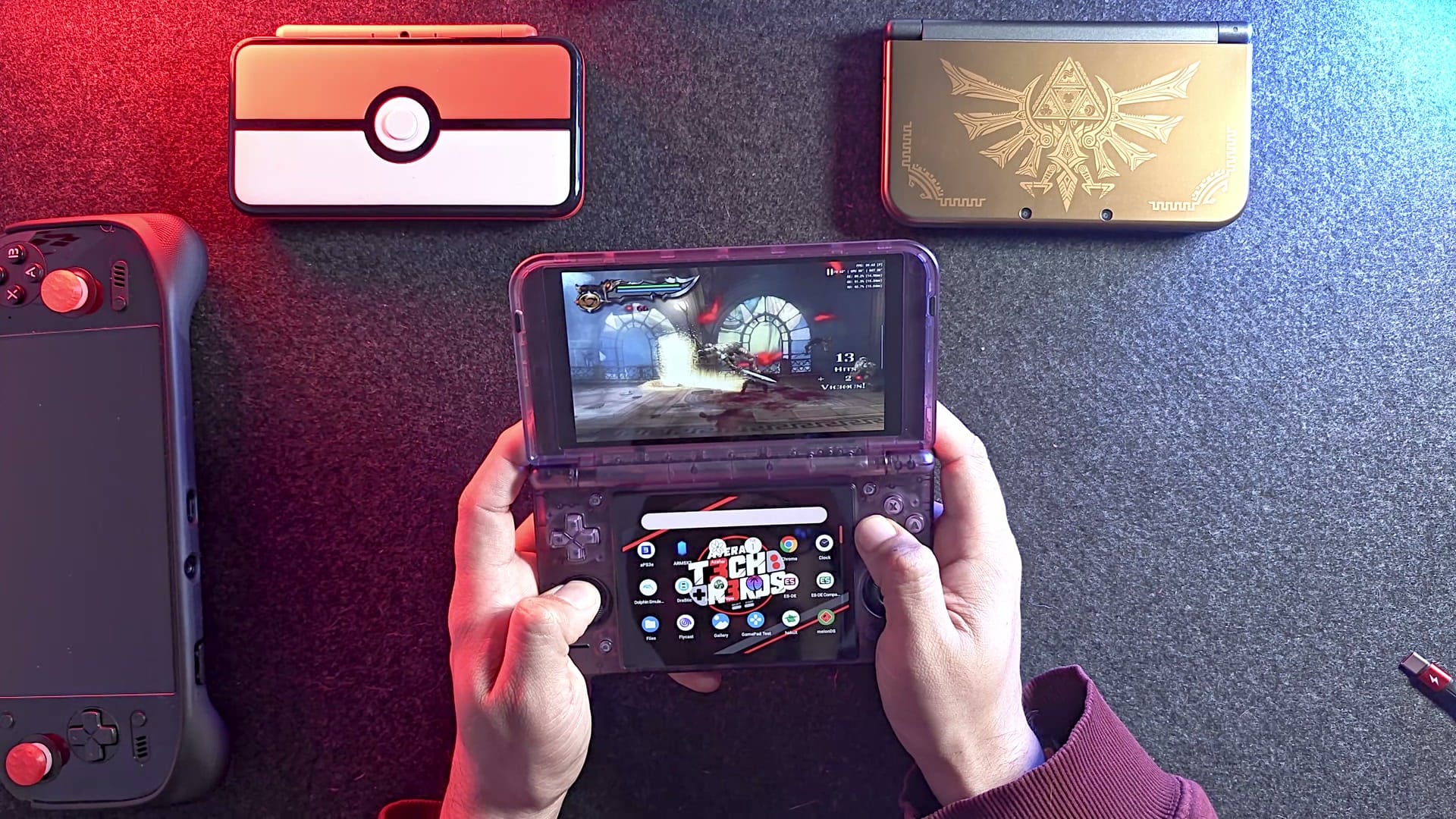
3DS done, time to raise the bar. God of War II is one of the heavier PS2 games, and the Duo still held 60 fps at twice the original resolution, widescreen hack included, on the top screen. If you’d rather play PS2 games in their original 4:3, the bottom screen is shaped for exactly that.
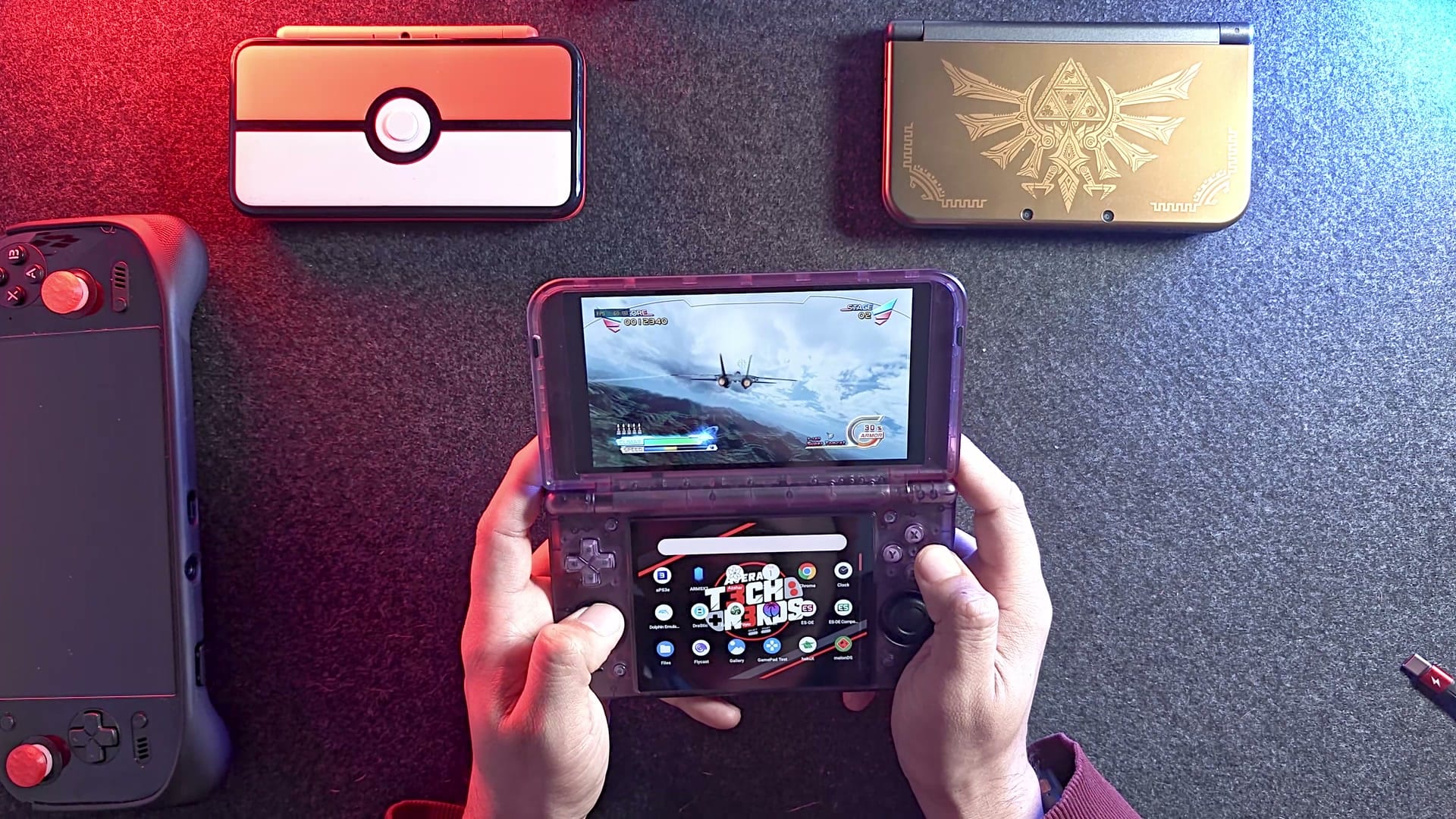
My bar for older games is modest: if it holds 30 fps, it’s good enough to pass the time stuck at a gate. After Burner Climax ran at 60. It’s a fast arcade shooter with lighter graphics than most PS3 games, and it only sagged, to about 40, when the screen filled with enemy jets, and I’d happily play it like that. It’s still a busy game to emulate, with scenery that never sits still and plenty of textures to keep up with. Heavier PS3 games will struggle, but a $269 handheld running any PS3 game this well caught me off guard.
Does it really play Switch games?
I doubted it going in, maybe a few lightweight games at best. My reasoning came from the RG 55G1, which could run very light Switch games, so I figured the Duo should manage some. Then Celeste loaded up and sat at 60 the whole time I played.
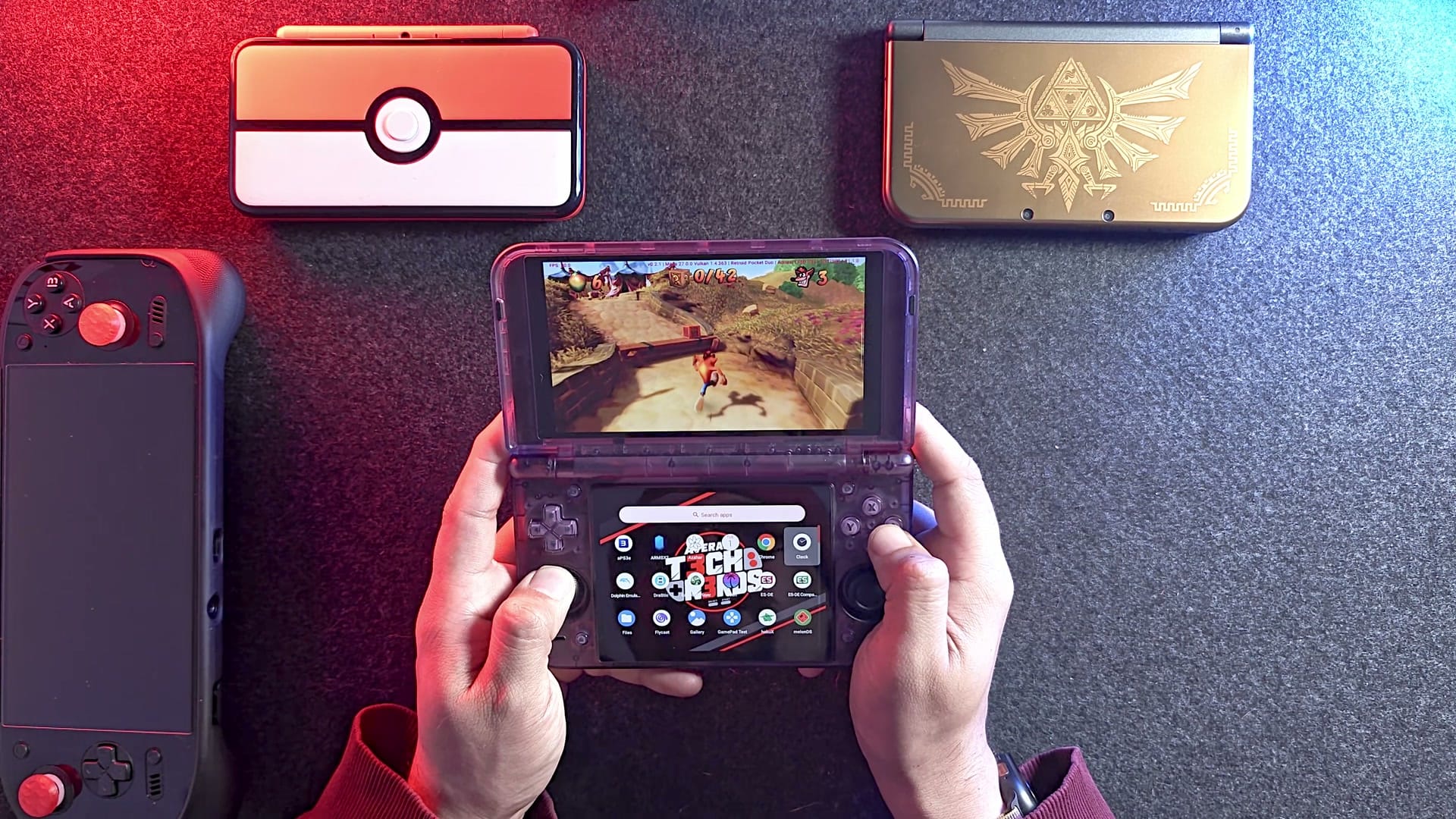
On real Switch hardware, Crash Bandicoot N. Sane Trilogy is locked to 30, and the Duo matched that. That cap is common on Switch, and getting 60 out of those games usually takes a patch. It hitched now and then while the Eden emulator built shaders, a one-time step where each new effect gets prepared the first time it shows up, and after that it smoothed out. Once the shaders were built, it ran clean.
The biggest Switch games are where I have doubts. Some of them trip up even my Odin 2 Portal, though I play on it at 2x or above, which is a big extra load. My guess is that at native resolution the Duo gets through nearly the whole library. It’s a guess, so treat it as one.
What about original Xbox games?
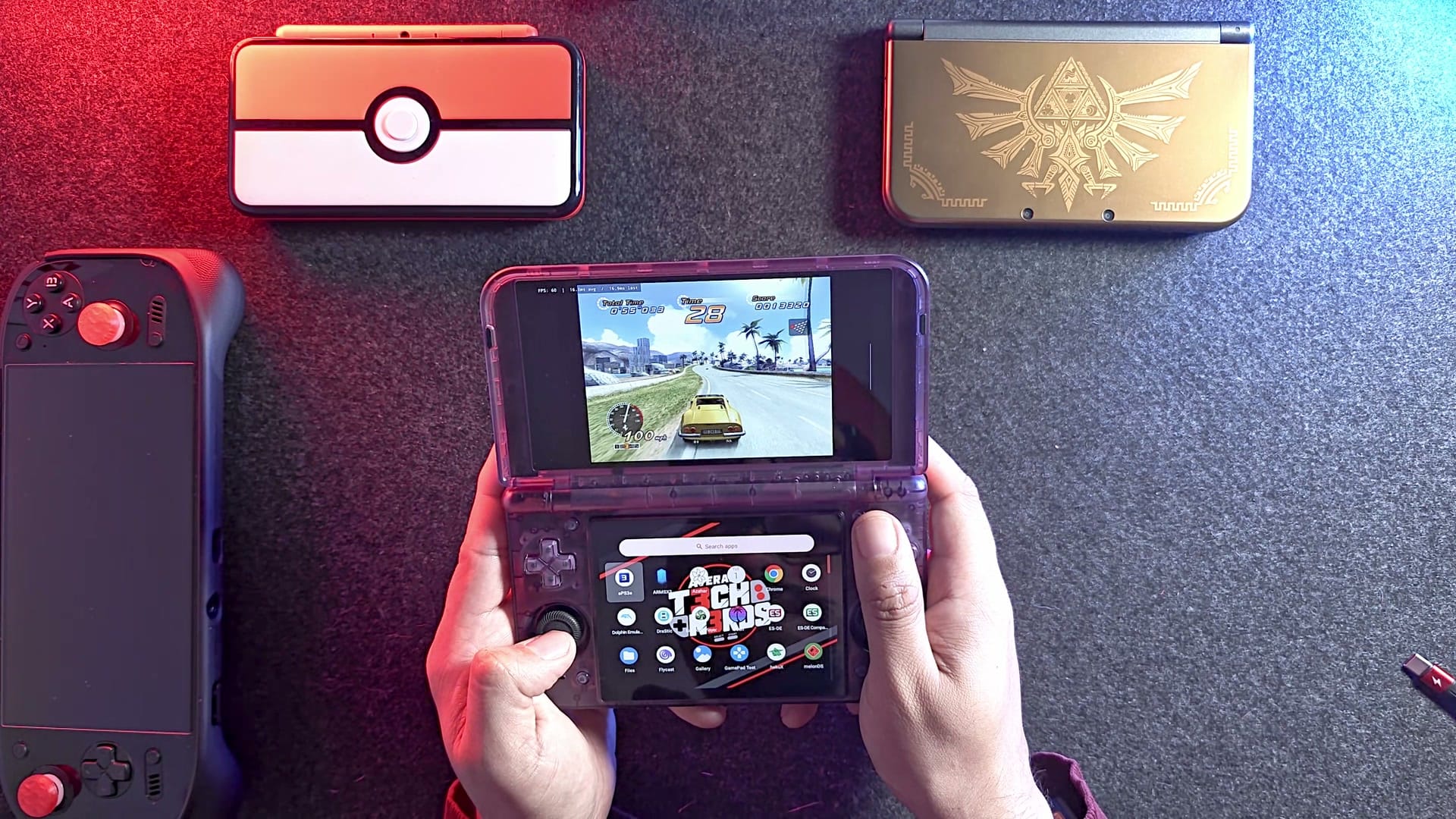
Last rung. Running Xbox games on Android only became possible fairly recently, and OutRun 2 is a light game, but it held 60. It also showed off the triggers: they’re fully analog, so both the gas and the brake respond to how far you squeeze.
So I never found the ceiling. The closest calls were the jet swarm in After Burner and Crash’s early shader stutters, and both passed:
| Game | System and emulator | What I saw |
|---|---|---|
| Dragon Ball Z: Extreme Butoden | 3DS, Azahar | Smooth controls and easy combos at 3x resolution |
| Street Fighter IV 3D Edition | 3DS, Azahar | No slowdowns at 3x resolution |
| God of War II | PS2, ARMSX2 | A steady 60 at 2x resolution, widescreen hack |
| After Burner Climax | PS3, aPS3e | 60, dipping to about 40 in the busiest moments |
| Celeste | Switch, Eden | A steady 60 |
| Crash Bandicoot N. Sane Trilogy | Switch, Eden | A steady 30, the game’s own limit |
| OutRun 2 | Original Xbox, hakuX | A steady 60 |
Beyond that list, PS1 and Dreamcast gave me no trouble, and neither did Wii or GameCube. Xbox got just one game, though, so read that result as a good sign for the library rather than a promise for all of it.
Which Duo should you buy, or should you get a Thor?
Your game library picks for you:
| Model | Price | Chip | Screens |
|---|---|---|---|
| Duo Lite | $149 to $169 | Weaker chip | 60 Hz LCDs |
| Duo Lite Plus | $219 | Same chip as the Duo | 60 Hz LCDs, smaller bottom screen |
| Pocket Duo (mine) | $269 | Dragonwing Q-7790 | Two 120 Hz OLEDs, 4.5-inch bottom screen |
| AYN Thor, base | $329 | Much more powerful | Smaller bottom screen |
The Lite Plus has the same chip as mine, so the gap is all screen: OLED on both panels and a roomier bottom display. For me that fifty-dollar step up is the better value. The Lite Plus also uses digital triggers, so a racer like OutRun 2 loses the gradual gas and brake I had on the Duo. Mostly playing 90s consoles on one screen, plus DS? The plain Duo Lite costs a lot less and does that fine.
If you’ve already settled on a clamshell, the real question is what you want to play. The Duo covers most of PS2, some PS3 and some Switch, which makes it a cheap ticket to almost everything, with rough edges at the heavy end.
If Switch is the main event, go stronger and look at the Thor. It has far more power, a smaller bottom screen, and costs about $60 more than the Duo. There’s no Thor in my collection yet. Could you talk me into buying one for a head-to-head? Probably. AYN’s cheaper option is the $259 Thor Lite, on an older chip, and our Thor Lite guide explains how to set one up.
What bugs me about it?
Packing day forces a choice: grip on and no case, or grip off so the case fits. Either way, the adhesive is the weak link. Heat weakens it, and every removal leaves it a little less sticky. Retroid puts spare stickers in the box, which helps. A case that fit over the grip would at least end the on-and-off routine, even if heat stays a risk.
The other gripe is minor. Turn it over and two trigger housings poke out of the back, adding a little thickness. Through the clear shell, that bump seems to hold the analog parts, and I suspect a tighter layout could have shrunk it. It’s a small complaint next to the grip.
Is the Retroid Pocket Duo worth $269?
For me, it is. My Odin 2 Portal cost more than $500 in the 16GB, 1TB version I bought, and the cheapest Odin 2 Portal was in the mid-$300s. The Duo is about half of what mine cost, and it runs PS3 games.
It’ll squeeze into a pocket, but only just, so mine will live in a bag. And the Duo won’t take over from the Odin. Bigger screens suit me better, the Odin gives me 7 inches, and the Odin 3 Portal is on its way. For my January work trip, though, the Duo gets the bag spot, loaded with my DS and 3DS library, while the Odin and the Legion Go stay home.
On the shelf
Retro handheldsSee the whole story →Nerd Alert
Your Turn
What are YOUR thoughts
What have your experiences been? Let us know.