Device profile · Device Profiles · Handheld Gaming · PC Gaming · Handheld PCs
MSI Claw 8 EX AI+: PC Game Performance, Emulation, Setup and Claw vs Legion Go 2
MSI’s Intel-powered Claw 8 EX AI+: how fast it runs PC games, what it emulates, how to set it up, and how it compares with the Legion Go 2 and ROG Xbox Ally X.
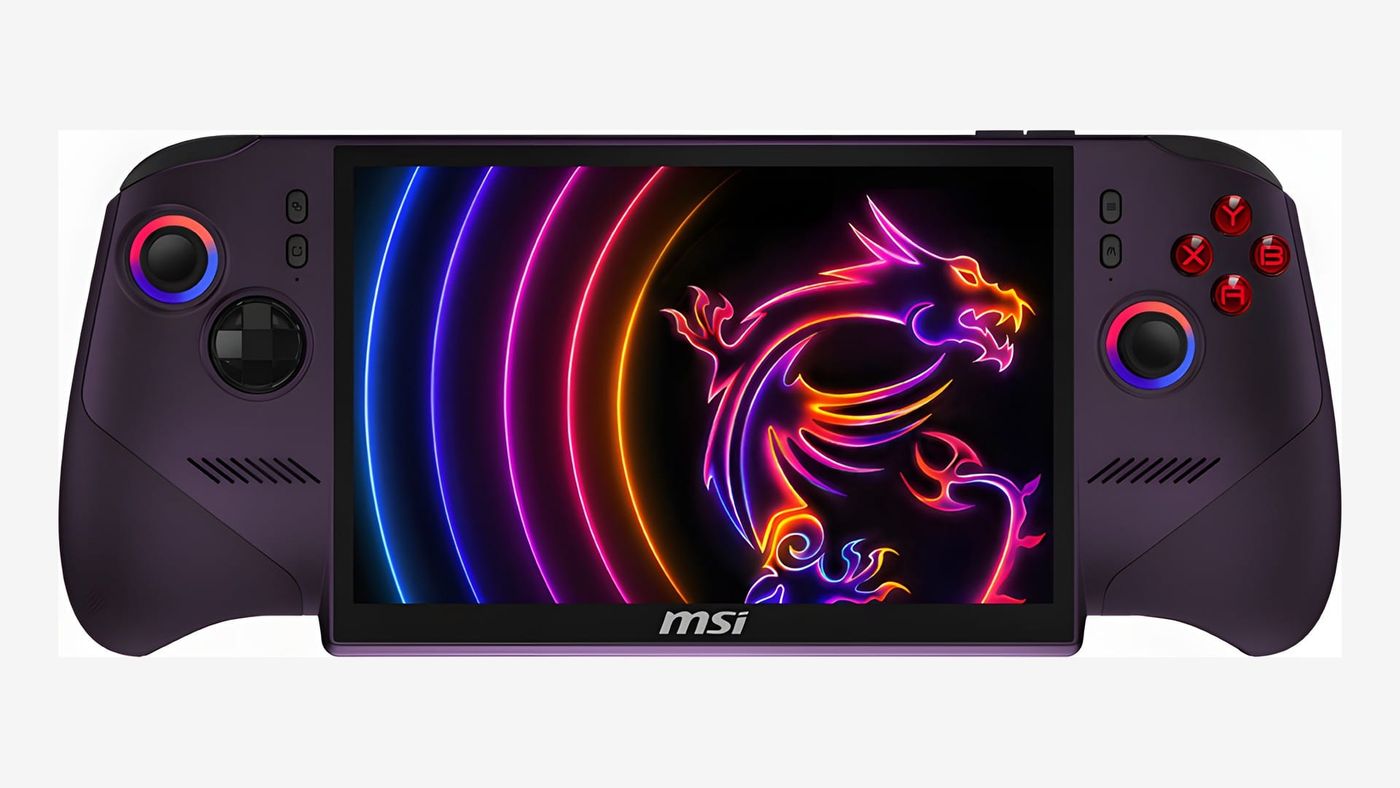
When I wrapped up my Legion Go 2 review, my advice at today’s prices was blunt: skip it and buy a handheld on Intel’s new Arc G3 Extreme chip. The MSI Claw 8 EX AI+ is one of the first of those, and in reviews it beats AMD’s Z2 Extreme handhelds, my Legion Go 2 among them, by a wide margin. The catch? $1,799. And finding one.
What is the MSI Claw 8 EX AI+?
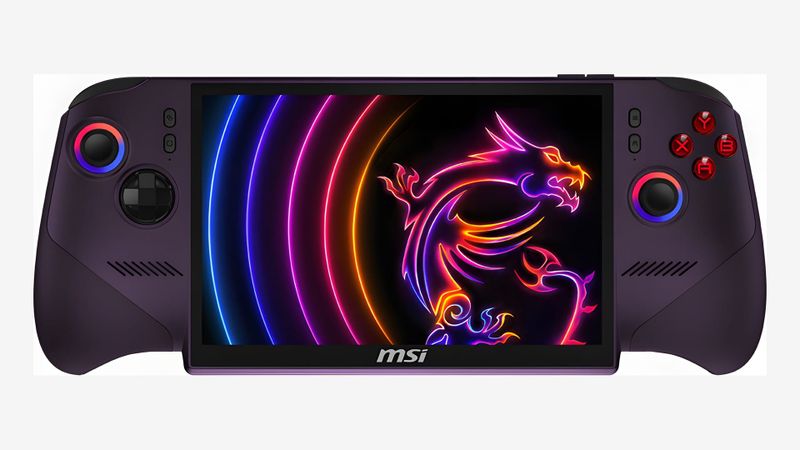
It’s MSI’s top handheld for 2026, and the first Claw built on Intel’s chip made specifically for handhelds. The speed comes from its Arc B390 graphics, which Notebookcheck measured 50 to 60% ahead of AMD’s Z2 Extreme. That’s the chip in my Legion Go 2, so I know what that baseline feels like, and half again on top of it is a lot.
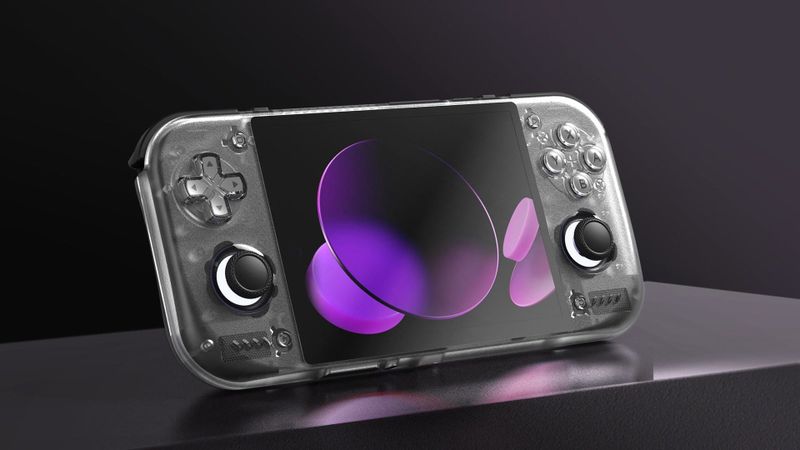
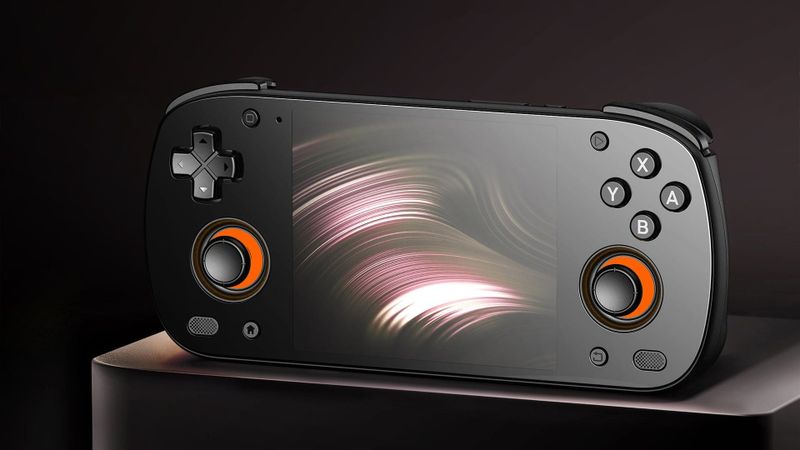
MSI also reshaped the body, and the grips now flare out more like a controller’s. The sticks and triggers use magnetic Hall sensors, which resist drift. The screen is the spec to look at hardest. It’s an 8-inch IPS, a step down from the OLED on the Legion Go 2 I own, and several reviewers found that hard to accept at this price.
If you like to upgrade, it’s friendly. The SSD slot takes a full-size M.2 2280 drive, so a bigger one fits later, and the microSD Express slot is fast enough, over 800 MB/s in Notebookcheck’s test, that keeping games on a card is a real option.
How fast is the MSI Claw 8 EX AI+ in PC games?
Very. These are each reviewer’s own settings, so compare within a row rather than across them.
| Game and settings | Claw 8 EX AI+ | Rival in the same test | Reviewer |
|---|---|---|---|
| Cyberpunk 2077, 1080p Ultra | 39.6 FPS | Legion Go 2: 25.1 FPS | Notebookcheck |
| Cyberpunk 2077, 1080p Medium, XeSS Performance, 35W | 95 FPS | ROG Xbox Ally X: 62 FPS | Engadget |
| Returnal, 1080p Medium, 17W | 59 FPS | ROG Xbox Ally X: 42 FPS; Legion Go 2: 39 FPS | Engadget |
| Baldur’s Gate 3, 1080p Ultra | 44.2 FPS | ROG Xbox Ally X: 32.5 FPS | Notebookcheck |
| Shadow of the Tomb Raider, 800p Medium, on battery | 98 FPS | More than 30 FPS ahead of the Ally X, tested at 720p | Tom’s Hardware |
Frame generation stretches that further. It’s well worth trying. Intel’s XeSS 3 adds generated frames between the real ones, and with 4x frame generation, Notebookcheck saw Cyberpunk at 1080p Ultra more than triple its frame rate. That’s a big jump, even if generated frames don’t make the game respond any faster. Turning it on is a two-step job: enable XeSS frame generation in the game, then pick the multiplier in Intel’s Graphics Software app and restart the game.
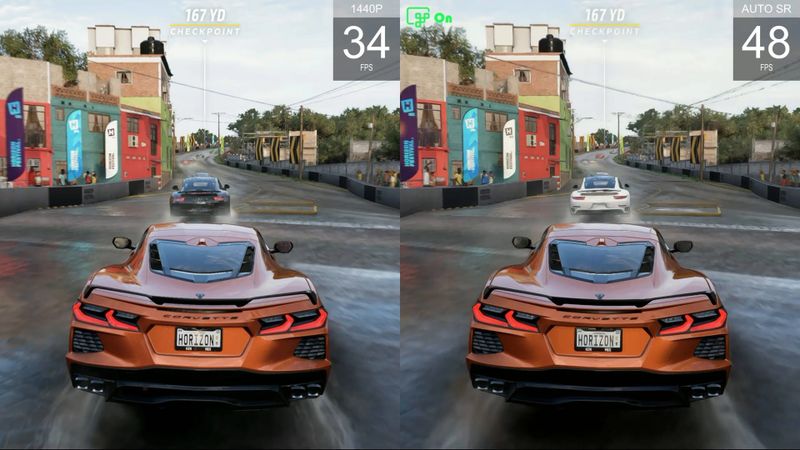
Plenty of games without XeSS have a fallback, too. Auto SR is Microsoft’s AI upscaler, built into Windows 11, and it runs on the chip’s NPU, the part made for AI work, instead of the graphics. It only works on DirectX 10 and newer games, so Vulkan, OpenGL and older DirectX 9 games miss out, and that includes many emulators. Microsoft lists the Claw 8 EX AI+ as supported, so you can switch it on per game in Game Bar. I went through how it works in my Auto SR article.
The Arc G3 Extreme isn’t the fastest thing around, though. Retro Handhelds puts AMD’s Ryzen AI Max chips, like the one in my X2 Mini Pro, still a step ahead.
What can the MSI Claw 8 EX AI+ emulate?
Everything up to Switch and Wii U, on paper. Retro Catalog, which scores handhelds out of 100 per system, gives it 100 for nearly everything, 96 for Switch and 93 for PS3. It gives the same scores to most current Windows handhelds, including the Legion Go 2 and ROG Xbox Ally X, so they tell you it’s top tier and not much more.
On paper is the key bit. Published emulator tests on this Intel chip are still scarce, so if emulation is the main reason you’d buy it, wait for more of them.
On Windows, start with EmuDeck. It installs and sets up the emulators for you and checks your BIOS files, which saves an evening of fiddling. For browsing your games, ES-DE pairs well with it, and my front ends and firmware guide covers it. LaunchBox is the other popular choice.
There’s one bit of homework either way: BIOS files. That’s the start-up code from the original console, and the PS1 and PS2 emulators want a copy from your own machines. EmuDeck’s check saves you guessing which ones are missing. The PS3 and Vita emulators install Sony’s own system update, and Switch emulation needs keys and firmware from your own Switch.
How do you set up the MSI Claw 8 EX AI+?
Give it an update session before you play anything. Windows first, then MSI Center M, MSI’s own app, which prompts you when there’s a new version. Then the BIOS. MSI recommends version E1T91IMS.10A or later for full fan control in Manual mode. Intel’s graphics driver comes last, through Intel’s Graphics Software app.
You’ll spend a lot of time in MSI Center M, and that’s mostly a good thing. It pulls your Steam, Xbox, Epic and GOG libraries into one launcher, so you aren’t hunting through Windows for each store. Keep it updated, though, since one earlier version didn’t show games stored on a microSD card. The Quick Settings button, left of the screen, is your shortcut to the power modes.
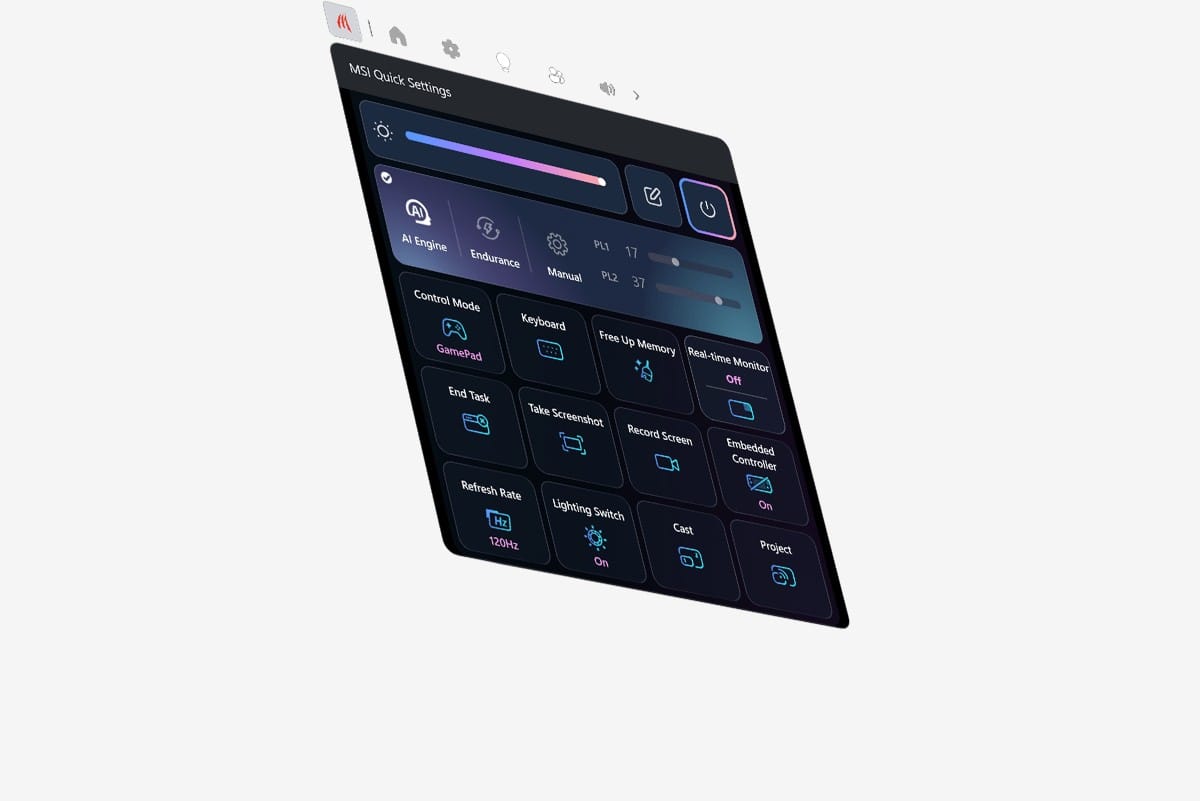
The power modes are worth a minute. Endurance is the one to try first. It’s Intel’s battery mode, capping the chip at 15 to 20W and aiming for a frame-rate target, and PC Gamer found it roughly matches an ROG Xbox Ally X running flat out while doubling the battery life. That’s a remarkable trade. AI Engine, the default, adjusts itself, and Manual lets you set the limit yourself, up to 35W sustained and 45W in bursts.
If you’d rather boot straight into a console-style screen, the Xbox full screen experience works. Open the Xbox app and pick Full Screen. PC Gamer found it seemed to block Steam’s Big Picture mode from loading right after boot, so pick one and stick with it.
Can the MSI Claw 8 EX AI+ run SteamOS?
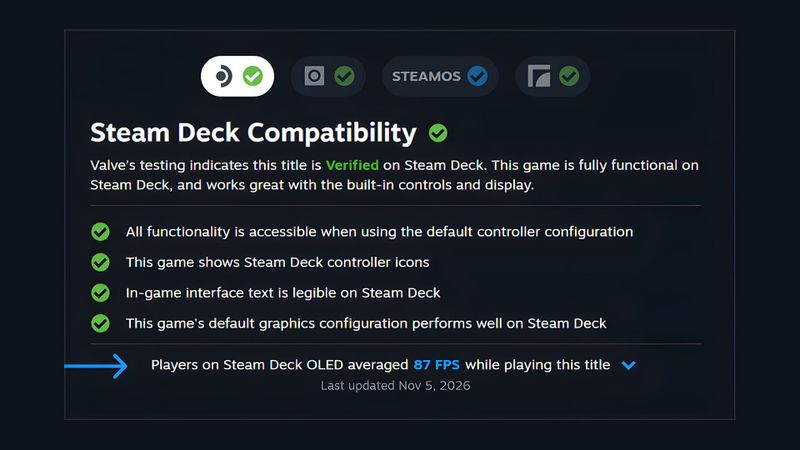
Yes, but you lose the trick that makes this chip special. On Linux, Intel’s frame generation doesn’t work, because XeSS runs without the chip’s AI hardware there. SteamOS itself is getting there. Valve has added initial controller support, and NoobFeed found the basics working, but you’ll need a community plugin for power limits, and you lose control of the lights.
Bazzite, the Linux I run on my own Legion Go 2, hasn’t confirmed controller support for this Claw yet. So for now, Windows is the way to get everything this hardware can do.
What should you know before you buy?
Mostly the price. $1,799 is a lot for a handheld, more than my Legion Go 2 launched at. You may have to wait for one, too. Retro Handhelds has seen it out of stock at nearly every retailer since launch.
The fans need work. Notebookcheck found them running all the time, even at idle. MSI’s newer BIOS adds full fan control in Manual mode, but none of MSI’s update notes mention the idle noise.
The software needs a bit more time. One reviewer found MSI’s app a little buggy, and controller input dropped out in Xbox mode’s menus for another. At this price, that should be sorted.
MSI Claw 8 EX AI+ vs Legion Go 2, ROG Xbox Ally X and Acer Predator Atlas 8
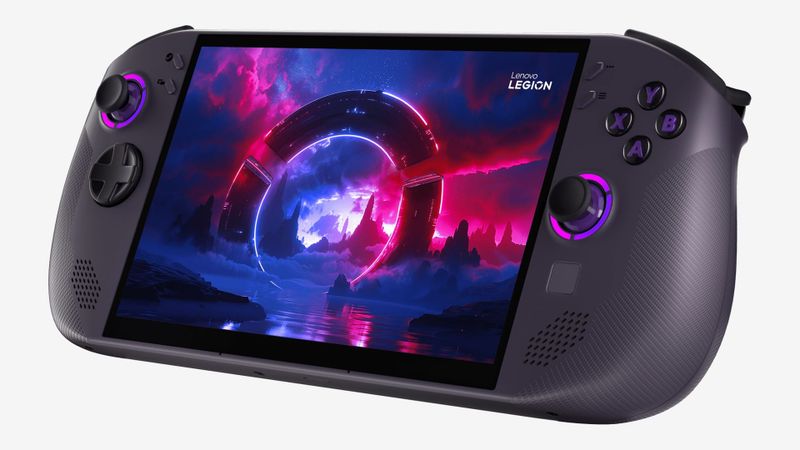
Next to the Legion Go 2 I own, the Claw is much faster and lighter, but you give up the OLED screen, the controllers that come off, the touchpad and the kickstand. Speed points to the Claw. The OLED and the detachable controllers point to the Legion Go 2.
Then there’s the ROG Xbox Ally X. It launched at $999.99, and it’s smaller and lighter. The Claw ran 40 to 60% faster in reviewers’ tests. Is that worth $800 more?
Want the Intel chip without the Claw’s price? Acer’s Predator Atlas 8 launched $500 cheaper with the same chip family. It has less memory and a smaller drive, and the drive is the easy part to upgrade later, so that’s the one to look at if $1,799 is too much.
| Claw 8 EX AI+ | Legion Go 2 | ROG Xbox Ally X | Predator Atlas 8 | |
|---|---|---|---|---|
| Chip | Intel Arc G3 Extreme | AMD Ryzen Z2 Extreme | AMD Ryzen AI Z2 Extreme | Intel Arc G3 family |
| Screen | 8-inch IPS, 120Hz | 8.8-inch OLED, 144Hz | 7-inch IPS, 120Hz | 8-inch, 120Hz |
| Weight | 785g | 920g with controllers | 715g | 770 to 810g |
| Launch price | $1,799 | $1,349.99 | $999.99 | $1,299.99 |
If you’re weighing the older Claw 8 AI+ from 2024, it’s a real trade. It has the same screen and memory, and it lasted almost twice as long in Notebookcheck’s Wi-Fi battery test, while the EX is about 43% faster in games. If you mostly play away from a charger, the older one is worth a look, especially if you can find it cheaper.
For a big Windows handheld today, this is the chip to want. Whether it’s this Claw depends on how much $1,799 hurts.
MSI Claw 8 EX AI+ specs
| Spec | MSI Claw 8 EX AI+ (CG3EM) |
|---|---|
| Chip | Intel Arc G3 Extreme: 14 cores up to 4.7GHz; Arc B390 graphics with 12 Xe3 cores; 46 TOPS NPU |
| Memory and storage | 32GB LPDDR5X-8533; 1TB M.2 2280 SSD, user-replaceable; microSD Express |
| Screen | 8-inch IPS touch, 1920x1200, 16:10, 48 to 120Hz variable refresh rate, 500 nits |
| Battery | 80Wh, 65W USB-C charging |
| Controls | Hall effect sticks and triggers, metal-dome D-pad, ABXY, two back buttons, gyro, HD haptics |
| Ports | Two Thunderbolt 4 with DisplayPort and charging, microSD Express, 3.5mm headphone jack |
| Wireless | Wi-Fi 7, Bluetooth 6.0 |
| Size and weight | 296 to 321 x 130 x 25 to 48mm, 785g |
| Software | Windows 11 Home |
On the shelf
Handheld PCsSee the whole story →Nerd Alert
Your Turn
What are YOUR thoughts
What have your experiences been? Let us know.