Hands-on / Review · Reviews · Handheld Gaming · PC Gaming · Handheld PCs
Legion Go 2 Long-Term Review: Worth $1,300, Not $2,000
A year of travel later, my Legion Go 2 still looks new and still beat a $2,400 handheld for the travel job. At today’s $2,000, though, buy something else.
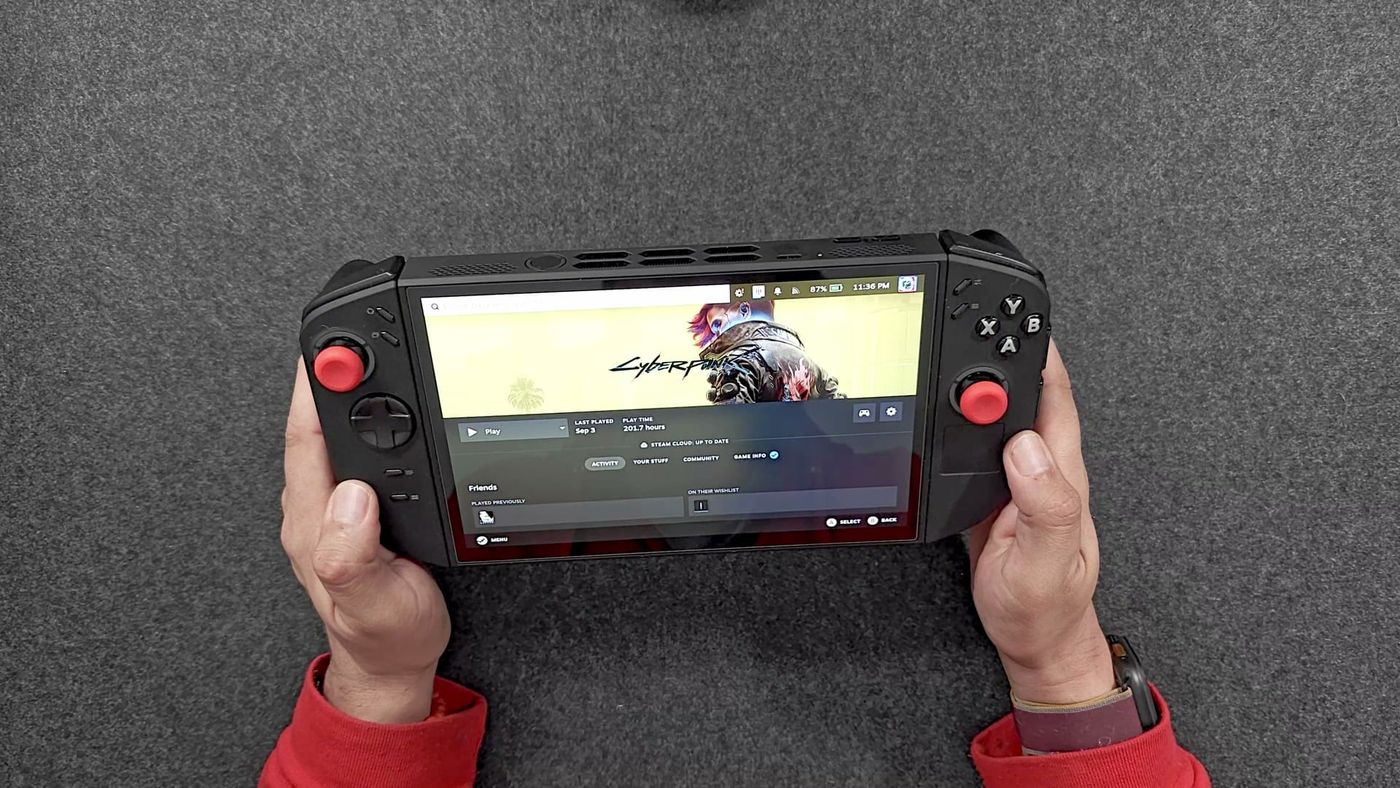
A year ago I pre-ordered a Lenovo Legion Go 2 with my own money, about $1,300, and it showed up at my door right around launch. It’s been my main handheld ever since. Then in August a $2,400 OneXPlayer X2 Mini Pro arrived, and I said it was taking over as my main handheld. It didn’t. When I packed for my next work trips, the Legion Go 2 kept ending up in the bag. This is the long-term story: how a year of travel treated it, what Bazzite is like as its everyday system, why the expensive handheld lost the travel job, and why I can’t recommend buying one at today’s price.
What is the Legion Go 2, and what did it cost?
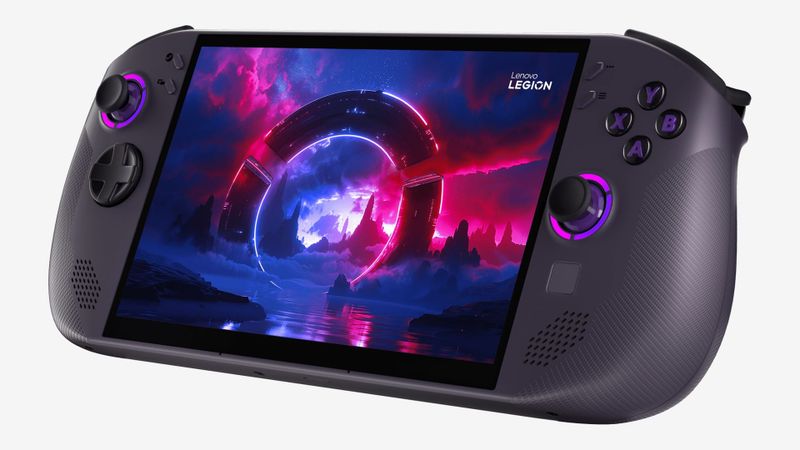
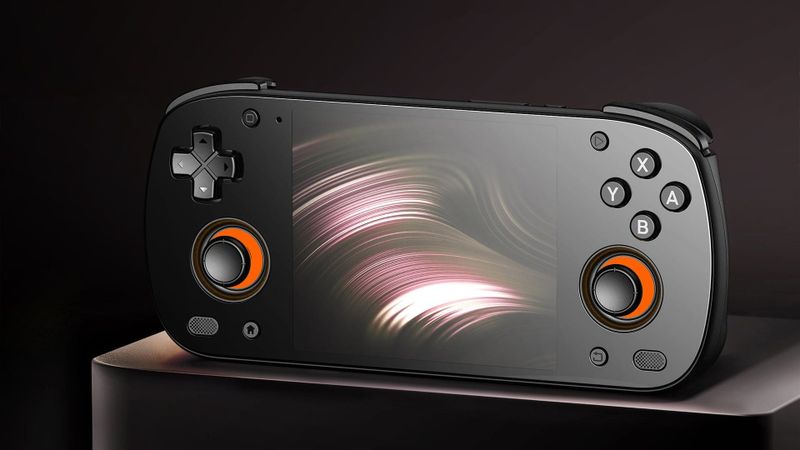
It’s Lenovo’s second big Windows handheld: an 8.8-inch OLED tablet with detachable controllers, a kickstand and AMD’s Ryzen Z2 Extreme inside. Mine is the 32 GB model that came with a 1 TB SSD, and the drive slot takes the full-length M.2 2280 size, which is how an 8 TB drive ended up in mine. Lenovo also sold a 2 TB version on its own site.
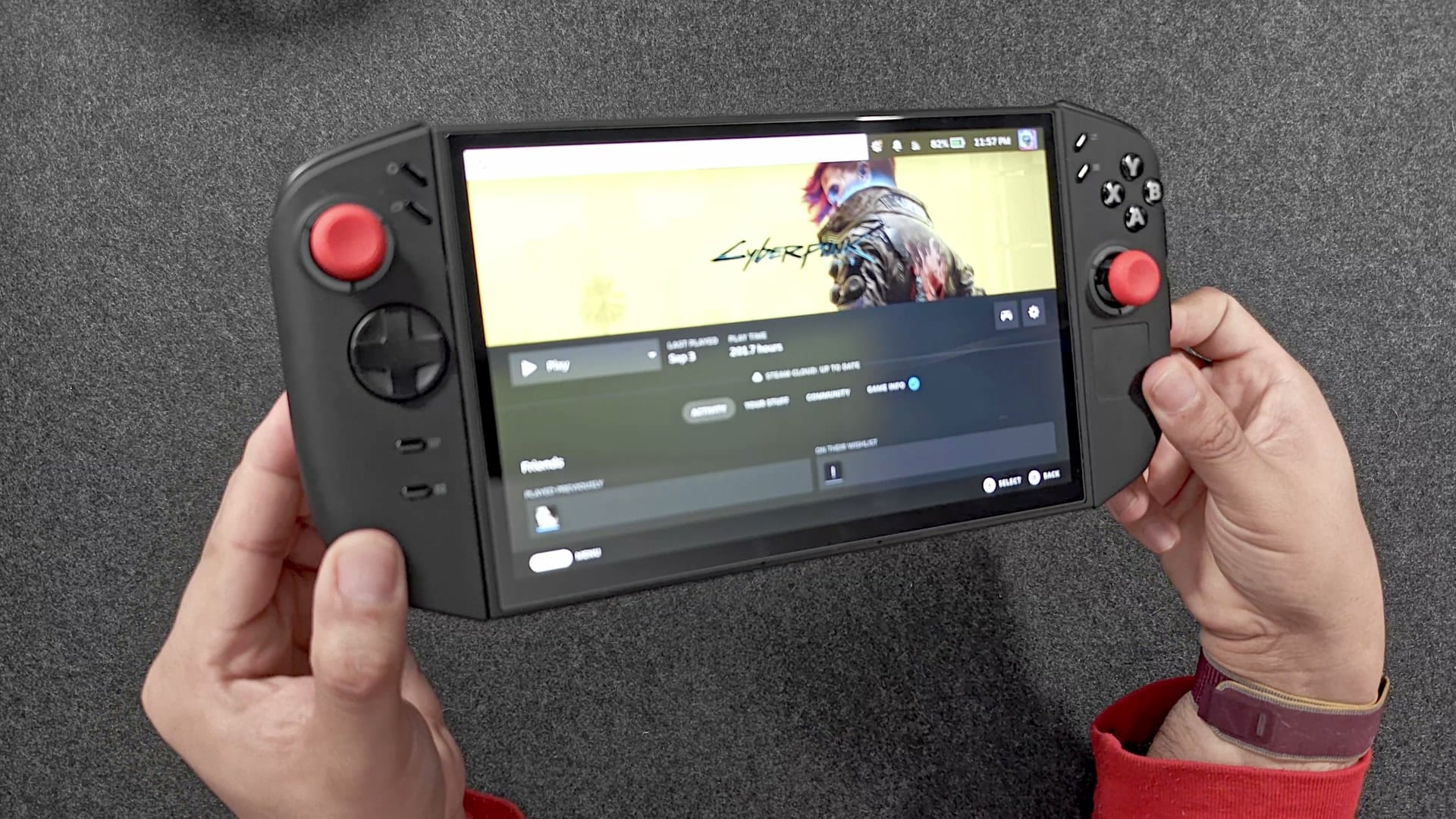
When pre-orders opened in September 2025, the Z2 Extreme with 32 GB and 1 TB was $1,349.99, and I paid about $1,300 for mine. Then this April, prices went up across the board. Best Buy moved that same 1 TB model to $1,999.99, and Lenovo listed the 2 TB version at $2,849.99, then later at $3,081.99. Nothing about the device changed. Lenovo never gave a reason, but the widely reported cause is memory and storage getting more expensive as AI data centres soak up the supply.
| Part | Lenovo Legion Go 2 (Z2 Extreme) |
|---|---|
| Chip | AMD Ryzen Z2 Extreme, 8 cores, Radeon 890M graphics |
| Memory | 32 GB LPDDR5X (16 GB or 32 GB on the cheaper Z2 models), soldered |
| Storage | 1 TB or 2 TB PCIe 4.0 SSD, one M.2 2242 or 2280 slot |
| Screen | 8.8-inch OLED, 1920 x 1200, 16:10, 144 Hz VRR, HDR, Gorilla Glass 3, touch |
| Brightness | Rated 500 nits SDR, 1,100 HDR peak |
| Battery | 74 Wh, 65 W charger in the box, accepts up to 100 W |
| Ports | Two USB4 (40 Gbps, both charge), 3.5 mm jack, microSD |
| Controls | Detachable controllers, Hall effect sticks, trackpad, six extra buttons, FPS mode |
| Other | Built-in kickstand, fingerprint reader in the power button, Wi-Fi 6E, Bluetooth 5.3 |
| Weight | 920 g with controllers (Lenovo); 936 g on my scale |
| Price | $1,349.99 at launch (Z2 Extreme, 1 TB); $1,999.99 at Best Buy since April 2026 |
How has the Legion Go 2 held up after a year?
Almost suspiciously well. The plastic is still matte and clean, with none of the shine skin oil usually polishes into a grip, and if I told you it was new, you’d believe me. I’ll admit I baby it. It lives in a fitted case, and the case goes inside a travel case, every single time. That matters, because this isn’t a handheld that sits on a shelf. I work in cybersecurity, and I travel for work nine or ten times a year, sometimes once a month. Every one of those trips but one, the Legion Go 2 came with me. I’ve never dropped it.
It still feels as solid as it did on day one. No creak when I squeeze it, no flex when I twist it, and the rounded edges make it comfortable to hold for a long time. That comfort turned out to matter more than I expected, and it’s a big part of why the $2,400 handheld didn’t replace it. We’ll get there.
Do the buttons and sticks still feel new?
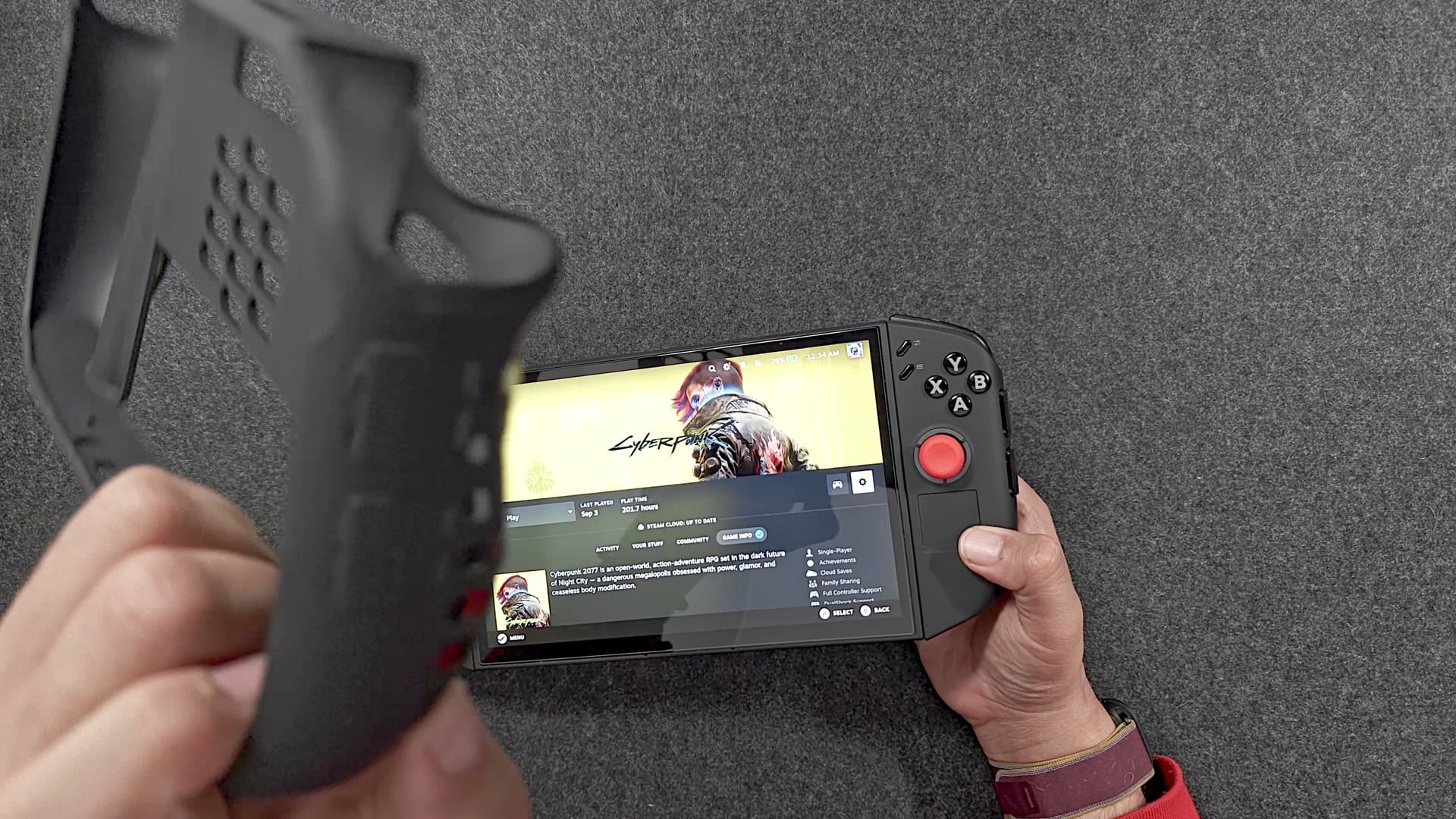
Yes. The face buttons are membrane buttons with a soft, cushioned bottom-out, a decent bit of travel and an audible press without being clicky. They’re great for mashing and pleasant for long sessions, and they feel exactly like they did a year ago. The triggers give the faintest bit of haptic feedback as you press, a tiny buzz you feel more than hear, and I love it. A year of travel hasn’t made them mushy or sticky.
The six extra buttons are there if you want them. I don’t really map extra inputs, so for me they mostly get in the way, and I like that my case partly covers two of them. Better to have them and not need them, I suppose.
The sticks use Hall effect sensors, which read the stick’s position with magnets instead of contacts that rub, and after a year I have zero drift. They’re accurate and responsive. My only gripe is that the tension is on the light side, and you can’t adjust it. Foam rings that sit around the stick base can add resistance, and they work, but it’s never bothered me enough to bother.
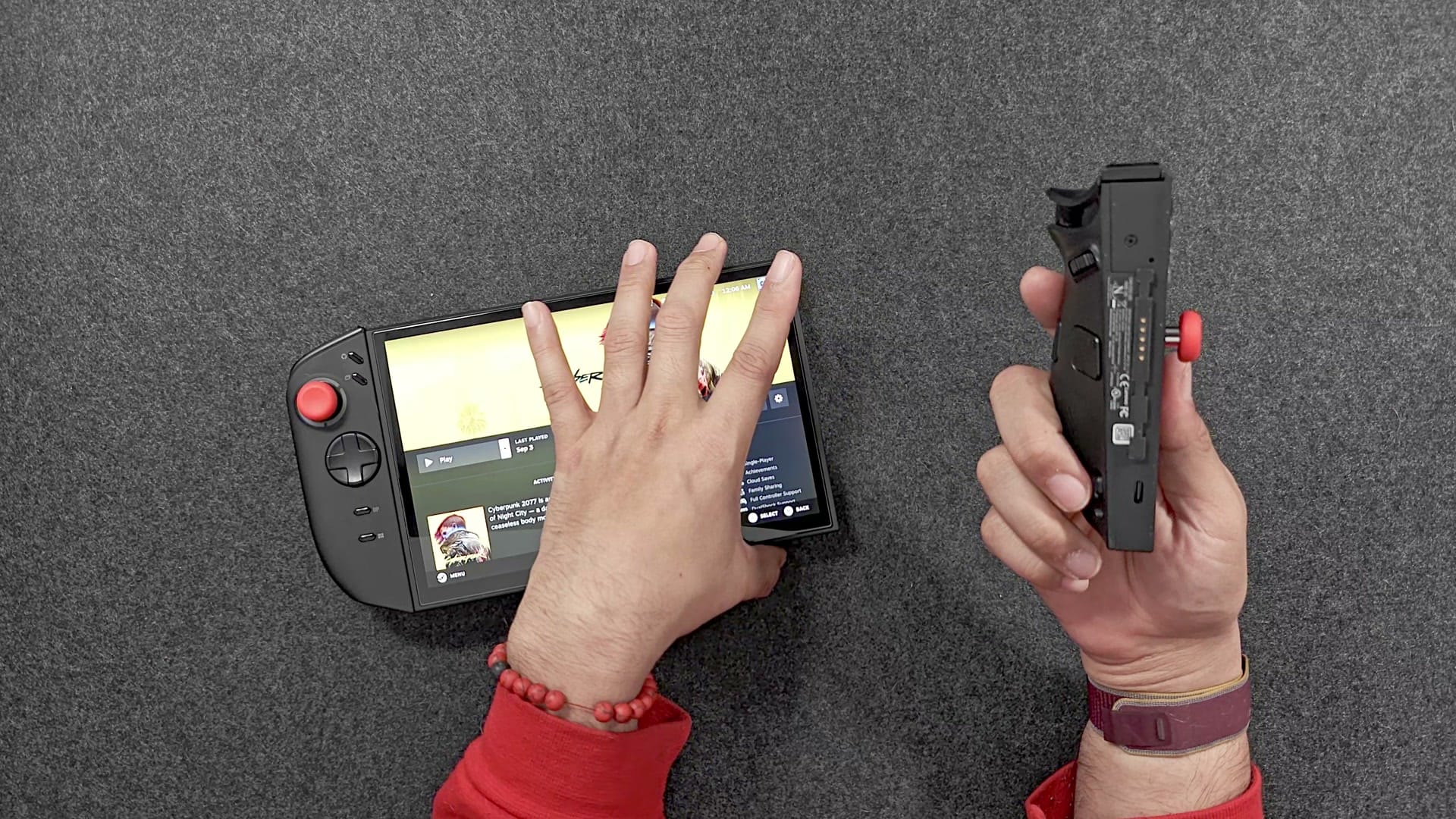
The controller latches and the kickstand hinge have held up too. I rarely detach the controllers, and the case won’t let me anyway, which actually makes the whole thing feel even more solid. The hinge is still nice and stiff, and the D-pad has developed no quirks.
Is the Legion Go 2 too heavy?
Not for me, anymore. Mine weighs 936 g on my scale with both controllers, just over two pounds, and it took a while to get used to. Now two pounds feels about right. There is a limit, though, and the X2 Mini Pro is past it: 1,287 g on my scale with its battery attached, close to three pounds. I could probably get used to that if I committed to it full time. I just don’t think I should have to.
How does the OLED screen look after a year?
Still beautiful. The 8.8-inch OLED runs at 1920 x 1200 and 144 Hz with HDR, and it ties with the X2 Mini Pro’s for the best handheld screen I own. Same size, resolution and refresh rate, and reviewers believe it’s the same panel, though neither company has confirmed the supplier. Lenovo rates it at 500 nits in SDR and 1,100 at its HDR peak, and I always wondered if that was generous. It isn’t: Notebookcheck measured 493 and 1,155. It is glossy Gorilla Glass 3, so it reflects everything, including my hair.
The question I get about any OLED is burn-in, where a static image, like a taskbar or a game menu left up for hundreds of hours, leaves a permanent ghost. I’ve easily put hundreds of hours on this screen, some of them plugged into a monitor, and there’s no ghosting at all. As a handheld that goes to sleep when I’m not using it, it just doesn’t sit on one image long enough.
What is it like running Bazzite instead of Windows?
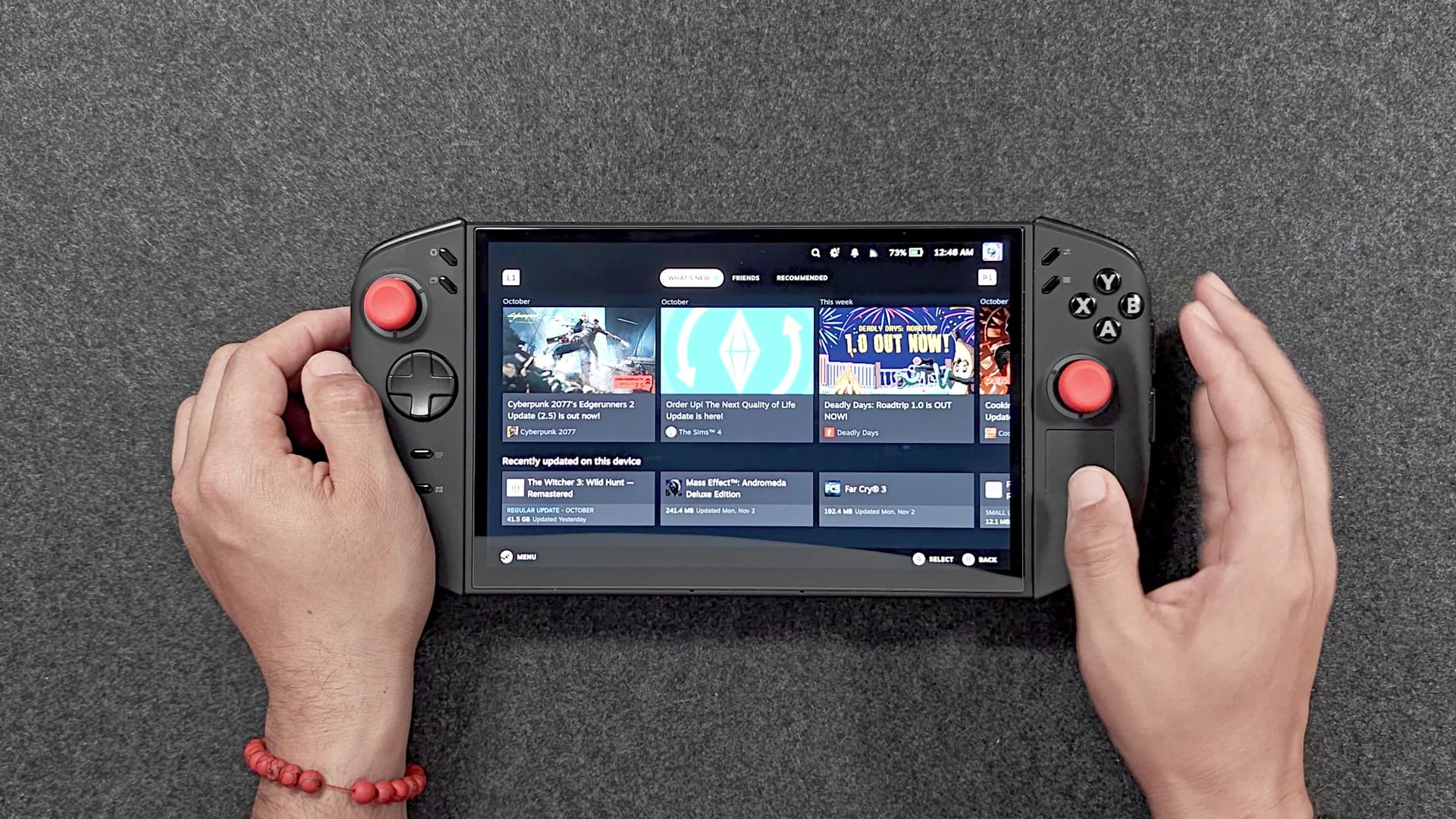
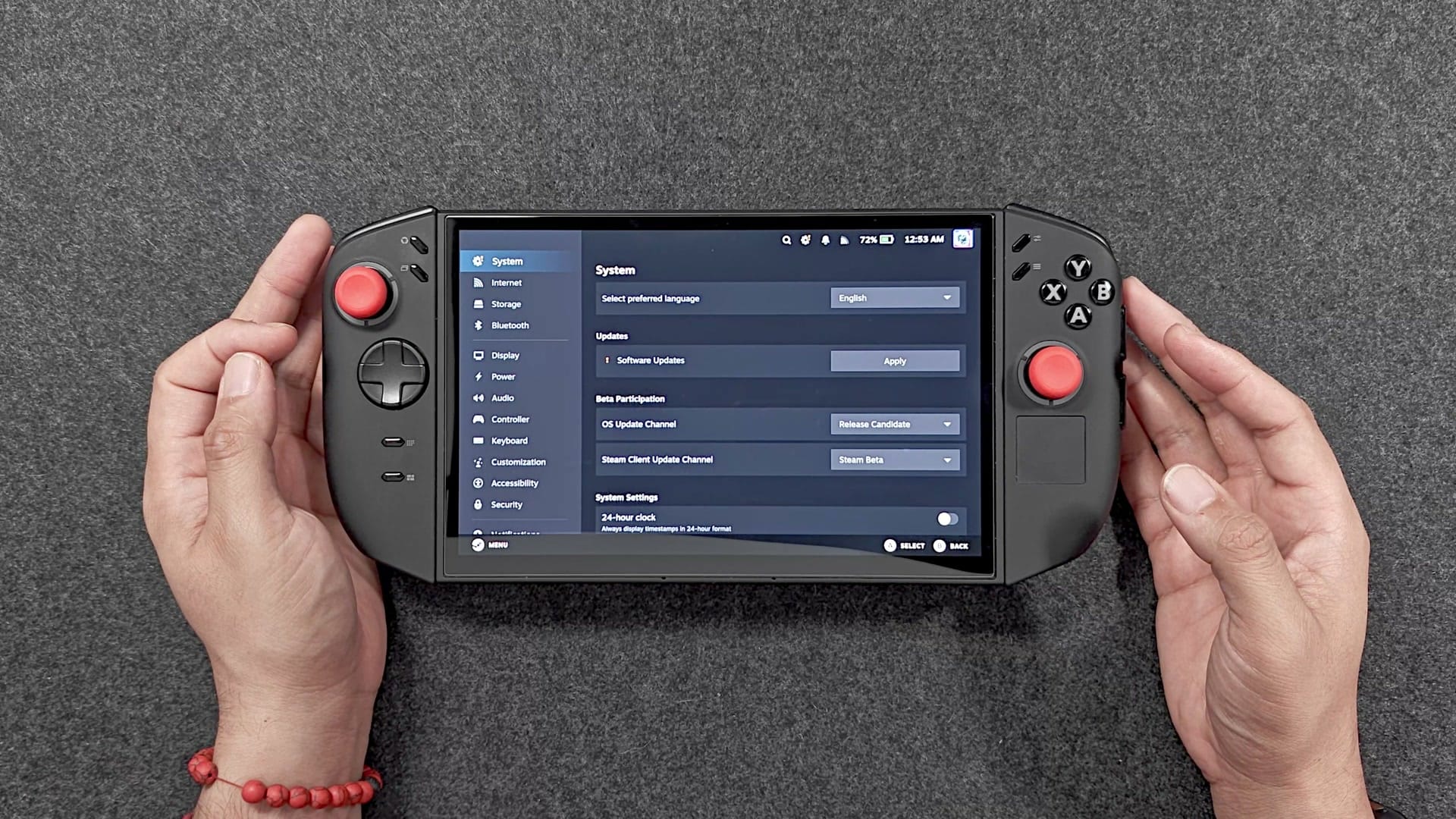
Great, for what I play. My Legion Go 2 has run Bazzite since day one. Bazzite is a Fedora Linux distribution dressed up as SteamOS: it boots into the same couch-friendly Steam interface as the Steam Deck. Valve only officially supports SteamOS on its own hardware and Lenovo’s Legion Go S, so community systems like Bazzite and CachyOS fill the gap for everything else.
Living on Bazzite means no Legion Space and no hunting for Windows drivers. The graphics drivers come with the system, and the system updates itself in the background. Lenovo’s BIOS updates still work too: I’ve updated mine from inside Bazzite, no Windows needed. And sleep mode, my favourite feature on the whole device, just works. I can be mid-game at the airport, press the power button, pack it up, and pick up exactly where I left off at the gate. Some people do report sleep problems on Linux, so your mileage may vary, but I haven’t had a single one.
The real trade-off is anti-cheat. Kernel-level anti-cheat, the kind that runs deep inside Windows, doesn’t run on Linux, so games that require it won’t launch or won’t go online. Easy Anti-Cheat and BattlEye can work on Linux, but only if each game’s developer switches that on, and many big online games haven’t. Of the 1,167 games with anti-cheat that Are We Anti-Cheat Yet tracks, 41% are supported or running. If those online games are your thing, stay on Windows. For emulation and single-player games, which is what I play, Bazzite has been phenomenal.
Lenovo did announce an official SteamOS edition of the Legion Go 2 at CES in January, for June at $1,199. I haven’t seen one ship.
How is the battery after a year?
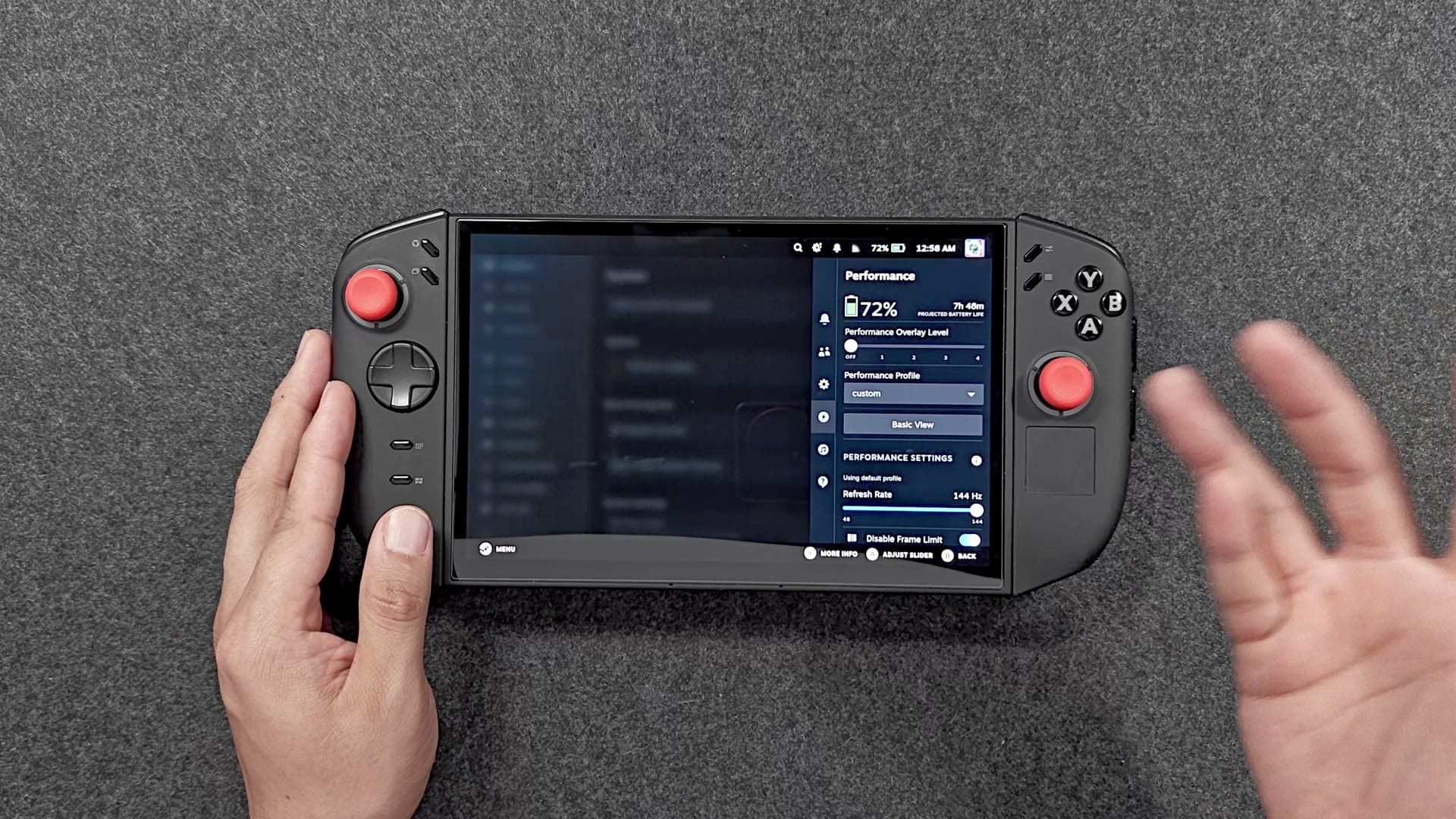
Fine, as far as I can tell. The 74 Wh battery has surely lost a little capacity after a year of charging, as lithium batteries do, mostly in the first year, but not enough for me to notice. I run it at 25 watts for emulation and lighter games and 35 watts for heavier PC games, and at 25 watts I still get at least three hours of play. That’s what I was getting a year ago.
Charging is easy. Both USB4 ports charge it, so there’s no special barrel plug to pack, and while the 65 W charger in the box gets it to 50% in about half an hour, it takes up to 100 W. I mostly just use whatever laptop charger I’ve got with me.
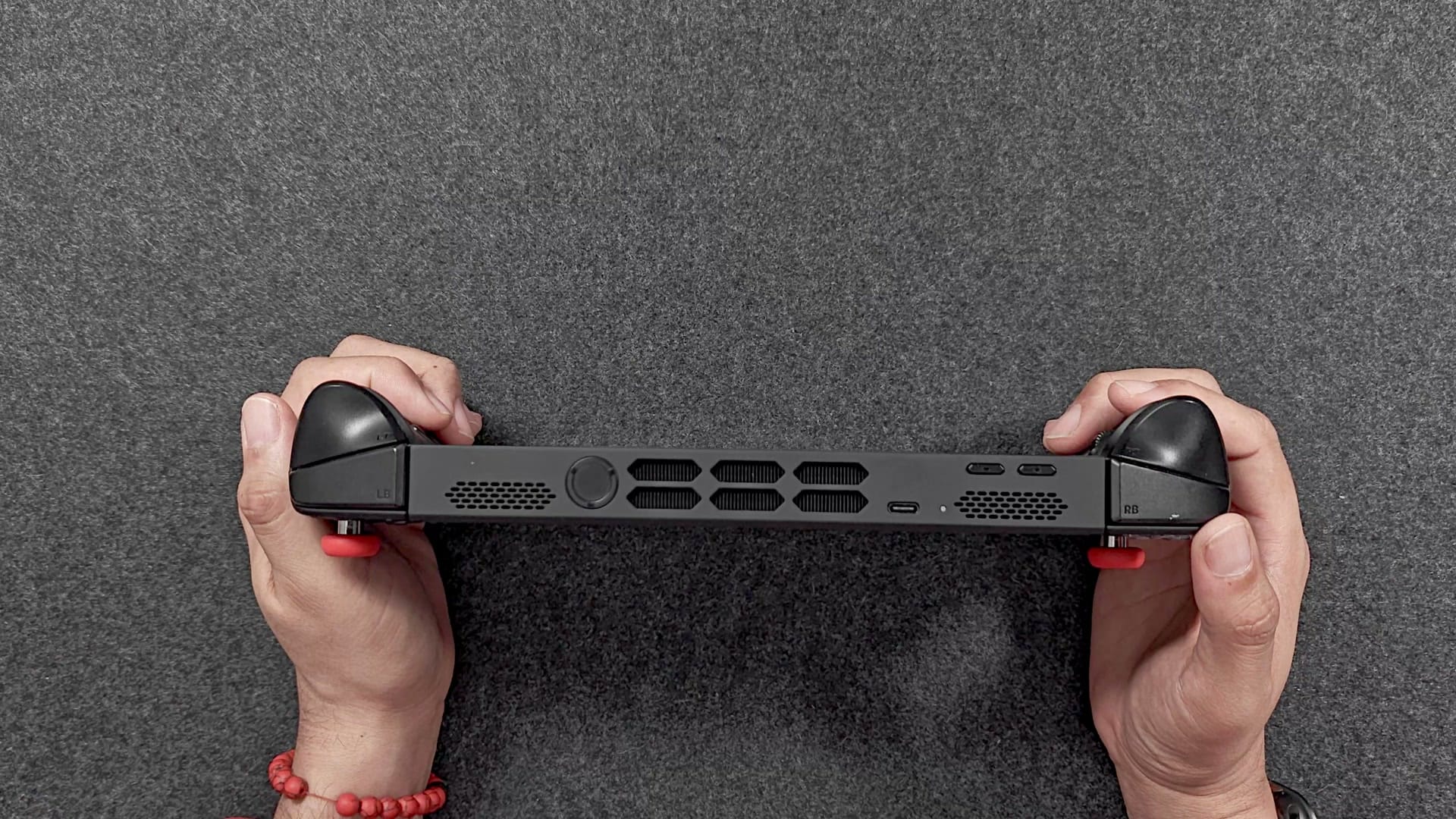
The fan is audible when you push it hard, but it isn’t overwhelming, and it sounds exactly like it did on day one. On Bazzite it can pulse up and down around 60°C, and a Decky plugin fixes that by letting you set your own fan curve. Decky is a set of community plugins that add features to the Steam interface.
Why didn’t the X2 Mini Pro replace it?
Because power on paper and power in a bag are different things. My handhelds went from a Steam Deck to an original ROG Ally to the Legion Go 2, and in August the $2,400 OneXPlayer X2 Mini Pro was supposed to be next. It has AMD’s Strix Halo chip, with a far bigger GPU than the Z2 Extreme, and it can run at up to 55 watts on battery, 80 watts on its own power adapter, and 120 watts with OneXPlayer’s Frost Bay water cooler on the liquid-cooled edition.
I took it on one work trip, and that’s where the plan fell apart. I left its power brick at home, since it’s heavy, and brought my usual USB-C chargers. Then I played at 55 watts, and of course, the more power you use, the faster the battery dies. Its 85 Wh battery barely lasted an hour: around 50 minutes in PC games, a little over an hour with Switch emulation. Older consoles like the Super Nintendo ran for hours, but that’s not why you buy a $2,400 handheld.
So I turned it down to 50 watts, then 40. That was better. And sitting in a hotel room in Vegas, it hit me: at 40 watts I was already close to the Legion Go 2’s 35, on a handheld that weighs close to three pounds.
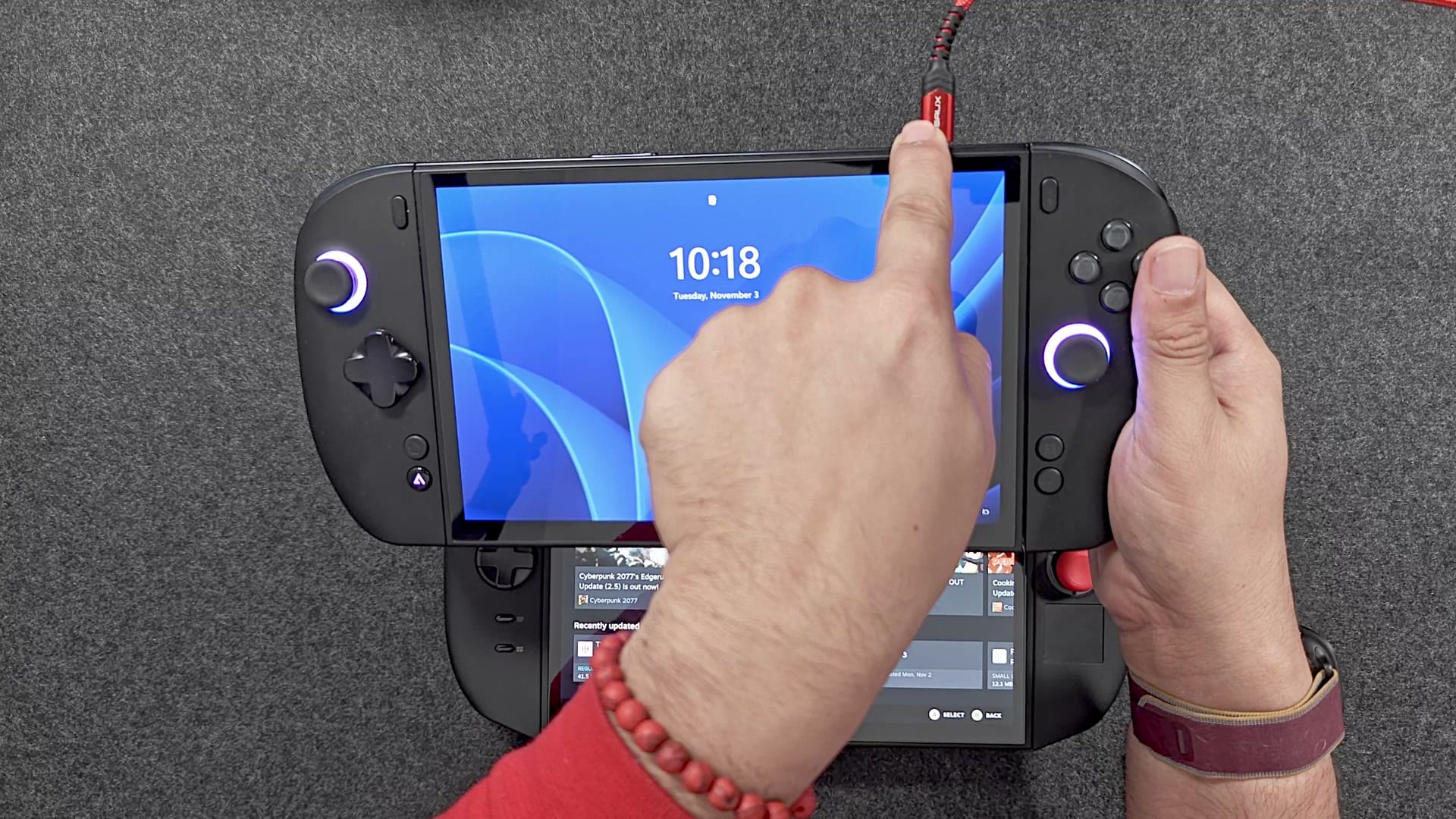
The weight is the other half. The X2 Mini Pro’s battery is a removable 408 g pack on the back. Without it, the X2 is actually lighter than my Legion Go 2, at 879 g. But it has no internal battery, so the moment the pack comes off and nothing is plugged in, it shuts down. You want that pack on, and with it on, it’s 1,287 g. The pack can also be fiddly to latch back on. And then there’s the feel. When I unboxed it, the first thing out of my mouth was that it felt cheap, and for $2,400 it doesn’t feel any better made than the Legion Go 2.
So it’s an extremely powerful handheld whose power I can’t use when I travel, because using it kills the battery. Meanwhile, at 35 watts, the Legion Go 2’s Z2 Extreme already drives everything I play at its 1200p resolution: PC games and every emulator I use.
Where did the X2 Mini Pro end up?
In my living room. It’s plugged into its power adapter, running at 80 watts, connected to the TV, and it pushes 4K gaming. Put that way, it’s phenomenal. Yes, at $2,400 you could buy a gaming PC, and yes, I have those too. But it found its home, and I’m happy with it there.
It was an expensive lesson. A commenter asked if I should have just bought an Intel Arc G3 handheld instead, and in hindsight, yes, absolutely. I was blinded by the power. That’s the same argument I made in When More Power Stops Mattering: extra power matters when you’re chasing maximum graphics on a plugged-in machine. For travel, you don’t need it.
Is the Legion Go 2 still worth buying?
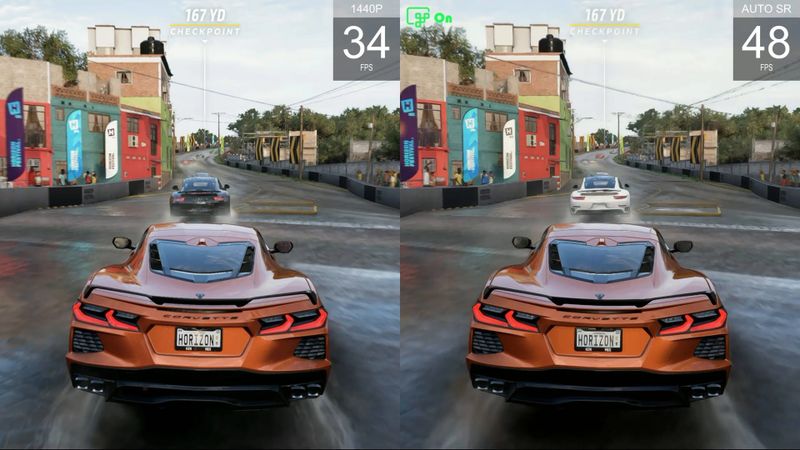
At the $1,300 I paid, yes. At $2,000, no. The Z2 Extreme was the newest handheld chip when the Legion Go 2 launched, but it’s last generation now. Intel’s Arc G3 Extreme is the current one, and it’s a real generational jump: in Notebookcheck’s tests at 35 watts, an Arc G3 Extreme handheld ran 41% faster on average than a Z2 Extreme one. The Acer Predator Atlas 8 launched with that chip at $1,299.99. If a new Z2 Extreme handheld and a new Arc G3 Extreme handheld cost the same, buy the Intel one every time.
That goes for ASUS’s new ROG Xbox Ally X20 too. It’s a sidegrade to the ROG Xbox Ally X, swapping in a slightly bigger OLED screen, and $1,299.99 is a much fairer price than $2,000, but it uses the same Z2 Extreme as the Legion Go 2, so it isn’t in the same league as an Arc G3 Extreme handheld at that money.
| Handheld | Chip | Screen | Price |
|---|---|---|---|
| Lenovo Legion Go 2 | Ryzen Z2 Extreme | 8.8-inch OLED, 1200p, 144 Hz | $1,999.99 (1 TB) at Best Buy; $1,349.99 at launch |
| ASUS ROG Xbox Ally X20 | Ryzen AI Z2 Extreme | 7.4-inch OLED, 1080p, 120 Hz | $1,299.99 |
| Acer Predator Atlas 8 | Intel Arc G3 Extreme | 8-inch | $1,299.99 at Best Buy |
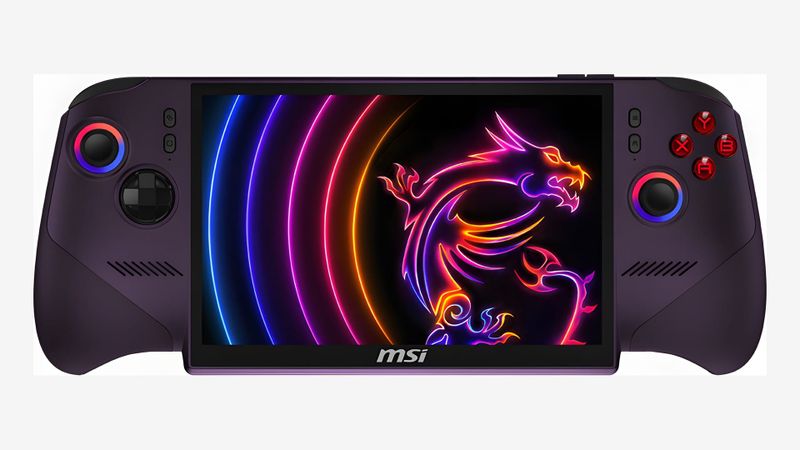
| MSI Claw 8 EX AI+ | Intel Arc G3 Extreme | 8-inch | $1,799.99 at launch |
| OneXPlayer X2 Mini Pro | Ryzen AI Max+ 388 (Strix Halo) | 8.8-inch OLED, 1200p, 144 Hz | From $2,499 (I paid $2,400) |
The one exception is a good deal. If you can find a Legion Go 2 used, or new for around $1,000, it’s still an excellent handheld. Just check which chip you’re getting: the $999 Costco deal in October was for the cheaper Z2, which has a less powerful chip than the Z2 Extreme.
Will I keep using it?
Yes. It still does everything I want: PC games, and retro and Switch emulation, with power to spare. I’m going to try to get a second year out of it, through around November 2027, and I don’t see why it wouldn’t make it. I know myself, though. When the next shiny handhelds show up in 2027, I’ll be tempted. The difference is that now I know what to look for. Too heavy is too heavy. And when you’re playing on battery, unlimited watts don’t matter: around 35 watts or less is the useful range. I don’t even run mine at 35 most of the time. It’s 25 for emulation and lighter games, and if all I were doing was emulation, 15 watts would play Switch games for hours. That’s the job: keep me entertained in airports.
Why does a PC handheld matter so much to me?
Because I spend all day at a computer. When I’m not traveling, I’m working from home in front of one, and the last thing I want at the end of the day is to move to another computer and disappear from my family. So when I log off, I mostly log off from traditional computers. I go be with my kids. If they want to watch their own shows, I grab a handheld and lie on the couch or the bed with them, playing while they lean on me. If they suddenly want a board game, I press sleep, and we play. A handheld lets me be the PC gamer I am at heart and still be in the room. That’s why I own four of them, and why a year in, the Legion Go 2 is still the one I reach for.
On the shelf
Handheld PCsSee the whole story →Nerd Alert
Your Turn
What are YOUR thoughts
What have your experiences been? Let us know.